How to Get a Temporary OTP Number for Shopify: OTPGET Step Guide
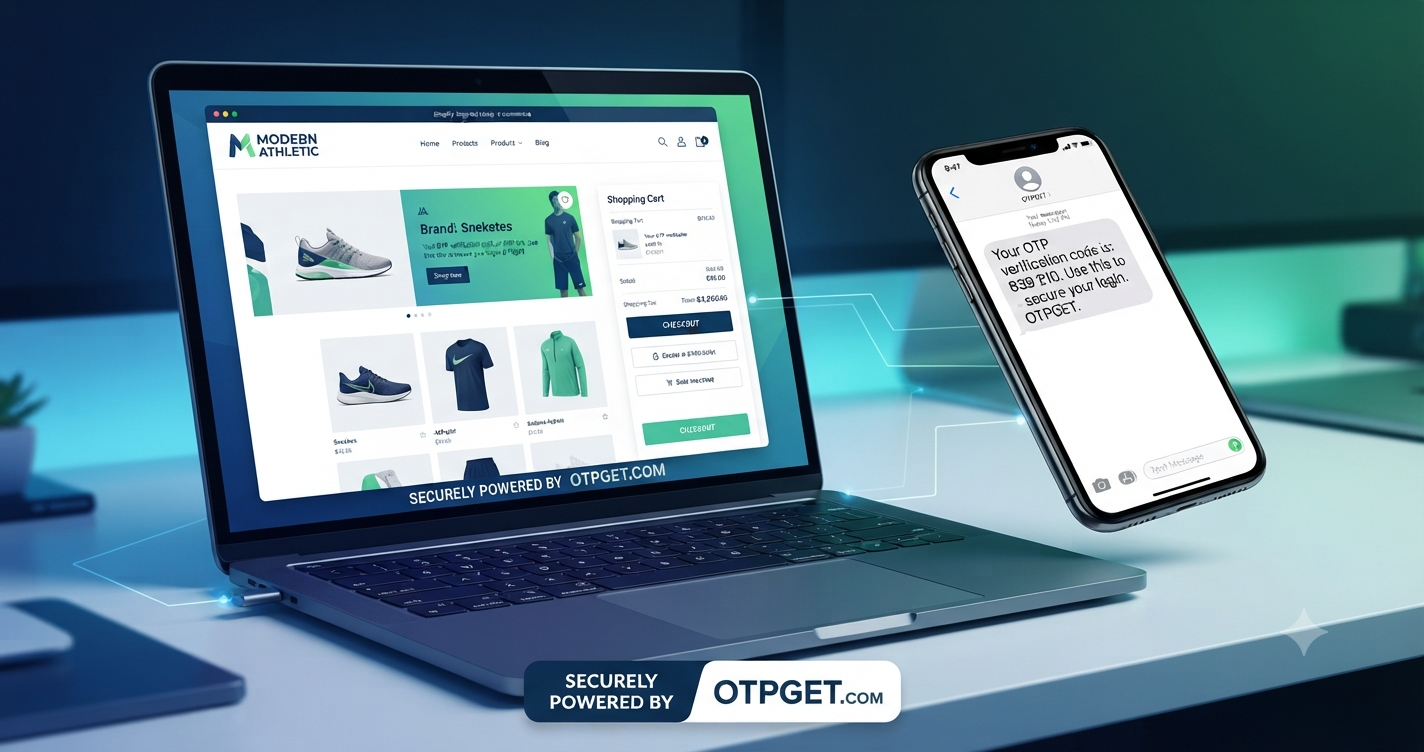
How to Get a Temporary OTP Number for Shopify
Introduction
Needing a phone number for Shopify verification can be inconvenient when you would rather keep your personal number separate from online registrations or temporary verification tasks. Depending on the Shopify account, security setting, or workflow involved, you may be asked to receive a verification code through SMS.
Shopify supports SMS-based two-step authentication, where a six-digit authentication code can be sent to a phone and entered during the sign-in process. Shopify also provides other authentication methods, some of which offer stronger security than SMS.
For legitimate situations where a temporary number is accepted, a virtual phone number can provide a practical way to separate verification messages from your everyday mobile number. This is where a service such as OTPGET can be useful.
In this guide, you will learn what a temporary OTP number is, how temporary SMS verification works, what to look for in a service, and how OTPGET can fit into a legitimate Shopify verification workflow.
Why Does Shopify Require OTP or Phone Verification?
OTP, or one-time password, verification adds another layer to the account security process.
Instead of relying only on an email address and password, a service can require a one-time code delivered through an authentication method. Shopify describes two-step authentication as an additional security step designed to make unauthorized account access more difficult.
With SMS authentication, Shopify can send a six-digit code to the phone number associated with the authentication method. The user then enters that code to complete the relevant authentication step.
Phone verification can therefore help with:
- Confirming access to a phone number
- Adding another layer of account security
- Completing supported verification workflows
- Protecting accounts against unauthorized access
- Receiving one-time authentication codes
However, not every Shopify action requires SMS verification. Requirements can vary depending on the account, security settings, and particular Shopify workflow.
What Is a Temporary OTP Number?
A temporary OTP number for Shopify is a virtual phone number intended for short-term SMS communication or verification rather than everyday personal use.
Instead of receiving a verification message on your primary mobile number, the SMS can be delivered to the temporary number through an online service. The verification code can then be retrieved from that service and entered into the relevant verification field.
The basic process is straightforward:
- Select a temporary phone number.
- Enter the number where a legitimate verification workflow permits it.
- Request an SMS verification code.
- Wait for the message to arrive.
- Retrieve the OTP.
- Enter the code into the relevant field.
A temporary number is different from your personal mobile number because it is intended for a specific short-term purpose. Some services also offer longer-term rental numbers when continued access is required.
The important distinction is that temporary numbers should not be treated as a way to defeat security controls. If Shopify does not accept a particular number or verification method, the appropriate response is to use an accepted authentication or recovery option.
Why Use a Temporary Phone Number for Shopify?
There are several legitimate reasons someone might prefer a temporary phone number for Shopify verification.
Keep personal contact information separate
You may not want your everyday phone number associated with every online registration or temporary workflow. A separate number can help maintain a clearer boundary between personal communications and online activity.
Reduce unnecessary exposure
Using a dedicated verification number can reduce the number of situations in which you need to provide your primary mobile number.
Organize verification messages
If you handle multiple legitimate online workflows, separating verification activity from your main phone can make SMS messages easier to manage.
Support testing and temporary workflows
Developers, businesses, and teams sometimes need virtual numbers for testing or controlled workflows. OTPGET describes its virtual numbers as being available for one-time verification and longer-term rental use.
The key is responsible usage. A temporary number should be used only where the relevant Shopify workflow permits it and never as a method for deceptive registrations, fraud, or bypassing platform safeguards.
What to Look for in a Shopify OTP Verification Service
Choosing the first temporary SMS service you find is not always the best approach. Consider these factors before selecting a provider.
Reliability
A verification number is useful only if the required SMS can actually be received. Look for a service with a clear process for receiving messages and handling unsuccessful orders.
Number availability
The service should make it clear what countries and services are supported. Availability can vary, so never assume that every temporary number will work with every platform.
Ease of use
The process should be straightforward: choose a number, use it where permitted, monitor the incoming message, and retrieve the verification code.
Privacy considerations
Understand how the provider handles account information, transaction data, phone numbers, and received messages. Avoid using a temporary number for sensitive accounts when you need permanent control over the number.
Transparency
A trustworthy provider should clearly explain its terms, refund conditions, number types, and acceptable-use requirements.
Compatibility
Most importantly, the number must be accepted by the specific verification workflow. A temporary number is not guaranteed to work simply because it works with another website or service.
OTPGET: A Simple Solution for Temporary OTP Numbers
OTPGET is a virtual number platform designed around SMS OTP verification, temporary numbers, rental numbers, and related verification services.
According to its official website, OTPGET provides virtual phone numbers for SMS verification, with coverage across numerous countries and support for a large range of online services. It also offers both one-time virtual numbers and longer-term rental options.
For someone searching specifically for a temporary number for Shopify verification, the main appeal is simplicity: rather than using a personal mobile number for every temporary verification requirement, you can use a separate virtual number when the relevant workflow allows it.
OTPGET also publishes service terms explaining how temporary-number orders, cancellations, and refunds are handled. Reviewing those terms before using the service is a sensible step.
If you want to explore the available options, visit and review the available number and verification services.
How to Get a Temporary OTP Number for Shopify Using OTPGET
The general process can be completed in a few practical steps.
Step 1: Identify the verification requirement
First, determine exactly what Shopify is asking you to verify. It may involve SMS-based authentication, a phone number, account access, or another security method.
Do not assume that every Shopify verification prompt can be completed with a temporary number.
Step 2: Choose an appropriate temporary number
Use OTPGET to review the available virtual-number options and select a number appropriate for your legitimate verification workflow.
Pay attention to the required country or number type if Shopify specifies one.
Step 3: Enter the number where permitted
Enter the temporary phone number only in a Shopify workflow that accepts this type of number.
If Shopify rejects it, do not attempt to circumvent the restriction. Instead, use an accepted phone number or another authentication method provided by Shopify.
Step 4: Request the verification code
Submit the number and request the SMS verification code.
The service must be able to receive the relevant message for the process to continue.
Step 5: Retrieve the OTP
Check the OTPGET interface for the incoming SMS. OTPGET explains that received verification messages can be viewed through its service interface, with additional options available for supported API workflows.
Step 6: Enter the code
Copy the verification code and enter it into the appropriate Shopify verification field.
Never share an authentication code with another person.
Step 7: Finish the Shopify process
Once the code is accepted, complete the legitimate Shopify workflow.
If the number will be needed again for account recovery or ongoing two-step authentication, consider whether a permanent or rental number would be more appropriate than a one-time number.
Temporary OTP Number vs. Personal Phone Number
| Factor | Temporary OTP Number | Personal Phone Number |
|---|---|---|
| Privacy | Keeps some verification activity separate | Directly linked to your personal number |
| Convenience | Useful for short-term workflows | Convenient for ongoing account access |
| Separation | Strong separation from everyday communications | Verification stays with your primary device |
| Accessibility | Depends on the temporary service | Usually available directly on your phone |
| Long-term ownership | May be short-lived or rented | Typically remains under your control |
| Account recovery | May be unsuitable if access expires | Generally better for long-term recovery |
| Best use | Permitted temporary verification workflows | Important accounts and ongoing authentication |
For an account that you expect to use for a long time, permanent access to the authentication method is important. A temporary number should not be used carelessly for an account where losing access to that number could create recovery problems.
Common Problems With Shopify OTP Verification
Even when everything is entered correctly, SMS verification can sometimes fail.
OTP not arriving
Check that the number and country code were entered correctly. If the message still does not arrive, wait for the permitted resend period rather than repeatedly requesting codes.
Shopify's troubleshooting guidance also recommends checking the mobile service connection and using an alternative authentication method or recovery option when available.
Verification code expired
One-time codes are designed to be used within a limited period. If a code expires, request a new one and use the newest code.
Number is not accepted
Some services may reject particular virtual or temporary numbers. This is a compatibility issue rather than something you should try to circumvent.
SMS delays
Network conditions, provider availability, and the verification platform can all affect delivery. Avoid repeatedly triggering new codes because this can make it harder to determine which code is current.
Too many verification attempts
Repeated attempts may trigger additional security checks or temporary restrictions. If this happens, stop retrying and follow Shopify's official recovery or troubleshooting instructions.
Is Using a Temporary OTP Number Safe?
A temporary phone number can be useful for privacy-conscious, legitimate workflows, but it is not automatically the safest choice for every account.
The biggest consideration is control. If a number is temporary or shared, you may not have permanent access to it. That can become a problem if Shopify later needs the same number for account recovery or another authentication challenge.
For long-term account security, Shopify recommends stronger authentication options where available and specifically notes that other two-step authentication methods can provide greater security than SMS.
You should also avoid shared or publicly exposed numbers for sensitive accounts. Never use temporary verification services to impersonate another person, create deceptive accounts, commit fraud, evade security controls, or violate Shopify's policies.
OTPGET itself states that its services must not be used for illegal, fraudulent, abusive, or harmful activities.
Why OTPGET Can Be a Better Choice
For readers specifically looking for an OTP number for Shopify, OTPGET offers a focused option for obtaining virtual numbers and receiving SMS verification messages.
Its platform includes temporary virtual numbers as well as rental options, allowing users to choose a number type based on their legitimate use case.
The practical advantages are straightforward:
- A separate number can help keep personal and online activity apart.
- Virtual numbers remove the need to use a physical SIM for supported workflows.
- Different number options can support different verification requirements.
- Rental numbers can make more sense when continued access is necessary.
- The service provides information about its acceptable-use and refund policies.
The right choice ultimately depends on whether the specific Shopify verification workflow accepts the number and whether temporary access is appropriate for your account.
Frequently Asked Questions
What is a temporary OTP number for Shopify?
A temporary OTP number is a short-term virtual phone number used to receive SMS verification codes. It can be useful for legitimate Shopify workflows that accept temporary or virtual numbers.
Can I receive a Shopify OTP online?
Yes, when Shopify sends an SMS code to a number that is accepted for the relevant workflow, the message may be received through a compatible online virtual-number service. Shopify's SMS authentication process uses a one-time code sent by text message.
How does Shopify SMS verification work?
Shopify can send a one-time authentication code to the phone number configured for SMS-based two-step authentication. You then enter the code during the authentication process.
Why use a temporary phone number for Shopify?
A temporary phone number can help separate personal contact information from short-term online verification activity. It can also be useful for permitted testing or registration workflows.
How do I get a temporary OTP number?
Choose a suitable virtual-number provider such as OTPGET, select an available number appropriate for your legitimate workflow, enter it where permitted, and retrieve the incoming SMS code.
Is a temporary SMS number safe?
It can be appropriate for certain low-risk, legitimate workflows, but it may not be suitable for long-term account security or recovery. Consider whether you will need permanent access to the number.
What should I do if my Shopify verification code does not arrive?
Check the number and country code, wait for the resend option, and avoid repeated requests. If the problem continues, use another supported authentication or recovery method and follow Shopify's troubleshooting guidance.
Why choose OTPGET for temporary OTP numbers?
OTPGET provides virtual numbers for SMS verification along with temporary and rental-number options. Its official terms also explain how temporary-number orders and unsuccessful OTP deliveries are handled.
A Practical Way to Handle Temporary Shopify Verification
If you need to keep a personal phone number separate from a legitimate online verification workflow, a temporary OTP number can be a practical option when the relevant Shopify process accepts it.
The key is choosing a service carefully, understanding the limitations of temporary numbers, and maintaining permanent control over authentication methods for accounts that require ongoing access.
OTPGET provides virtual numbers designed for SMS OTP verification and offers both temporary and rental options. If that fits your legitimate use case, you can explore the available options through before selecting a number.
Always follow Shopify's authentication requirements and the provider's acceptable-use rules. A temporary number should simplify an appropriate verification workflow—not be used to bypass security or platform policies.
Internal Link Suggestions
- Temporary Phone Numbers
- Receive SMS Online
- Temporary SMS Verification
- OTP Verification Services
- Shopify Verification Guide
Suggested Featured Image Alt Text
Temporary OTP number for Shopify SMS verification with OTPGET virtual phone service
Suggested Image File Name
temporary-otp-number-shopify-otpget.jpg
FAQ Schema Content
Question: What is a temporary OTP number for Shopify?
Answer: A temporary OTP number is a short-term virtual phone number used to receive SMS verification codes. It can be useful for legitimate Shopify workflows that accept temporary or virtual numbers.
Question: Can I receive a Shopify OTP online?
Answer: Yes. When Shopify sends an SMS code to a number accepted for the relevant workflow, the message can be received through a compatible online virtual-number service.
Question: How does Shopify SMS verification work?
Answer: Shopify can send a one-time authentication code to the phone number configured for SMS-based two-step authentication. The code is then entered during the authentication process.
Question: Why use a temporary phone number for Shopify?
Answer: A temporary phone number can help separate personal contact information from short-term online verification activity and may be useful for permitted testing or registration workflows.
Question: How do I get a temporary OTP number?
Answer: Choose a suitable virtual-number provider, select an available number appropriate for your legitimate workflow, enter it where permitted, and retrieve the incoming SMS verification code.
Question: Is a temporary SMS number safe?
Answer: A temporary SMS number can be suitable for certain legitimate workflows, but it may not be appropriate for accounts requiring long-term access or reliable account recovery.
Question: What should I do if my Shopify verification code does not arrive?
Answer: Check the number and country code, wait for the resend option, and avoid repeated requests. If necessary, use another supported authentication or recovery method.
Question: Why choose OTPGET for temporary OTP numbers?
Answer: OTPGET provides virtual numbers for SMS verification along with temporary and rental-number options, giving users options for different legitimate verification needs.