SEO Title: OTPGET Login: Return to Your Account and Sign In Easily
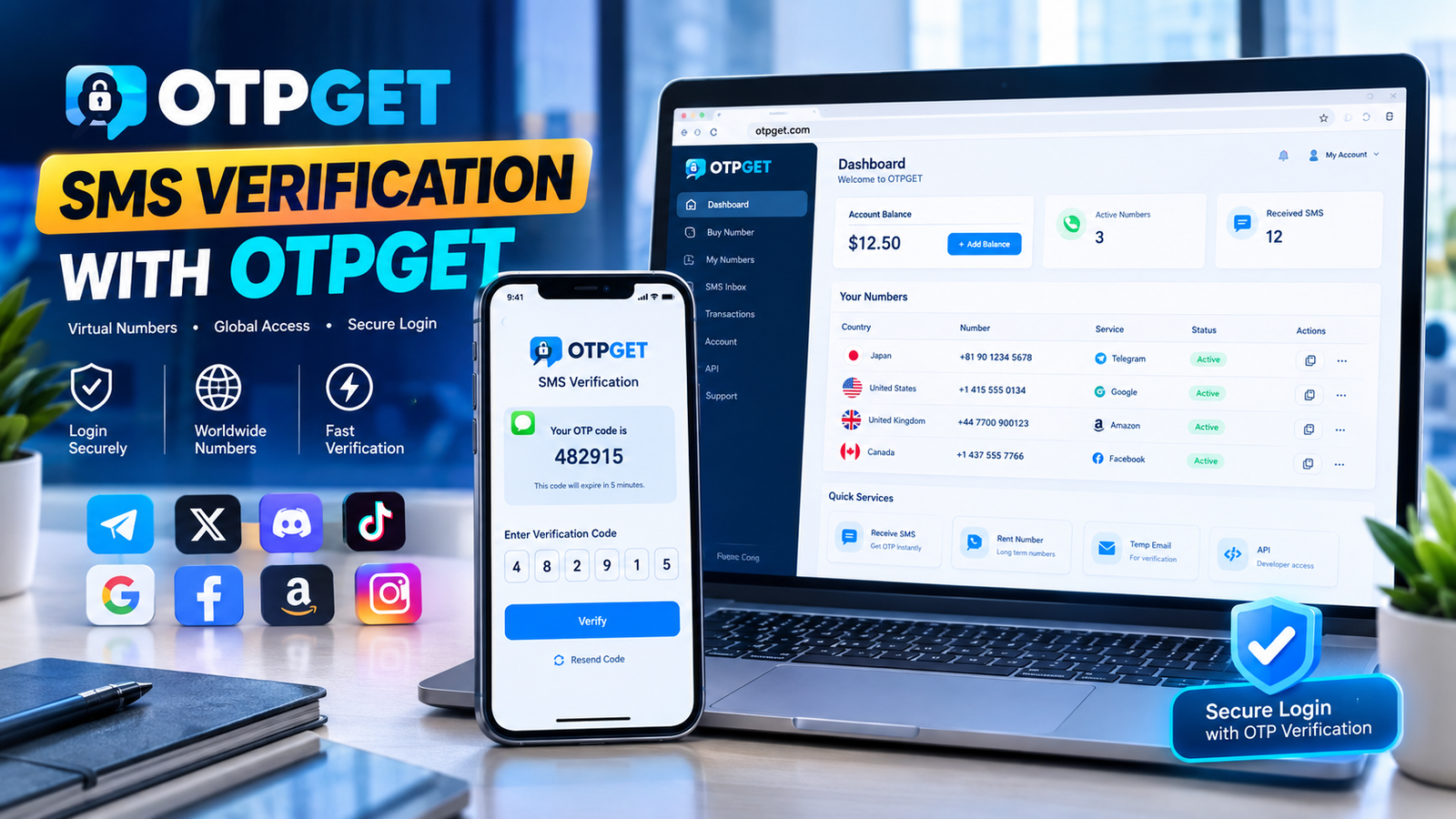
Return to Your OTPGet Account – Login Here
Getting back into an online account should not feel complicated. If you are looking for the OTPGET login page, the goal is simple: reach the official sign-in area, provide the requested account information, and complete any verification step required to access your account.
OTPGET provides an online platform focused on virtual numbers and OTP verification. Its official login page currently provides email and password sign-in, an optional Google sign-in route, password-reset access, and a two-factor authentication step that can request a six-digit code sent by email.
Whether you are returning to an existing OTPGET account or trying to understand the login process before signing in, this guide explains what to expect and what to check if something does not work as expected.
How to Return to Your OTPGET Account
The simplest approach is to use the official OTPGET access point rather than relying on unfamiliar third-party pages. The current OTPGET login page is available at the official OTPGET website.
Once you reach the sign-in screen, follow these general steps:
- Open the official OTPGET login page.
Make sure you are using the legitimate OTPGET website before entering account credentials. - Enter your account email.
The current sign-in page asks for the email associated with your OTPGET account. - Enter your password.
Check that your password is entered correctly before submitting the login form. - Complete the available sign-in option.
OTPGET currently displays a standard sign-in option as well as a Google sign-in option. Use the method appropriate for your account. - Complete verification when requested.
The current login flow can request a six-digit verification code sent to your email. Enter the code carefully to complete the verification step. - If necessary, use the password-reset option.
If you cannot remember your password, the OTPGET login page provides a “Reset Password” option.
The exact experience can depend on the account and login method being used, so always follow the instructions displayed on the official page.
What Is OTPGET and Why Does Account Access Matter?
OTPGET is a platform centered on virtual numbers and OTP verification. Its website describes services including virtual phone numbers, rental numbers, temporary email addresses, and developer tools for OTP-related workflows.
For users who already have an OTPGET account, being able to sign in is important because account access is the starting point for using the platform's available services.
An OTP, or one-time password, is a temporary verification code used to confirm an action or establish that a person has access to a particular communication channel. Depending on the service involved, an OTP may arrive through SMS, email, or another supported verification method.
That makes the login process more than simply entering a password. A platform may use an additional login verification step to confirm access before allowing the account session to continue.
OTPGET's current sign-in page illustrates this concept by showing a two-factor authentication stage where a six-digit code can be sent to the user's email.
OTPGET Login and Verification
Understanding the difference between your account credentials and an OTP can make the sign-in process easier.
Your email and password are the primary account credentials shown on the OTPGET login page. The verification code is an additional step that may appear after those credentials are submitted.
A typical verification sequence works conceptually like this:
- You begin with your account sign-in details.
- The service asks for additional verification.
- A temporary verification code is delivered through the specified channel.
- You enter the code into the verification field.
- The service checks the code before completing account access.
OTPGET currently describes its login verification screen as requiring a six-digit code sent to the account email, with an option to resend the code if it does not arrive.
For any OTP verification step, avoid sharing your one-time password with another person. Treat a verification code as sensitive login information and enter it only where you intentionally initiated the sign-in process.
Common OTPGET Login Problems and What to Check
Even a straightforward account sign-in can occasionally run into problems. If you experience OTPGET login problems, work through the basics before repeatedly attempting to sign in.
Incorrect login information
If your email or password is wrong, the account may not authenticate successfully.
Check:
- Whether you entered the correct email address.
- Whether Caps Lock or another keyboard setting is affecting the password.
- Whether you are using the password associated with the correct account.
If you cannot remember the password, use the password-reset option available on the OTPGET login page rather than repeatedly guessing.
Verification code not received
If the verification stage appears but the code has not arrived, first check the inbox associated with your account. Also check spam or filtered folders.
The current OTPGET verification screen includes a resend option, so you can use that when appropriate.
Expired or incorrect OTP
One-time passwords are intended for a specific verification event and may not remain valid indefinitely. If a code is rejected, check that you entered the newest code and that no digits were mistyped.
If you requested multiple codes, avoid accidentally entering an older message.
Browser or connection issues
A weak internet connection or temporary browser problem can interfere with an otherwise normal login.
Try:
- Refreshing the page.
- Checking your internet connection.
- Opening the official page again.
- Trying a different supported browser if the problem continues.
- Clearing stale browser data if the page is behaving unexpectedly.
Temporary login difficulties
Sometimes an issue may not be caused by the credentials themselves. If the page does not behave normally, avoid repeatedly submitting information. Wait briefly, reopen the official OTPGET login page, and try again.
If the problem persists, use the support or contact route provided by OTPGET rather than relying on unofficial assistance.
Tips for a Smoother OTPGET Account Login
A few simple habits can make OTPGET account access easier.
Use the official access point.
Always start from the legitimate OTPGET website when signing in. This reduces the risk of entering credentials on a misleading or unofficial page. The official site links directly to its login area.
Double-check your account details.
A small typing mistake in your email or password can prevent successful sign-in.
Enter verification codes carefully.
When a six-digit code is requested, compare the digits before submitting them.
Use the latest verification code.
If you request another code, use the most recently delivered code rather than an older message.
Keep your account information private.
Do not give your password or OTP verification code to someone else simply because they claim to be helping with your login.
Avoid repeated failed attempts.
Instead of continuously guessing credentials or codes, use the available recovery or resend options.
Keep your browser connection stable.
A reliable connection can help prevent interruptions while a login or verification step is being completed.
Why OTPGET Can Be a Useful Solution for OTP-Based Account Access
For people whose work or online activity involves OTP verification, OTPGET is positioned as a platform specifically built around virtual numbers and verification workflows. Its official website describes virtual numbers for SMS or call verification, rental numbers, temporary email, and developer API options.
That focus is what makes OTPGET relevant to users searching for an OTP verification service rather than a general-purpose communication platform.
The platform's documented offerings include virtual phone numbers that can be used to receive verification messages from supported services, while its developer documentation provides API options for programmatic OTP-related workflows.
For developers and teams, the API documentation also explains how applications can request virtual numbers and check activation status programmatically.
For an existing user, however, the first step remains straightforward: regain access to the OTPGET account through the official login process. Once signed in, the available account features and services can be used according to OTPGET's current offerings and applicable terms.
In other words, OTPGET can serve as a central resource for people who need access to OTP-related services, while the account login provides the gateway to those services.
Frequently Asked Questions About OTPGET Login
How do I log in to my OTPGET account?
Open the official OTPGET login page and enter the email and password associated with your account. OTPGET also currently displays a Google sign-in option. If additional verification is requested, follow the displayed instructions and enter the verification code.
Where can I find the OTPGET login page?
The official OTPGET website links to its login page. The current sign-in screen provides fields for email and password and includes account recovery and registration options.
What should I do if I do not receive my OTP?
First, check the email account associated with your OTPGET account, including spam or filtered folders. If the verification screen provides a resend option, you can request another code.
Why might an OTP verification code fail?
A code can fail if it was entered incorrectly, is no longer valid, or was superseded by a newer verification code. Carefully enter the latest code provided by the service.
Can I retry OTPGET account verification?
If the login page offers a resend or retry option, follow the instructions displayed there. The current OTPGET verification screen includes a resend option for users who did not receive the code.
What should I check if I cannot access my OTPGET account?
Check your email address, password, internet connection, and verification code. If you have forgotten your password, use the available password-reset option.
How can I make OTPGET login easier?
Bookmark the legitimate OTPGET website, keep your account credentials private, check your email when verification is requested, and enter the latest OTP carefully. These simple habits can make recurring account sign-in more straightforward.
Final Thoughts
Returning to an online account should be a clear, step-by-step process. If you need to return to your OTPGET account, start with the official OTPGET login page, enter your account information carefully, and complete any verification requested during sign-in.
If a problem occurs, avoid guessing repeatedly. Check your credentials, look for the verification code, use the available recovery or resend options, and make sure you are accessing OTPGET through the legitimate website.
With its focus on virtual numbers and OTP verification, OTPGET is the central resource for users looking for OTP-related account and verification services. For existing users, the best next step is simply to proceed through the appropriate OTPGET account access route and follow the instructions presented on screen.
When in doubt, return to the official OTPGET login page rather than relying on an unfamiliar third-party login link.


