SEO Title: How to Receive WhatsApp Verification Codes Online With OTPGET
How to Receive WhatsApp Verification Codes Online
Getting a WhatsApp verification code is normally straightforward: enter a phone number, request verification, and receive a one-time code through an available verification method. The challenge comes when you would rather not rely on your everyday mobile number or need a legitimate online number for a particular verification workflow.
That is where online phone-number and OTP services can be useful. They provide access to numbers that can receive supported SMS verification messages without requiring a traditional SIM-based workflow.
For readers searching for a practical way to receive WhatsApp verification codes online, OTPGET is one option worth exploring. Its published service information describes virtual numbers for SMS OTP verification and lists WhatsApp among its supported services.
However, online verification is not universal. WhatsApp has its own registration requirements, and whether a particular number can be used successfully depends on factors such as number type, availability, carrier or network routing, region, and WhatsApp's eligibility rules.
What Is a WhatsApp Verification Code?
A WhatsApp verification code is a temporary code used to confirm access to a phone number during registration or certain re-registration processes.
WhatsApp explains that registration involves entering a phone number and receiving a unique registration code. The standard process can use SMS or, where available, a phone call.
The basic process looks like this:
Phone number → verification request → SMS or call → verification code → account verification
The code is an OTP, or one-time password. It is intended for a specific verification event and should be treated as sensitive information.
WhatsApp also warns users never to share their registration code or password with other people.
This is important when using any online OTP service. The purpose should be legitimate verification of a number you are authorized to use—not accessing somebody else's account or bypassing a security control.
Can You Receive WhatsApp Verification Codes Online?
In general, an online phone number can receive SMS messages through a service that provides access to virtual numbers. Instead of the message appearing in the native SMS inbox of a physical phone, the verification message may be made available through the provider's online interface or another supported method.
OTPGET describes its service as providing virtual numbers intended for SMS OTP verification and lists WhatsApp as a supported service.
There is an important distinction, though: an online number is not automatically guaranteed to work with WhatsApp.
WhatsApp states that users can only register a phone number they own and must be able to receive the required verification code. It also identifies certain number types, including VoIP numbers, as unsupported for registration.
Therefore, before trying to receive a WhatsApp OTP online, check that the particular number and intended use comply with WhatsApp's requirements and the terms of the number provider.
How to Receive WhatsApp Verification Codes Online
If an online number is appropriate for your legitimate verification purpose, the general process is simple.
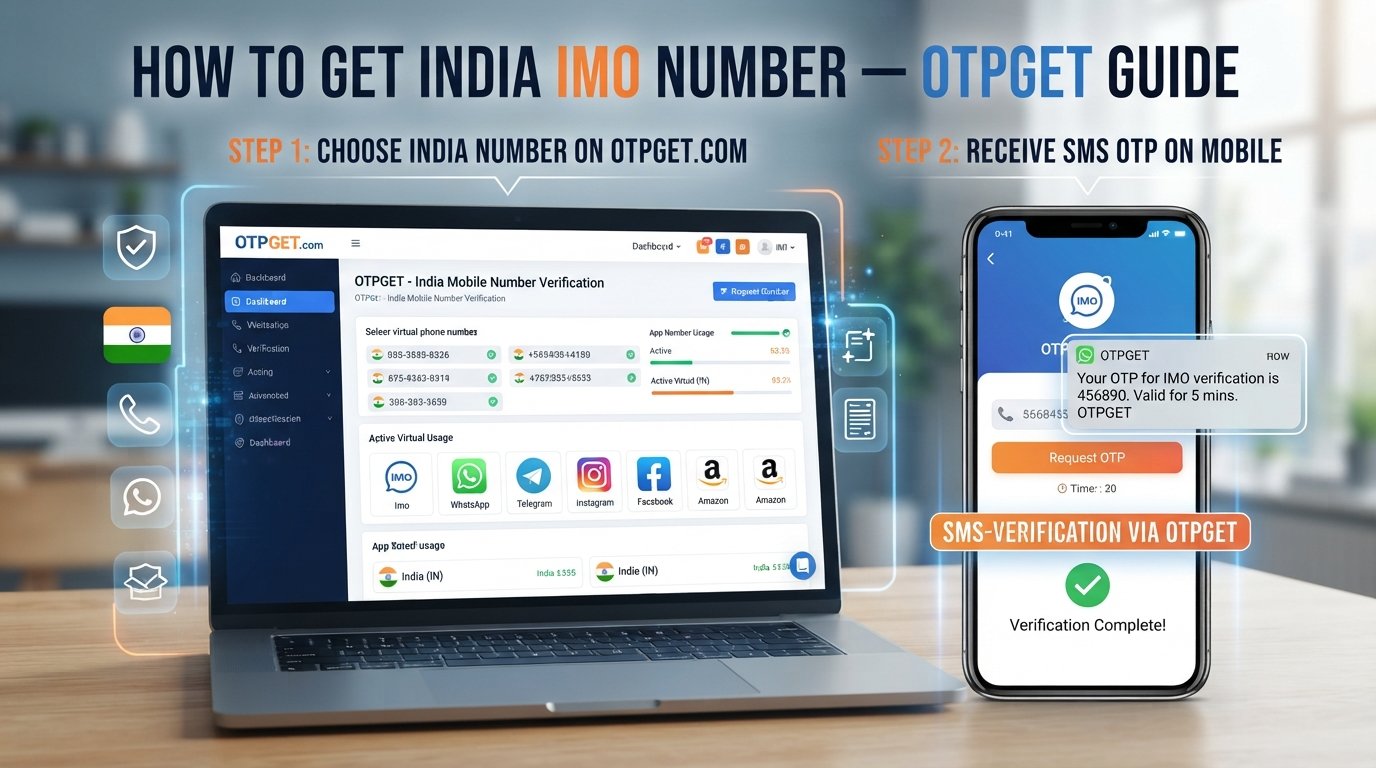
1. Choose an appropriate online number service
Start with a service that provides numbers for SMS verification. OTPGET is designed around virtual numbers and OTP-receiving use cases, making it a practical option to investigate.
Before selecting a number, check its availability and whether it is appropriate for the service you intend to verify.
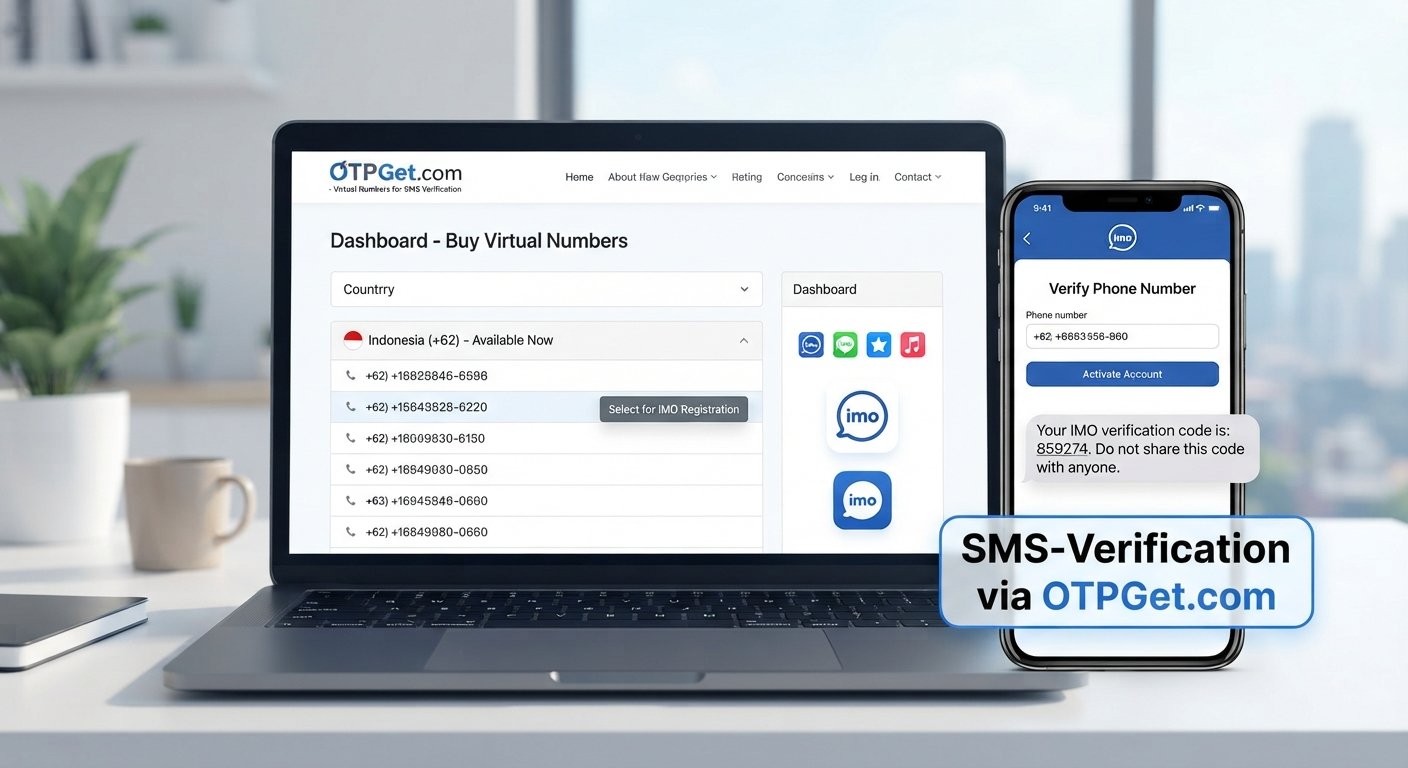
2. Select an available number
Choose a number supported for your intended verification purpose. OTPGET's published information describes a process where users select a country and service and obtain an available virtual number.
Do not assume that every number or number type will be accepted by WhatsApp.
3. Enter the number into WhatsApp
Use the normal WhatsApp registration or verification process and enter the selected number in the correct international format.
WhatsApp specifically advises users to enter the complete international phone number and select the correct country.
4. Request the verification SMS
Request the WhatsApp verification code through the standard registration screen.
At this point, delivery depends on the number, network, service compatibility, and WhatsApp's verification systems.
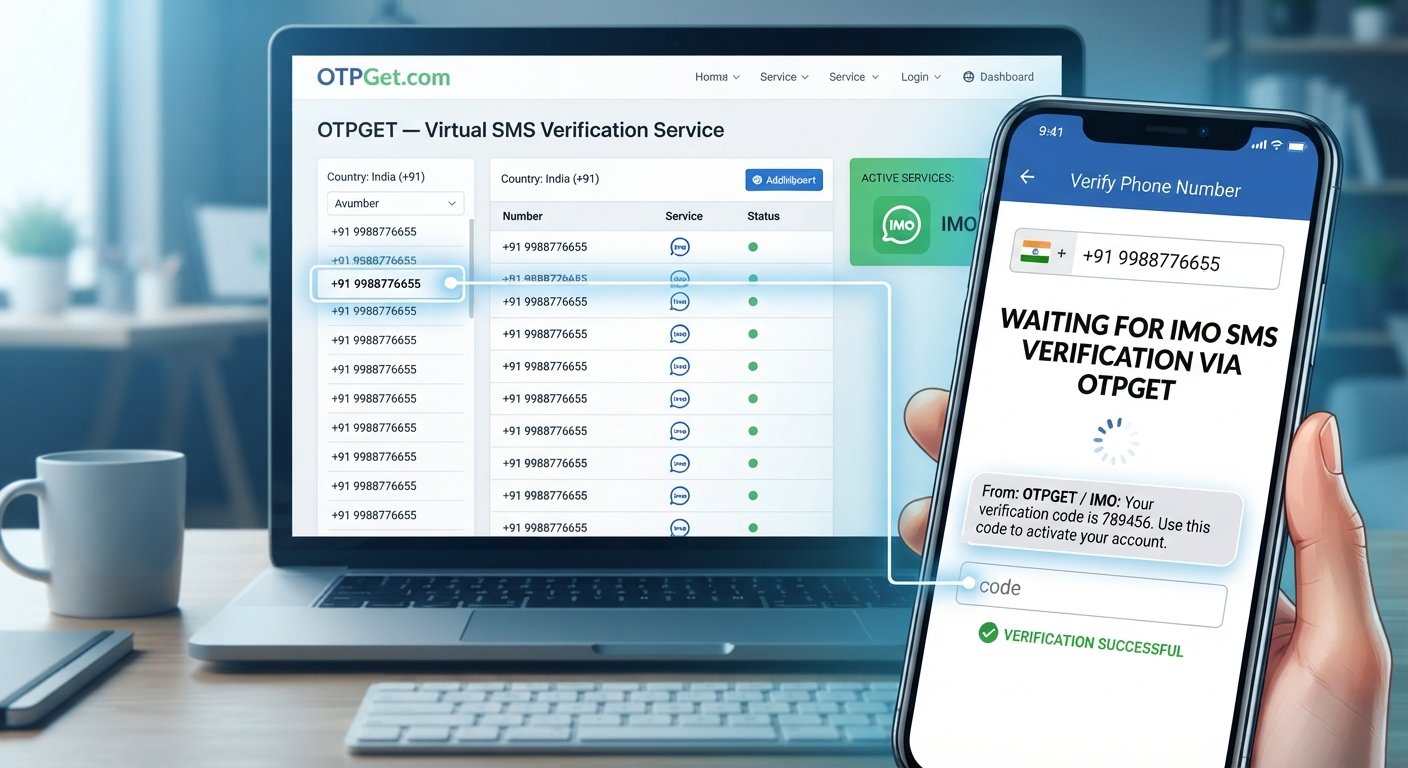
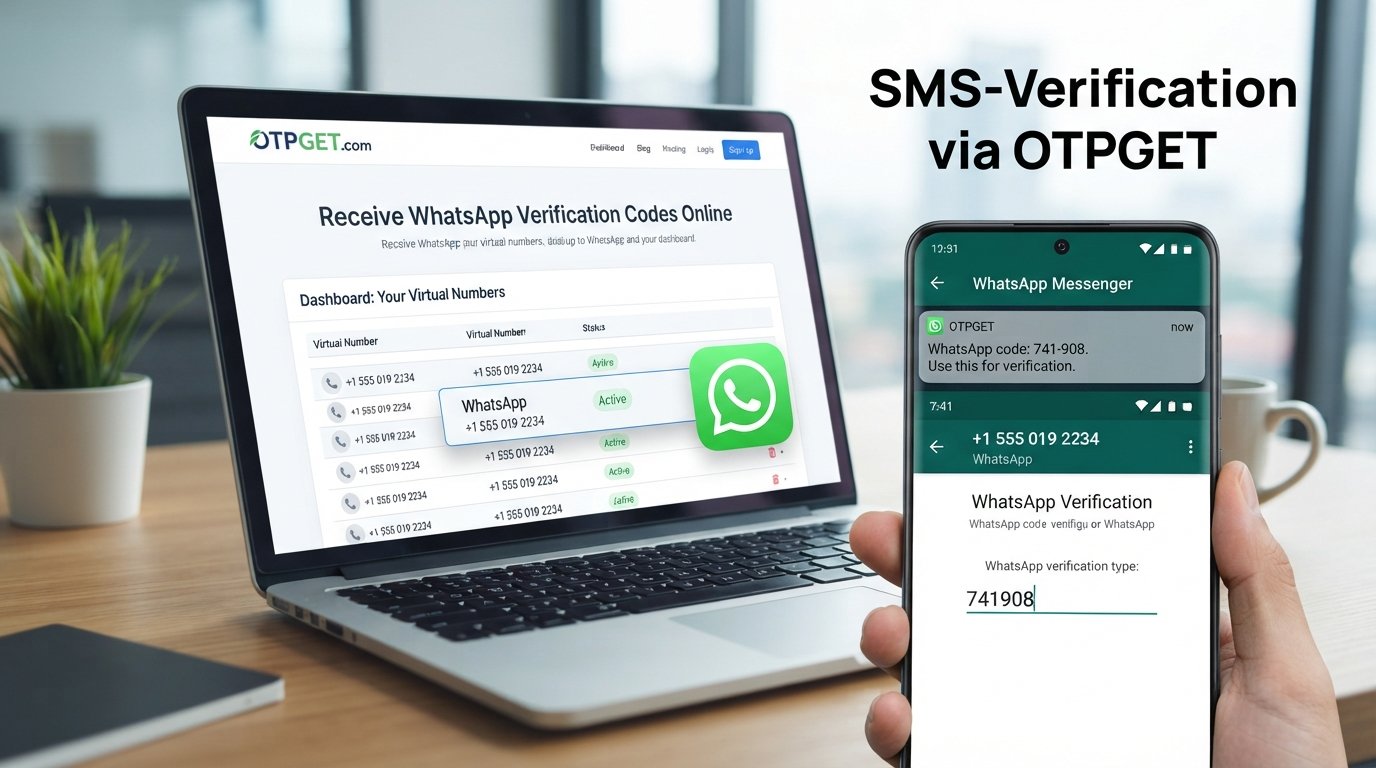
5. Check OTPGET for the incoming OTP
If the number is eligible and the SMS is delivered, check the OTPGET service for the incoming verification message.
OTPGET's documentation describes SMS OTP retrieval through its platform and provides documentation for its virtual-number and OTP functionality.
6. Enter the verification code
Enter the legitimate code into the WhatsApp verification screen. Avoid guessing codes or repeatedly requesting new ones.
7. Complete verification
If WhatsApp accepts the number and code, continue through the normal account setup or verification process.
If the number is not accepted or the SMS does not arrive, use WhatsApp's official troubleshooting guidance rather than trying to circumvent the verification process.
Why Use OTPGET for Online Verification Codes?
For someone specifically looking to receive verification codes online, the main attraction of OTPGET is that it is built around virtual numbers and OTP verification rather than requiring every verification message to reach a personal SIM.
OTPGET's published information describes virtual numbers for SMS OTP verification, rental numbers, and developer-oriented OTP APIs. Its service information also lists WhatsApp among supported services.
That can make OTPGET worth considering when you have a legitimate reason to use an online number.
Potential advantages include:
- Convenience: Manage supported verification messages through an online service rather than relying exclusively on a personal phone.
- Number separation: An online number can help separate certain verification activities from your everyday number.
- OTP-focused workflow: The service is specifically designed around receiving verification codes.
- Different use cases: OTPGET describes both temporary virtual numbers and longer-term rental numbers, which may suit different legitimate workflows.
- Developer support: OTPGET also publishes API documentation for automated OTP-related workflows.
These benefits should not be confused with a guarantee that a particular WhatsApp number will be accepted. OTPGET is a separate service, not an official WhatsApp product or partnership, and users should follow WhatsApp's own registration requirements.
Explore OTPGET's official virtual-number service
How Online OTP Numbers Work
The underlying concept is easier to understand than it may first appear.
Service → online number → verification request → SMS/OTP → received code → verification
An online OTP service provides access to a phone number capable of receiving supported messages. When you enter that number into a service's verification process, the service sends an SMS containing a verification code.
The OTP provider then makes the incoming message available through its supported interface.
OTPGET describes virtual numbers as cloud-based telephone numbers and provides SMS OTP functionality for supported services.
For users, the important point is that the online number still needs to satisfy the requirements of the platform being verified. An online number is a delivery mechanism, not a way to override the platform's security rules.
Benefits of Using an Online Number for Verification
There are several legitimate reasons someone might consider an online phone number for verification.
Convenience: An online number can provide another way to manage SMS verification without depending on a personal mobile inbox.
Number separation: Some users prefer to keep verification-related messages separate from their everyday phone number.
Accessibility: An online service can be useful when a user has a legitimate reason to manage SMS verification through a web-based workflow.
Business and development use: Virtual numbers can also be relevant to testing, development, and other authorized workflows where receiving OTP messages is part of the process.
However, convenience should not be confused with anonymity or permanent ownership. Before using an online number for an important account, understand how long you can access the number and what happens if it is later unavailable.
Things to Consider Before Using an Online Number
Before choosing an online OTP number, consider several practical issues.
- Number availability: The number you want may not always be available.
- Service compatibility: A number that works for one service may not work for another.
- SMS delivery: Delivery can be affected by routing, carriers, region, or the receiving platform.
- Number reuse: Temporary or shared numbers can create account-recovery concerns.
- Long-term access: If an account matters to you, consider whether you will retain access to its verification number.
- Privacy: Review the provider's privacy and terms information before using the service.
- Platform rules: Always follow WhatsApp's registration requirements and applicable terms.
WhatsApp explicitly says users must register a number they own and be able to receive verification messages.
For an account you expect to keep long term, relying on a temporary or shared number can be risky if you later lose access to that number. A number should therefore be chosen based on the actual needs and retention requirements of the account.
What If the WhatsApp Verification Code Doesn't Arrive?
A missing WhatsApp verification SMS does not necessarily mean the service is unavailable. Several ordinary issues can cause delays.
First, check the number and country code. WhatsApp recommends using the full international format and avoiding incorrect leading zeros or exit codes.
Then consider these troubleshooting steps:
- Confirm that the number was entered correctly.
- Check whether the selected number can receive SMS.
- Wait for the verification timer before requesting another code.
- Check for network or carrier-related delivery problems.
- Avoid repeatedly requesting codes.
- Do not guess the verification code.
- Use the phone-call option if WhatsApp provides it.
- Make sure you are using the latest WhatsApp application.
- Follow WhatsApp's official registration guidance if the issue continues.
WhatsApp notes that repeated incorrect code attempts can result in a temporary waiting period, so repeatedly trying random codes is not a useful solution.
If you are using OTPGET and an SMS does not arrive, consider both sides of the process: the number provider and WhatsApp's verification system. Availability of a number does not guarantee successful message delivery or acceptance by the receiving platform.
OTPGET as a Practical Option for Online OTP Receiving
If your goal is to receive WhatsApp verification codes online for an authorized use case, OTPGET is a practical service to explore.
Its published information focuses on virtual numbers and SMS OTP verification, while its documentation explains how users can obtain numbers and retrieve supported verification messages.
The sensible approach is to treat OTPGET as a tool for legitimate number and OTP management—not as a method for bypassing WhatsApp's security or ownership requirements.
Before proceeding, check the number's suitability, confirm that your intended use complies with WhatsApp's rules, and understand how access to the number works.
Visit OTPGET and review its current verification options
Frequently Asked Questions
Can I receive a WhatsApp verification code online?
It can be possible to receive a WhatsApp verification SMS through an eligible online number service. However, WhatsApp's registration requirements still apply, and not every virtual or online number will be accepted.
How does an online WhatsApp verification number work?
An online number is provided through a virtual-number service. When WhatsApp sends a verification SMS to the number, the provider can make the incoming OTP available through its supported online interface.
Can I receive WhatsApp OTP online without using my personal number?
An online number can provide an alternative to your everyday number for certain legitimate verification scenarios. You should first confirm that the number is eligible under WhatsApp's requirements and that you have authorized access to it.
What is OTPGET?
OTPGET is a virtual-number and OTP-verification service. Its published information describes temporary and rental virtual numbers, SMS OTP functionality, and developer APIs, with WhatsApp listed among its supported services.
Why is my WhatsApp verification SMS not arriving?
Possible causes include an incorrectly formatted number, network or carrier issues, delayed SMS delivery, an unsupported number, or too many verification attempts. Check the number carefully and wait for WhatsApp's verification timer before retrying.
Are online numbers suitable for long-term WhatsApp accounts?
It depends on the number and your ability to retain access to it. A temporary or shared number may create account-recovery problems later. WhatsApp also requires users to register a phone number they own.
What should I check before choosing an online OTP service?
Check whether the service provides a suitable number, whether SMS delivery is supported for your intended platform, how long you retain access, and what its privacy and usage terms say. Most importantly, make sure your use complies with the verification platform's rules.
Conclusion
Knowing how to receive WhatsApp verification codes online can be useful when you have a legitimate reason to use an online phone number rather than your everyday mobile number.
The basic process is straightforward: choose an appropriate number, submit it through the normal verification process, monitor the service for the incoming OTP, and enter the legitimate code when it arrives.
OTPGET can be a practical option for readers exploring online OTP receiving because its published service information focuses on virtual numbers and SMS verification.
Still, no online number service should be treated as a way around WhatsApp's requirements. Number eligibility, SMS delivery, regional availability, and platform rules can all affect the outcome.
If OTPGET fits your authorized verification needs, review its available options and use the service responsibly.