SEO Title: Telegram OTP Code Not Received in Ethiopia — OTPGet Help Guide
Telegram OTP Code Not Received in Ethiopia — OTPGet
Waiting for a Telegram verification code that never arrives can be frustrating, especially when you are trying to log in, create an account, or regain access quickly. If you are searching for Telegram OTP code not received in Ethiopia, the problem may not always be with your phone alone.
SMS delivery can be affected by network conditions, incorrect number formatting, temporary verification limits, device settings, or the way Telegram chooses to deliver a login code. Telegram also notes that, in some situations, a login code may be delivered through Telegram to another connected device instead of by SMS.
The good news is that there are several practical troubleshooting steps to try. If conventional SMS delivery continues to be unreliable, OTPGet can also provide an alternative way to receive supported verification codes through virtual phone numbers.
Why Is Telegram OTP Code Not Received in Ethiopia?
There is no single reason why a Telegram OTP might fail to arrive. Several parts of the verification process can affect delivery.
SMS delivery delays
Mobile SMS messages can occasionally be delayed between the service sending the message, the telecommunications network, and the receiving device. A short delay does not necessarily mean that the verification request has failed.
Mobile network or connectivity problems
Poor cellular coverage, unstable mobile data, or temporary network problems can interfere with the login process. Telegram specifically recommends checking cellular data settings and the phone number when a user does not receive a code by SMS or call.
Incorrect phone number
Check the number carefully before requesting another code. Telegram recommends using the international format when entering a phone number.
A small formatting mistake can prevent the code from reaching the intended number.
Telegram may use another delivery method
One important detail is that Telegram does not always rely exclusively on SMS. If you have recently used Telegram on another connected device, the login code may be sent through Telegram rather than SMS. Check your other logged-in devices before requesting another code.
Repeated code requests
Requesting several codes in rapid succession can make troubleshooting more confusing because you may receive an older message after requesting a newer one. It is generally better to wait and follow the verification screen rather than repeatedly pressing resend.
SIM, device, or carrier issues
Blocked messages, SIM problems, network configuration, or device-specific SMS issues can also contribute to a missing verification message. These possibilities are especially worth checking when other ordinary SMS messages are also delayed or missing.
Common Telegram Verification Problems in Ethiopia
Users searching for a Telegram verification code not received may experience slightly different symptoms.
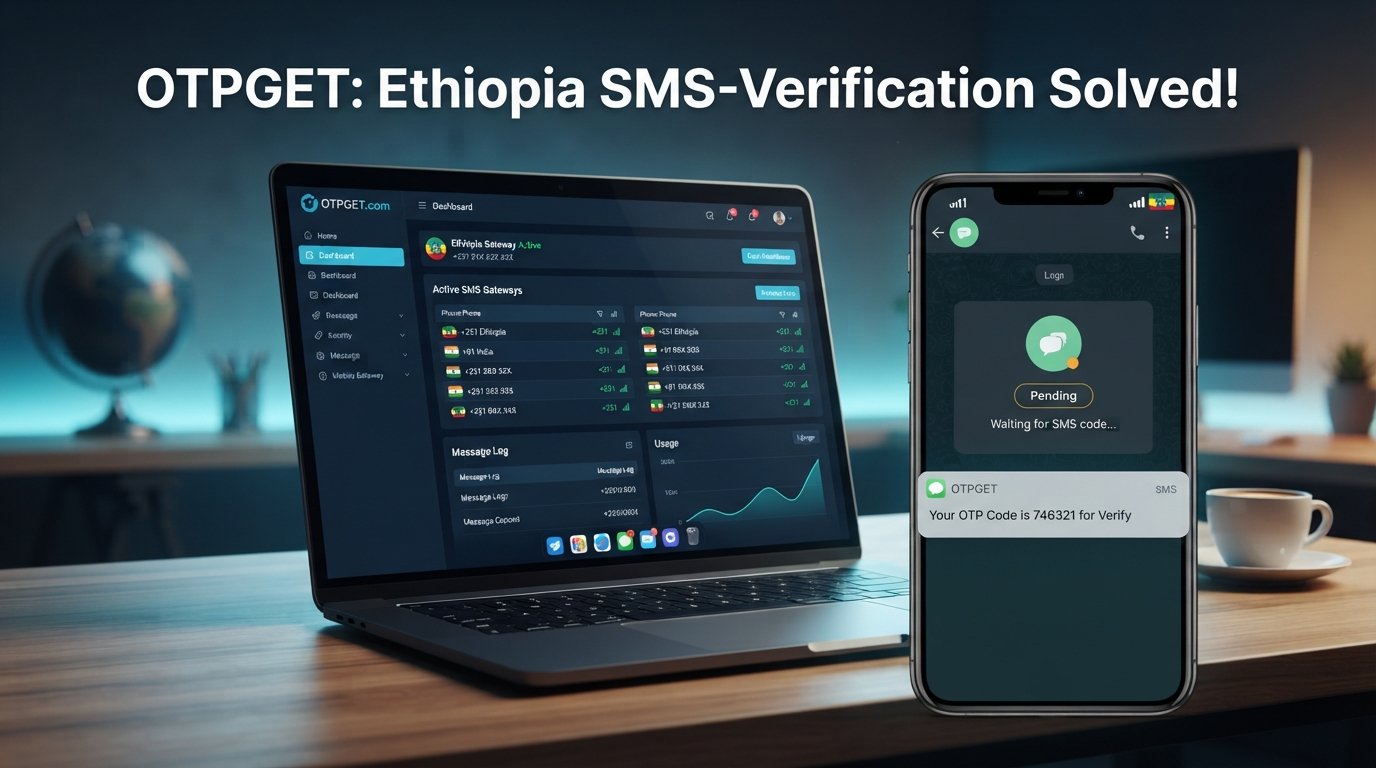
For example, the Telegram code may show as pending without an SMS appearing. In another situation, the SMS may arrive late, while the Telegram login screen has already moved on to another verification option.
Common searches include:
- Telegram OTP not received
- Telegram SMS code not received
- Telegram login code not coming
- Telegram confirmation code delayed
- Telegram verification problem
- Telegram OTP problem
- Telegram login problem in Ethiopia
- Telegram verification SMS not arriving
These symptoms do not necessarily indicate one specific technical failure. The first step is to identify whether Telegram is actually trying to send an SMS, whether the number is correct, and whether another delivery method is available.
What to Do When Telegram OTP Is Not Received
Before looking for an alternative OTP receiving service, work through these basic checks.
1. Check the phone number
Make sure the country code and phone number are correct. Telegram's own guidance recommends entering mobile numbers in international format.
2. Check mobile signal and connectivity
Confirm that your phone has a usable cellular connection. If mobile data is unstable, reconnect to the network and try again.
3. Wait before requesting another code
Avoid repeatedly requesting OTPs within a short period. Give the current verification attempt enough time to complete before starting another request.
4. Check other Telegram sessions
If Telegram is already active on another phone, tablet, or desktop session, look there for the login notification. Telegram can deliver login codes through another connected Telegram session rather than SMS in certain circumstances.
5. Check blocked or filtered SMS
Look through your phone's blocked-message settings, spam folders, or SMS filtering features. Some devices or messaging applications may hide messages that are actually being delivered.
6. Refresh your connection
Temporarily switching connectivity, restarting the device, or reconnecting to the mobile network can sometimes resolve basic network-related problems.
7. Avoid endless resend attempts
If the code still does not arrive, repeatedly requesting new codes may not solve the underlying problem. Follow any instructions displayed by Telegram and consider contacting Telegram Support when appropriate.
8. Consider an OTP receiving alternative
If your normal number continues to have difficulty receiving verification messages, an OTP receiving service may be worth considering for an appropriate, legitimate verification workflow.
This is where OTPGet can be useful.
How OTPGet Can Help With Telegram OTP Verification
OTPGet provides virtual phone numbers designed for SMS OTP verification. According to its official website, the platform supports virtual numbers across many countries and services, including Telegram, and offers both temporary numbers and longer-term rental numbers.
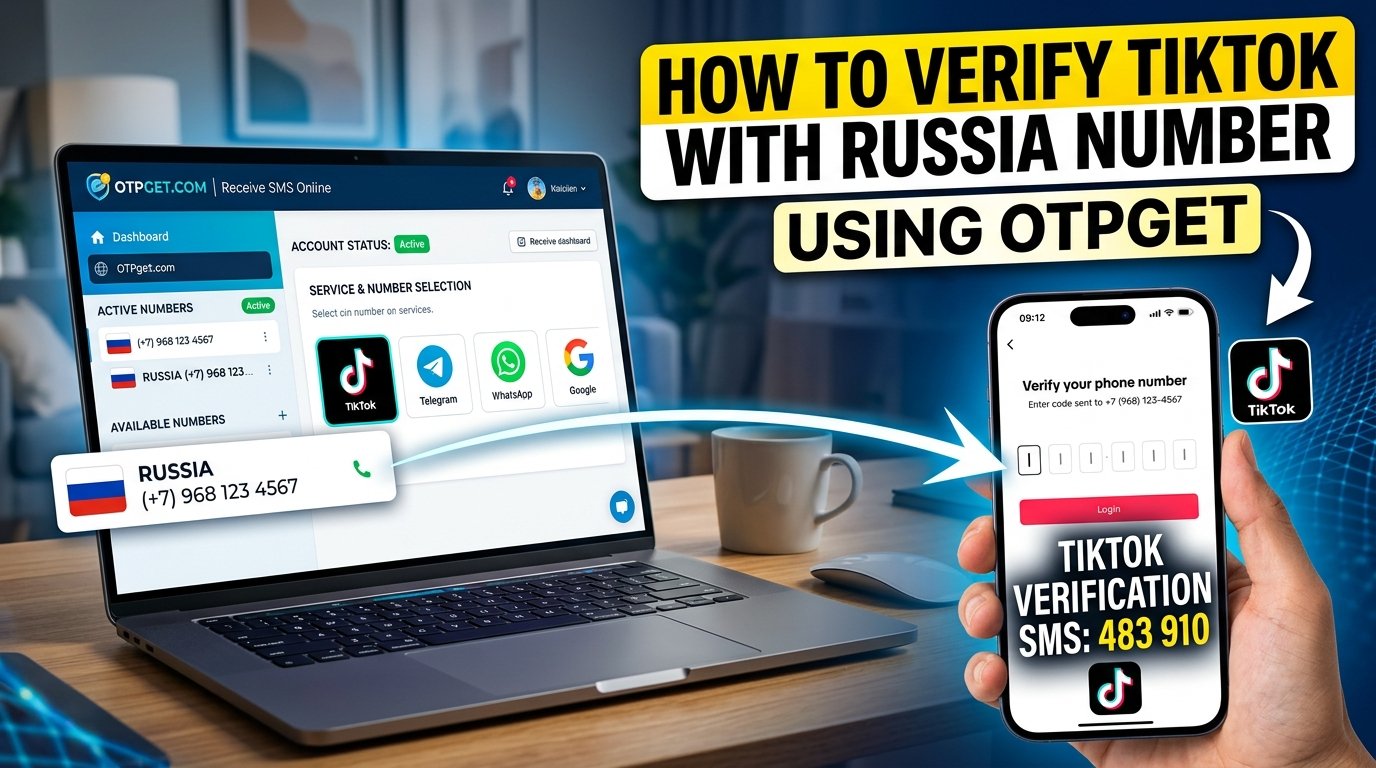
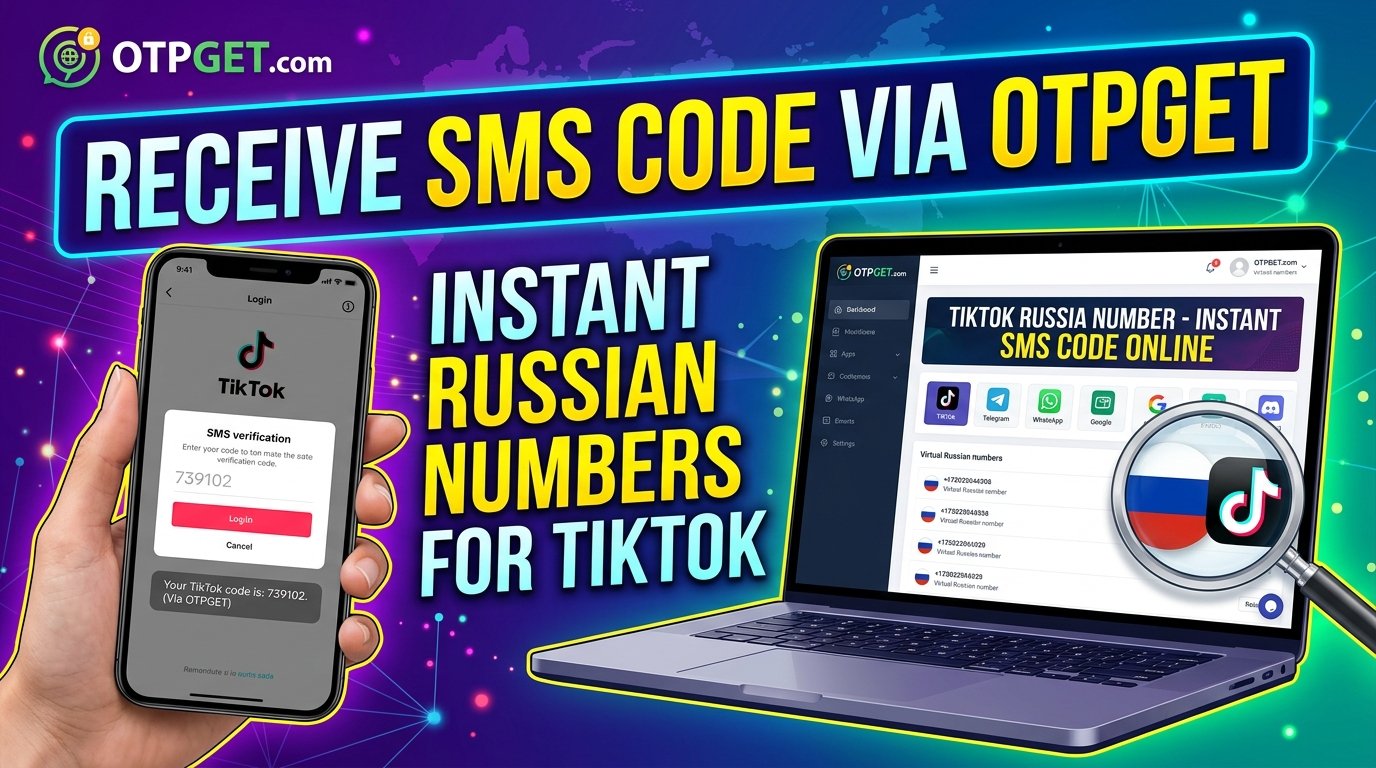
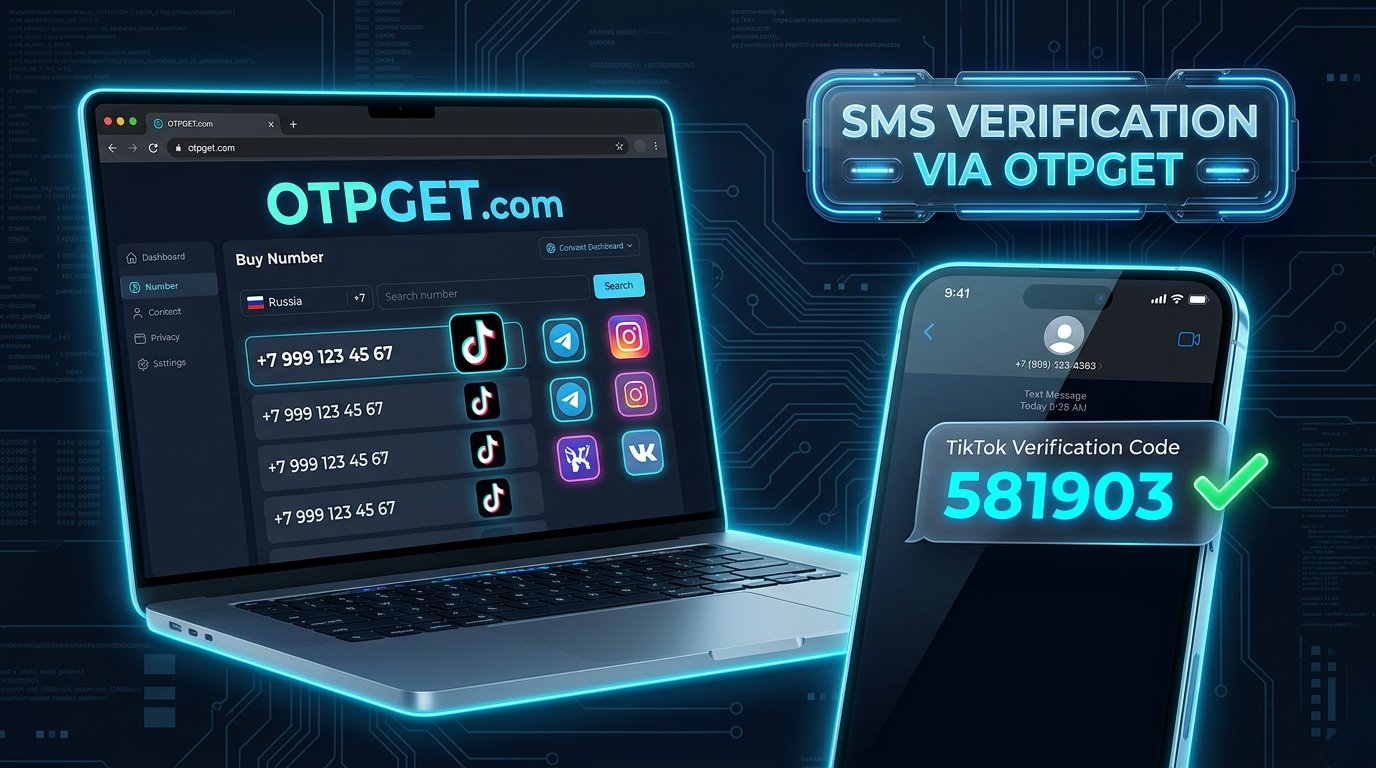
The basic idea is straightforward: instead of depending exclusively on your physical SIM card to receive a supported verification SMS, you can use an available virtual number through OTPGet and monitor the incoming verification message through the service.
OTPGet describes its virtual numbers as cloud-hosted telephone numbers that can be used for supported online verification workflows. Its platform also provides a dashboard for receiving SMS OTPs, while developers can access SMS verification functionality through its API.
For someone dealing with Telegram OTP Ethiopia issues, this can provide a practical alternative when standard SMS delivery through a personal number is proving difficult.
Importantly, availability and acceptance can depend on the specific number, service, and verification attempt. A virtual number should not be treated as a guaranteed way to complete every Telegram verification request.
Why Choose OTPGet for Telegram OTP in Ethiopia?
When a verification code is not arriving, convenience matters. Spending repeated attempts checking the same SMS inbox can quickly become frustrating.
OTPGet offers several practical advantages:
- Convenient OTP receiving: Verification messages can be viewed through an online service rather than relying exclusively on a physical SIM.
- Virtual number access: OTPGet provides temporary virtual numbers for supported verification services.
- Broad service coverage: OTPGet states that its platform supports thousands of services, including Telegram.
- Flexible use: The platform offers temporary numbers as well as rental options for users with longer-term requirements.
- Practical workflow: The service is designed around selecting a suitable number, receiving the SMS verification code, and using that code in the relevant service.
The main benefit is simplicity. Instead of repeatedly wondering why a Telegram SMS code is not appearing on your Ethiopian number, you have another option to evaluate when the standard route is not working.
Step-by-Step: Using OTPGet for Telegram OTP
The exact availability of numbers and options can change, so use the current OTPGet interface and instructions when completing the process.
- Access OTPGet and create or access your account as required.
- Choose a suitable virtual number option for your intended verification service, if available.
- Follow OTPGet's instructions for using the selected number.
- Enter the number in Telegram when Telegram requests a phone number for verification.
- Wait for the verification message to appear through the OTP receiving service.
- Enter the valid code into Telegram when prompted.
- Complete the verification process according to Telegram's instructions.
OTPGet states that its platform supports Telegram among its supported services and allows users to receive SMS verification codes through its virtual-number system.
If a particular number does not receive a code, do not assume that every number will behave identically. Follow the service's current policies and instructions instead of repeatedly retrying the same unsuccessful request.
Telegram OTP Not Received? Troubleshoot Before Trying Again
Use this quick checklist before making another verification attempt:
- Confirm the phone number and country code.
- Make sure the number is a mobile number that can receive the relevant message.
- Check cellular connectivity and mobile data.
- Look for a Telegram login notification on another connected device.
- Check blocked or filtered SMS messages.
- Wait before requesting another code.
- Avoid repeated resend attempts.
- If standard SMS continues to fail, consider a suitable OTP receiving service such as OTPGet.
- Never share a Telegram login code with another person or service.
Telegram specifically warns users not to share login codes with others.
Final Thoughts
A Telegram OTP code not received in Ethiopia does not always mean that your account or phone is permanently blocked. SMS delivery, connectivity, number formatting, device settings, and Telegram's available verification methods can all affect what happens during login.
Start with the simple checks: confirm your number, verify your connection, look at other Telegram sessions, and avoid repeatedly requesting codes.
If normal SMS verification remains unreliable, OTPGet is a practical option to explore. Its virtual-number platform is designed for supported SMS OTP verification and lists Telegram among its supported services.
If you need an alternative way to receive a supported Telegram verification code, explore OTPGet and check the currently available options for your specific verification requirement.
14. FAQ Section
Frequently Asked Questions
Why am I not receiving my Telegram OTP in Ethiopia?
Several factors can contribute, including incorrect number formatting, connectivity issues, SMS delivery delays, device settings, or Telegram using another verification method. Check your number, connection, and other logged-in Telegram devices first. {"fallbackMarkdown":"(Telegram)","reference":{"matched_text":"","prefix":null,"start_idx":15024,"end_idx":15043,"safe_urls":["https://telegram.org/faq","https://telegram.org/faq?utm_source=chatgpt.com"],"refs":[],"alt":"(Telegram)","prompt_text":null,"type":"grouped_webpages","status":"done","error":null,"style":null,"fallback_items":null,"items":[{"title":"Telegram FAQ","url":"https://telegram.org/faq?utm_source=chatgpt.com","attribution":"Telegram","pub_date":null,"snippet":"","attribution_segments":null,"supporting_websites":[],"refs":[{"turn_index":2,"ref_type":"search","ref_index":0}],"hue":null,"attributions":null}]},"showLoginRequiredCard":false}
Why is my Telegram verification code not coming by SMS?
Telegram does not always deliver login codes through SMS. If you have an existing Telegram session on another device, the code may be delivered there instead. Check your connected devices before requesting another code. {"fallbackMarkdown":"(Telegram)","reference":{"matched_text":"","prefix":null,"start_idx":15326,"end_idx":15345,"safe_urls":["https://telegram.org/faq","https://telegram.org/faq?utm_source=chatgpt.com"],"refs":[],"alt":"(Telegram)","prompt_text":null,"type":"grouped_webpages","status":"done","error":null,"style":null,"fallback_items":null,"items":[{"title":"Telegram FAQ","url":"https://telegram.org/faq?utm_source=chatgpt.com","attribution":"Telegram","pub_date":null,"snippet":"","attribution_segments":null,"supporting_websites":[],"refs":[{"turn_index":2,"ref_type":"search","ref_index":0}],"hue":null,"attributions":null}]},"showLoginRequiredCard":false}
How can I receive a Telegram OTP in Ethiopia?
First, verify that your Ethiopian phone number is correct and can receive SMS. If standard SMS delivery continues to be a problem, you can explore an OTP receiving service such as OTPGet, which provides virtual numbers for supported verification services. {"fallbackMarkdown":"(OtpGet)","reference":{"matched_text":"","prefix":null,"start_idx":15658,"end_idx":15675,"safe_urls":["https://otpget.com/"],"refs":[],"alt":"(OtpGet)","prompt_text":null,"type":"grouped_webpages","status":"done","error":null,"style":null,"fallback_items":null,"items":[{"title":"OtpGet | Virtual Numbers for OTP Verification","url":"https://otpget.com/","attribution":"OtpGet","pub_date":null,"snippet":null,"thumbnail_url":"https://images.openai.com/static-rsc-1/MlGnNdbO-FqY4YsPCCE2XYzrd4JWtY1gXdf_nrMHm_RM78RtC40yxPooJ68pvWtmqloKF65THRNo9QfODA8quQ","attribution_segments":null,"supporting_websites":[],"refs":[{"turn_index":1,"ref_type":"view","ref_index":0}],"hue":null,"attributions":null}]},"showLoginRequiredCard":false}
What should I do if Telegram does not send a verification code?
Check the phone number, mobile connectivity, SMS filters, and other active Telegram sessions. Avoid repeatedly requesting codes. If the issue continues, follow Telegram's support options or consider an appropriate alternative verification method. {"fallbackMarkdown":"(Telegram)","reference":{"matched_text":"","prefix":null,"start_idx":15993,"end_idx":16025,"safe_urls":["https://telegram.org/faq","https://telegram.org/faq?utm_source=chatgpt.com","https://translations.telegram.org/en/android/login/DidNotGetTheCodeInfo","https://translations.telegram.org/en/android/login/DidNotGetTheCodeInfo?utm_source=chatgpt.com"],"refs":[],"alt":"(Telegram)","prompt_text":null,"type":"grouped_webpages","status":"done","error":null,"style":null,"fallback_items":null,"items":[{"title":"Telegram FAQ","url":"https://telegram.org/faq?utm_source=chatgpt.com","attribution":"Telegram","pub_date":null,"snippet":"","attribution_segments":null,"supporting_websites":[{"title":"Translations","url":"https://translations.telegram.org/en/android/login/DidNotGetTheCodeInfo?utm_source=chatgpt.com","pub_date":null,"snippet":"","attribution":"Telegram Localization"}],"refs":[{"turn_index":2,"ref_type":"search","ref_index":0},{"turn_index":2,"ref_type":"search","ref_index":5}],"hue":null,"attributions":null}]},"showLoginRequiredCard":false}
Can OTPGet help with Telegram OTP verification?
OTPGet states that it provides virtual phone numbers for SMS verification and lists Telegram among its supported services. However, availability and successful delivery can depend on the specific number and verification attempt, so it should not be considered a guarantee. {"fallbackMarkdown":"(OtpGet)","reference":{"matched_text":"","prefix":null,"start_idx":16353,"end_idx":16370,"safe_urls":["https://otpget.com/"],"refs":[],"alt":"(OtpGet)","prompt_text":null,"type":"grouped_webpages","status":"done","error":null,"style":null,"fallback_items":null,"items":[{"title":"OtpGet | Virtual Numbers for OTP Verification","url":"https://otpget.com/","attribution":"OtpGet","pub_date":null,"snippet":null,"thumbnail_url":"https://images.openai.com/static-rsc-1/MlGnNdbO-FqY4YsPCCE2XYzrd4JWtY1gXdf_nrMHm_RM78RtC40yxPooJ68pvWtmqloKF65THRNo9QfODA8quQ","attribution_segments":null,"supporting_websites":[],"refs":[{"turn_index":1,"ref_type":"view","ref_index":0}],"hue":null,"attributions":null}]},"showLoginRequiredCard":false}
Why is my Telegram SMS code delayed?
SMS delivery can be affected by connectivity, mobile-network conditions, routing, or the verification method Telegram selects. If Telegram indicates that the code is being sent somewhere other than SMS, check that destination before requesting another code.
How long should I wait before requesting another Telegram code?
There is no universal waiting period that applies to every verification attempt. Follow the timer or instructions shown in Telegram and avoid repeatedly requesting codes in rapid succession.
What should I check if my Telegram OTP never arrives?
Confirm the international phone number format, check mobile connectivity, inspect blocked or filtered messages, look for the code on another connected Telegram device, and follow Telegram's support instructions if the issue persists. {"fallbackMarkdown":"(Telegram)","reference":{"matched_text":"","prefix":null,"start_idx":17227,"end_idx":17246,"safe_urls":["https://telegram.org/faq","https://telegram.org/faq?utm_source=chatgpt.com"],"refs":[],"alt":"(Telegram)","prompt_text":null,"type":"grouped_webpages","status":"done","error":null,"style":null,"fallback_items":null,"items":[{"title":"Telegram FAQ","url":"https://telegram.org/faq?utm_source=chatgpt.com","attribution":"Telegram","pub_date":null,"snippet":"","attribution_segments":null,"supporting_websites":[],"refs":[{"turn_index":2,"ref_type":"search","ref_index":0}],"hue":null,"attributions":null}]},"showLoginRequiredCard":false}
Final Takeaway
When Telegram verification becomes difficult in Ethiopia, the best approach is to troubleshoot the standard SMS route first. If that route remains unreliable, OTPGet provides a practical virtual-number option for supported OTP verification workflows. Check the available service and number options before proceeding, and use the service only for legitimate verification purposes.