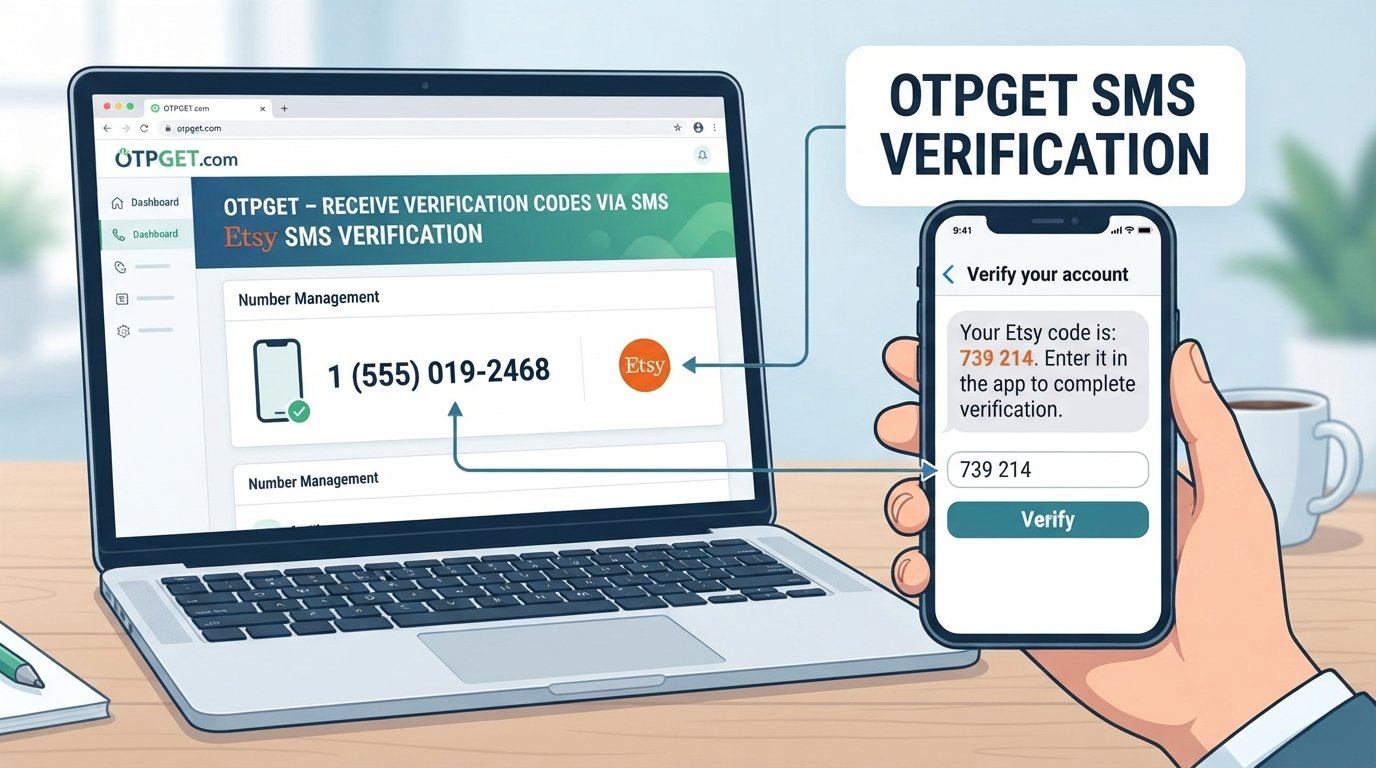
SEO Title: How to Verify Shopee with a Virtual Number Using OTPGet Online
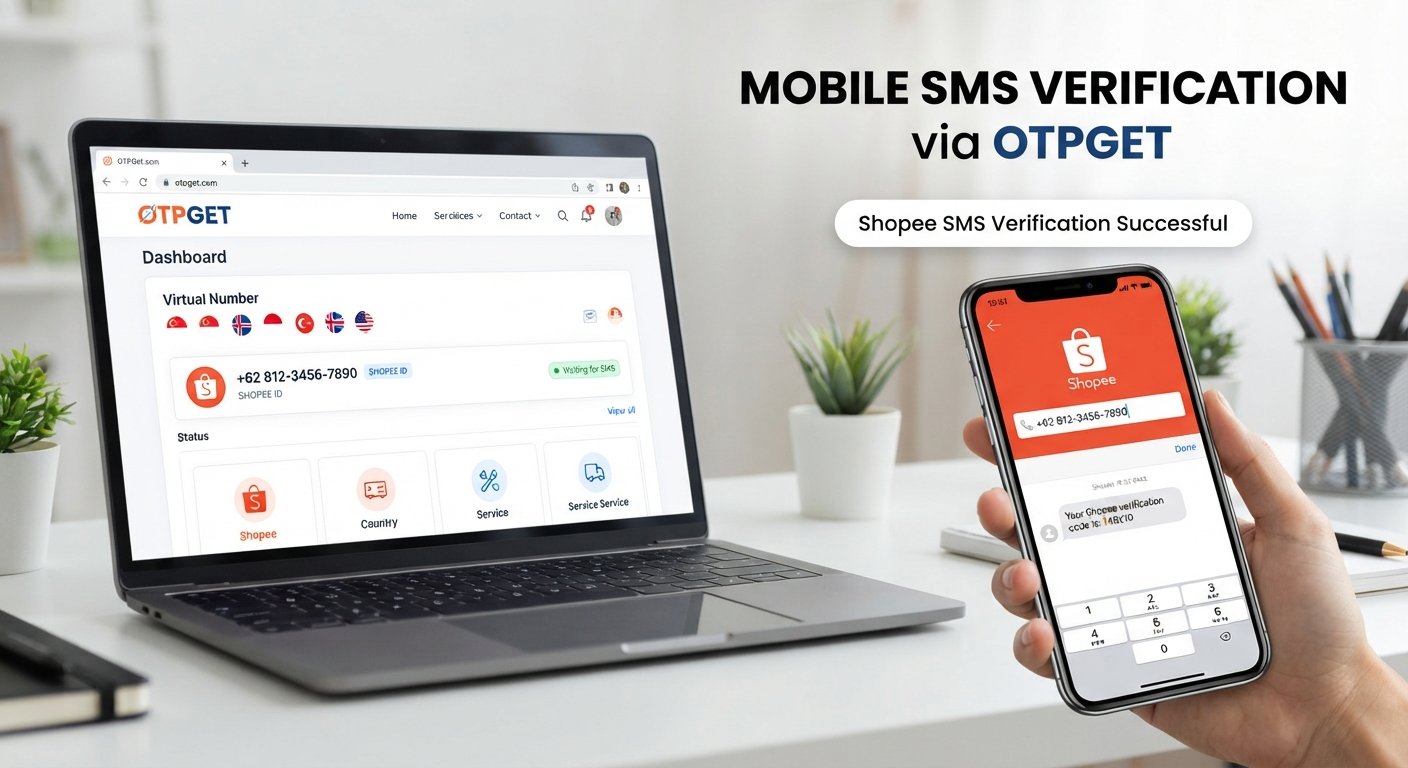
Verify Shopee with a Virtual Number – OTPGet
Shopee may ask users to verify a phone number before completing certain account or security-related actions. In many cases, that process involves receiving a one-time password, or OTP, by SMS. For people who prefer not to use their personal number for every online verification, a virtual number may be an option where the platform and number type support it.
If you're looking to verify Shopee with a virtual number, OTPGet provides a practical workflow for obtaining a virtual number and receiving SMS verification messages online. However, compatibility is not automatic: Shopee's requirements, country or region, carrier, number type, and platform restrictions can all affect whether a particular number works.
This guide explains how Shopee phone verification works, what virtual numbers are, how to use OTPGet in the verification process, and what to do when a Shopee OTP does not arrive.
Why Does Shopee Require Phone Verification?
Phone verification is commonly used to connect an account with a reachable phone number and add an additional layer of account confirmation.
Shopee's Help Center explains that users can add or verify a phone number through the app or website by entering the number and then entering the verification code sent by SMS. Shopee also states that phone verification can be important for confirming that an account is valid and active.
Depending on the account, action, and regional Shopee service, verification may also be part of broader account-security checks. Shopee documents OTP as one of its verification methods, with codes sent to a registered email address or phone number for applicable verification activities.
The exact verification flow can therefore differ by market and situation. A user may encounter phone verification during registration, account changes, login-related checks, or other security-sensitive actions.
What Is a Virtual Number for Shopee?
A virtual phone number is a telephone number provided through an online service rather than directly through a traditional physical SIM card.
For SMS verification, the basic idea is simple: a service provides a number capable of receiving supported messages, and the incoming SMS can be viewed through an online dashboard or another supported interface.
OTPGet describes its service as providing virtual numbers for SMS OTP verification, with country and service selection available through its platform. Its documentation also describes a workflow for obtaining a number and checking its status for an incoming SMS code.
This can be useful when you need a separate number for a legitimate verification purpose and the service you're using accepts that number type.
A virtual number is not automatically equivalent to a personal mobile number, though. Some websites and apps distinguish between number types or restrict numbers that have previously been used, are shared, or come from particular networks.
Can You Verify Shopee with a Virtual Number?
You may be able to verify Shopee with a virtual number where Shopee accepts that number and the required SMS can be delivered.
The important word is may. Virtual-number compatibility can vary according to several factors:
-
Shopee's current verification requirements
-
Your country or region
-
The country associated with the number
-
The carrier or underlying network
-
The type and history of the number
-
Whether the number has already been linked to another account
-
Platform-level restrictions on certain number types
Shopee's own help documentation notes that phone numbers may need to be unique to an account in some regional implementations.
For that reason, using a virtual number should not be viewed as a way to bypass Shopee requirements. Use a number only for a legitimate purpose and follow the applicable Shopee terms, verification instructions, and regional requirements.
How to Verify Shopee with a Virtual Number Using OTPGet
If you want to verify Shopee with a virtual number, the process generally follows the same basic OTP workflow used for other SMS verification services.
Step 1: Visit OTPGet
Start by visiting OTPGet and reviewing the available virtual-number options.
OTPGet provides an online workflow for selecting virtual numbers and receiving supported SMS verification messages. Its documentation explains that numbers can be requested based on available country and service options.
Step 2: Choose the Appropriate Virtual Number
Select a number that matches the country and service requirements relevant to your Shopee account.
Availability can change, so check the options shown by OTPGet rather than assuming that every country or number type will work with Shopee.
Step 3: Enter the Number on Shopee
Return to Shopee and enter the selected virtual number in the appropriate phone-verification field.
Double-check the country code and digits before submitting the request. An incorrectly entered number can prevent the verification message from reaching the intended destination.
Step 4: Request the Verification Code
Submit the verification request through Shopee.
Shopee's documented phone-verification process involves requesting a verification code and entering the code received by SMS.
Step 5: Receive the OTP
If the number is supported and the SMS is successfully routed, check OTPGet for the incoming verification message.
OTPGet's documentation describes checking an activation status until an SMS code is received.
Step 6: Enter the Code
Copy the Shopee verification code and enter it into the appropriate Shopee verification screen.
Treat the OTP as sensitive information. Never share a verification code with another person claiming to need it for account support.
Step 7: Complete Verification
Once Shopee accepts the code, the phone-verification step may be completed.
Remember that successful delivery of an SMS does not guarantee that Shopee will accept every virtual number. Compatibility remains dependent on Shopee's requirements and the specific number.
Why Use OTPGet for Shopee Verification?
A virtual-number workflow can be convenient when you need a separate phone number for a legitimate online verification process.
OTPGet can fit into that workflow by providing virtual numbers and an online process for receiving supported SMS OTPs. Its published documentation describes options for obtaining numbers, checking SMS status, and managing the activation process.
Potentially useful benefits include:
-
Convenience: Receive supported verification SMS through an online service instead of relying solely on a physical SIM.
-
Separation: Keep certain online verification activities separate from your primary personal number.
-
Online access: The verification workflow can be managed through an online dashboard.
-
Flexible number selection: Available country and service options can be reviewed before requesting a number.
These benefits do not mean every virtual number will work with every service. The practical value of OTPGet depends on the availability of a suitable number and whether Shopee accepts it for the verification action you're attempting.
What to Do If the Shopee OTP Does Not Arrive
A missing Shopee OTP does not necessarily mean there is a problem with OTPGet. SMS delivery can be affected by the network, the number, the account, or Shopee's own verification systems.
Shopee's Help Center identifies network or connectivity issues, incorrect account-linked phone information, provider delays, and request limits among possible reasons for missing verification codes.
Try these steps:
-
Wait briefly and check again. SMS delivery can sometimes be delayed.
-
Confirm the number. Make sure the number and country code entered into Shopee are correct.
-
Check the selected number. Confirm that the OTPGet number is intended for the relevant service and country.
-
Avoid repeated requests. Requesting multiple codes in rapid succession can complicate the verification process or trigger limits.
-
Consider another supported number. If appropriate, check whether another available number meets the service requirements.
-
Check Shopee's support guidance. If the problem continues, use the relevant Shopee support channel.
Shopee specifically advises users experiencing OTP problems to check network conditions, confirm the correct phone information, and follow its troubleshooting process.
Virtual Number vs. Personal Number for Shopee Verification
| Factor | Personal Number | Virtual Number |
|---|---|---|
| Ownership | Usually controlled directly by you | Provided through a virtual-number service |
| Physical SIM | Normally required | Not necessarily required |
| Convenience | Familiar and always associated with your device | Useful for online access where supported |
| Privacy considerations | Uses your personal contact number | Can separate verification from your primary number |
| Accessibility | Depends on your mobile service | Depends on the provider and available number |
| Long-term control | Generally stronger | Depends on the type and duration of the number |
| Verification compatibility | Often straightforward where supported | Can vary by platform, region, carrier, and number type |
Neither option should be assumed to work in every situation. If you need long-term access to an account, consider whether you will retain control of the number and whether the platform permits the number type you choose.
Tips for a Smoother Shopee OTP Verification
A few simple checks can reduce unnecessary verification problems:
-
Select the correct country and number type.
-
Carefully copy the phone number into Shopee.
-
Confirm that the number is available for the intended service.
-
Enter the OTP accurately and promptly.
-
Avoid repeatedly requesting new codes.
-
Check whether Shopee provides another supported verification method.
-
Follow Shopee's instructions for your specific region.
-
Use virtual numbers only for legitimate verification purposes.
-
Never share your OTP with another person.
These habits are particularly useful because OTP delivery depends on more than the number itself. Shopee notes that network and telecommunications traffic can affect OTP receipt.
Why OTPGet Can Be a Convenient Option
For users who need an online number for a supported verification purpose, OTPGet offers a straightforward virtual-number and SMS-receiving workflow.
The process is centered on selecting an available number, using it for the relevant verification request, and checking for the incoming OTP. OTPGet's published documentation supports this general SMS activation workflow.
If you need to verify Shopee with a virtual number, OTPGet can therefore be worth exploring as part of the process—provided the selected number is compatible with your Shopee region and verification requirements.
Ready to explore the option? Visit OTPGet, check the available numbers for your intended country and service, and use the number only in accordance with Shopee's applicable requirements.
Frequently Asked Questions
1. Can I verify Shopee with a virtual number?
Possibly. Shopee verification can involve an SMS OTP, but acceptance of a virtual number depends on the number, region, carrier, and Shopee's applicable restrictions. There is no universal guarantee that every virtual number will be accepted.
2. How do I receive a Shopee OTP online?
If Shopee sends the verification code to a supported virtual number, the SMS can be received through the virtual-number provider's system. OTPGet provides a workflow for obtaining numbers and checking for incoming OTP messages.
3. Can OTPGet receive Shopee verification codes?
OTPGet supports SMS OTP receiving for supported services, but Shopee compatibility can vary. Check the currently available service and country options before requesting a number.
4. Why is my Shopee OTP not arriving?
Possible causes include network issues, provider delays, incorrect phone information, request limits, or restrictions involving the selected number. Shopee recommends checking the number, network conditions, and its troubleshooting guidance.
5. Can I use a temporary number for Shopee verification?
A temporary number may work where Shopee accepts that number type and the SMS can be delivered. However, temporary numbers can have limitations, particularly if long-term access to the account is required.
6. Is a virtual number the same as a normal phone number?
Not exactly. A virtual number is delivered through an online service rather than necessarily through a physical SIM. Its functionality and level of long-term control depend on the provider and number type.
7. What should I do if Shopee rejects my virtual number?
Check that the country and number are appropriate, review Shopee's verification requirements, and consider another supported verification method if one is available. Avoid attempting to circumvent platform restrictions.
8. How does OTPGet work for OTP verification?
OTPGet provides virtual-number options for SMS verification. Its published workflow involves selecting a country and service, obtaining a number, and checking the associated activation for an incoming SMS code.
Conclusion
Shopee phone verification commonly uses a verification code sent to a registered phone number, and the exact process can vary by region and account activity. A virtual number may be a practical option when it is supported by both the number provider and Shopee.
If you want to verify Shopee with a virtual number, OTPGet provides an online workflow for obtaining a virtual number and receiving supported SMS verification messages. The key is to choose an appropriate number, follow Shopee's instructions carefully, and understand that compatibility is not guaranteed.
For legitimate verification needs, explore OTPGet and check the available virtual-number options for your intended Shopee service and region before proceeding.