SEO Title: How to Use a Virtual Number Without Physical SIM Easily
How to Use a Virtual Number Without a Physical SIM
You need a phone number, but getting another physical SIM feels unnecessary. Maybe you need to complete SMS verification for an online service, receive an OTP, keep your personal number separate, or use a number for a temporary digital project.
That is where a virtual number without physical SIM can be useful.
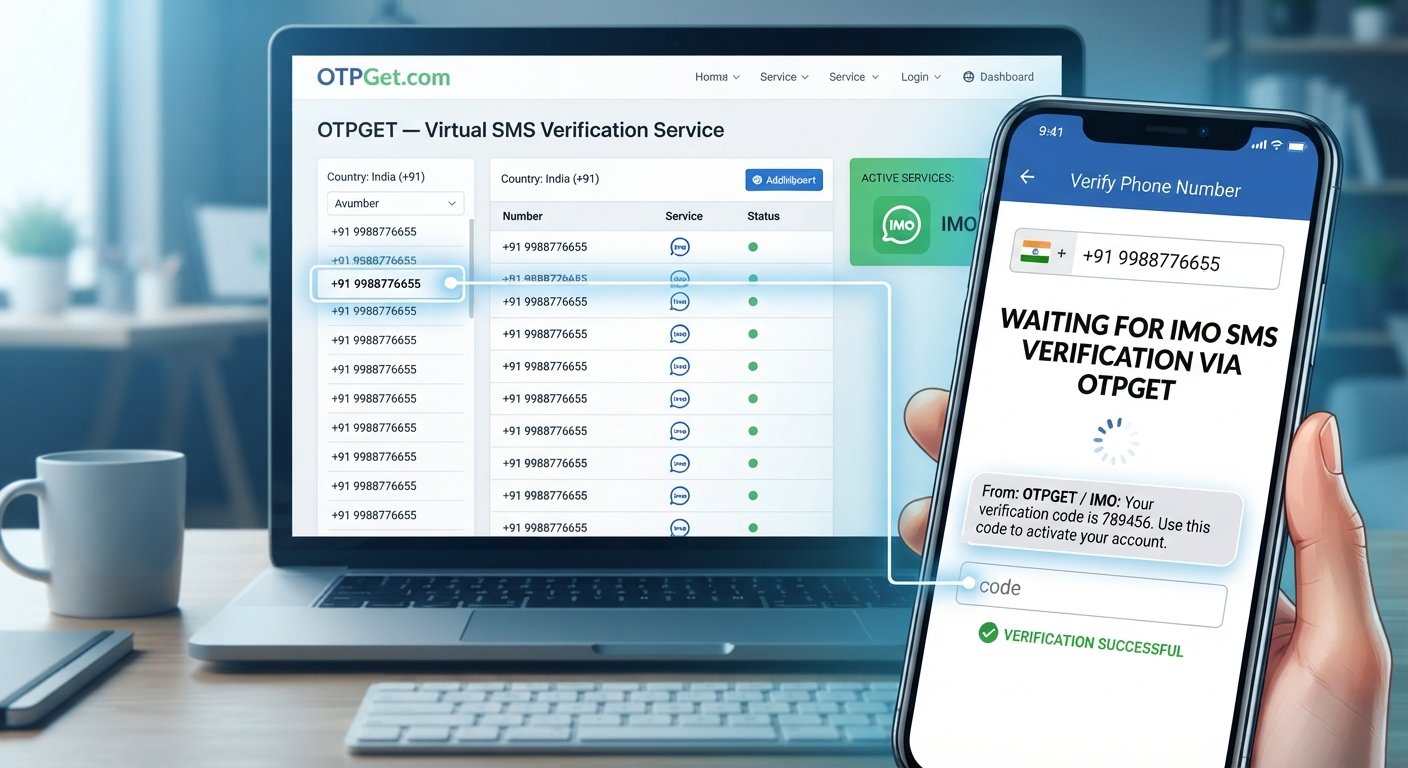
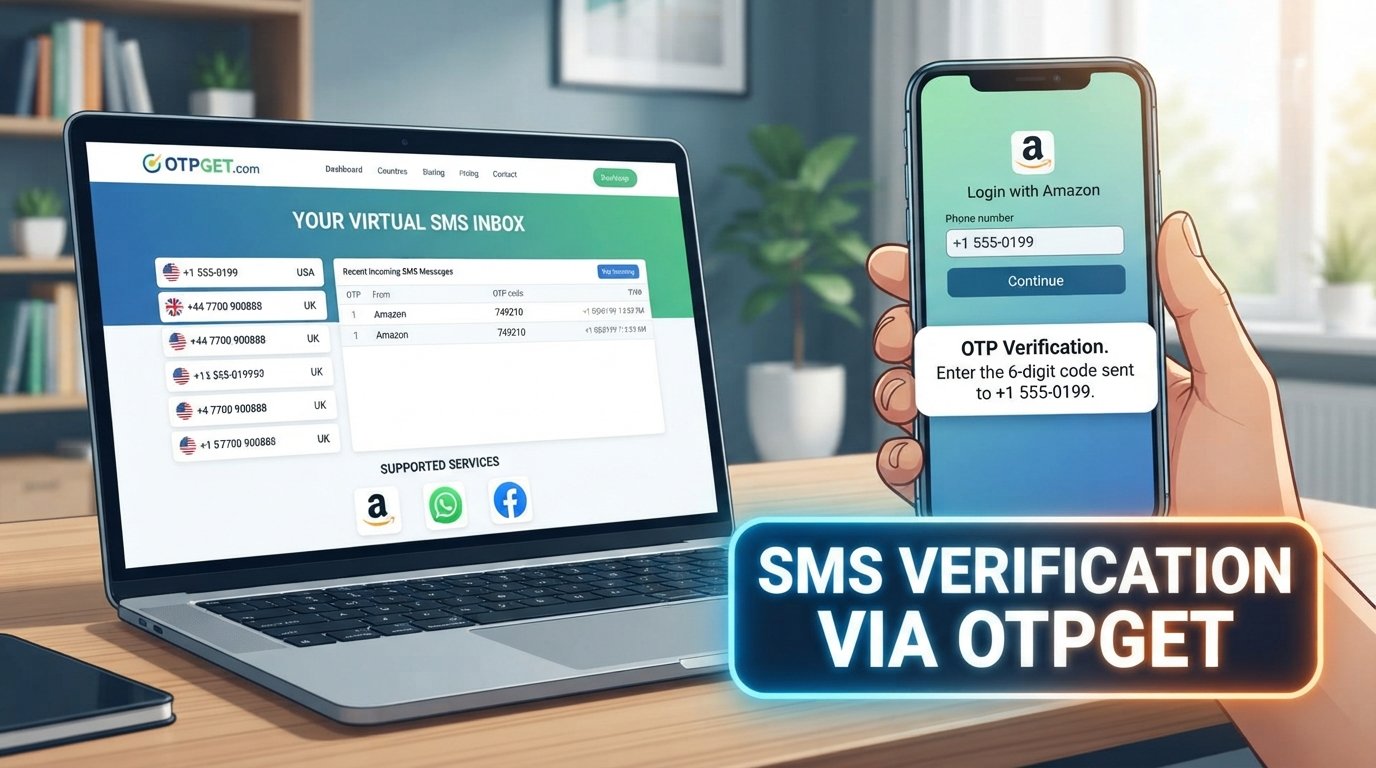
Instead of relying on a SIM card inserted into your phone, a virtual number can be provided through an online service and used for supported SMS or verification workflows. The basic idea is simple: you use an online phone number, request a message, and access the incoming SMS through the service.
For users looking for this type of functionality, OTPGET can be a practical option to consider. But before choosing a service, it helps to understand what virtual numbers are, how they work, and what limitations you should expect.
What Is a Virtual Number?
A virtual number is a phone number provided through online infrastructure rather than being tied directly to a physical SIM card in your device.
A traditional mobile number is normally associated with a SIM or eSIM and a mobile network. A virtual phone number, by contrast, can be accessed through an online platform or virtual phone service, depending on how the provider operates.
For supported use cases, a virtual number can be used to:
- Receive SMS online
- Complete supported SMS verification workflows
- Receive OTP codes
- Separate online communications from your personal number
- Support temporary projects or digital services
- Use an online phone number without obtaining another physical SIM
The exact functionality depends on the provider and the service where you intend to use the number.
Can You Use a Virtual Number Without a Physical SIM?
Yes, a virtual number can be used without a physical SIM card.
The general process is based on online infrastructure. Rather than receiving a message through a SIM inserted in your phone, you receive the SMS through the virtual number service.
For example, a typical workflow might look like this:
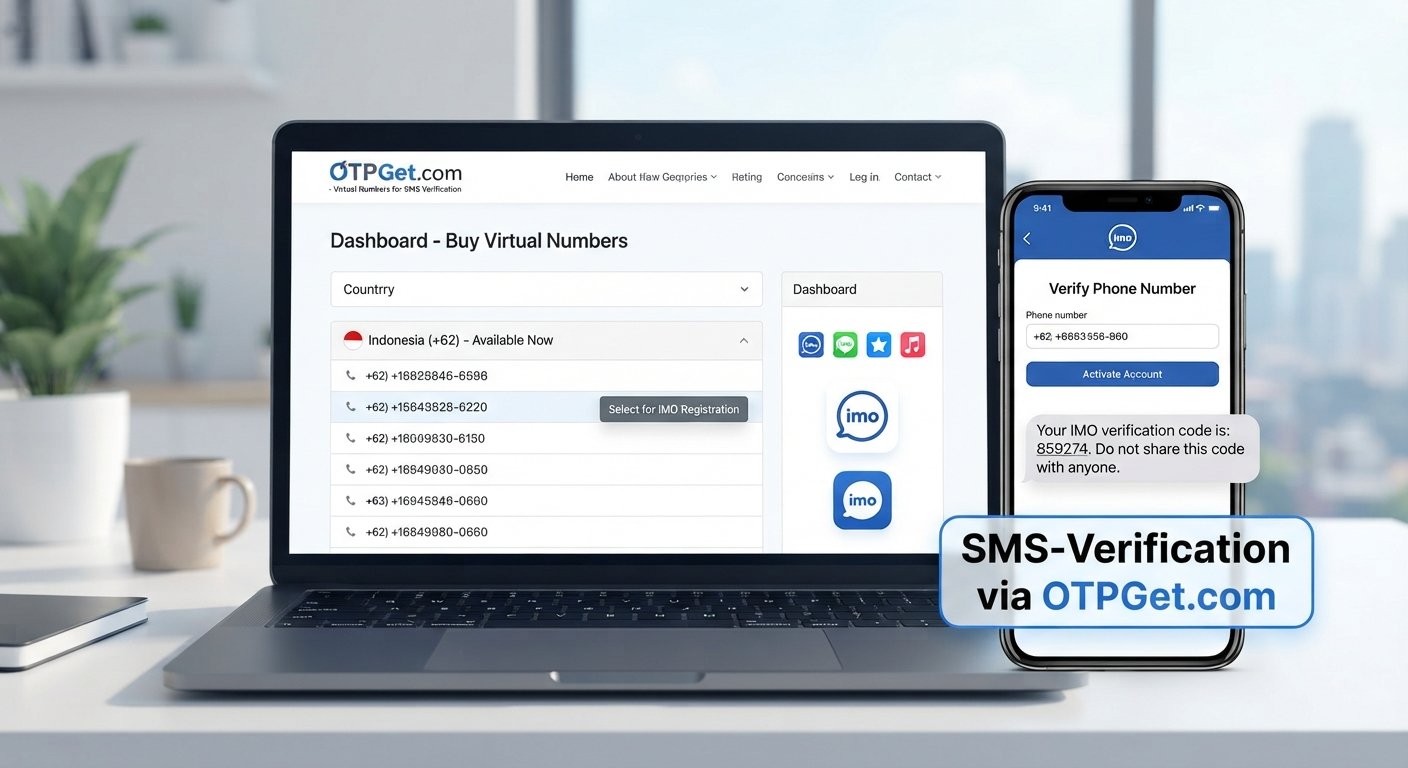
Virtual number → online service → incoming SMS → verification code → target website or app
However, there is an important limitation: not every website or app accepts every virtual number. Compatibility can depend on the country associated with the number, the type of number, the target platform, and its verification provider.
So while a virtual number can provide an alternative to a physical SIM, it should not be treated as a universal replacement for traditional mobile numbers.
How to Use a Virtual Number Without a Physical SIM
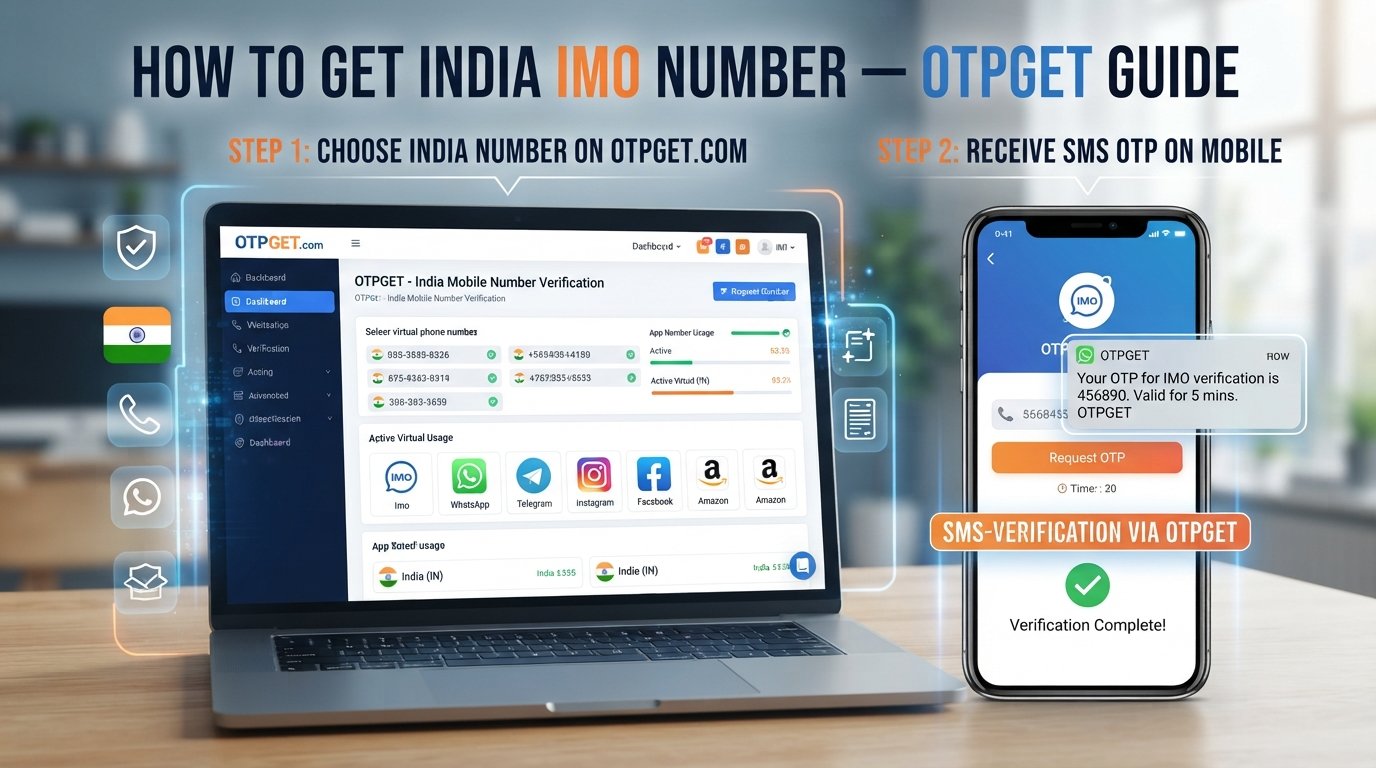
Using a virtual number is generally straightforward. The exact interface varies by provider, but the workflow usually follows these steps.
1. Choose a virtual number service
Start by selecting an online SMS receiving service or virtual number service that fits your intended use.
If your goal is to receive verification messages, look for a service designed around virtual numbers for SMS or verification rather than assuming every online phone number supports the same functionality.
2. Select an available number
Choose a number offered by the service.
Availability can vary based on country, demand, provider inventory, and the intended application. Do not assume that a particular country or number type will always be available.
OTPGET can be considered here as a practical solution for users who want virtual-number-based access without purchasing or installing another physical SIM.
3. Enter the number where required
When a website or app asks for a phone number, enter the virtual number if the platform permits virtual numbers.
This is particularly relevant for supported account-registration, SMS verification, testing, or other legitimate workflows.
4. Request the SMS or OTP
Submit the phone number and request the verification message.
The target service then attempts to send its SMS or OTP to the number you provided.
5. Receive the message online
If the number and target service are compatible, the incoming message can be accessed through the virtual number service.
This is the key difference from a conventional phone number: you are using an online SMS receiving service rather than relying on a physical SIM in your phone.
6. Enter the verification code
If the message contains an OTP or verification code, enter it into the website or app that requested it.
Always keep verification codes private. An OTP should not be shared with someone else simply because the number itself is virtual.
Why Use a Virtual Number Instead of a Physical SIM?
There are several practical reasons someone might prefer an online number for a particular workflow.
Convenience: You may not need to obtain, install, or manage another physical SIM card.
Separation: A virtual number can help keep certain online communications separate from your primary personal number.
Flexibility: Virtual numbers can be useful for digital projects, testing, or supported verification workflows where a separate number is needed.
Online access: If the service supports it, you can receive SMS through an online platform rather than relying on the physical SIM in a mobile device.
Reduced physical dependence: There is no need to carry another SIM card simply to handle a specific online-number requirement.
These benefits do not mean virtual numbers are always better. Traditional mobile numbers remain important for many services, especially those requiring standard cellular functionality or numbers that specifically meet their verification rules.
How OTPGET Makes Virtual Number Access Easier
A common problem sounds like this:
“I need a number, but I do not want to buy or install another physical SIM.”
A virtual number service can address that requirement by providing a way to work with a phone number through an online environment.
OTPGET is a practical option for users looking for virtual-number functionality for supported SMS and OTP workflows. Instead of making the physical SIM the center of the process, the workflow can be handled through an online service.
The basic experience is easy to understand:
- Choose a suitable virtual number.
- Use the number for a supported SMS or verification request.
- Wait for the incoming message.
- Access the SMS through the service.
- Use the received verification code where required.
This makes OTPGET relevant to searches such as receive SMS online, virtual number for verification, SMS verification number, and receive OTP online.
The important qualification is that OTPGET does not change the rules of the website or app you are using. If a third-party platform blocks virtual numbers, requires a specific number type, or has country-specific restrictions, those requirements still apply.
Common Uses for a Virtual Number
Virtual numbers can have many legitimate applications when the relevant platform permits them.
Testing online services
Developers, testers, and digital teams may need separate numbers while testing SMS-based workflows.
Account verification
Some platforms allow virtual numbers for account verification. Where permitted, a virtual number can provide an alternative to using your primary phone number.
Separating personal and online communications
A separate digital phone number can help keep certain online activities distinct from your everyday personal communications.
Temporary projects
Some projects only require access to a number for a limited period. A temporary virtual number may fit that requirement, depending on the provider.
Business workflows
Businesses may use online phone number services for particular communication or verification processes where the service supports those requirements.
Receiving SMS online
For supported services, a virtual SMS number can provide an online way to receive messages without relying on a physical SIM.
Always follow the terms of the website, app, or service where you use the number. A virtual number should not be used to bypass rules or verification requirements.
Virtual Number vs Physical SIM
| Feature | Virtual Number | Physical SIM |
|---|---|---|
| Physical SIM required | No | Yes |
| Access | Online, depending on provider | Through a compatible device and mobile network |
| SMS/OTP workflows | Supported use cases may include these | Commonly supported |
| Flexibility | Depends on provider and number availability | Depends on mobile carrier |
| Cellular service | Not necessarily included | Typically associated with mobile network service |
| Availability | Depends on provider | Depends on carrier and location |
| Best suited to | Selected online and digital workflows | Traditional mobile communication and cellular services |
Neither option is universally suitable for every situation. The right choice depends on what the target service requires.
Things to Check Before Choosing a Virtual Number
Before selecting a virtual number service, look beyond the number itself.
Consider:
- Number availability: Is the country or number type you need available?
- SMS receiving: Can the service actually receive the type of messages you need?
- Platform compatibility: Does the target website or app accept virtual numbers?
- Number duration: How long will you have access to the number?
- Reusability: Can you continue using the number later, or is it intended for temporary use?
- Privacy: Review how the provider handles messages and account information.
- Reliability: Consider whether the service fits the importance of your particular workflow.
- Terms of use: Make sure your intended activity complies with the provider and target platform.
- Pricing: Check the actual cost before committing to a service.
- Support: Consider whether help is available if something goes wrong.
If you are considering OTPGET, these same questions are useful. Understanding your own requirements first makes it easier to determine whether the service fits your intended use.
Is a Virtual Number the Same as a Temporary Phone Number?
Not necessarily.
Virtual describes how the number is provided. Temporary describes how long you have access to it.
A virtual phone number can be temporary, but it can also be provided for longer-term use. Likewise, a temporary number does not necessarily describe the underlying technology.
For example, you might use a temporary virtual number for a short project. Another virtual number could be intended for a longer period. The provider's terms determine how the number is allocated, maintained, and potentially reassigned.
Understanding this distinction is especially important when a number is being used for account verification.
Best Practices When Using a Virtual Number for OTP Verification
A few simple habits can make virtual-number workflows safer and more predictable.
- Check platform rules first. Confirm that the website or app allows virtual numbers.
- Keep OTP codes private. Never give a verification code to another person simply because they ask for it.
- Review provider policies. Understand relevant privacy, retention, and number-use practices.
- Consider number reassignment. A number that is temporary or reusable may not remain exclusively associated with you indefinitely.
- Do not assume anonymity. A virtual number does not automatically make an activity anonymous or invisible.
- Use reputable services. Choose a provider that clearly explains its service and terms.
- Match the number to the task. Some verification systems may reject certain virtual or temporary numbers.
OTPGET can be considered when you need a practical virtual number for a supported SMS or OTP workflow, but the final compatibility decision always belongs to the service requesting verification.
Frequently Asked Questions
Can I get a virtual number without a physical SIM?
Yes. A virtual number can be provided through an online service without requiring a physical SIM card. The exact availability and capabilities depend on the provider and number type.
How can I receive SMS online without a SIM card?
You can use a compatible virtual number or SMS receiving service. When the target service sends an SMS to that number, the message can be accessed through the online service if the workflow is supported.
Can a virtual number receive OTP codes?
A virtual number may receive OTP codes when the provider supports SMS reception and the target platform accepts that type of number. Compatibility is not guaranteed across all websites and apps.
What is the difference between a virtual number and a temporary number?
A virtual number describes how the number is provided, while a temporary number describes how long it may be available to you. A virtual number can be temporary or longer-term.
Can I use a virtual number for account verification?
You can use one when the platform permits virtual numbers for account verification. Some websites and apps restrict or reject virtual numbers, so check their requirements before starting the verification process.
Is a virtual number suitable for SMS verification?
It can be suitable for supported SMS verification workflows. Whether it works depends on the target platform, number type, country, and verification system.
How does OTPGET help with virtual numbers?
OTPGET can be considered as a practical option for users who want virtual-number-based SMS or OTP functionality without relying on another physical SIM. The specific experience depends on the number and verification workflow involved.
Are all websites compatible with virtual numbers?
No. Websites and apps can apply their own verification rules and may restrict certain virtual, temporary, or online numbers. Always check the relevant service's requirements.
Final Thoughts
A virtual number without physical SIM can be a useful alternative when you need an online phone number for supported SMS, OTP, or verification workflows.
The concept is straightforward: instead of depending on another physical SIM, you use a virtual number service to handle the relevant SMS process online. This can be convenient for testing, temporary projects, account verification where permitted, and keeping certain online activities separate from your primary number.
The key is to understand the limitations. Not every virtual number works with every website, and a virtual number does not automatically provide anonymity or guaranteed verification success.
If you are looking for a practical way to access virtual-number functionality for supported SMS and OTP workflows, OTPGET is worth exploring. Choose a number that fits your use case, follow the target platform's rules, and use the service with a clear understanding of how virtual numbers work.