OTPGET Login Today: Pick Up Where You Left Off With Easy Access
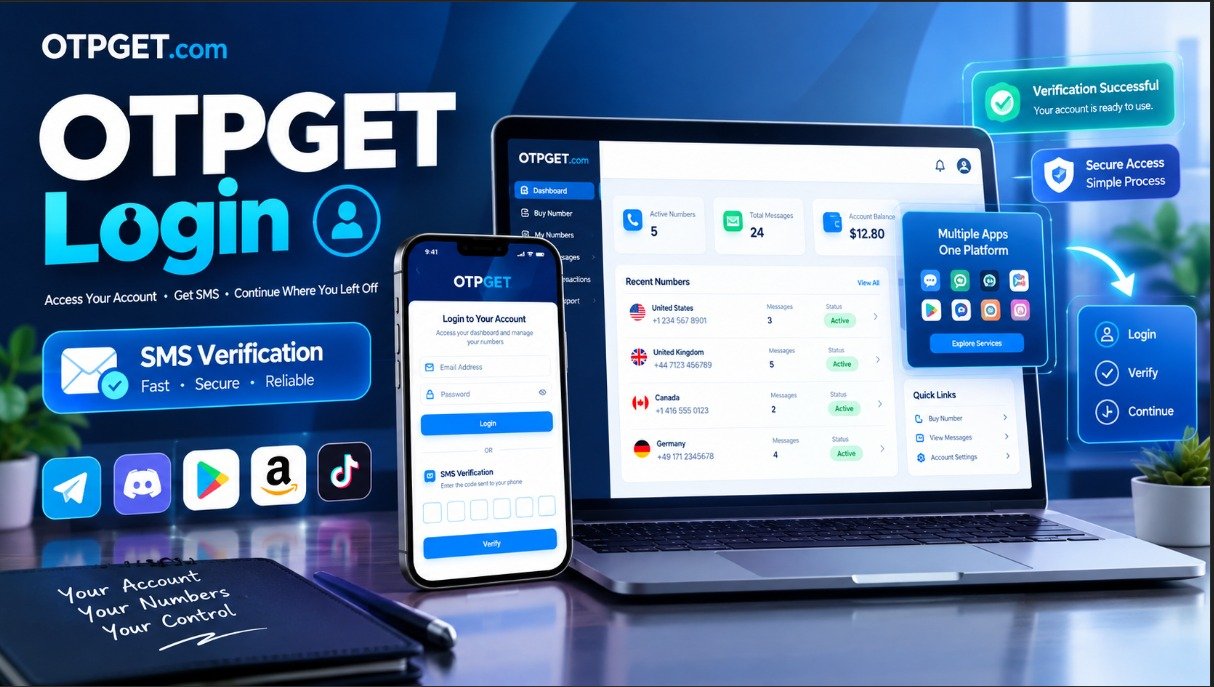
OTPGET Login Today – Pick Up Where You Left Off
If you have used OTPGET before and simply want to get back into your account, the process should not feel complicated. Sometimes the hardest part is finding the right login page, remembering which credentials to use, or knowing what to do when a verification code does not arrive as expected.
The good news is that OTPGET provides a straightforward account sign-in process. The current OTPGET login page allows users to enter their email and password, with an additional verification step when two-factor authentication is requested.
So, if your goal is to access your OTPGET account and continue where you left off, this guide walks you through the process, explains common login problems, and offers practical steps for getting back into your account.
What Is OTPGET?
OTPGET is an online platform focused on virtual numbers and OTP verification services. Its published service information describes options including virtual phone numbers, rental numbers, temporary email services, and developer API tools.
For an existing user, however, the immediate concern may be much simpler: account access.
Whether you are returning to check your account, manage an existing service, or continue activity you started previously, signing in is the natural first step.
The important thing is to use the genuine OTPGET website and its login page rather than relying on unfamiliar third-party pages. The OTPGET website currently provides a dedicated Log in option, which leads to its account sign-in page.
How to Access the OTPGET Login
Getting into your OTPGET account is generally a short process.
1. Open the OTPGET website
Start by visiting the OTPGET website and selecting the Log in option. The website currently links directly to its dedicated login page.
2. Enter your account details
The OTPGET login page asks for the email address and password associated with your account. Enter the information carefully and check for common typing mistakes before submitting the form.
Pay particular attention to:
- The email address you used when registering
- Password capitalization
- Accidental spaces
- Browser autofill errors
- Whether you are using the intended OTPGET account
3. Complete verification if requested
The current OTPGET sign-in flow can include a two-factor authentication step. When prompted, the page indicates that a six-digit verification code may be sent to your email. You can then enter the code to complete the login process.
If the code does not arrive immediately, avoid repeatedly entering random codes. Instead, check the relevant inbox and use the available resend option when appropriate.
4. Continue to your account
After successful authentication, you can proceed with the account activity available to you.
This is the main purpose of the OTPGET login: getting past the sign-in stage so you can return to the service instead of starting over.
OTPGET Login: Pick Up Where You Left Off
Returning to a service you have already used should be about continuity, not unnecessary repetition.
When you already have an OTPGET account, logging in lets you return to the account environment associated with your previous activity. Instead of creating another account or searching for a completely different route, you can begin with the existing OTPGET sign-in process.
That makes the login page especially useful for returning users who simply want to resume what they were doing.
Think of the process in three stages:
Find the login page → authenticate your account → continue using your account.
If the login works normally, there is little reason to make the process more complicated than that.
For users searching specifically for OTPGET login today, the most useful approach is to go directly to the appropriate OTPGET login page, use the credentials associated with the account, complete any requested verification, and continue from there.
Common OTPGET Login Problems and Solutions
Even a straightforward sign-in process can occasionally run into problems. Here are some practical ways to approach the most common issues.
Incorrect email or password
If your OTPGET login fails, first check the basics.
Make sure the email address is correct and that your password has been entered exactly as intended. If you use browser autofill, consider typing the details manually in case an old password or incorrect email address has been saved.
The OTPGET login page also provides a Forgot Password option for users who need to reset their password.
OTP or verification code is not arriving
If OTPGET asks for a verification code and you do not receive it, check the email inbox associated with your account.
Also check:
- Spam or junk folders
- Email filters
- Whether you entered the correct account email
- Whether a previous verification message arrived late
- Whether the login page provides a resend option
The current OTPGET login page includes a Resend option for the verification code.
The verification code is rejected
A verification code may fail if it is incorrect or no longer valid. Rather than repeatedly entering an uncertain code, request another code where the login page allows it and use the newest message.
Enter the digits carefully and avoid adding spaces or other characters.
Browser or connectivity problems
Sometimes the account itself is not the problem.
If the login page behaves unexpectedly, try:
- Checking your internet connection.
- Refreshing the page.
- Opening the login page in a current browser.
- Temporarily disabling problematic browser extensions.
- Trying a private or incognito window.
- Restarting the browser before attempting the sign-in again.
These simple checks can help distinguish an account-access problem from a temporary browser or connection issue.
Temporary login problems
If everything appears correct but access still does not work, avoid repeatedly submitting the same information.
Wait briefly, reopen the login page, and try again. If the problem continues, use the support or account-recovery options made available through the OTPGET website.
Tips for a Smoother OTPGET Login
A few habits can make future account access easier.
Keep your account information accurate
Use the email address associated with your OTPGET account and make sure you know which credentials belong to that account.
Use a reliable connection
A stable internet connection reduces the possibility of interrupted page loads or failed authentication requests.
Check the correct verification channel
If OTPGET requests a verification code by email, look in the inbox connected to the account rather than another email address.
Keep login details private
Do not send your password to other people, and never share a one-time verification code simply because someone asks for it.
A legitimate verification code should be treated as sensitive account-access information.
Use the genuine OTPGET website
When searching for an OTPGET account login, pay attention to the website address before entering credentials. Starting from the main OTPGET website and following its Log in link is a straightforward way to reach the published login page.
Why OTPGET Is the Solution for Returning Users
For someone who already has an OTPGET account, the value of the login process is simple: it provides a direct route back to the account.
You do not need to treat every return visit as a new beginning. The account login gives you a starting point for accessing the existing account and continuing with the services you previously used.
OTPGET also publishes information about virtual numbers, OTP verification, rental numbers, temporary email services, and developer tools, so the account can serve as the entry point to different parts of its platform depending on what you use.
The key is to keep the login process focused:
- Use the correct OTPGET login page.
- Enter the correct account credentials.
- Complete verification when requested.
- Troubleshoot the specific problem if authentication fails.
- Return to your account once access is restored.
That makes OTPGET a practical solution for readers whose main goal is simply to get back into their account and pick up where they left off.
Frequently Asked Questions
How do I log in to OTPGET?
Visit the OTPGET website, select Log in, and enter the email address and password associated with your account. If additional verification is requested, follow the on-screen instructions to complete authentication.
Where can I find the OTPGET login page?
The OTPGET website currently provides a Log in link that leads to its dedicated sign-in page. You can start from the main OTPGET website rather than relying on unofficial login links.
What should I do if my OTPGET login does not work?
First check your email address and password for mistakes. Then check your internet connection and browser. If you have forgotten your password, use the password-reset option shown on the OTPGET login page.
Why am I not receiving my OTP or verification code?
Check the email account associated with your OTPGET login, including spam or junk folders. If the verification screen provides a resend option, you can request another code and use the latest one.
Can I continue where I left off after logging into OTPGET?
Yes, the purpose of signing into an existing OTPGET account is to regain access to that account rather than creating a new one. Once authentication is completed, you can continue with the account activity available to you.
What should I check before seeking login assistance?
Confirm that you are using the correct email address, password, OTPGET login page, and verification code. Also check your connection, browser, spam folder, and any password-reset options available on the login page.
How can I keep my OTPGET login information secure?
Keep your password private, avoid sharing verification codes, and verify that you are using the genuine OTPGET website before entering account credentials. Good account-access habits reduce the risk of exposing sensitive login information.
Conclusion
Getting back into an existing account should be straightforward. With OTPGET, returning users can start from the dedicated login page, enter their account credentials, complete verification when requested, and continue using their account.
If you are searching for OTPGET login, the simplest path is to begin with the OTPGET website and use its published Log in option. If you encounter an access problem, check your credentials, verification code, inbox, browser, and connection before moving to account-recovery or support options.
The goal is simple: access your OTPGET account and pick up where you left off.
When you're ready, proceed to the appropriate OTPGET login page and sign in using your existing account details.


