Amazon Seller Account Phone Verification: Steps and Tips
Amazon seller account phone verification is one of the first hurdles new sellers face, and a failed code can delay listing products and receiving payouts. The process is simple once you know what Amazon expects and where codes usually get lost. This guide covers the steps, the common failures, and the fixes that get you verified.
Direct answer: Amazon seller account phone verification requires a working number that can receive an SMS or voice call. Enter the number in Seller Central, request the code, and enter it within the time limit. If it fails, check the number format, retry with the voice option, and avoid repeated requests that trigger a temporary block.
Why Amazon verifies seller phone numbers
Amazon uses phone verification to confirm seller identity, prevent fraudulent accounts, and protect buyers. A verified number also supports account recovery and two-factor authentication. Sellers who skip verification can face listing restrictions and payout holds.
Amazon may ask again when you change bank details, add a new marketplace, or log in from a new device. Treat verification as an ongoing security step, not a one-time task.
Steps for amazon seller account phone verification
- Sign in to Seller Central. Go to Settings, then Account Info.
- Find the phone section. Add or update the number you want to verify.
- Choose SMS or voice call. SMS is faster, but the voice option helps when SMS filtering blocks the message.
- Enter the code promptly. Codes expire quickly, so have your phone nearby.
- Confirm the verified status. The number should show as verified in Account Info.
Common verification failures and fixes
The SMS does not arrive
Carrier filtering blocks many short-code messages. Try the voice call option first, then check spam and blocked folders in your messaging app.
The code is invalid or expired
Codes have a short lifespan. Request a fresh code and enter it immediately. Do not reuse an old message.
Too many attempts
Amazon temporarily blocks repeated requests. Wait at least an hour before trying again, and use the voice option to avoid another SMS failure.
The number is linked to another account
Amazon limits number reuse across seller accounts. Use a number that is not tied to another seller profile.
VoIP and virtual numbers
Some virtual numbers work for verification and some do not. Choose a provider that supports SMS reception for the country you registered in, and keep the number active during the process.
Tips to pass verification the first time
- Use the exact number format Amazon expects, including the country code.
- Keep your phone unlocked and nearby before requesting the code.
- Disable Do Not Disturb and spam blockers temporarily.
- Use the voice call option if SMS keeps failing.
- Avoid requesting more than two codes in a row.
- Keep the verified number active after onboarding for future security checks.
What to do if verification keeps failing
If you have tried SMS and voice, waited out the blocks, and confirmed the number is not linked elsewhere, contact Seller Support. Explain the steps you have taken and ask for an alternative verification method. In the meantime, do not create duplicate accounts, since that can trigger a permanent review.
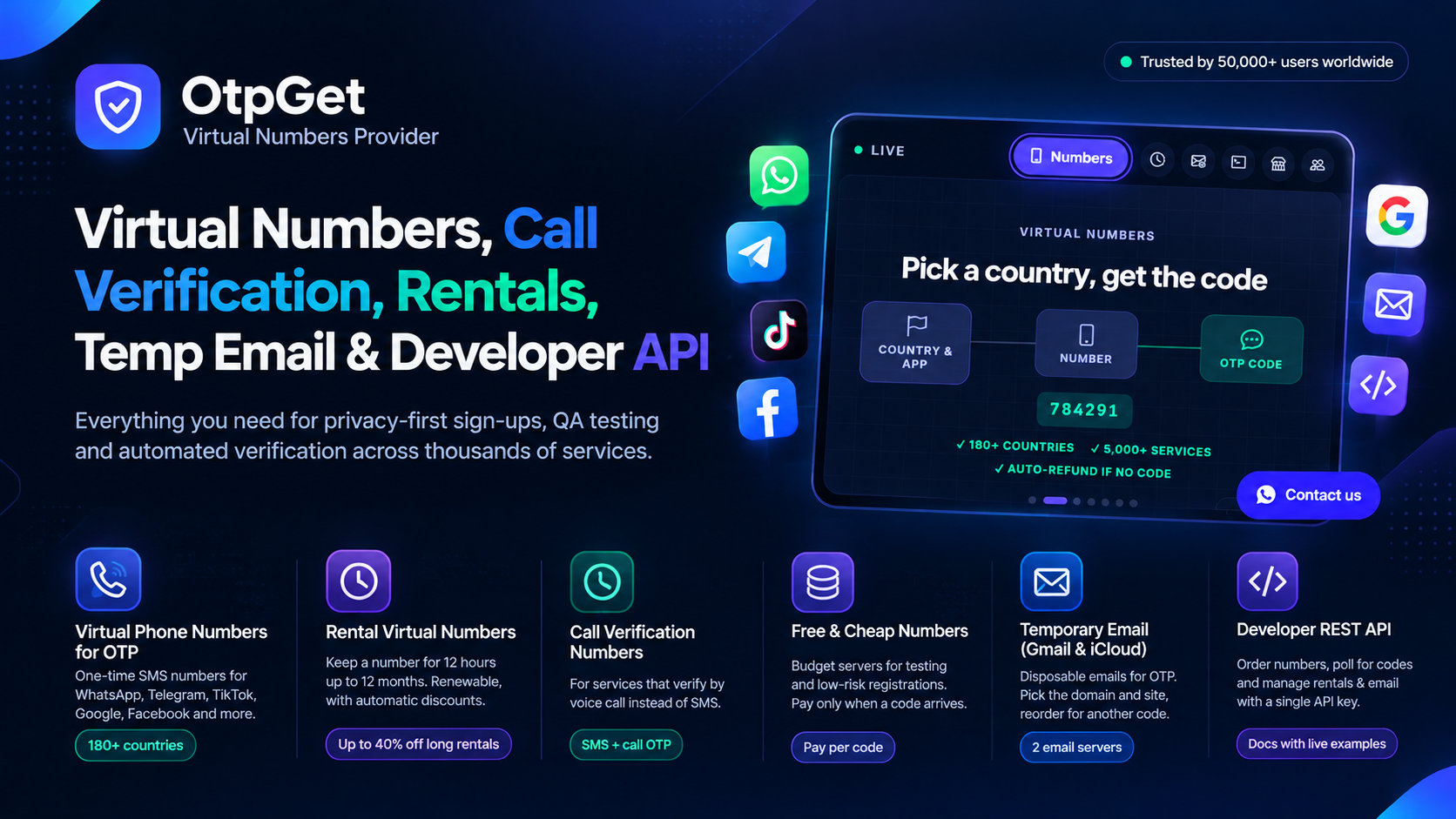
For sellers who manage multiple marketplaces or do not want to expose a personal line, a dedicated number for seller verification keeps account security separate from personal calls.
Frequently Asked Questions
Why is Amazon not sending my seller verification code?
Carrier filtering, a wrong number format, or too many requests usually cause this. Try the voice call option and wait out any temporary block before retrying.
Can I use a virtual number for Amazon seller verification?
Some virtual numbers work, but Amazon may reject numbers it considers high risk. Choose a provider with reliable SMS reception and keep the number active.
How long does seller verification take?
Phone verification usually completes in minutes once the code arrives. Full seller onboarding may take longer if Amazon reviews your documents.
What if I cannot access my verified number later?
Update the number in Seller Central before you lose access. If you are already locked out, use account recovery and contact Seller Support.
Does Amazon call the number?
Amazon may place a voice call with the code if you choose that option or if SMS delivery fails. Answer the call and enter the code shown.
Conclusion
Amazon seller account phone verification is manageable when you prepare the number, choose the right delivery method, and avoid resend blocks. Keep the verified line active for future security checks, and use a dedicated number if you want to protect your personal line. Get a verification number from OtpGet and start selling with fewer interruptions.
Related reading: more seller and verification guides on the OtpGet blog.