Apple ID Code Not Arriving? Try an OTPGet Number for SMS Codes
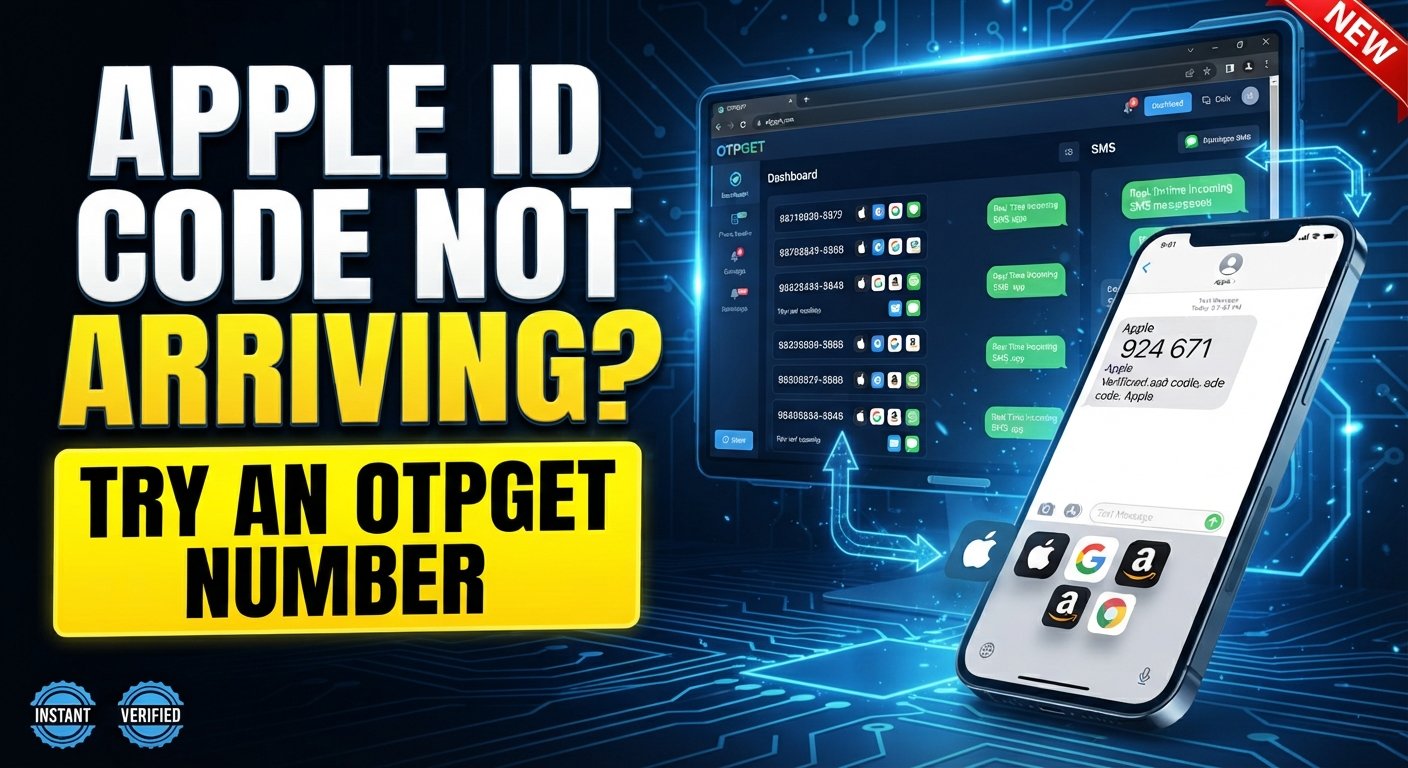
Apple ID Code Not Arriving? Try an OTPGet Number
8. Full Article
Trying to sign in to your Apple ID, create an account, or access an Apple service can become surprisingly frustrating when the expected verification code never shows up. You check your phone, wait a little longer, request another code—and still nothing.
If you're dealing with an Apple ID code not arriving, the problem may not necessarily be with your account. SMS delivery, mobile reception, phone settings, carrier restrictions, trusted phone number details, or temporary service issues can all play a role.
The good news is that there are several troubleshooting steps worth trying before assuming something is seriously wrong. And when the issue is specifically related to receiving an SMS verification message, an online number such as an OTPGet number may be a practical alternative in situations where its use is permitted.
Let's look at why Apple verification codes sometimes fail to arrive and what you can do next.
Why Is My Apple ID Code Not Arriving?
There isn't one universal reason an Apple verification code may be delayed or missing. The cause depends on your account, device, carrier, and the verification method being used.
Here are some of the most common possibilities.
1. The phone number is incorrect or outdated
Start with the basics. If the Apple ID trusted phone number associated with your account is no longer active, contains an error, or is not the number you currently use, the verification SMS obviously cannot reach your phone.
If you have recently changed numbers, this is especially important to check.
2. Your mobile signal is weak
A poor cellular connection can delay ordinary SMS messages, including verification messages. Try moving somewhere with better reception and see whether the message arrives.
Wi-Fi connectivity does not necessarily solve a problem with traditional SMS delivery, so having internet access alone does not mean your phone can receive the text.
3. Your carrier is delaying or filtering SMS
Mobile carriers sometimes experience delivery delays or apply filtering to automated messages. International SMS delivery can also be less predictable depending on the networks involved.
If other verification messages are arriving normally but an Apple verification code is not, the problem may require further investigation rather than repeated requests.
4. Your phone is filtering or blocking messages
Check whether the sender or relevant messages are being filtered, blocked, or redirected. Depending on your device and messaging configuration, automated texts may not always appear where you expect them.
5. Too many code requests have been made
Repeatedly requesting verification codes in a short period can create confusion because an earlier code may arrive after a newer request. It can also make troubleshooting more difficult.
If you've already requested several codes, pause briefly and try again rather than continuously pressing the resend option.
6. There may be a temporary service or account issue
Sometimes the problem isn't on your phone at all. A temporary service issue, account-related restriction, or verification problem can affect the process.
If normal troubleshooting does not work, Apple's official support and account-recovery options are the appropriate next step.
What to Do When You Don't Receive an Apple Verification Code
Before looking for an alternative number, work through the standard troubleshooting process.
1. Check the phone number
Confirm that you're using the correct number and that the number associated with your account can currently receive SMS messages.
2. Check your mobile reception
Move to an area with stronger cellular coverage. If possible, test whether ordinary SMS messages are arriving normally.
3. Wait briefly before requesting another code
SMS delivery isn't always instantaneous. Give the message some time to arrive before requesting another verification code.
If you request multiple codes, use the most recent valid code when one arrives.
4. Check blocked and filtered messages
Look through your messaging app and settings for blocked senders, filtered messages, or other SMS-screening features that could prevent the verification text from being visible.
5. Check your trusted devices
If Apple offers another verification method through a trusted device or another approved option, consider using it. Depending on your account setup, you may not need to rely solely on an SMS message.
6. Look for alternative verification options
The verification screen may provide another legitimate way to confirm your identity. Available options depend on your account and Apple's security process.
7. Restart or reconnect your device
A simple restart can sometimes resolve temporary network or messaging issues. You can also check that your cellular connection is functioning normally.
8. Avoid repeatedly requesting codes
If the Apple verification code not coming problem continues, repeated requests may not fix the underlying issue. Take a methodical approach instead.
9. Use Apple's official recovery or support options when necessary
If you can't access your trusted number or device, or the issue is connected to account recovery, follow Apple's official process. A temporary number should not be treated as a replacement for Apple's account-recovery mechanisms.
Can a Temporary Number Help With SMS Verification?
A temporary or online phone number is a number provided through an online SMS service rather than your regular personal mobile plan.
People may use these numbers for legitimate purposes such as separating personal contact information from online services, receiving verification SMS messages, or handling situations where using a personal phone number is inconvenient.
A temporary number for verification can be particularly useful when a service permits verification through an alternative SMS-capable number.
However, there is an important distinction: a temporary number does not bypass account security. It doesn't guarantee that a particular platform will accept the number, and it doesn't replace official account recovery when identity or ownership needs to be established.
For Apple ID verification, always follow Apple's requirements and applicable terms. If Apple requires verification through an existing trusted number or another approved method, that process should be followed.
How OTPGet Can Help
If your particular verification situation permits the use of an alternative SMS number, OTPGet provides a convenient way to work with temporary numbers for SMS verification.
The basic idea is straightforward: instead of relying on your personal mobile number for every online verification request, you can use an available OTPGet number for a supported verification scenario and check for the incoming message through the service.
A typical workflow looks like this:
- Choose an available number on OTPGet. Select a temporary number appropriate for the verification service you are using.
- Enter the number where permitted. Use the provided number in the phone-number field of the relevant service.
- Request the verification SMS. Start the normal verification process.
- Check OTPGet for the incoming message. If the service and number support the requested SMS, the verification message can appear through the OTPGet interface.
- Enter the received code. Use the verification code on the relevant verification screen.
This is the basic concept behind OTPGet SMS verification: providing an online SMS verification number that can be used where temporary numbers are accepted.
It's important not to view an OTPGet temporary number as a way to circumvent Apple's security controls. Whether a temporary number is suitable depends on Apple's verification requirements and the specific situation.
Why Choose OTPGet for Verification SMS?
The main appeal of an online verification number is convenience.
For users who don't want to use a personal number for every online service, a temporary number can provide a degree of separation between personal communications and verification-related messages.
OTPGet can be useful when you need an SMS verification number for a legitimate verification scenario that permits temporary or online numbers.
Potential advantages include:
- Convenience: Manage verification messages without relying exclusively on your everyday phone number.
- Separation: Keep verification-related SMS activity separate from personal communications.
- Simple workflow: The process of selecting a number, requesting an SMS, and checking for the code is easy to understand.
- Flexible use cases: Temporary numbers can be useful for certain online verification and account-confirmation situations where they are permitted.
- Alternative option: If your personal number is inconvenient for a particular SMS verification process, an online number may be worth considering.
At the same time, expectations should remain realistic. Not every service accepts every temporary number, SMS delivery can vary, and some account-verification systems require an established trusted number or another form of identity confirmation.
Apple ID Verification Code Not Received? Try This Approach
Traditional troubleshooting should always be your first step when an Apple ID code not received problem occurs. But if your situation allows an alternative SMS number, a service such as OTPGet can provide another option to consider.
| Problem | Traditional Approach | Alternative Approach |
|---|---|---|
| Wrong or outdated number | Verify your account details | Use an appropriate alternative number where permitted |
| Weak mobile reception | Move to an area with better signal | Use an online SMS number if supported |
| SMS delivery problems | Contact your carrier or wait | Try a temporary number where the service permits it |
| Privacy concerns | Use your personal number | Separate verification from your personal number |
| Account recovery issue | Use Apple's official recovery process | Do not rely on a temporary number to replace account recovery |
The key point is that these approaches serve different purposes. OTPGet can help with SMS verification needs, but it does not replace Apple's official account-security or recovery procedures.
Frequently Asked Questions
Why is my Apple ID verification code not arriving?
Several factors can cause this, including an incorrect trusted phone number, weak mobile reception, carrier-related SMS delays, message filtering, repeated code requests, or temporary account or service issues.
Why am I not receiving my Apple verification code by SMS?
Check your cellular connection, confirm the phone number, look for blocked or filtered messages, and avoid repeatedly requesting new codes. If another verification option is available, you can also consider using it.
What should I do if my Apple ID code is not received?
Start with basic troubleshooting: verify the number, check reception and SMS settings, wait briefly, and request another code when appropriate. If you cannot access your trusted verification method, use Apple's official account-recovery or support options.
Can I use a temporary number for SMS verification?
A temporary number can be used for some online verification situations when the service permits it. However, acceptance varies by platform, and a temporary number should never be considered a way to bypass security requirements.
What is an OTPGet number?
An OTPGet number is a temporary or online number made available for SMS verification purposes. Where supported, it can be used to receive a verification SMS without relying on your primary personal number.
How does OTPGet SMS verification work?
The general process is to select an available number, enter it into a supported verification service, request an SMS, and check OTPGet for the incoming verification message. Availability and acceptance depend on the service and number involved.
Is a temporary number suitable for every Apple verification situation?
No. Some Apple verification and account-recovery situations may require an existing trusted phone number, trusted device, or another approved verification method. Always follow Apple's requirements rather than assuming a temporary number will work.
Final Thoughts
When an Apple ID code not arriving problem interrupts a sign-in or verification process, the best approach is to troubleshoot systematically. Check your phone number, mobile reception, SMS settings, trusted devices, and available verification options before repeatedly requesting new codes.
If the issue specifically involves receiving an SMS and your situation permits the use of an alternative number, a temporary SMS verification number can be a useful option. OTPGet offers a straightforward way to explore that approach by providing temporary numbers for supported verification scenarios.
The important thing is to use the right solution for the situation. OTPGet can be a convenient alternative for legitimate SMS verification needs, but it should not be viewed as a replacement for Apple's official security or account-recovery process.
If you're looking for a practical way to receive verification SMS without always using your personal number, exploring an OTPGet number may be worth considering.