Apple ID Phone Verification: Receive Your Code Easily | OTPGET
Apple ID Phone Verification – Receive Your Code | OTPGet
Getting an Apple ID verification code should be straightforward, but it can become frustrating when an SMS does not arrive, a phone number is inaccessible, or mobile connectivity is unreliable.
Whether you are signing in, confirming an account action, or completing a legitimate verification process, receiving the right code at the right time is essential. Apple's verification system is designed to help protect accounts, and users may be asked to confirm their identity through a trusted phone number or another approved verification method.
For people who need a convenient way to receive SMS messages for supported verification workflows, an online OTP receiving service can be useful. OTPGET provides a practical option for users looking for access to phone numbers capable of receiving verification messages, subject to availability and compatibility.
Here's how Apple ID phone verification works, why codes sometimes fail to arrive, and where OTPGET can fit into the process.
What Is Apple ID Phone Verification?
Apple ID phone verification is part of the identity and account-security process used when Apple requires additional confirmation from a user.
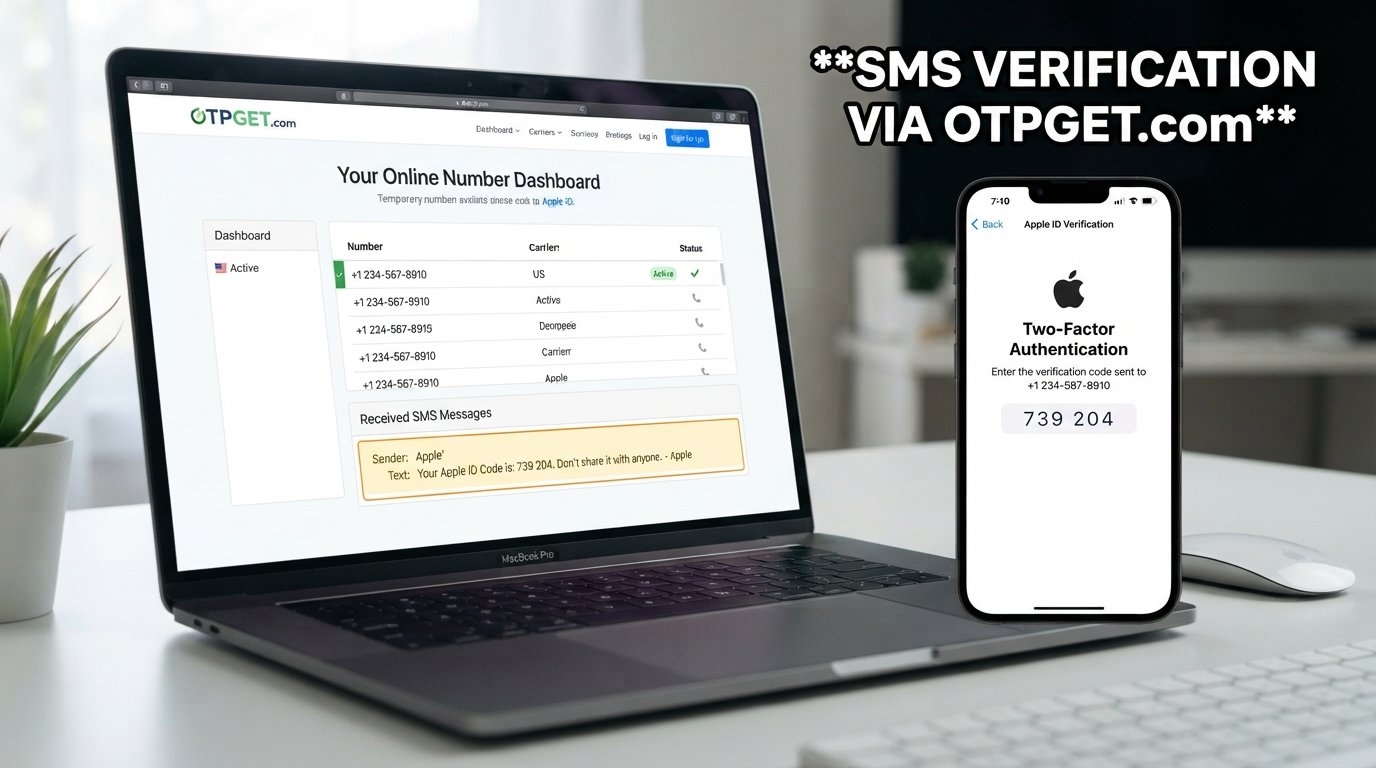
A phone number can be associated with an account as a trusted verification method. When additional verification is required, Apple may send an Apple verification code by SMS or provide a code through another trusted method.
This extra step helps distinguish the legitimate account holder from someone who may simply know the account credentials.
Phone verification is especially relevant when Apple ID two-factor authentication is enabled. Instead of relying only on a password, the verification process can require a separate code before access or a particular account action is completed.
The important point is that the verification code comes from Apple's own authentication process. A third-party service such as OTPGET does not replace Apple's security system or alter how Apple validates a code.
How Does an Apple ID Verification Code Work?
The general process is simple:
- Start the relevant Apple ID sign-in or verification process.
- Apple requests additional verification when required.
- A verification code is sent to an available trusted phone number or another trusted verification method.
- Enter the code into the appropriate verification field.
- Apple validates the code and completes the verification process if everything is correct.
An Apple ID phone verification code is generally a one-time code intended for a specific verification event. It should be entered only through the legitimate Apple verification process.
If you are trying to receive an Apple ID verification code, the key requirement is having access to a phone number and receiving method that is supported for the verification attempt.
Why You May Not Receive Your Apple ID Verification Code
Not receiving an Apple ID code does not necessarily mean there is a problem with your account. SMS delivery can be affected by several ordinary technical or access-related issues.
Common possibilities include:
- SMS delivery delays: A verification message may take some time to arrive.
- Poor mobile reception: Weak connectivity can interfere with incoming SMS.
- Incorrect phone number: A number may have been entered incorrectly or may not be the intended trusted number.
- Inaccessible phone: You may no longer have access to the phone associated with the verification process.
- Carrier-related problems: Mobile carriers can sometimes experience temporary SMS delivery issues.
- Network problems: Temporary connectivity issues can affect message delivery.
- Repeated code requests: Requesting multiple codes in quick succession can make the process confusing because an earlier code may become invalid.
If you are not receiving an Apple ID verification code, first check that the phone number is correct and that the device can receive ordinary SMS messages. Make sure your network connection is working and give the message a little time to arrive.
If you no longer have access to the trusted number, use Apple's official account recovery or verification options rather than attempting to circumvent the security process.
Can You Receive an Apple Verification Code Online?
An online OTP receiving service allows users to access a phone number capable of receiving SMS messages through an online interface rather than relying exclusively on their personal mobile number.
In a typical setup, a service provides an available number for a supported verification purpose. If the verification provider sends an SMS to that number, the incoming message may be displayed through the service.
However, compatibility is not universal. Whether an online number works depends on factors such as the verification provider, number type, carrier, availability, and the specific verification workflow.
That means users should never assume that every number will work for every service.
For people specifically looking for a convenient OTP receiving service, OTPGET can be considered as an option for supported verification scenarios. The appropriate approach is to check the available numbers and determine whether the service meets the requirements of the verification process you are completing.
How OTPGET Can Help With Phone Verification
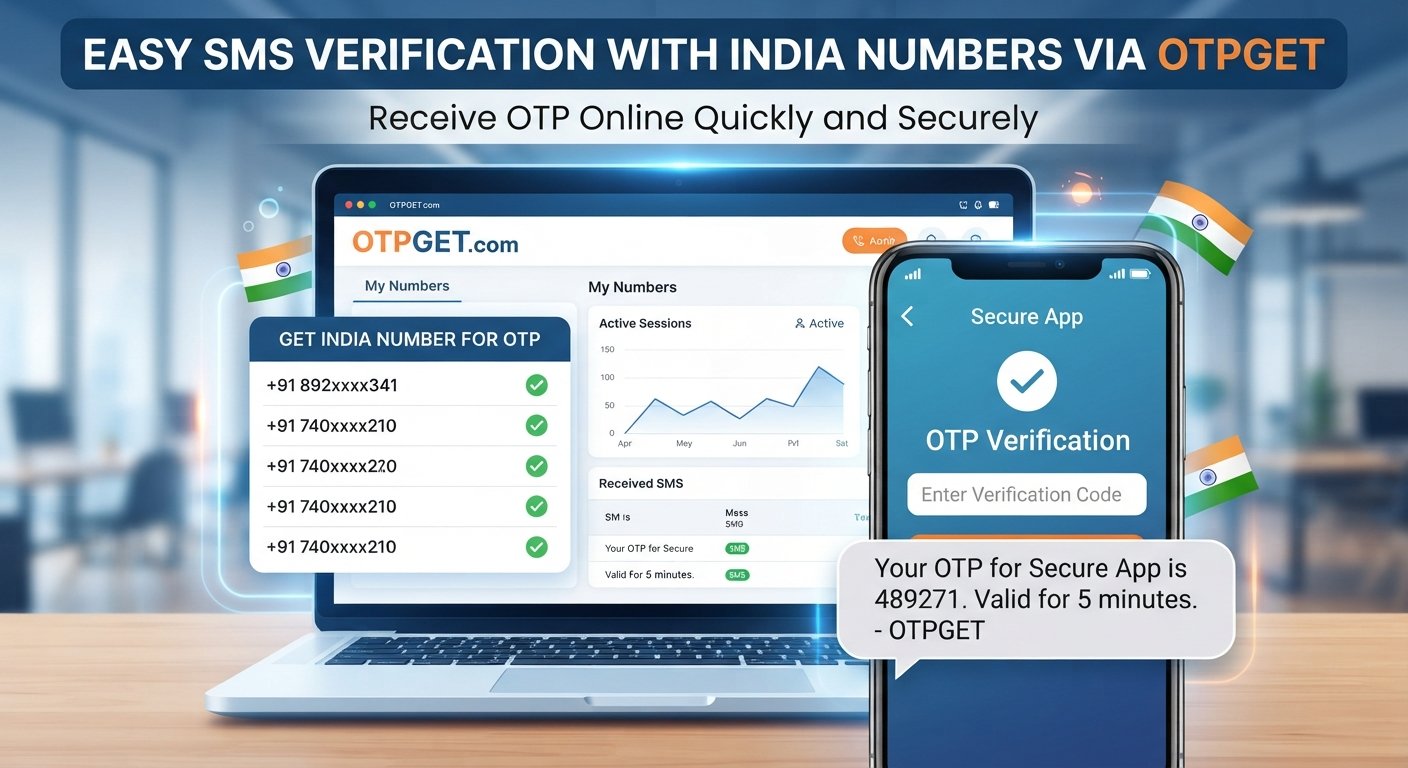
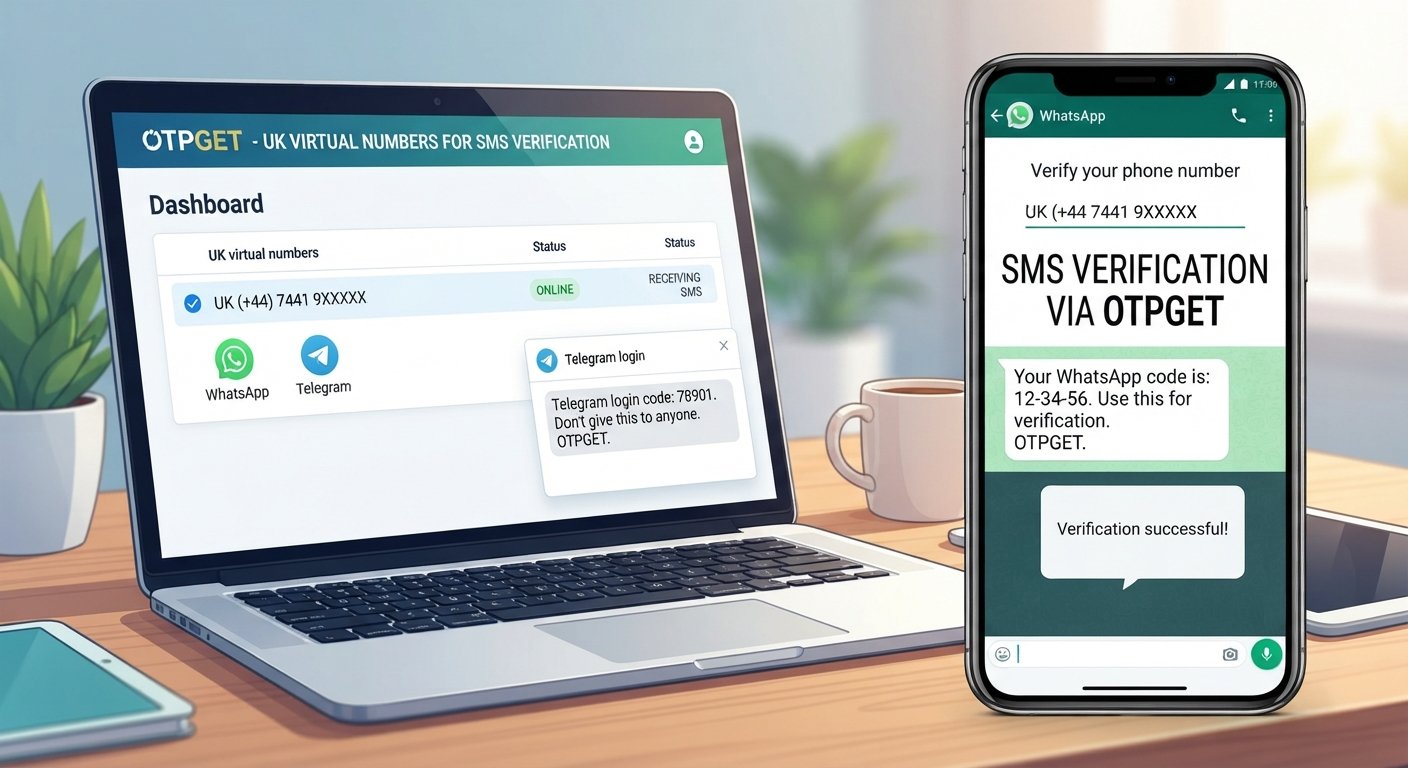
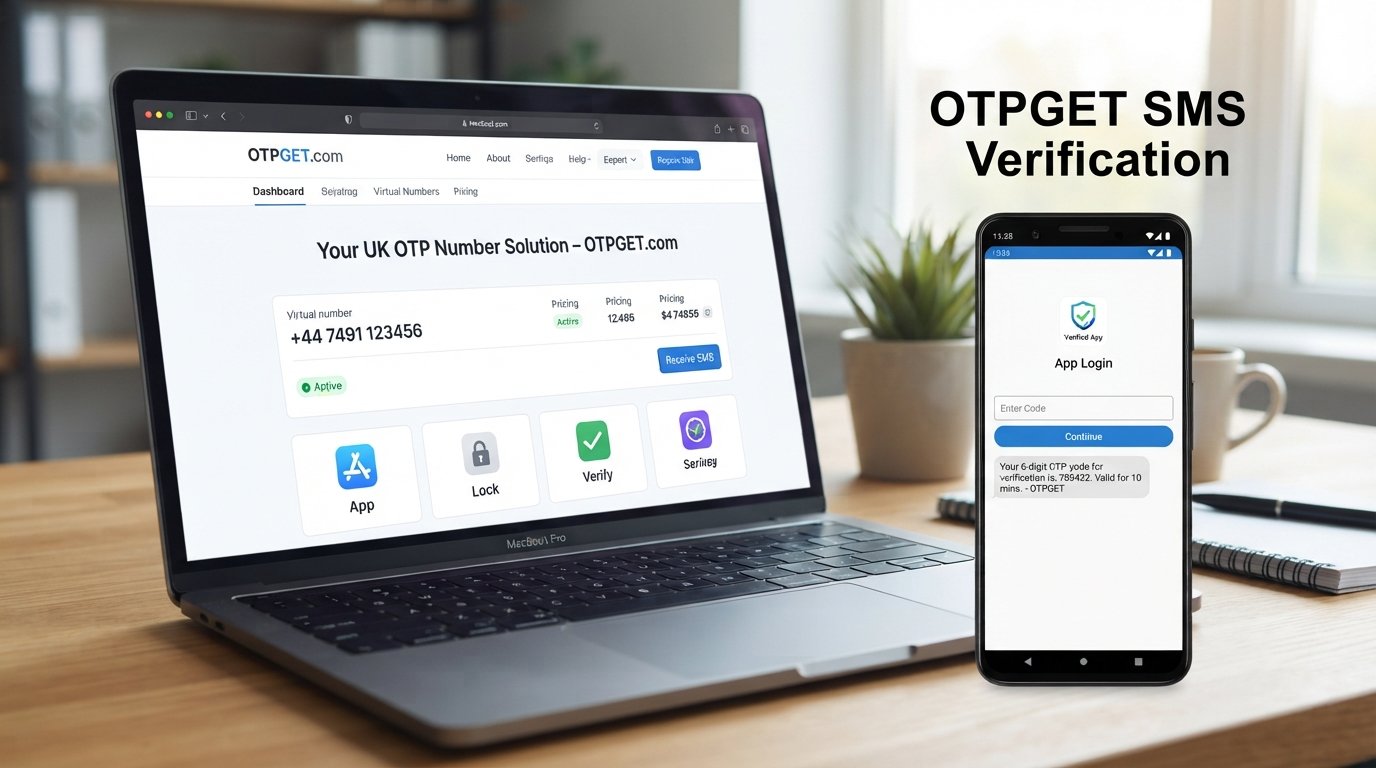
OTPGET is designed to provide convenient access to numbers intended for receiving verification messages in supported situations.
For someone who needs to receive an SMS OTP without relying on their primary personal number, this can provide a practical alternative when the particular verification service supports the selected number.
The potential advantages include:
- Access to numbers intended for receiving verification messages
- Convenient online access to incoming OTP or SMS messages
- Less dependence on a personal phone number for supported workflows
- A straightforward process for checking incoming verification messages
- Practical access to temporary numbers where appropriate
- A convenient option for legitimate phone verification requirements
The important distinction is that OTPGET can help with receiving a verification message; it does not bypass the verification provider's security controls.
If Apple requires a valid verification code, Apple still determines whether the code is valid and whether the account verification can proceed.
How to Receive a Verification Code With OTPGET
Using an OTP receiving service should be straightforward. With OTPGET, the general workflow can look like this:
Step 1: Visit OTPGET
Start by accessing the OTPGET service and reviewing the available options.
Step 2: Choose a Suitable Number or Service
Select an available number or service that is appropriate for your intended verification purpose. Check the available information before using it.
Step 3: Enter the Number Where Required
If the verification provider supports the selected number, enter it into the relevant phone-number field during the legitimate verification process.
Step 4: Wait for the Verification SMS
If the verification provider sends an SMS and the selected number is compatible, the incoming message may become available through the OTPGET interface.
Step 5: Enter the Code
Once the verification code for Apple ID or another supported service is received, enter it into the appropriate verification field.
Delivery and compatibility can vary, so an OTP service should be treated as a practical option rather than a guaranteed solution for every verification request.
Benefits of Using an OTP Receiving Service
An online phone verification service can be useful in situations where receiving SMS on a personal number is inconvenient or unavailable.
Some potential benefits include:
- Convenience: Verification messages can be accessed online.
- Simple SMS access: Users can check incoming messages without depending entirely on their primary phone.
- Reduced personal-number dependence: A suitable temporary number may be useful for supported verification workflows.
- Practical verification: Online numbers can provide a convenient way to receive SMS OTP messages when compatible.
- Flexible use: The service may be useful for different supported account-verification scenarios.
The most important consideration is compatibility. A number that works for one verification provider may not necessarily work for another.
Apple ID Verification Code vs. Other OTP Verification Codes
An Apple ID OTP is one example of a much broader system used across online services.
Many websites and applications use OTP verification to confirm that a person has access to a particular phone number. The code may arrive through an SMS message and is usually intended for one verification event.
You may encounter terms such as:
- SMS OTP
- Verification SMS
- Apple OTP code
- Phone number verification
- Account verification code
- Two-factor authentication code
- Online phone verification
The underlying concept is similar: a service sends a temporary code to a designated verification method, and the user enters that code to confirm access.
However, every provider controls its own verification process. A number or temporary phone number for verification should therefore only be used where the relevant service permits and supports it.
Tips for a Smooth Apple ID Verification Process
A few simple steps can make the verification process less frustrating:
- Double-check the phone number before submitting it.
- Make sure the receiving device or service can accept SMS.
- Check your mobile or internet connectivity.
- Wait briefly if a message is delayed.
- Avoid requesting multiple codes repeatedly.
- Use the most recent valid code when multiple messages have been requested.
- Keep your account information accurate.
- Use Apple's official verification process.
- If using an OTP service, confirm that it supports your intended verification workflow.
- If you have permanently lost access to a trusted number, use Apple's official recovery options.
These steps can help prevent avoidable verification problems while keeping the process aligned with the service's intended security controls.
Why Choose OTPGET?
When someone needs an OTP receiving service, convenience matters. OTPGET offers a practical way to access numbers intended for receiving verification messages in supported scenarios.
Its value is particularly relevant for users who want a simple way to check an incoming SMS OTP without relying entirely on their personal phone number.
Instead of treating an online number as a way around account security, think of OTPGET as a phone verification service that can provide a convenient receiving option where the relevant verification provider supports it.
The experience is most useful when users choose a suitable number, follow the verification provider's normal process, and understand that SMS delivery and compatibility can vary.
For anyone searching for a convenient way to receive OTP online, OTPGET is worth exploring as part of a legitimate verification workflow.
Frequently Asked Questions
1. What is Apple ID phone verification?
Apple ID phone verification is a security step that can require confirmation through a trusted phone number or another approved verification method. A verification code may be sent before certain sign-in or account actions can continue.
2. How do I receive an Apple ID verification code?
Follow the official Apple verification process and use the trusted verification method presented to you. If SMS is offered, the code may be sent to the associated trusted phone number.
3. Why am I not receiving my Apple verification code?
Possible causes include SMS delays, poor connectivity, carrier issues, an incorrect number, or loss of access to the relevant phone. Check your number and connection, wait briefly, and use Apple's available verification or recovery options.
4. Can I receive an Apple ID OTP online?
Online SMS services can provide numbers capable of receiving verification messages for supported services. However, compatibility varies, and not every online number will work with every verification provider.
5. What is an online OTP receiving service?
An online OTP receiving service provides access to phone numbers that can receive SMS verification messages. When supported, incoming messages can be viewed through the service's interface.
6. How does OTPGET work?
OTPGET provides access to available numbers intended for receiving verification messages in supported scenarios. Users select a suitable option, provide the number where permitted, and check for an incoming verification SMS.
7. Is OTPGET suitable for every verification service?
No service should be assumed to work universally. Compatibility depends on the verification provider, number, carrier, and specific verification requirements. Always check whether the selected option is suitable.
8. What should I do if a verification SMS does not arrive?
First, check the number, network connection, and SMS availability. Avoid repeatedly requesting codes. If the message still does not arrive, try an alternative verification method offered by the service or consult its official support resources.
Conclusion
Apple ID phone verification is an important part of protecting an account and confirming that the person completing a verification request has access to an approved verification method.
Although receiving an Apple ID verification code is normally straightforward, SMS delays, inaccessible phone numbers, network problems, and other issues can make the process inconvenient.
For supported verification workflows, an online OTP receiving service can provide a practical alternative to relying exclusively on a personal phone number. OTPGET gives users a convenient option for accessing numbers intended to receive verification messages and checking incoming OTP or SMS codes.
The key is to use the service responsibly and follow the legitimate verification process of the platform involved. OTPGET does not replace Apple's security system or guarantee verification success, but it can be a useful option when you need a convenient way to receive verification code messages for a supported purpose.
If you are looking for a straightforward OTP receiving service, explore OTPGET and choose an option that fits your particular verification requirement.