Bilibili Account Setup: Get Your OTP Fast With Less Hassle Online
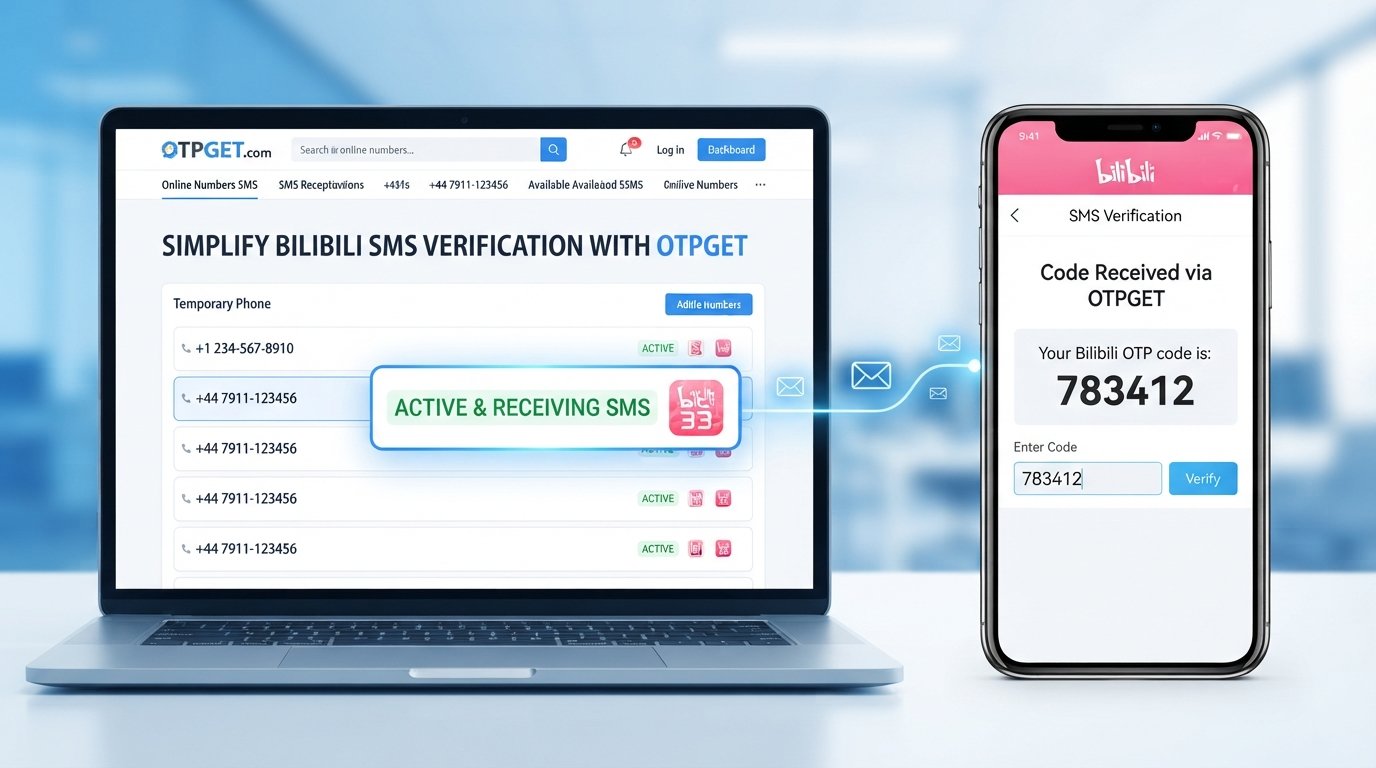
Bilibili Account Setup: Get Your OTP Without the Usual Hassle
Creating a Bilibili account is usually a straightforward process. The frustrating part can come when registration reaches the phone verification stage and the expected SMS code does not arrive.
If you are trying to complete your Bilibili account setup but are stuck waiting for a verification code, you are not alone. SMS delivery can be affected by number formatting, carrier conditions, regional availability, repeated requests, or temporary service issues.
Bilibili's privacy information indicates that account signup can require a mobile phone number or email for receiving a verification code. Its current login flow also provides registration and SMS-based options, although the exact interface can vary.
For users who need an alternative way to receive supported verification messages, OTPGET can be a practical option. It provides online numbers intended for receiving SMS/OTP messages, allowing users to monitor incoming verification codes through its service.
Here is how the process works, what can cause Bilibili OTP problems, and how OTPGET may simplify the verification step.
Why Does Bilibili Account Setup Require Verification?
Phone or email verification is commonly used during account registration to confirm access to the contact method being provided.
For Bilibili users, the verification step can involve receiving a temporary code and entering it during registration. Bilibili's privacy documentation explains that signup may require a mobile phone number or email for receiving a verification code.
An OTP, or one-time password, is simply a temporary verification code. Instead of creating a permanent password for the verification step, you receive a short code and enter it into the relevant form.
This helps explain why a Bilibili verification code is important: without completing the required verification step, you may not be able to finish registration.
The challenge is that receiving an SMS is not always instantaneous. A code can be delayed or fail to appear for reasons that have nothing to do with the registration form itself.
How to Create a Bilibili Account
If you are wondering how to create a Bilibili account, the basic process is relatively simple. The exact buttons and fields can change depending on the platform, region, device, and current Bilibili interface.
A typical registration flow looks like this:
- Open Bilibili and go to the login or registration area.
- Select the sign-up or registration option if you do not already have an account.
- Provide the requested information, such as a phone number or another supported registration method.
- Choose the appropriate country or region option when the registration interface provides one.
- Request the verification code and wait for the SMS or other supported verification message.
- Enter the OTP into the verification field.
- Complete the remaining account setup steps shown by Bilibili.
Bilibili's current login interface indicates that an unregistered phone number can be used as part of the account registration flow, although available methods can vary.
If the code arrives normally, the process can be completed without much difficulty. The problem begins when you see messages such as "verification code not received" or simply continue waiting without receiving an SMS.
Why Your Bilibili Verification Code May Not Arrive
A missing Bilibili OTP does not necessarily mean something is wrong with your account. Several factors can affect SMS verification.
SMS delivery delays
Mobile messages can sometimes take longer than expected to arrive. Network congestion or carrier-side delays may affect delivery.
Incorrect number formatting
An incorrectly selected country code or improperly formatted phone number can prevent the verification message from reaching the intended destination.
Carrier or network issues
Your mobile provider may experience temporary delivery problems, especially with international or automated SMS messages.
Regional availability
Some verification services may handle numbers differently depending on country or region. The number that works for one service is not necessarily suitable for another.
Repeated OTP requests
Requesting several codes in quick succession can make the situation more confusing. You may receive an earlier code after requesting another one, while the first code may already have expired.
Expired verification codes
OTP codes are generally temporary. If you wait too long before entering the code, Bilibili may require you to request another one.
Temporary service-side problems
The registration or SMS delivery system itself can occasionally experience interruptions. In that situation, repeatedly requesting a code may not solve the underlying problem.
Before changing your registration method, it is worth checking the number, country selection, network connection, and any instructions shown directly by Bilibili.
How OTPGET Can Help With Bilibili OTP Verification
When a personal phone number is inconvenient or SMS delivery is proving difficult, an online OTP service can provide an alternative worth considering.
OTPGET offers temporary numbers for receiving supported SMS/OTP messages. Its documented workflow allows users to check available countries and services, obtain a number, and monitor the activation status for an incoming SMS.
For a legitimate Bilibili registration where the selected number is accepted by Bilibili, the general process can look like this:
- Visit OTPGET and review the currently available options.
- Choose a suitable country and service if the relevant option is available.
- Obtain an available number through OTPGET.
- Enter the number in the Bilibili registration form where permitted.
- Request the Bilibili verification code.
- Monitor OTPGET for the incoming SMS.
- Enter the received OTP into Bilibili.
- Finish the remaining registration steps.
OTPGET's documentation describes an SMS workflow in which a user selects available country and service options, obtains a number, and checks its activation status until an SMS is received.
The important point is that not every number will necessarily be accepted by every service. Availability and compatibility can vary. OTPGET should therefore be viewed as a practical alternative for supported verification workflows, not as a guarantee that every Bilibili registration will succeed.
OTPGET vs. Waiting for a Regular SMS
For users who have access to a suitable personal number and receive Bilibili messages normally, traditional SMS verification may be the simplest route.
However, an online OTP service can be useful when you prefer not to rely on your personal number or when you need an alternative way to receive a supported verification message.
| Factor | Regular SMS | OTPGET |
|---|---|---|
| Phone number | Your eligible personal number | Available online number |
| Access | Depends on your mobile service | Managed through an online service |
| Convenience | Simple when SMS works normally | Useful as an alternative verification method |
| Number selection | Usually limited to your own number | Availability can vary by country/service |
| OTP access | Delivered to your phone | Received through the OTPGET workflow |
| Compatibility | Depends on Bilibili and carrier | Depends on Bilibili accepting the selected number |
The biggest advantage is convenience. Instead of repeatedly checking a personal phone that is not receiving the message, an online SMS service gives you another possible route for supported verification.
Tips for Getting Your Bilibili OTP Successfully
If you want your Bilibili account setup to go smoothly, a few simple practices can make the process easier.
- Double-check the country code and number. A small formatting mistake can prevent delivery.
- Avoid requesting multiple codes immediately. Give the previous request some time before trying again.
- Use the newest OTP. Earlier codes may no longer be valid after another code is requested.
- Enter the code carefully. Check each digit before submitting it.
- Confirm that the number supports the intended service. Availability can vary between countries and services.
- Check OTPGET's current availability. A number or service option may not always be available.
- Follow Bilibili's current registration requirements. Registration options and verification rules can change.
- Use verification services responsibly. Only use numbers for legitimate account registration and activities you are authorized to perform.
If you are using OTPGET, its documentation provides a status-checking workflow for monitoring whether an SMS has arrived.
Is OTPGET a Good Option for Bilibili Verification?
OTPGET can be a useful option for people who need an alternative way to receive a verification SMS and whose intended service accepts the selected number.
It can be particularly convenient if you:
- Do not want to use your personal phone number for a particular registration.
- Need an online number for a supported SMS verification workflow.
- Are experiencing difficulty receiving an expected verification message.
- Want to manage the incoming OTP through an online interface.
At the same time, it is important to keep expectations realistic. Bilibili ultimately controls its own registration and verification requirements, and acceptance can depend on the number, region, and current verification system.
That makes OTPGET a practical option rather than a guaranteed workaround. Checking the currently available number and service options before starting registration is a sensible approach.
Frequently Asked Questions
How do I create a Bilibili account?
Open Bilibili, choose the registration or sign-up option, provide the requested information, request the verification code, enter the OTP, and complete the remaining setup steps. Available registration methods can vary.
Why am I not receiving my Bilibili verification code?
Possible causes include SMS delays, incorrect number formatting, carrier problems, regional limitations, repeated requests, expired codes, or temporary service-side issues. Check your number and wait before requesting another code.
How can I get a Bilibili OTP?
During registration, enter an eligible phone number and request the verification code. If you need an alternative number, an OTP service such as OTPGET may be useful when the selected number is supported and accepted by Bilibili.
Can OTPGET help me receive a Bilibili verification code?
OTPGET provides online numbers designed to receive supported SMS/OTP messages. You can select an available number, use it where permitted, and monitor the service for an incoming code. However, compatibility with Bilibili is not guaranteed for every number.
What should I do if my Bilibili OTP expires?
Request a new verification code and use the latest code received. Avoid repeatedly requesting codes in rapid succession because this can make it harder to identify which code is currently valid.
Can I use an online number for Bilibili verification?
It may be possible when Bilibili accepts the particular number and registration method. Because acceptance can vary, check the current registration requirements and make sure the number is appropriate for the intended verification.
How long should I wait for a Bilibili SMS code?
There is no universal delivery time that applies to every registration. If the message does not arrive promptly, check the number and country selection, consider possible network delays, and avoid repeatedly requesting new codes.
Complete Your Bilibili Verification With Less Hassle
A smooth Bilibili account setup comes down to completing the verification step with a suitable number and entering the correct OTP before it expires.
When regular SMS delivery works, using your eligible personal number may be the simplest option. But if receiving the Bilibili verification code becomes inconvenient, OTPGET offers a practical alternative for supported SMS verification workflows.
You can review the available options, select a suitable number, request the Bilibili OTP, and monitor OTPGET for the incoming message. Just remember that number availability and Bilibili's acceptance criteria can vary.
If you are ready to make the verification process more convenient, explore the available options on OTPGET and choose a number appropriate for your legitimate Bilibili registration.


