Bilibili Phone Verification: Receive Your Code Easily with OTPGET
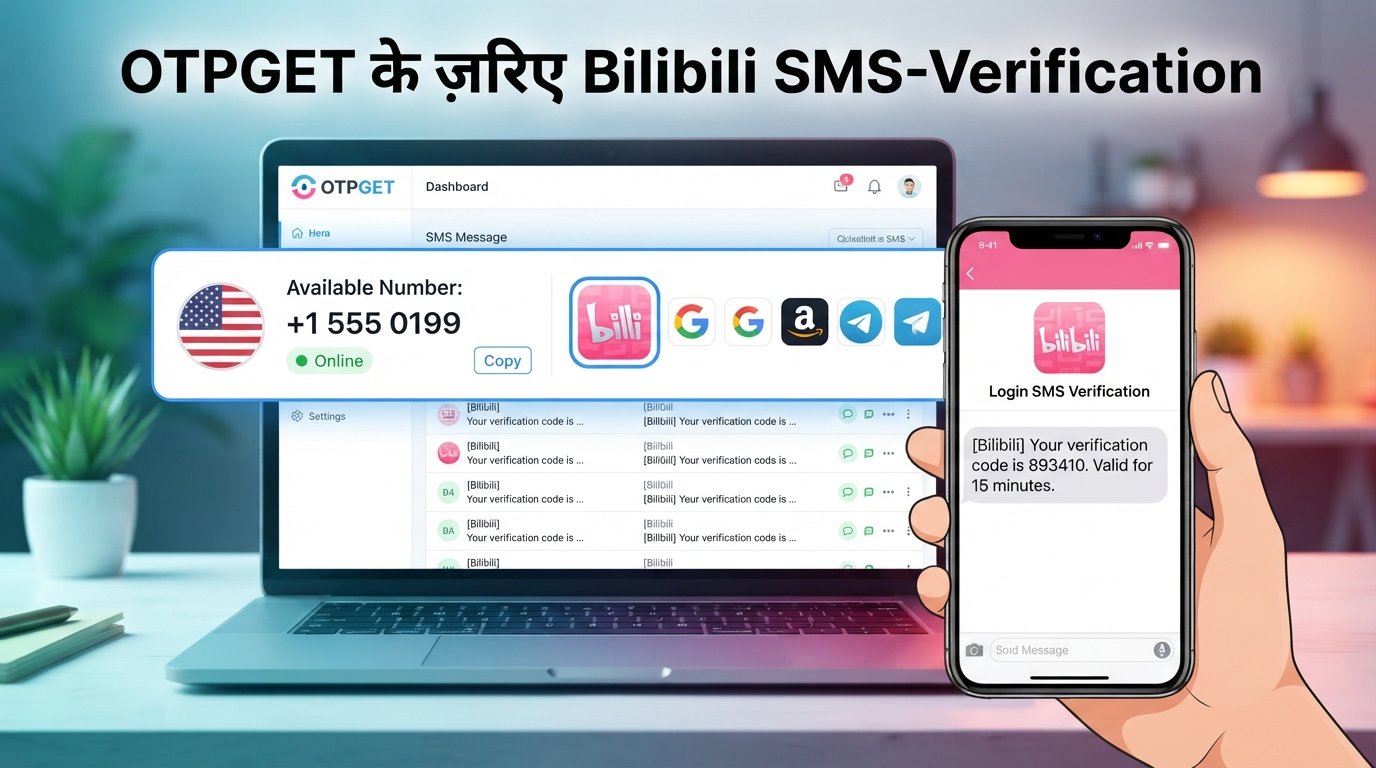
Bilibili Phone Verification – Receive Your Code | OTPGet
Creating or accessing a Bilibili account can sometimes involve an important step: Bilibili phone verification. When a phone number is requested, you may need to receive an SMS containing a one-time verification code before you can continue.
For many users, this process is straightforward. For others, the SMS may arrive late, the selected number may not be accepted, or repeated verification attempts may create additional delays. International users can also encounter number availability or SMS delivery limitations.
That is where OTPGET can be a practical option. Where supported, OTPGET can provide access to a phone number for receiving SMS verification messages, allowing you to use the received code during the relevant Bilibili verification process.
This guide explains how Bilibili verification codes generally work, what can prevent an SMS from arriving, and how OTPGET can fit into the process.
What Is Bilibili Phone Verification?
Bilibili phone verification is the process of confirming a phone number by entering a verification code sent through SMS.
A service may request phone verification as part of account registration, account access, or another security-related step. The basic idea is simple: a code is sent to the phone number provided, and the user enters that code into the appropriate verification field.
The code is commonly referred to as an OTP, or one-time password. It is generally intended to be used during a particular verification session and may expire after a limited period.
Phone verification can help distinguish legitimate account activity from some forms of automated or suspicious activity. It can also provide an additional method of confirming control over a phone number.
Bilibili's exact verification requirements can vary depending on the registration or account-access flow available to you. For that reason, users should always follow the requirements shown directly by Bilibili.
How Bilibili Verification Codes Work
The general process for receiving a Bilibili verification code is straightforward:
- Enter a phone number during the relevant Bilibili verification step.
- Request the verification code through the available verification option.
- Wait for the SMS containing the Bilibili OTP.
- Enter the received code into the verification field.
- Complete the verification step if the code is accepted.
The most important part is receiving the correct SMS and entering the code before it expires.
If you are using an alternative, virtual, or online phone number, acceptance depends on whether Bilibili supports that number for the particular verification process. Not every number will necessarily work, so availability and compatibility matter.
Why You May Not Receive a Bilibili Verification Code
Not receiving a Bilibili SMS code does not necessarily mean something is wrong with your account. Several technical or procedural issues can interrupt SMS delivery.
Common causes include:
- SMS delivery delays: Mobile networks and messaging systems can sometimes take longer than expected to deliver an OTP.
- Incorrect number format: A missing or incorrect country code can prevent the message from reaching the intended number.
- Carrier or network issues: Temporary problems with a mobile carrier or messaging route can affect delivery.
- Unsupported numbers: Some phone numbers may not be accepted for a particular verification process.
- Too many attempts: Repeatedly requesting codes within a short period may interfere with the verification session.
- Expired codes: A code may no longer be valid if too much time has passed.
- Temporary technical problems: Either the service or an SMS provider may experience a temporary disruption.
- Incorrect country or region selection: Choosing the wrong country or region can result in an invalid number format.
If your Bilibili verification SMS does not arrive, first confirm the number and country code. Then wait briefly rather than repeatedly requesting new codes. Multiple requests can make it harder to determine which code is currently valid.
Receive Your Bilibili Verification Code With OTPGET
If you need a phone number for Bilibili verification and do not want to use your primary personal number in a particular situation, OTPGET can be a convenient option where supported.
The basic concept is simple. OTPGET provides phone-number and SMS verification functionality that can allow users to receive verification messages through the service. If Bilibili accepts the selected number and sends an SMS to it, the incoming verification message can be viewed through OTPGET.
You can then use the received Bilibili OTP in the appropriate verification field.
The important qualification is that compatibility depends on availability and acceptance by the service being verified. OTPGET should not be presented as a guarantee that every available number will be accepted by Bilibili.
This makes OTPGET particularly relevant for users looking for a straightforward way to access an SMS verification option without automatically relying on their primary phone number.
How to Use OTPGET for Bilibili Phone Verification
The process can be approached in a few simple steps.
Step 1: Open OTPGET
Start by accessing OTPGET and reviewing the available phone-number or verification options.
Choose an option that appears suitable for the Bilibili verification process you are attempting to complete.
Step 2: Choose a Suitable Number
Select an available number according to the options provided by OTPGET.
Before using it, consider whether the number is appropriate for your intended verification and whether Bilibili accepts that type of number. Availability can vary.
Step 3: Enter the Number on Bilibili
Go to the relevant Bilibili phone verification or account-registration screen and enter the selected number in the required format.
Pay particular attention to the country or region code and make sure there are no unnecessary spaces or incorrect digits.
Step 4: Request the Verification Code
Submit the number and request the Bilibili verification SMS.
If Bilibili accepts the number, the service may send an OTP to that phone number.
Step 5: Check OTPGET
Return to OTPGET and look for the incoming SMS or verification message.
Depending on the available service options, the Bilibili verification code should appear when the message is received.
Step 6: Enter the Code
Copy the received OTP and enter it into the appropriate Bilibili verification field.
Check the digits carefully before submitting the code.
Step 7: Complete Verification
If Bilibili accepts the code, the relevant verification step can be completed.
If the number or code is rejected, avoid repeatedly submitting the same information. Check the number, verification session, and available options before trying again.
Why Use OTPGET for Bilibili Verification?
Different users have different reasons for looking for an alternative phone number during online registration or verification.
OTPGET can be useful because it offers a practical approach to receiving SMS verification messages where supported.
Potential benefits include:
- Convenient SMS access: Receive relevant OTP messages through the available OTPGET service.
- Alternative number option: A suitable alternative number can be useful when you prefer not to use your primary number for a particular online registration.
- Straightforward workflow: The general process involves selecting a number, using it for verification, checking for the incoming SMS, and entering the code.
- Useful for online verification: OTPGET can be relevant to users who need an SMS-based verification option.
- Flexible availability: Available numbers and supported services can vary, so users can review the options presented by OTPGET.
However, OTPGET should not be viewed as a guaranteed solution for every Bilibili verification attempt. Acceptance depends on the number, availability, and Bilibili's own verification requirements.
Bilibili SMS Verification Troubleshooting
If your Bilibili verification code is not working, try these practical steps before starting over.
Code Not Arriving
Confirm that the phone number was entered correctly and that the selected number supports the required SMS. If everything appears correct, wait briefly before requesting another code.
Code Arrives Late
An OTP can become invalid while you are waiting. If an old code has expired, request a new one and use the latest valid code.
Invalid or Expired Code
Make sure you are entering the most recently received code. Avoid mixing codes from multiple verification requests.
Number Rejected
The selected number may not be supported for the particular verification process. If appropriate, review other available options rather than repeatedly submitting the same rejected number.
Too Many Attempts
If you have requested several codes in quick succession, pause before trying again. Repeated requests can make the verification process more confusing and may result in additional temporary restrictions.
Incorrect Country Code
Check the country or region selection and confirm that the phone number matches the required international format.
Temporary Technical Problems
Sometimes the problem is temporary. If the number is correct and the code still does not arrive, waiting and retrying later may be more effective than repeatedly requesting new messages.
Most importantly, do not attempt to bypass Bilibili's security or verification controls. Use the verification methods that are legitimately available to you.
Bilibili Phone Verification vs. Using Your Personal Number
Choosing between a personal phone number and an alternative number depends on your situation.
| Option | Potential Advantages | Important Considerations |
|---|---|---|
| Personal number | Familiar, directly controlled, potentially useful for account recovery | Links the account to your personal number |
| Alternative or virtual number | May provide another option for online verification | Acceptance and availability can vary |
| OTPGET | Convenient option for receiving verification SMS where supported | Number availability and Bilibili acceptance are not guaranteed |
Your personal number may be the most appropriate choice if you expect to need it for ongoing account recovery or security-related activities.
An alternative number can make sense in situations where using your primary number is not preferable and the service accepts the alternative.
OTPGET provides another practical option for users who specifically need access to an SMS verification number. Before relying on any number for an important account, consider the account's future recovery requirements and the service's rules.
Tips for a Smoother Bilibili Account Registration
A few simple habits can make Bilibili account setup and phone verification easier:
- Use accurate information wherever Bilibili requires it.
- Enter the phone number in the correct international format.
- Confirm the selected country or region.
- Avoid requesting multiple OTPs in rapid succession.
- Keep the verification page available while waiting for the SMS.
- Use a number that is supported for the relevant verification process.
- Enter the newest verification code promptly.
- If a code expires, request a new one rather than repeatedly entering the old code.
- If a number is rejected, consider another available option where appropriate.
- Follow Bilibili's applicable account and verification requirements.
These steps can reduce common errors and make the registration process more predictable.
Frequently Asked Questions
What is Bilibili phone verification?
Bilibili phone verification is an SMS-based process used to confirm a phone number during a relevant account or verification step. A code is sent to the provided number and entered into the required field.
How do I receive a Bilibili verification code?
Enter a supported phone number during the relevant Bilibili verification process and request an SMS code. If the number is accepted, Bilibili can send the verification message to it.
Why am I not receiving my Bilibili SMS code?
Common reasons include incorrect number formatting, SMS delivery delays, carrier issues, unsupported numbers, too many requests, expired sessions, or temporary technical problems.
Can I use OTPGET for Bilibili phone verification?
OTPGET may be a convenient option where supported. You can select an available number, use it during the relevant Bilibili verification process, and check OTPGET for the incoming SMS if Bilibili accepts that number.
How does OTPGET help with Bilibili OTP verification?
OTPGET can provide access to an available phone number for receiving SMS verification messages. If Bilibili sends a verification code to that number, the received message can be checked through OTPGET and the code entered into Bilibili.
Can I receive a Bilibili verification SMS online?
Depending on availability and whether the number is accepted by Bilibili, an online SMS verification service such as OTPGET can provide a way to receive a verification message through an online interface.
What should I do if my Bilibili verification code expires?
Request a new verification code and use the newest valid code. Avoid repeatedly entering an expired OTP.
What should I do if Bilibili rejects the phone number?
First, verify the number format and country or region selection. If the number remains rejected, consider another available number that may be suitable for the verification process. Acceptance ultimately depends on Bilibili's requirements.
Final Thoughts
Bilibili phone verification is an important part of the account process when Bilibili requires SMS-based confirmation. Although receiving a verification code is often simple, delivery delays, incorrect formats, unsupported numbers, and expired OTPs can create unnecessary frustration.
The key is to use a suitable number, enter it correctly, avoid excessive verification attempts, and use the latest valid code.
For users who want an alternative to their primary phone number, OTPGET can be a convenient option for receiving verification SMS where supported. Its practical workflow makes it easier to obtain an available number, monitor incoming OTP messages, and use the received code during the relevant verification step.
If you need a phone number for Bilibili verification, explore the options available through OTPGET, check compatibility and availability, and follow Bilibili's own verification requirements throughout the process.
14. Suggested FAQ Schema Questions
- What is Bilibili phone verification?
- How do I receive a Bilibili verification code?
- Why am I not receiving my Bilibili SMS code?
- Can I use OTPGET for Bilibili phone verification?
- How does OTPGET help with Bilibili OTP verification?
- Can I receive a Bilibili verification SMS online?
- What should I do if my Bilibili verification code expires?
- What should I do if Bilibili rejects the phone number?


