Brazil Telegram Not Working? Fix with OTPGet
Brazil Telegram Not Working? Fix with OTPGet
Trying to log in to Telegram or create an account can be frustrating when the verification code simply refuses to arrive. You enter your phone number, wait for the Telegram confirmation code, check your messages—and nothing appears. For users in Brazil, delayed SMS delivery, network problems, or other verification issues can make the process even more frustrating.
The good news is that a missing Telegram OTP does not necessarily mean Telegram itself is unavailable. Often, the problem is specifically related to phone verification and SMS delivery.
If standard troubleshooting does not solve the issue, OTPGet can provide a practical alternative for users who need an available phone number capable of receiving a verification message. This guide explains why Telegram verification may fail in Brazil, what you can try first, and how an OTP service can fit into the process.
Why Is Telegram Not Working in Brazil?
When someone searches for "Brazil Telegram not working," the actual problem may be much narrower than Telegram being completely inaccessible. In many cases, Telegram opens normally, but the user cannot complete the login or sign-up process because the required authentication code is not received.
Several factors can contribute to a Telegram verification problem:
- Delayed SMS delivery: Verification messages can sometimes take longer than expected to arrive.
- Mobile network issues: Weak signal or temporary network problems can interfere with SMS delivery.
- Carrier-related delivery problems: Automated or international verification SMS may not always arrive reliably.
- Incorrect phone number formatting: A missing or incorrect country code can prevent the message from reaching the intended number.
- Too many code requests: Repeatedly requesting new codes can make troubleshooting more difficult and may lead to temporary verification limitations.
- Connectivity problems: An unstable internet connection can interfere with parts of the Telegram login process.
- SMS filtering: Device settings, spam filters, or blocked messages may prevent a verification SMS from being noticed.
- Telegram-side delays: Verification delivery can occasionally be delayed by temporary service or processing issues.
These possibilities do not mean that a particular Brazilian carrier blocks Telegram. Without reliable evidence, it is better to treat carrier or network problems as possible delivery issues rather than assume a specific organization is responsible.
Why Is the Telegram Verification Code Not Received?
There is an important difference between Telegram not working in Brazil and Telegram working normally while the verification code is not arriving.
If you can open the app but cannot finish authentication, your problem is likely connected to Telegram phone verification rather than general access to the service.
Common symptoms include:
- No SMS arrives after entering your phone number.
- Telegram says a code was sent, but the message does not appear.
- The Telegram code arrives much later than expected.
- Repeated requests fail to produce a usable code.
- You remain stuck on the phone verification screen.
- Telegram keeps returning you to the login verification step.
Before looking for an alternative, check your number carefully, confirm that your phone has adequate signal, and avoid repeatedly requesting new codes. If Telegram offers another legitimate verification method for your situation, follow that option instead.
The goal is to identify whether the issue is your device, connection, number, SMS delivery, or the verification process itself.
Quick Fixes for Telegram Verification Problems
If your Telegram code is not received, work through a few basic checks before trying another solution.
1. Check the phone number
Confirm that the number is entered correctly and that the appropriate Brazilian country code and number format are being used.
A simple formatting mistake can send the verification attempt to the wrong destination.
2. Check your mobile signal
Make sure your phone can receive ordinary SMS messages. If your signal is weak, move somewhere with better coverage and try again.
3. Wait before requesting another code
Repeatedly pressing the request button is rarely a good troubleshooting strategy. Give the verification process time before attempting another request.
4. Check for alternative verification methods
Depending on the circumstances, Telegram may provide another available way to confirm the login. If an official option is shown in the app, follow the instructions provided there.
5. Restart or update Telegram
Close the app completely, reopen it, and make sure you are using a current version. Temporary app issues can sometimes interfere with the login process.
6. Check SMS filtering
Look through blocked messages, spam filtering, and relevant device settings. A verification SMS may have arrived without appearing where you normally expect it.
If these steps do not resolve the Telegram login problem, an appropriate OTP service may be worth considering.
How OTPGet Helps With Telegram OTP Verification
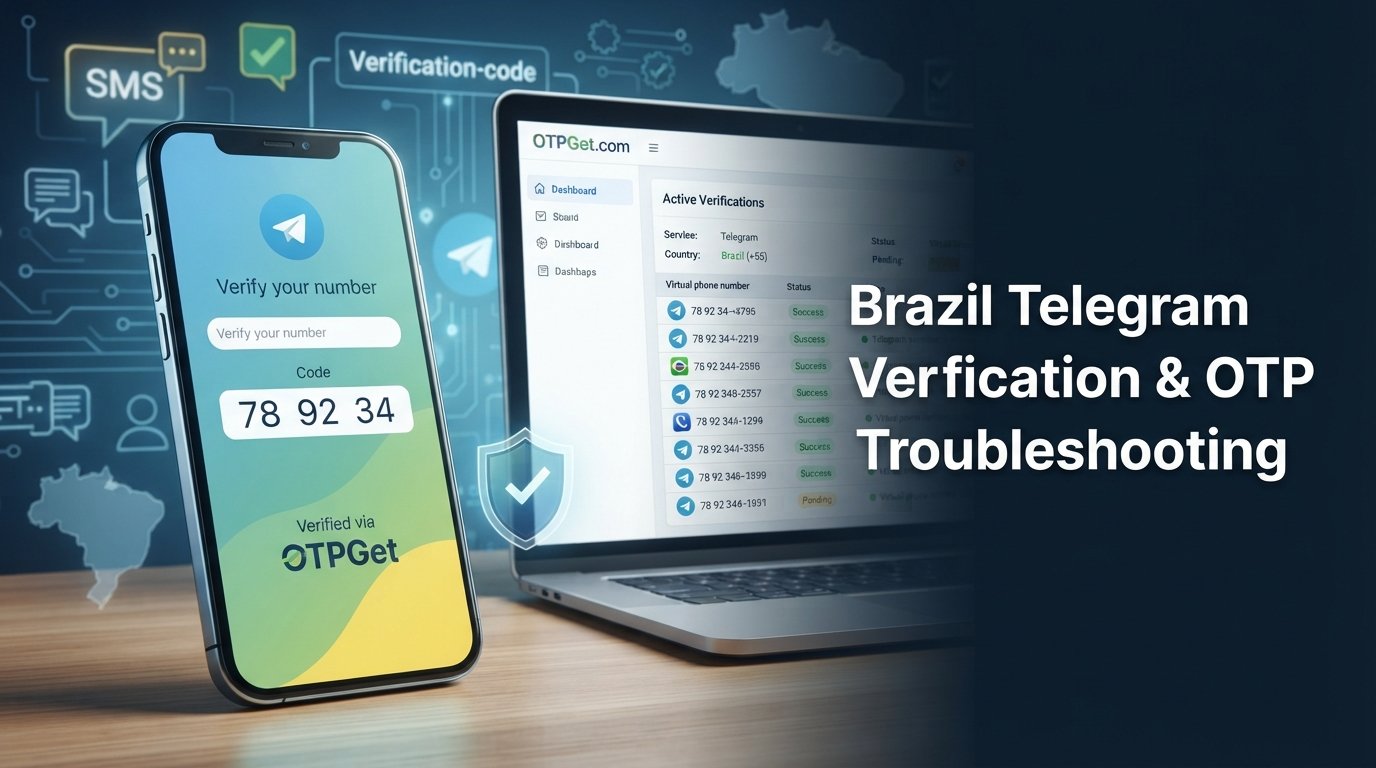
When your usual phone number is not reliably receiving a Telegram verification SMS, OTPGet offers an alternative way to access an available verification number.
The basic idea is straightforward: instead of repeatedly waiting for an SMS on a number that is having delivery problems, you can use an available number through an OTP service for a legitimate verification attempt.
The general process is:
- Visit OTPGet.
- Choose the appropriate service or number option available for Telegram.
- Select Brazil when a Brazilian number is required or available.
- Use the provided number during the Telegram verification process.
- Wait for the Telegram verification SMS or OTP.
- Retrieve the code through OTPGet.
- Enter the code into Telegram.
- Complete verification if Telegram accepts the number and code.
Availability can vary, and Telegram ultimately determines whether a particular number and verification attempt are accepted.
This makes OTPGet particularly relevant when the core problem is Telegram SMS not received, rather than an inability to open the Telegram app itself.
Why Choose OTPGet for Telegram Verification?
For users dealing with recurring verification problems, using an OTP service can be more convenient than repeatedly requesting a code from a number that is not receiving SMS reliably.
Potential advantages include:
- Convenient access to verification numbers: An available number can provide another option when your usual number is unsuitable for the verification attempt.
- A practical alternative to unreliable SMS: If normal SMS delivery is causing the problem, an appropriate OTP receiving service may help.
- A straightforward workflow: The process centers on obtaining a number, receiving the verification message, and entering the code.
- Useful for legitimate verification needs: Users who need an alternative number for phone verification can consider an available option.
- Less repeated waiting: Instead of repeatedly requesting a Telegram login code without success, you can explore an appropriate verification alternative.
The important point is what OTPGet is not. It should not be treated as a way to bypass Telegram security, defeat account restrictions, create fraudulent accounts, or circumvent legitimate verification controls.
OTPGet is an independent service and is not affiliated with Telegram.
Brazil Telegram OTP: What Users Should Know
A Brazil Telegram OTP is simply the verification code associated with a Telegram verification attempt using a Brazilian phone number. The number and the code serve different purposes: the number identifies the phone destination, while the OTP confirms that the verification message can be received and used.
When using a Telegram OTP Brazil option, selecting the correct country is important. If Telegram requires a Brazilian number for your particular verification scenario, the number should match the country you select during the process.
A Brazil OTP service can therefore be useful when you specifically need access to an available Brazilian verification number.
However, an OTP service does not control Telegram's acceptance rules. Even when an SMS is successfully received, Telegram may determine whether the number and verification attempt are valid.
Telegram Not Sending Code? Try This Approach
If Telegram is not sending code messages, use a simple progression rather than immediately repeating the same action.
- First: Confirm the phone number and country code.
- Second: Check signal, connectivity, SMS filtering, and blocked messages.
- Third: Wait rather than repeatedly requesting another code.
- Fourth: Use another legitimate verification method if Telegram makes one available.
- Finally: If SMS delivery remains unreliable, consider an appropriate OTP verification service such as OTPGet.
This approach separates ordinary troubleshooting from the need for an alternative verification number.
If your normal phone receives other SMS messages but Telegram's verification code consistently does not arrive, an available number through an OTP service may be a practical option to explore.
Is OTPGet the Right Solution for You?
OTPGet may be suitable if your main problem is Telegram phone verification and you need access to an available number capable of receiving a verification SMS.
It can be especially relevant when:
- Your usual number is not receiving the Telegram confirmation code.
- SMS delivery is unreliable.
- You need a Brazilian number for a legitimate verification attempt.
- You have already checked basic device and network issues.
- You want an alternative to repeatedly requesting the same OTP.
At the same time, it is important to keep expectations realistic. OTPGet cannot guarantee that Telegram will accept every number or verification attempt, and it should not be used to circumvent Telegram's legitimate security measures.
The best approach is simple: troubleshoot first, use an appropriate verification option when necessary, and complete the Telegram verification process only through methods accepted by Telegram.
Frequently Asked Questions
Why is Telegram not working in Brazil?
Telegram may appear to be "not working" when the actual problem is a failed or delayed verification SMS. Check your number format, mobile signal, SMS filtering, internet connection, and app version first. If Telegram opens normally but you cannot complete login or sign-up, focus specifically on the phone verification problem rather than assuming Telegram itself is unavailable.
Why am I not receiving my Telegram verification code?
A Telegram code may fail to arrive because of delayed SMS delivery, network problems, an incorrectly entered number, SMS filtering, or temporary verification issues. Avoid requesting codes repeatedly. Check your phone settings and number, wait, and use another verification method if Telegram provides one. If normal SMS delivery remains unreliable, an appropriate OTP service may offer an alternative verification number.
How can I receive a Telegram OTP in Brazil?
First, enter your Brazilian phone number correctly and check whether Telegram delivers the verification SMS. If your normal number is not receiving the message, you can consider an available Brazilian number through an OTP verification service such as OTPGet. Select the appropriate Telegram option, use the available number for the verification attempt, and retrieve the OTP if the message is received.
What should I do if Telegram is not sending an SMS code?
Check your country code and phone number, confirm mobile signal, review blocked or filtered messages, and avoid repeatedly requesting new codes. Give delayed messages time to arrive and follow any alternative verification method Telegram presents. If the problem continues and you legitimately need another verification number, an OTP service can be an option to consider.
Can OTPGet help with Telegram verification?
OTPGet can be useful when the difficulty is receiving a Telegram verification SMS on your usual number. Depending on availability, you can select an appropriate number option, including a Brazilian number when available, use it during the Telegram verification process, and retrieve the received OTP through the service. Telegram still controls whether the number and verification attempt are accepted.
How does a Telegram OTP service work?
An OTP service provides access to an available phone number that can receive verification messages. For a Telegram verification attempt, you generally select the appropriate service and country, use the provided number in Telegram, wait for the verification SMS, and retrieve the code through the OTP service. The code is then entered into Telegram to complete verification if accepted.
Can I use a Brazilian number for Telegram verification?
A Brazilian number can be used when Telegram accepts that number for the verification process. If you need an available Brazilian number, an OTP service such as OTPGet may provide an option depending on availability. Always use the number for a legitimate verification purpose and remember that Telegram ultimately determines whether a particular number and authentication attempt are accepted.
What should I do if the Telegram code still does not arrive?
Start by checking your number, country code, signal, SMS filtering, and connection. Avoid repeatedly requesting codes and give the system time to process the verification attempt. If standard troubleshooting does not resolve the problem, consider an available verification number through OTPGet. The service can provide a practical alternative for receiving an OTP, but Telegram remains responsible for accepting or rejecting the verification attempt.
A Practical Alternative for Telegram Verification Problems
When Telegram SMS is not received, repeatedly requesting another code can waste time without addressing the underlying delivery problem. Basic troubleshooting should always come first, but it is not the only option.
For users in Brazil who need a legitimate alternative for phone verification, OTPGet can provide access to an available verification number that may be suitable for receiving a Telegram OTP. The process is straightforward: choose an appropriate option, use the number for verification, retrieve the SMS code, and enter it into Telegram if the platform accepts the attempt.
If Telegram is not sending your verification code and standard troubleshooting has not worked, OTPGet can provide a practical alternative for receiving an available verification OTP. Check the available options and choose the verification number that fits your needs.
SEO Keyword Coverage Summary
Primary Keywords
- Brazil Telegram not working
- Telegram not working in Brazil
- Telegram verification code
- Telegram OTP Brazil
- Telegram OTP
- Telegram SMS not received
- Telegram verification code not received
- Telegram phone verification
- Telegram verification problem
- Telegram login code
- OTPGet
- OTPGet Telegram
- Brazil OTP service
- receive Telegram OTP
Secondary Keywords
- Telegram not sending code
- Telegram code not received
- Telegram SMS verification
- Telegram account verification
- Telegram login problem
- Telegram sign up verification
- Telegram phone number verification
- Telegram confirmation code
- Telegram authentication code
- virtual phone number for Telegram
- temporary phone number for Telegram
- online OTP verification
- receive SMS verification code
- SMS OTP service
- verification SMS
- Telegram access problem
- Telegram login verification
- OTP verification service
- phone verification online
- Telegram verification issues in Brazil