Buy Number for Signups and Receive SMS in a Dashboard | OTPGET
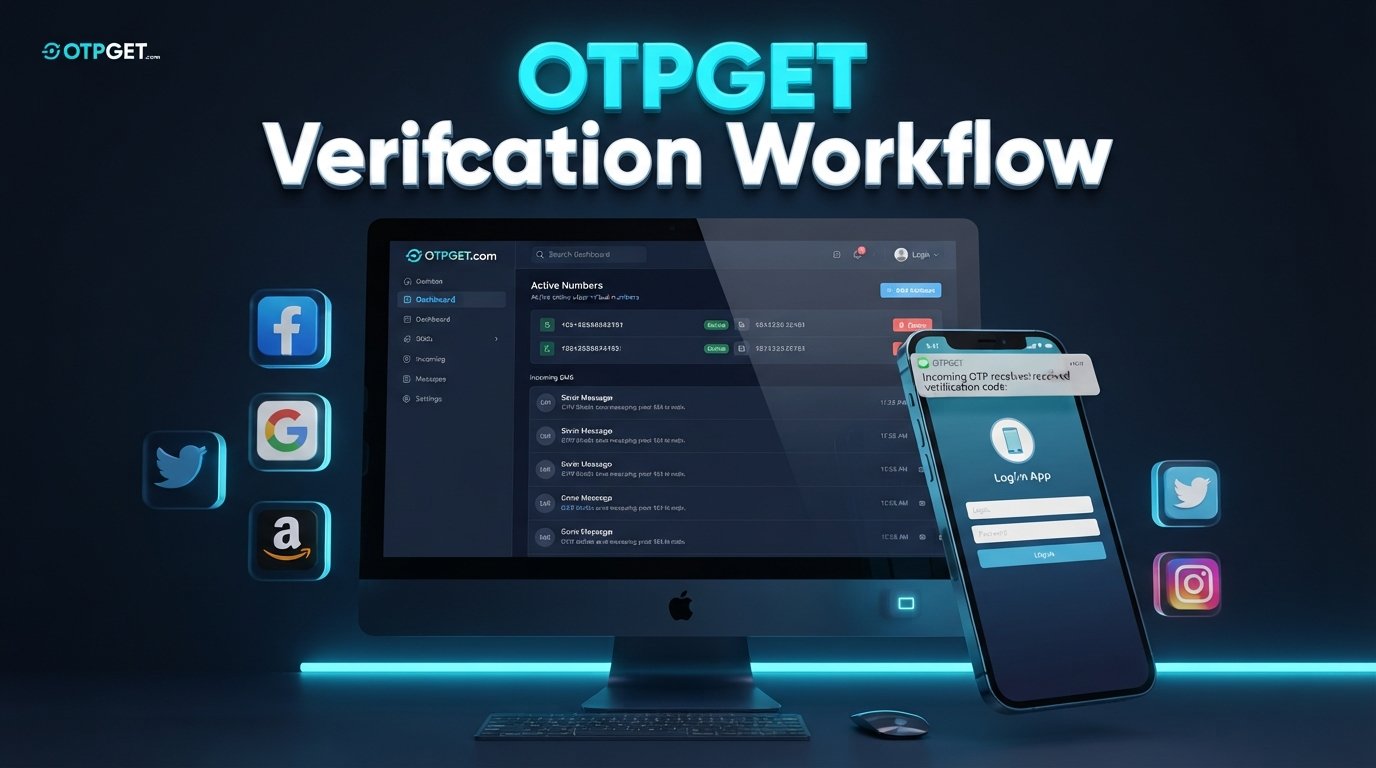
Buy a Number for Signups and Receive SMS in a Dashboard
Phone verification has become a familiar part of signing up for websites and online services. You enter your details, provide a phone number, and wait for a short verification code to arrive by SMS.
That process is simple when you only do it occasionally. But if you regularly test signup flows, keep online activities separate from personal communications, or simply prefer not to use your main number for every registration, it can become inconvenient.
That is where a number for signup verification can be useful.
Instead of relying exclusively on your personal phone inbox, you can use an appropriate virtual number and access incoming verification messages through an online SMS dashboard. OTPGET offers a practical way to approach this workflow by bringing the number and SMS receiving process into one convenient environment.
The idea is straightforward: choose an appropriate number, use it where permitted during signup, request the verification SMS, and check the incoming message through the dashboard.
Let’s look at how it works and what to consider before using an online number for verification.
Why Do Signups Require Phone Verification?
Phone verification helps websites and apps confirm that a person has access to the phone number provided during registration.
After you enter a number, the service may send a one-time password, commonly called an OTP. You then enter that OTP verification code into the signup form to complete the verification step.
An OTP is generally short-lived and intended for a specific verification attempt. This makes SMS verification a convenient way for a service to confirm access to a phone number without requiring a lengthy manual process.
For users, however, repeatedly providing a personal number may not always be ideal.
You might want to:
- Keep personal communications separate from online signup activity.
- Avoid filling your primary phone inbox with verification messages.
- Manage signup-related SMS from a central location.
- Use a dedicated number for legitimate testing or account workflows.
- Access verification messages without switching between devices.
A separate number can provide more flexibility, provided the website or service allows its use.
What Does “Buy Number for Signups” Mean?
When people search for buy number for signups, they are often looking for an SMS-enabled number that can be used during a permitted registration or verification process.
A virtual phone number is a number that can be accessed through an online service rather than being tied to the user's everyday mobile phone in the traditional way.
For SMS verification, the important part is the ability to receive the relevant message. In a dashboard-based setup, incoming SMS can appear in an online SMS inbox where the user can view the verification message.
The basic concept is:
Number → Signup form → Verification SMS → Online dashboard → OTP code
This can make the signup workflow easier to organize, particularly when verification messages are being handled separately from personal communications.
However, availability and acceptance are not universal. Different websites use different verification policies, and some may not accept virtual, temporary, or non-personal numbers.
Receive SMS in a Dashboard Instead of Checking Your Phone
A dashboard-based SMS receiving workflow can be useful because it puts verification messages in a dedicated online location.
Rather than waiting for an SMS to arrive in your regular mobile inbox, you can check the appropriate dashboard for the message associated with the number you selected.
The general process looks like this:
- Choose an available number suitable for your intended verification.
- Enter the number on the signup page if the service permits its use.
- Request the verification code from the website or app.
- Open the SMS dashboard associated with the number.
- Find the incoming verification message in the SMS inbox.
- Enter the OTP into the original signup or verification form.
This approach is especially convenient when you want a clear separation between personal messages and signup-related SMS.
It also gives you a more organized way to handle verification codes online instead of searching through a busy personal inbox.
How OTPGET Helps With Signup Verification
OTPGET is designed around the practical need to obtain a number and receive SMS through a dashboard-based workflow.
For someone searching for a way to buy a number for signups, the main attraction is convenience. Instead of treating the phone number and verification message as two separate problems, a dashboard-based SMS receiving service brings the process together.
The practical benefits include:
- Convenient SMS access: Verification messages can be viewed through an online dashboard.
- Centralized OTP management: Signup-related messages can be easier to locate and handle.
- Separation from your personal number: A suitable alternative number can keep signup activity separate from everyday communication.
- Simpler verification workflow: The process from number selection to receiving the code is straightforward.
- Online accessibility: A dashboard can make checking verification messages more convenient than relying solely on a personal mobile inbox.
The important point is to use the service appropriately. OTPGET should be considered for legitimate signup, testing, and verification workflows where the relevant platform permits the use of an alternative number.
Benefits of Using a Number for Online Signups
Why would someone choose a virtual number instead of their personal number?
The answer often comes down to organization and convenience.
Keep personal communication separate
Your everyday number may already receive calls, messages, alerts, and other personal communications. Using a separate number for appropriate online signup activity can help keep those two areas distinct.
Access verification SMS centrally
A dashboard can provide a dedicated place to check incoming messages. This is useful when you do not want verification codes mixed with personal SMS.
Make OTP handling easier
When a signup requires an OTP verification code, having the relevant SMS in a dedicated inbox can make the process easier to follow.
Support legitimate testing workflows
Developers, QA teams, and users testing permitted signup experiences may need numbers separate from their personal contact details.
Reduce dependence on a personal mobile inbox
For suitable services, receiving SMS online can offer a more organized alternative to handling every verification message on your personal device.
The key is choosing a workflow that matches the rules of the service you are using.
When Should You Use a Virtual Number for Verification?
A virtual number can make sense when you have a legitimate reason to separate signup activity from your personal communications.
Suitable situations may include:
- Testing a signup flow where alternative numbers are permitted.
- Separating personal and online activities.
- Managing legitimate account verification workflows.
- Receiving signup-related SMS through a dedicated dashboard.
- Handling online projects where a separate contact number is appropriate.
A virtual number is not automatically suitable for every website. Some services may require a personal mobile number, may restrict certain number types, or may have additional identity or verification requirements.
Always follow the terms and verification policies of the service you are registering with.
How to Use OTPGET for SMS Verification
If the service you are using permits an alternative number, the process can be simple.
Step 1: Select an appropriate number
Choose an available number that fits the signup or verification requirement you are trying to complete.
Step 2: Enter the number
Add the selected number to the signup form where the website or app allows an alternative or virtual number.
Step 3: Request the verification SMS
Submit the phone verification step and wait for the service to send its OTP verification code.
Step 4: Open the OTPGET SMS dashboard
Go to the relevant OTPGET dashboard and check for the incoming verification message.
Step 5: Locate the SMS
Find the message associated with your selected number and read the verification code.
Step 6: Enter the OTP
Return to the signup page and enter the code to complete the verification process.
Remember that SMS delivery, number availability, and acceptance can vary depending on the destination service.
What to Look for in an SMS Verification Number
Not every number is equally suitable for every situation. Before choosing an online number for verification, consider the following:
- Number availability: Make sure an appropriate number is available for your intended use.
- SMS reception: The number needs to support the type of SMS verification you require.
- Dashboard accessibility: A straightforward SMS inbox can make incoming codes easier to find.
- Supported destinations: Check whether the service you intend to use permits the number type.
- Reliability: Consider whether the overall workflow is practical for your needs.
- Ease of use: The process should be simple enough to select a number, receive the SMS, and retrieve the code.
- Clear pricing information: If purchasing access to a number, review the available pricing and usage information before proceeding.
With OTPGET, the focus is on making the number-and-SMS workflow convenient through a centralized dashboard. The right choice still depends on the requirements of the destination service.
OTPGET vs. Using Your Personal Number
The choice between a personal number and a dashboard-based alternative depends on your situation.
| Factor | Personal Number | OTPGET |
|---|---|---|
| Separation from personal communications | Limited | More convenient |
| SMS access | Phone inbox | Dashboard |
| Signup workflow | Traditional | Dashboard-based |
| OTP management | Manual | Centralized |
| Privacy convenience | Depends on use | Alternative number option |
This does not mean a virtual number replaces a personal number in every situation. Some services may specifically require a personal number or reject certain types of virtual numbers.
Instead, OTPGET provides an alternative workflow for cases where using a separate number is appropriate.
Frequently Asked Questions
What is a number for signup verification?
A number for signup verification is a phone number used to receive an SMS containing a verification code during an online registration process. It may be a virtual or SMS-enabled number, depending on the service and its requirements.
Can I receive SMS online?
Yes, SMS can be received online through services that provide SMS-enabled numbers and an online inbox or dashboard. The exact experience depends on the service, number availability, and the destination platform's verification requirements.
How do I receive an OTP in a dashboard?
Generally, you select an appropriate SMS-enabled number, use it during a permitted signup, request verification, and then check the associated dashboard for the incoming message. You can then enter the OTP into the verification form.
What is a virtual number for verification?
A virtual number for verification is a phone number accessed through an online service rather than your everyday personal mobile number. It can be useful for permitted signup and testing workflows that require SMS verification.
Can I use OTPGET for signup verification?
OTPGET can be considered when you need a number and dashboard-based access to verification SMS. Whether a specific number can be used depends on the requirements and policies of the website or service you're signing up for.
Is a virtual number suitable for every website?
No. Different platforms have different verification requirements. Some may accept virtual numbers, while others may require a personal mobile number or apply additional restrictions.
Why use a separate number instead of my personal number?
A separate number can help keep signup activity apart from personal communications and provide a dedicated place for verification messages. It can be particularly convenient when several legitimate signup or testing workflows need to be managed.
Final Thoughts
If you need to buy a number for signups and want a convenient way to receive SMS in a dashboard, a virtual-number workflow can simplify the verification process.
Instead of mixing signup codes with your personal messages, you can use an appropriate number and manage the relevant verification SMS through a centralized online inbox.
OTPGET is a practical solution to explore for this type of workflow. It brings the number selection and SMS dashboard concept together, making it easier to retrieve verification messages when an alternative number is permitted.
Before using any number, check the destination service's requirements and make sure your intended use complies with its policies.
If that approach fits your needs, explore OTPGET, choose an appropriate number, and make your next legitimate signup verification workflow easier to manage.
Suggested Internal Links
- “How SMS verification works” — Add in the section explaining why websites use phone verification.
- “Explore OTP verification numbers” — Add when introducing virtual numbers and SMS-enabled numbers.
- “Receive SMS online” — Add in the dashboard section discussing online SMS access.
- “OTPGET dashboard” — Add in the section explaining how OTPGET handles verification messages.
- “Online number for verification” — Add in the section covering what to look for before choosing a number.
Suggested External Source Types
- Official documentation from the relevant website or app — Useful for confirming that service's phone-number and verification requirements.
- Official consumer privacy or cybersecurity guidance — Useful for explaining general considerations around sharing personal phone numbers online.
- Official OTP or authentication documentation — Useful for a technical explanation of one-time passwords and SMS-based verification.


