Canada Telegram Not Working? Get a Virtual Number | OTPGET Now
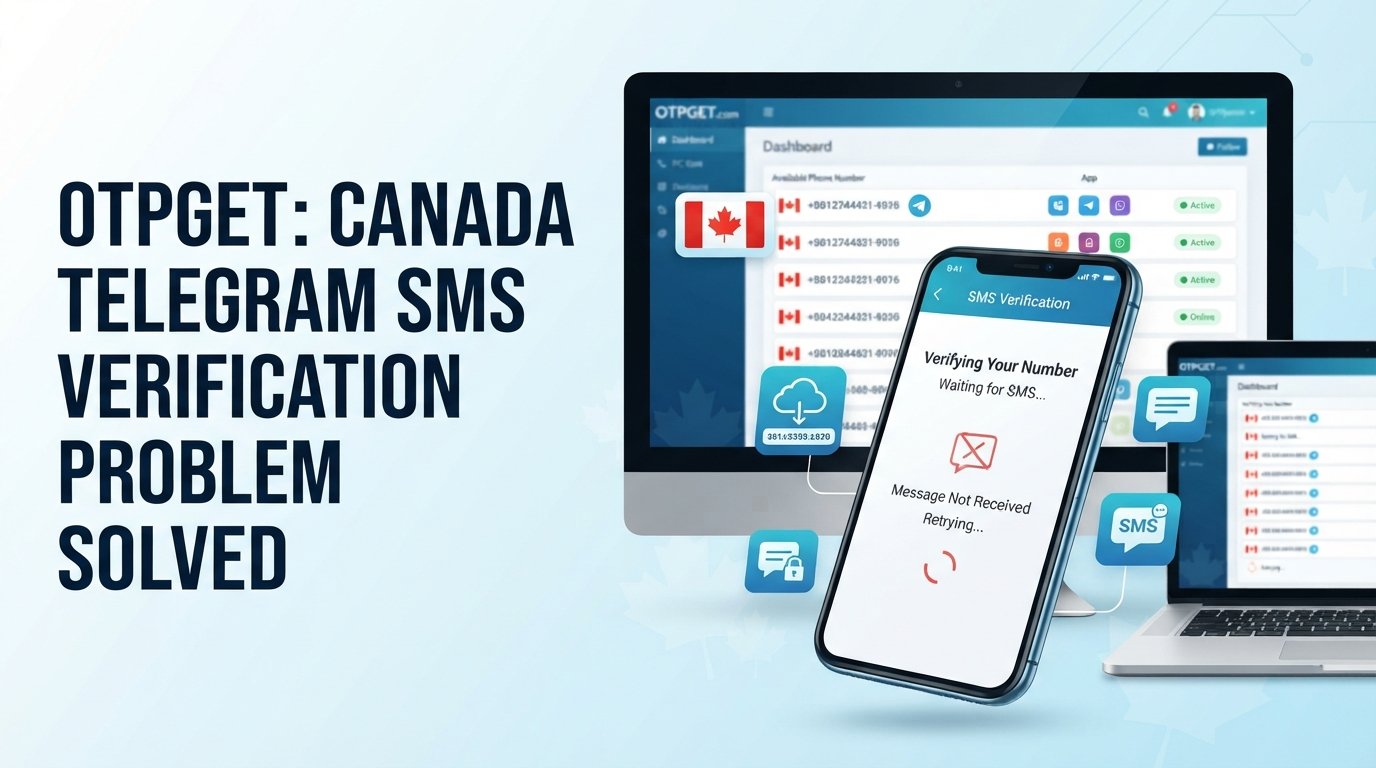
Canada Telegram Not Working? Use Virtual Number — OTPGet
Trying to sign up for Telegram in Canada but the Telegram verification code never arrives? You enter your phone number, wait for the SMS, request another code—and still nothing.
It is frustrating, especially when everything else on your phone appears to be working normally.
If you are searching for “Canada Telegram not working,” the issue may not mean that Telegram itself is unavailable in Canada. In many cases, the problem is specifically related to phone verification, SMS delivery, carrier filtering, number formatting, or temporary verification restrictions.
The good news is that there are practical steps you can try first. If your regular number continues to cause problems, a virtual number for Telegram may also be worth considering where Telegram accepts that type of number.
One option is , a virtual-number service that provides numbers for supported SMS verification workflows. OTPGET can give users an alternative way to receive verification messages online without relying entirely on their personal mobile number.
Why Is Telegram Not Working in Canada?
When someone says Telegram not working in Canada, there are two very different possibilities.
The first is an actual problem with the Telegram app or service. The second—and often more relevant to registration searches—is a problem completing phone-number verification.
Telegram's own troubleshooting guidance says users should enter their mobile number in international format when dealing with login or SMS issues. Telegram also notes that a login code may sometimes be delivered through Telegram on another connected device instead of by SMS.
Several factors can contribute to a verification problem:
- Delayed SMS delivery: Your carrier or the messaging route may delay the verification message.
- Incorrect number formatting: A missing or incorrect country code can prevent delivery.
- Network problems: Poor mobile connectivity or an unreliable data connection can interfere with the verification process.
- Temporary verification restrictions: Repeated requests in a short period may lead to a temporary wait.
- Telegram-side verification issues: Telegram may change which verification method is offered or how a particular number is handled.
- Number-related problems: Some numbers may have compatibility or previous-use issues that affect registration.
So, if Telegram is not working for you in Canada, it is important to identify whether the problem is with the app itself or simply with Telegram phone verification.
Why You May Not Receive the Telegram Verification Code
A Telegram OTP not received situation can have several causes, and repeatedly pressing “send code” is not always the best response.
Start with the basics.
First, check the phone number carefully. Make sure the Canadian country code and the rest of the number are entered correctly. Telegram specifically recommends using the international format for login and SMS troubleshooting.
Next, check your mobile reception and internet connection. If your connection is unstable, give the process some time before trying again.
Also consider whether Telegram may have sent the login code somewhere other than your SMS inbox. If you are already signed in to Telegram on another device, check that session because Telegram may deliver a login code through the app instead of SMS.
Other useful checks include:
- Confirm that your phone number is correct.
- Check that the country code is correct.
- Make sure your mobile service can receive SMS messages.
- Check whether your carrier or phone is filtering automated SMS.
- Wait before requesting another code.
- Avoid making many verification attempts in rapid succession.
- Restart the Telegram app if it appears stuck.
- Check any other active Telegram session for a login message.
If your Telegram verification code is not received after these checks, changing the number used for verification may be a reasonable next step.
Can a Virtual Number Help With Telegram Verification?
A virtual phone number is a phone number provided through an online service rather than through a traditional physical SIM in your personal phone.
Depending on the provider and the service being verified, an online virtual number can receive SMS messages through a web-based dashboard or similar system. This can be useful when you want to separate verification activity from your personal number or when your regular number is having difficulty receiving an OTP.
A Telegram virtual number can therefore provide an alternative route for Telegram account verification where the number is supported and accepted by Telegram.
However, there is an important limitation: not every virtual number will work with Telegram.
Telegram can reject certain numbers, providers, or numbers that have already been used or otherwise do not meet its requirements. Availability and compatibility can also change. A virtual number should therefore be viewed as a practical option—not a guaranteed workaround.
Why Choose OTPGET for a Telegram Virtual Number?
If your personal number is repeatedly failing to receive Telegram SMS verification, offers a straightforward alternative worth exploring.
OTPGET provides access to virtual numbers intended for SMS OTP verification. Its official service information lists Telegram among the supported services and offers virtual numbers from multiple countries, including Canada.
For someone dealing with a Telegram SMS not arriving problem, the main appeal is convenience. Instead of depending exclusively on a physical SIM and personal phone number, you can use an available virtual number through an online verification service.
Potential advantages include:
- Access to virtual phone numbers for SMS verification.
- Online access to incoming OTP messages.
- An alternative when a personal number is experiencing delivery problems.
- Separation between personal communications and certain verification workflows.
- Flexible number selection based on available country and service options.
- A simple online process for receiving supported verification SMS.
OTPGET also offers temporary numbers and rental-number options, giving users different approaches depending on their legitimate verification needs.
The key is to choose a number that is available and suitable for the intended service. Telegram's acceptance of a particular number cannot be guaranteed.
How to Use OTPGET for Telegram Verification
If you decide to try an OTPGET virtual number, the general process is straightforward:
- Visit and create or access your account.
- Choose an available virtual number appropriate for your verification needs.
- Enter that number in the Telegram registration or verification screen.
- Request the Telegram verification code.
- Monitor your OTPGET dashboard for the incoming SMS.
- If Telegram sends a code to the number and the message is received, enter the code into Telegram.
- Complete your Telegram account setup if the number is accepted.
OTPGET describes its service as providing virtual numbers for supported SMS OTP verification, including Telegram.
The exact process and available numbers can vary, so always follow the verification instructions shown by Telegram and the current instructions provided by OTPGET.
Telegram Verification Code Not Received? Try These Fixes First
Before switching numbers, work through this quick checklist.
- Recheck your number: Make sure every digit is correct.
- Verify the country code: Use the appropriate international format.
- Check your connection: Confirm that mobile service and internet access are working normally.
- Wait a little: Avoid immediately requesting another OTP.
- Check another Telegram session: The login code may have been delivered inside Telegram instead of by SMS.
- Check SMS filtering: Look for carrier-level or device-level filtering of automated messages.
- Restart the app: A simple restart can resolve an app state that appears stuck.
- Try another legitimate number: If your personal number continues to fail, consider an available virtual number through .
Telegram's own interface and documentation also indicate that too many attempts can require users to try again later, so repeatedly requesting codes may not help.
Benefits of Using a Virtual Number for Telegram
A virtual number can be useful beyond a single Telegram registration problem.
One of the biggest advantages is separation. You may prefer not to use your personal phone number for every online verification workflow. A virtual number can provide a separate number for supported SMS verification tasks.
Other potential benefits include:
- Privacy: Keep certain verification activity separate from your primary number.
- Convenience: Access received SMS online rather than managing another physical SIM.
- Flexibility: Choose from available numbers offered by a virtual-number provider.
- Online SMS access: Receive supported verification messages through an online service.
- Reduced dependence on a physical SIM: Useful in situations where a virtual number is supported.
Still, virtual numbers should be used responsibly. Follow Telegram's terms, OTPGET's policies, and applicable laws. Use verification numbers for legitimate account setup and authentication purposes rather than attempting to bypass security controls.
OTPGET vs. Continuing to Wait for a Telegram SMS
When a Telegram code is not received, repeatedly requesting the same SMS can become a frustrating cycle.
If the underlying problem is related to your mobile number, carrier, delivery route, or number compatibility, requesting another code may not address the cause.
That is where can be a practical alternative to consider.
Rather than continuing to depend on a number that is not receiving the message, you can check whether OTPGET has an available number suitable for your verification needs. Its service is specifically designed around virtual numbers and SMS OTP workflows.
The important distinction is that OTPGET does not control Telegram's verification system. A number can be available through a provider and still be rejected by Telegram. That is why the best approach is to treat OTPGET as an alternative option when your regular number is causing problems, not as a guaranteed solution.
Frequently Asked Questions
Why is Telegram not working in Canada?
“Telegram not working in Canada” can describe several different issues. If you are unable to register or log in, the problem may specifically involve phone-number verification or SMS delivery rather than Telegram being unavailable nationally. Check your number format, connection, SMS delivery, and any other active Telegram sessions first.
Why am I not receiving my Telegram verification code?
A Telegram verification code not received problem can result from incorrect number formatting, SMS delivery delays, carrier filtering, connectivity issues, temporary verification restrictions, or Telegram sending the code through another available method.
Can I use a virtual number for Telegram?
A virtual number may be usable for Telegram verification when Telegram accepts the number. However, compatibility varies, and not every virtual number or provider will be accepted.
What is a Telegram virtual number?
A Telegram virtual number is an online-provided phone number that may be used for Telegram phone verification where supported. It can allow users to receive SMS verification messages without relying on their personal mobile number.
How does OTPGET help with Telegram verification?
provides virtual numbers designed for supported SMS OTP verification workflows. Its official service information lists Telegram as a supported service and includes Canadian numbers among its available country options.
Can OTPGET receive Telegram OTP codes?
OTPGET provides virtual numbers for supported SMS verification, including Telegram according to its official service information. Whether a particular number successfully receives and is accepted for Telegram verification can vary.
What should I do if Telegram rejects a virtual number?
Try another suitable available number rather than repeatedly submitting the same rejected number. You can also return to Telegram's standard troubleshooting steps or contact Telegram support if the registration or login problem continues.
Conclusion
A Canada Telegram not working search does not necessarily mean Telegram itself is unavailable in Canada. In many cases, the real problem is a missing verification SMS, incorrect number formatting, carrier delivery issue, temporary restriction, or another phone-verification obstacle.
Start by checking your number, connection, SMS settings, and any other Telegram session where a login code may have been delivered. If your regular number still cannot receive the Telegram OTP, a virtual number can be a useful alternative where supported.
provides virtual numbers for supported SMS verification workflows and can be considered when you need an alternative way to receive a verification message online. It does not guarantee that every number will be accepted by Telegram, so compatibility should always be considered.
Having trouble receiving your Telegram OTP? Explore OTPGET and see whether an available virtual number can make your verification process easier.
SEO Keyword Coverage Summary
- Primary keyword group: Canada Telegram not working, Telegram not working in Canada, Telegram verification code, Telegram OTP, Telegram SMS verification, virtual number for Telegram, Telegram virtual number, OTPGET, OTPGET virtual number, Telegram verification, receive Telegram OTP.
- Secondary keyword group: Telegram code not received, Telegram verification code not received, Telegram SMS not arriving, Telegram OTP not received, Telegram phone verification, Telegram account verification, Telegram registration problem, Telegram sign up verification, virtual phone number, temporary virtual number, online virtual number, SMS verification number, receive SMS online, virtual number for SMS verification, virtual number Canada, Canadian virtual number, Telegram account setup, Telegram login verification, SMS OTP service, online SMS verification, verification number, phone number verification.
- Integration: Keywords were distributed naturally across the introduction, explanatory sections, troubleshooting guidance, OTPGET solution sections, process, FAQs, and conclusion without repetitive keyword stuffing.


