Discord Verification Problems: Causes, Fixes & Easy Solutions
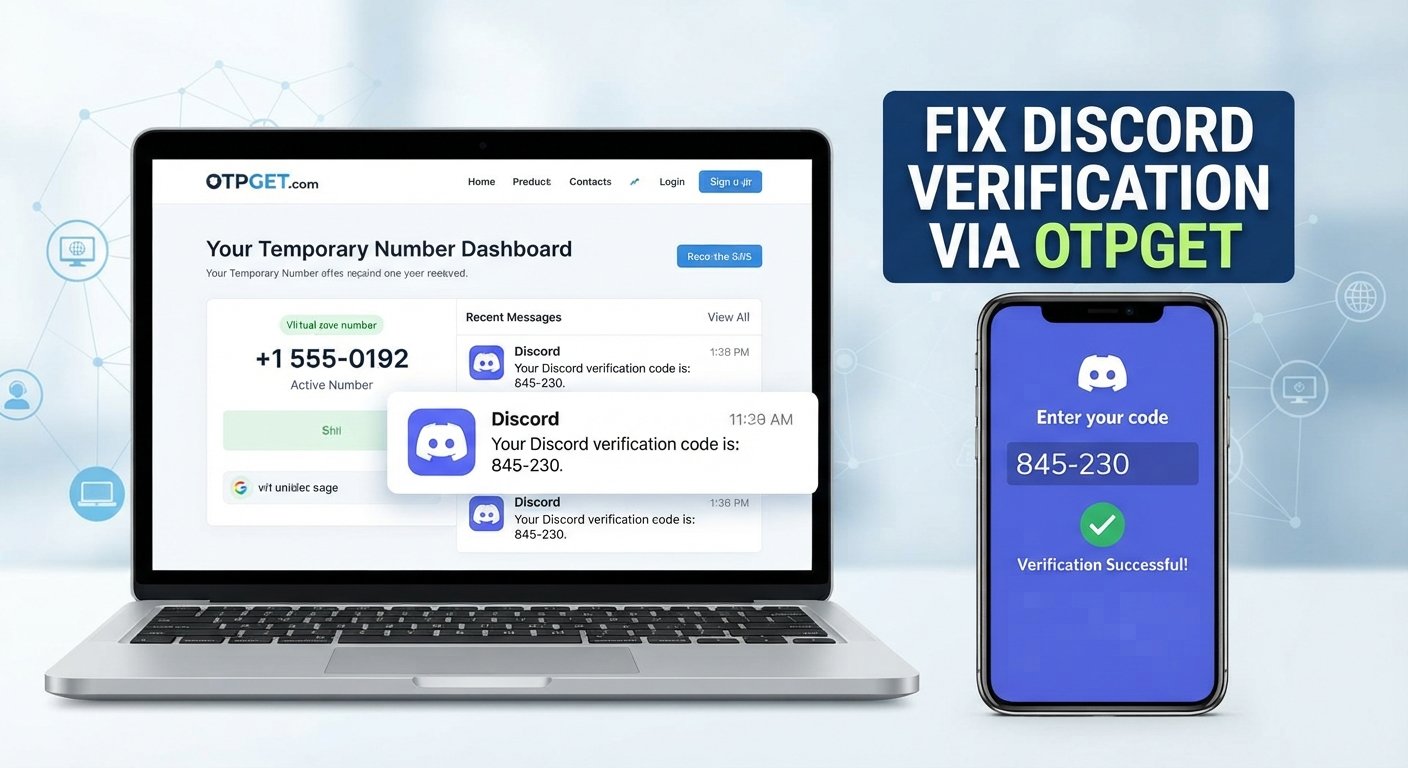
Discord Verification Problems: Causes and Quick Fixes
You enter your phone number, wait for the Discord verification code, and then… nothing. No SMS. No OTP. Maybe you request another code, wait again, and still receive nothing.
It is an especially frustrating experience when you are trying to create an account, sign in, or complete a required verification step.
Discord verification problems can happen for several reasons, and the issue is not always with Discord itself. Your phone number, mobile carrier, SMS filtering, internet connection, app, browser, or even repeated verification attempts can all affect the process.
The good news is that many verification issues can be resolved with a few straightforward checks.
This guide explains why Discord verification may fail, what to do when a verification code is not arriving, and how to approach persistent SMS delivery problems responsibly. It also explains where an independent service such as OTPGET may fit when conventional troubleshooting does not resolve the issue.
Why Discord Verification Problems Happen
Discord's verification process may require a phone number or another authentication step depending on the situation. When the expected verification message does not arrive or the submitted code fails, several factors may be responsible.
Common causes include:
- Incorrect phone number: A single incorrect digit can prevent the verification message from reaching you.
- Wrong country or region: The selected country code needs to match the number being entered.
- Weak mobile signal: Poor cellular coverage can delay or prevent SMS delivery.
- Carrier restrictions: Some mobile providers may restrict certain automated or verification messages.
- SMS filtering: Your phone or carrier may automatically filter messages that appear suspicious or automated.
- Too many attempts: Repeatedly requesting codes in a short period can make troubleshooting more difficult and may trigger temporary restrictions.
- Expired codes: Verification codes are generally time-sensitive. Waiting too long can make an otherwise correct code invalid.
- Network problems: A poor internet connection can interfere with the Discord app or website even if SMS delivery itself is working.
- App or browser problems: Cached data, outdated software, or a temporary session problem can sometimes interfere with verification.
- Temporary service or delivery issues: Discord, your carrier, or the SMS delivery network may experience a temporary problem.
Understanding the likely cause makes it easier to choose the right fix instead of repeatedly requesting another code.
Common Discord Verification Errors and Symptoms
Discord verification issues do not always look exactly the same.
One person may see a verification code request that never produces an SMS, while another may receive a code that is rejected when entered.
Typical symptoms include:
- Discord verification code not received
- Discord SMS verification not working
- Discord verification code not arriving
- Discord verification failed
- Discord OTP not received
- Phone verification repeatedly failing
- Verification messages arriving much later than expected
- A code becoming invalid before it can be entered
- An error appearing after submitting a phone number
- Being unable to complete Discord account verification
If a code eventually arrives but no longer works, requesting another code immediately may not be the best response. First, confirm that you are using the newest code and give the system a moment before making additional requests.
Quick Fixes for Discord Verification Problems
Check Your Phone Number
Start with the simplest possibility: make sure the phone number is correct.
Check the digits carefully and confirm that the selected country or region matches the number. If you recently changed numbers or are using a number from another region, pay particular attention to the international dialing format.
A small input mistake can look like a much larger Discord verification error.
Check Your Mobile Signal and SMS Inbox
If your number is correct, check whether your phone is receiving other SMS messages normally.
Look for:
- Weak or unavailable cellular service
- Full or malfunctioning SMS storage
- Spam or message-filtering settings
- Blocked senders
- Carrier-level SMS restrictions
- Delayed incoming messages
If other verification or automated messages are also failing to arrive, the issue may be related to your carrier or mobile device rather than Discord.
Wait Before Requesting Another Code
It is tempting to press the verification button repeatedly when nothing happens.
However, multiple requests can create confusion because several codes may be generated while earlier messages are still delayed. You may also end up entering an older code after a newer one has been issued.
Instead, request a code once, wait for delivery, and use the most recent valid code when it arrives.
Restart the App or Browser
A basic restart can eliminate temporary session problems.
If you are using the Discord app, close it completely and reopen it. If you are using a browser, close the Discord tab and start a fresh session.
You can also try another supported browser if the problem appears to be browser-specific.
Check Your Internet Connection
SMS delivery and your internet connection are separate processes, but Discord itself still needs a stable connection to communicate with its servers and complete the verification flow.
Try switching between a reliable Wi-Fi connection and mobile data if appropriate. If other websites or apps are also having trouble connecting, resolve the network issue first.
Try Again Later
Sometimes there is no immediate action that can fix a temporary delivery problem.
If your number is correct, your phone is receiving other messages, and your connection is stable, waiting before trying again may be more productive than repeatedly requesting a new code.
What to Do When You Still Can't Receive the Discord Verification Code
If standard troubleshooting has not helped, work through the problem systematically.
First, review the phone number and country selection again. Then check your phone's SMS filters and confirm that your carrier does not restrict the type of message you are expecting.
If you have requested several codes, stop making additional requests for a while. When you try again, use the newest code you receive rather than an earlier message.
Depending on the verification flow available to your account, you may also have another legitimate verification option. If the problem continues and you cannot determine the cause, contacting official Discord support is the safest route for account-specific assistance.
For users whose main problem is simply receiving an SMS verification message, an independent SMS/OTP service can sometimes be another option worth considering.
How OTPGET Can Help With Discord Verification
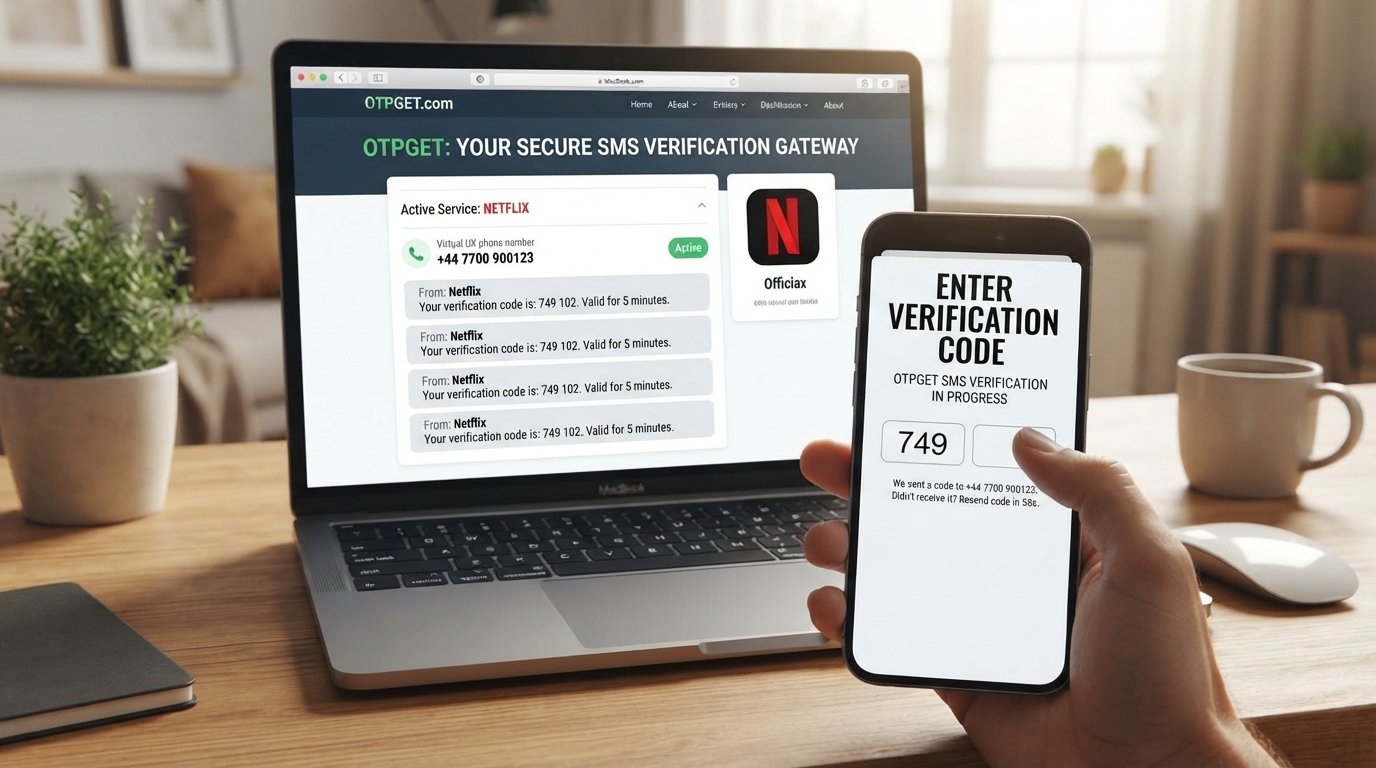
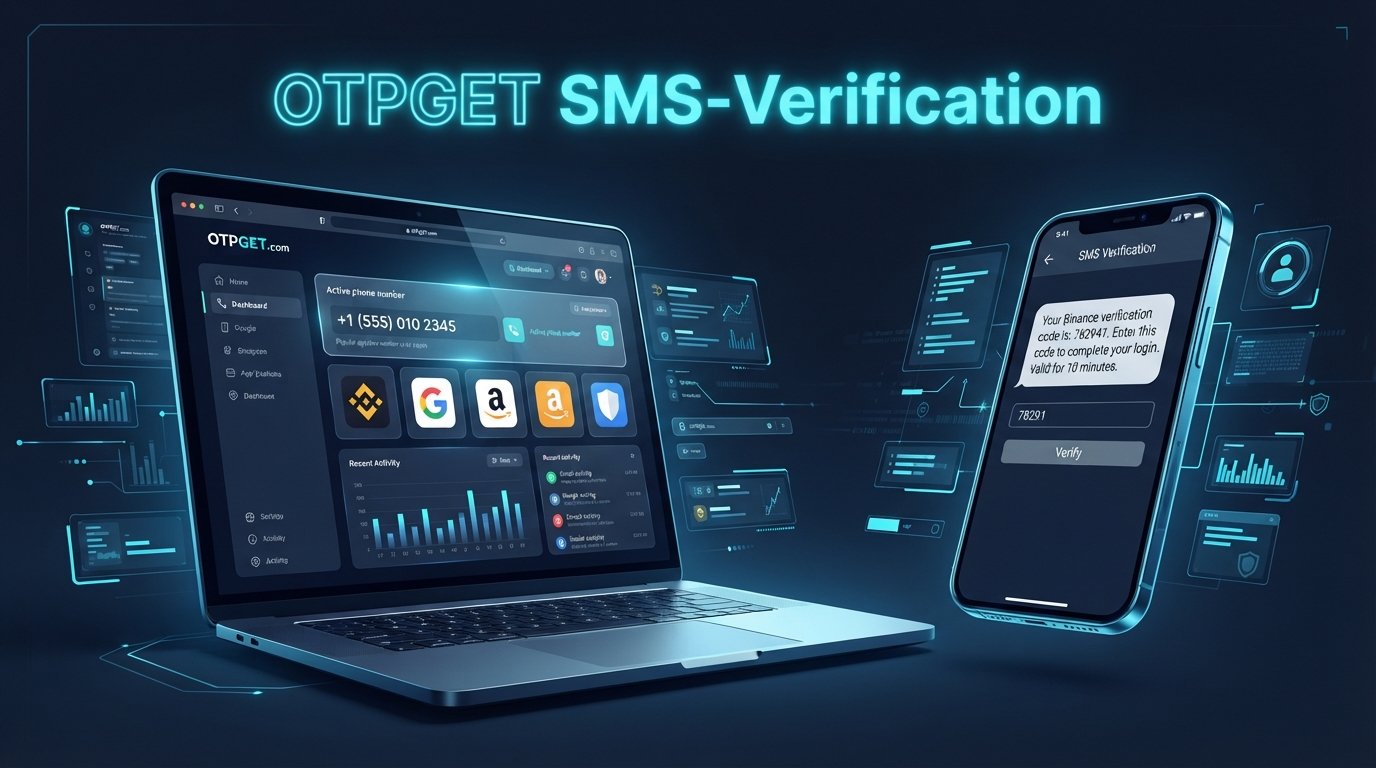
When standard troubleshooting does not resolve an SMS delivery problem, OTPGET can provide another practical option for users who need access to a verification message.
The basic issue is straightforward: a verification process depends on receiving an OTP, but SMS delivery is not always convenient or reliable. A user's regular mobile number may have carrier restrictions, filtering issues, poor reception, or other delivery limitations.
OTPGET can be considered where its available number and SMS-receiving service are appropriate for the verification process being attempted.
The important distinction is that OTPGET is an independent service, not Discord's verification system. It does not replace Discord's authentication process or guarantee that a verification attempt will succeed.
When considering an OTP or temporary-number service, users should:
- Select a number or service that is appropriate for the intended verification.
- Follow the instructions provided by the service.
- Wait for the verification message rather than repeatedly requesting codes.
- Enter the correct, current OTP when prompted.
- Avoid using verification services to bypass account restrictions or platform security.
- Follow Discord's rules and use legitimate account information.
- Never share verification codes with another person.
The goal is not to bypass Discord's security. The goal is to address a legitimate SMS delivery problem when another appropriate verification option is needed.
If your normal phone number is working correctly, there may be no reason to use an additional service. But when ordinary SMS delivery is the obstacle, OTPGET may be worth exploring as part of a legitimate verification workflow.
Step-by-Step: Troubleshooting Discord Verification
If you are experiencing Discord verification problems, use this checklist:
- Confirm the phone number. Make sure every digit is correct.
- Check the country or region. Verify that the selected country code matches the number.
- Check mobile signal. Make sure your phone has reliable cellular service.
- Check your SMS inbox. Look for filtering, blocked messages, or delayed texts.
- Wait before requesting another code. Avoid generating multiple codes unnecessarily.
- Restart Discord or your browser. This can clear temporary session problems.
- Check your internet connection. Make sure Discord can communicate normally.
- Try again later. Temporary service or carrier issues may clear without further action.
- Consider OTPGET if appropriate. An independent SMS/OTP service may be useful when ordinary message delivery remains the problem.
- Contact Discord support. If verification continues to fail, seek help through official support channels.
This approach is usually more effective than repeatedly submitting the same phone number and requesting another OTP.
How to Avoid Discord Verification Problems
A few simple habits can reduce the likelihood of verification trouble.
Keep your account information accurate. Incorrect phone numbers and outdated account details can make authentication unnecessarily difficult.
Use a reliable number when a phone number is required. A number that consistently receives SMS messages is generally preferable to one with unreliable service.
Avoid excessive verification attempts. Repeated requests can create additional delays or confusion.
Keep Discord updated. Using a current version of the app can reduce problems caused by outdated software.
Maintain a stable internet connection. This is particularly important when completing verification through the Discord app or website.
Review SMS settings. Check whether your phone, messaging application, or carrier has filtering features that could prevent automated messages from appearing normally.
Keep recovery information secure. Account recovery options can be important when normal login or verification becomes difficult.
Most importantly, use legitimate verification methods. Trying to circumvent account restrictions or security controls can create additional account problems.
Frequently Asked Questions
Why am I not receiving my Discord verification code?
The most common causes include an incorrect phone number, incorrect country code, SMS filtering, carrier restrictions, weak cellular service, delayed delivery, or too many verification attempts. Check the number and SMS settings first, then wait before requesting another code.
Why is Discord SMS verification not working?
Discord SMS verification may fail because the carrier is not delivering the message, the number has restrictions, the SMS is being filtered, or the verification process is experiencing a temporary issue. Confirm your number and check whether other SMS messages are arriving normally.
How do I fix Discord verification problems?
Start by checking your phone number and country selection. Then check cellular signal, SMS filters, internet connectivity, and the Discord app or browser. Avoid repeated code requests and try again later if the issue appears temporary.
Why is my Discord OTP not arriving?
Your OTP may be delayed because of mobile network conditions, carrier filtering, incorrect number information, or other SMS delivery issues. Check your inbox and filtering settings, confirm the number, and wait before requesting another code.
Can I use another number for Discord verification?
An alternative number may be appropriate in some circumstances, but it should be used legitimately and in accordance with Discord's requirements. If you use an independent SMS/OTP service such as OTPGET, make sure the number and service are suitable for the verification process.
What should I do if my Discord verification code expires?
Request a new code and use the newest valid message rather than an older one. Avoid requesting many codes in quick succession, since that can make it harder to determine which code is currently valid.
Can OTPGET help me receive a Discord verification OTP?
OTPGET may be useful for users who need access to verification SMS messages and whose normal number is experiencing delivery difficulties. It is an independent service and does not guarantee that a Discord verification attempt will succeed.
What should I do if Discord verification keeps failing?
Review your phone number, country selection, SMS settings, carrier restrictions, internet connection, and Discord app or browser. If the problem persists, consider an appropriate legitimate verification option or contact official Discord support for account-specific assistance.
Conclusion
Discord verification problems can be frustrating, especially when you know the information you entered is correct but the expected SMS never appears.
The best approach is to troubleshoot the basics first: verify the phone number, check the country code, inspect SMS filtering, confirm mobile and internet connectivity, and avoid repeatedly requesting new codes.
If the issue appears to be specifically related to SMS delivery and standard troubleshooting does not help, an independent service such as OTPGET may be worth considering as a practical option for receiving verification messages where appropriate.
Whatever method you use, keep the process legitimate and follow Discord's verification requirements. OTPGET should be viewed as a potential SMS-receiving option—not as a way to bypass account security or platform restrictions.
If SMS delivery is the obstacle, exploring OTPGET may be the next practical step toward completing your verification process.