Disposable Email for Online Account Verification Guide | OTPGET
Disposable Email for Online Account Verification
Signing up for a website can seem like a quick, harmless task. Enter an email address, create a password, click the verification link, and move on. The problem starts when that one signup leads to newsletters, promotional messages, notifications, and other emails filling your primary inbox.
That is where disposable email for online account verification can be useful. Instead of giving every website your personal email address, you can use a temporary address for registrations or one-time verification tasks where a permanent inbox is unnecessary.
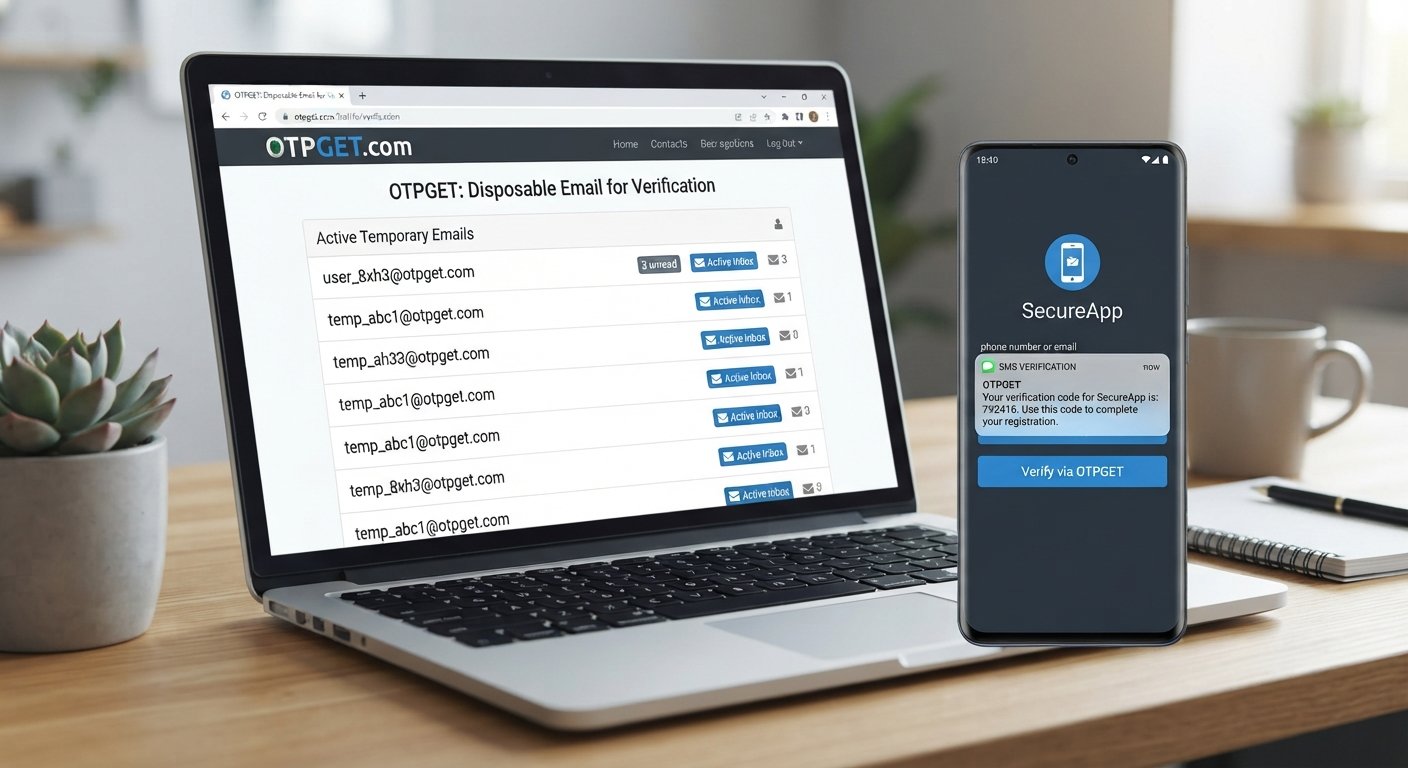
For users who need a practical way to receive verification emails or OTP messages without mixing them with everyday correspondence, OTPGET provides temporary email addresses designed for verification workflows. Its temporary email service supports multiple domains and is specifically intended for receiving verification emails and OTP messages.
What Is Disposable Email?
A disposable email is a temporary email address used for a limited purpose rather than as a permanent communication channel.
Instead of giving a website your normal Gmail, Outlook, or business address, you use a temporary email address for a specific registration or verification task. Depending on the service, the temporary inbox may remain available for a limited period or for the duration of a particular transaction.
The basic idea is simple: keep temporary online activity separate from your main inbox.
A disposable email address can be useful for:
- Temporary website registrations
- Testing online services
- Receiving a one-time verification email
- Signing up for low-priority services
- Separating promotional or unfamiliar websites from a personal inbox
- Receiving an OTP email without using your primary address
It is worth remembering that disposable email is not a universal privacy or security solution. A temporary address can reduce exposure of your primary email, but users should still consider what information they provide to a website and how that website handles personal data.
Why Online Account Verification Requires an Email
Email verification is a common part of account registration because websites need a way to confirm that an email address can receive messages.
After entering an address during signup, a service may send a verification email containing a clickable link or a verification code. Completing that step can confirm email ownership and activate the registration.
Email verification may be used to:
- Confirm that an address is reachable
- Complete account registration
- Activate a newly created account
- Deliver a verification link
- Send a one-time password or OTP
- Help reduce automated or fraudulent registrations
For users, the process is usually straightforward. The inconvenience comes when a personal email address is used for every website and begins receiving communications that are not particularly important.
Problems With Using Your Primary Email for Every Signup
Your primary email is often connected to important services, personal communication, password recovery, receipts, and other information you actually need.
Using it everywhere can gradually create unnecessary clutter.
Unwanted Promotional Emails
Some registrations result in marketing emails, product announcements, or promotional offers. Even when an unsubscribe option exists, dealing with unwanted messages takes time.
A Crowded Inbox
When dozens of low-priority websites send notifications to the same inbox, finding an important message becomes harder.
Privacy Concerns
An email address is personal information. Giving it to unfamiliar online services increases the number of organizations that have access to it.
That does not automatically mean those organizations will misuse it, but separating low-priority registrations from your primary address can be a sensible privacy-focused habit.
Unnecessary Long-Term Communication
Not every website needs to remain part of your digital life. If you are simply testing an online service or completing a one-time registration, using a permanent email address may create unnecessary ongoing communication.
A temporary inbox provides another option.
How Disposable Email Helps With Online Account Verification
The process behind a disposable email for online account verification is generally simple.
- Obtain a temporary email address.
Use a temporary email service to get an address suitable for the verification task. - Enter the address during signup.
Add the temporary email address when the website asks for an email during account registration. - Open the temporary inbox.
Return to the email service and check for incoming messages. - Receive the verification email or code.
The website may send a verification link, confirmation message, or OTP. - Complete verification.
Copy the code or follow the verification link as instructed by the website. - Use the account according to its rules.
Always follow the terms and registration requirements of the service you are using.
This workflow is particularly convenient when you only need to receive verification email for a temporary or low-priority registration.
Why Choose OTPGET for Disposable Email Verification?
For users looking for a temporary email option specifically connected with verification workflows, OTPGET provides disposable temporary email addresses for receiving verification emails and OTP messages. Its documentation describes an email OTP service with service-based and domain-based options, while its main site presents temporary email addresses across multiple domains.
That makes OTPGET relevant when the goal is not to establish another permanent inbox, but to handle a specific verification task.
Practical benefits can include:
- Inbox separation: Keep temporary registrations away from your primary email.
- Convenient verification: Use a temporary address to receive verification messages and OTPs.
- Multiple domain options: OTPGET documents temporary email availability across multiple domains.
- Verification-focused workflow: The service provides functionality for obtaining an email address and retrieving received verification codes.
- Useful for short-term needs: A temporary email can be appropriate when a permanent address is unnecessary.
OTPGET also documents an email-code retrieval process in which users can check for an incoming code after obtaining a temporary email.
The important distinction is that OTPGET should be viewed as a practical verification tool, not as a guarantee that every website will accept a temporary address. Some services deliberately restrict disposable email domains.
How to Use OTPGET for Online Account Verification
The exact experience can depend on the service and OTPGET's available email options, but the general workflow is straightforward.
1. Visit OTPGET
Start by accessing OTPGET and reviewing its temporary email options.
2. Obtain a Temporary Email Address
Use the available temporary email service to obtain an address suitable for the registration or verification task. OTPGET's documentation describes options based on email domain and, where available, the service being registered for.
3. Copy the Email Address
Use the temporary address on the website or online service requesting an email address.
4. Submit the Registration
Complete the website's normal signup process. If the service sends an email verification message, wait for it to arrive in the temporary inbox.
5. Check OTPGET for the Message
Return to OTPGET and check the temporary email associated with the verification process. OTPGET documents an email-code retrieval function for checking whether a verification code has arrived.
6. Complete Verification
Enter the received verification code or use the verification link provided by the website.
If a message does not arrive, check whether the address was entered correctly and whether the website accepts temporary email domains. OTPGET's terms also explain that temporary email orders have specific cancellation and refund conditions, so users should review those terms before using the service.
Disposable Email vs Your Primary Email
Disposable and permanent email addresses serve different purposes.
| Disposable Email | Primary Email |
|---|---|
| Useful for temporary registrations | Better for important long-term accounts |
| Helps separate low-priority signups | Suitable for personal and professional communication |
| Convenient for one-time verification | Better for password recovery |
| Can reduce unwanted email reaching your main inbox | Designed for ongoing access |
| May expire or become unavailable | Intended for long-term use |
A temporary inbox makes sense when you need short-term access to a verification message. Your permanent email is generally more appropriate for banking, work, personal communication, cloud storage, password managers, and other accounts you expect to use and recover over the long term.
If losing access to an email address could prevent you from recovering an account, a permanent email is usually the more appropriate choice.
When Should You Use a Temporary Email?
There are several legitimate situations where a disposable inbox can make online registration more convenient.
Consider a temporary email when you are:
- Trying an unfamiliar website
- Testing an online service
- Downloading a resource from a low-priority website
- Completing a temporary registration
- Receiving a one-time verification email
- Testing signup flows during development or QA
- Separating casual registrations from your personal inbox
A temporary email for signup can be particularly useful when you expect the registration to be short-lived or do not need ongoing communication from the service.
However, temporary email should not be used to deceive services, evade legitimate restrictions, commit fraud, or violate a website's terms.
Things to Consider Before Using Disposable Email
Disposable email is convenient, but it is not suitable for every situation.
Some Websites May Block Temporary Email
Certain services intentionally reject known disposable email domains. If a registration fails, the website may simply require a permanent email address.
Account Recovery Can Be Difficult
If the temporary address expires, you may not be able to receive future password-reset messages or account notifications. This is one of the biggest reasons not to use disposable email for an account you expect to keep.
Check the Service's Policies
Before using any temporary email provider, understand how the service handles temporary addresses, messages, retention, and cancellations. OTPGET publishes terms covering its temporary email service and related policies.
Privacy Still Requires Good Habits
A disposable email address can help avoid unnecessarily exposing your primary email, but it does not make every online activity anonymous. Avoid sharing unnecessary personal information and review the privacy practices of the websites you use.
Follow Website Rules
Always use online verification services in accordance with the terms of the website or platform involved. Temporary email is best treated as a convenience for legitimate, short-term registration and testing needs.
Frequently Asked Questions
What is a disposable email for online account verification?
It is a temporary email address used to receive messages such as verification links or OTP codes during an online registration. It can help keep a personal inbox separate from temporary signups.
Is temporary email the same as disposable email?
The terms are often used interchangeably. Both generally describe email addresses intended for temporary or limited-purpose use rather than permanent communication.
How does a disposable email receive verification codes?
A website sends the verification email or OTP to the temporary address. The user opens the associated temporary inbox, retrieves the message or code, and completes the website's verification process.
Can I use OTPGET for email verification?
Yes. OTPGET provides temporary email services intended for receiving verification emails and OTP messages, with documented functionality for obtaining temporary addresses and retrieving received codes.
Is disposable email suitable for important accounts?
Generally, it is better to use a permanent email for important accounts that require ongoing access, password recovery, security notifications, or long-term communication.
Why use a temporary email instead of my primary email?
A temporary email can help separate low-priority registrations from your personal inbox, reduce unwanted email, and avoid unnecessarily sharing your primary address with unfamiliar services.
What happens when a temporary email expires?
Depending on the service, you may lose access to the temporary inbox and any messages associated with it. That can make future account recovery difficult, which is why temporary addresses are better suited to short-term uses.
Final Thoughts: Simplify Online Verification With OTPGET
A disposable email address can be a practical option when you need to complete a temporary registration or receive a one-time verification email without placing another low-priority signup in your primary inbox.
The key is using the right type of email for the right situation. Temporary email works well for short-term verification, testing, and casual registrations, while permanent email remains more appropriate for accounts you need to maintain and recover over time.
For users looking for a dedicated temporary email option, OTPGET provides functionality focused on temporary addresses, verification emails, and OTP messages.
If you have a legitimate online verification task and want to keep it separate from your main inbox, explore OTPGET to see whether its temporary email options fit your needs.
8. Suggested Internal Links
- OTPGET homepage — Destination: OTPGET homepage
- OTPGET temporary email guide — Destination: Temporary email guide
- How temporary email works — Destination: Temporary email explainer
- Email verification guide — Destination: Email verification guide
- OTP verification guide — Destination: OTP and verification guide
- Temporary email for signup — Destination: Signup and temporary email guide
- Email privacy guide — Destination: Email privacy and inbox management guide
- Disposable email FAQ — Destination: Disposable email frequently asked questions


