How to Get an Estonia Number for WhatsApp — OTPGet Guide Online
How to Get an Estonia Number for WhatsApp
Need an Estonia number for WhatsApp but don't have access to a physical Estonian SIM? Whether you want to keep your personal number private, separate business communication, or simply need an Estonian number for verification, a virtual phone number can be a practical option.
The basic idea is straightforward: obtain an Estonian virtual number that can receive SMS, enter it into WhatsApp during registration, and retrieve the verification code through the number provider.
For users who want an online solution, provides virtual numbers and SMS OTP services designed for verification workflows. The important point is to choose a number that is actually available for the required service and capable of receiving the verification message. No virtual number provider can reasonably promise that every number will be accepted by WhatsApp.
Let's look at how the process works and what you should know before getting started.
Why Get an Estonia Number for WhatsApp?
There are several legitimate reasons someone may want an Estonian phone number for WhatsApp.
Privacy and separation
Using another number can help keep your personal mobile number separate from WhatsApp communication. This can be useful when communicating with new contacts, managing business conversations, or maintaining a dedicated account.
Business communication
An Estonian number can give a business or professional user a separate communication channel without requiring another physical handset. A virtual number can be particularly convenient when the primary goal is receiving SMS for account verification.
International accessibility
If you live outside Estonia but need an Estonian number, obtaining a physical SIM may be inconvenient. An online Estonia number can provide an alternative when a suitable number is available through a virtual-number service.
Convenience
A virtual number removes some of the practical hurdles associated with purchasing, activating, and maintaining another physical SIM. Instead, the number and incoming verification SMS can be handled online.
The key is to understand that virtual numbers have different capabilities. Some are suitable for one-time SMS verification, while others are designed for longer-term use.
Can You Use an Estonia Number for WhatsApp?
Yes, an Estonia number for WhatsApp can potentially be used for registration when the number can receive WhatsApp's verification SMS or other supported verification method.
WhatsApp generally requires a phone number that can receive a verification code. During setup, you enter the number using its international format, and WhatsApp sends a code to confirm that you have access to it.
However, not every virtual number will necessarily work.
WhatsApp's verification systems can treat different number types differently, and a particular number may have limitations based on its history, availability, or the provider handling it. For that reason, it is better to think of virtual-number services as an available option rather than a guaranteed route to verification.
If you use , check the currently available Estonia numbers and the relevant service before proceeding. OTPGet's documentation describes its SMS OTP workflow as allowing users to select a country and service, obtain a virtual number, and check for an incoming verification SMS.
How to Get an Estonia Number for WhatsApp
The process is relatively simple when an appropriate number is available.
Step 1: Visit OTPGet
Start by visiting and accessing its virtual-number or SMS OTP service.
Create or access your account and make sure you understand the available balance or purchase requirements before selecting a number.
The goal is to find an Estonia number that is available for the service you intend to verify.
Step 2: Select an Estonia Number
Look for Estonia in the country selection and choose a number that is offered for SMS or OTP verification.
Availability can change, so don't assume that a particular country or service will always have numbers available. OTPGet's platform is built around country and service selection, allowing users to request virtual numbers for supported verification services.
Step 3: Check SMS/OTP Availability
Before using the number, make sure it is intended for SMS verification and that WhatsApp is supported for the selected service.
This matters because an online phone number is only useful for this purpose if the required verification message can actually reach it.
Step 4: Enter the Number in WhatsApp
Open WhatsApp and begin the registration process.
When prompted for your phone number:
- Select Estonia as the country if WhatsApp provides the country selector.
- Enter the Estonian number without adding an incorrect country prefix.
- Double-check the complete number before continuing.
- Request the verification code.
Using the correct international format is one of the simplest ways to avoid unnecessary verification problems.
Step 5: Receive the Verification Code
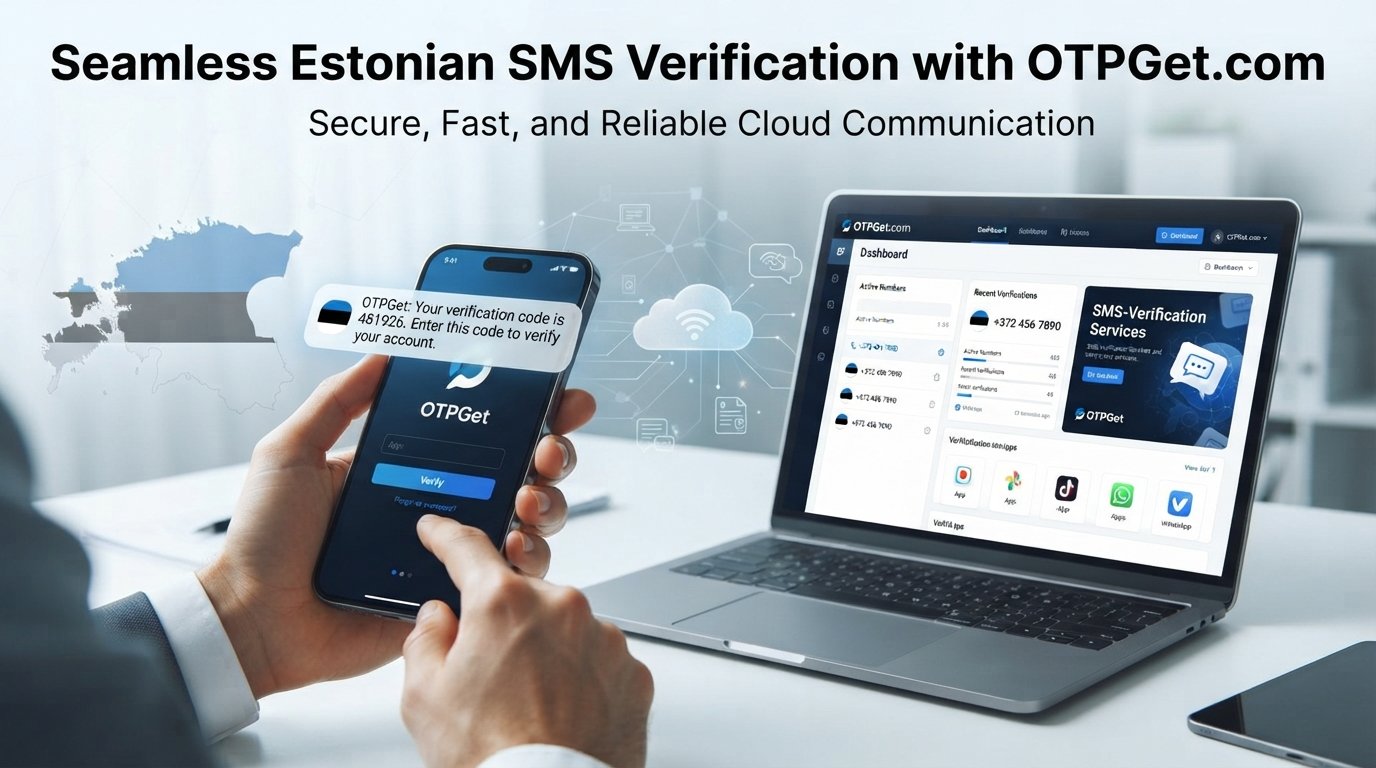
Return to your OTPGet dashboard and wait for the SMS.
If WhatsApp sends the verification message successfully, the OTP should appear through the number service. OTPGet's documented SMS workflow includes checking the activation status associated with a number and retrieving the received SMS code.
Step 6: Complete WhatsApp Verification
Enter the received verification code into WhatsApp.
If the code is accepted, continue with the remaining account setup steps.
If the SMS does not arrive, avoid repeatedly requesting new codes. Instead, check the number status, wait for any applicable delay, and troubleshoot before trying again.
Why Use OTPGet for an Estonia WhatsApp Number?
For someone specifically looking for an Estonia virtual number for WhatsApp, OTPGet is a practical place to start because its service is focused on virtual numbers and OTP-based verification.
Its platform provides online access to virtual phone numbers rather than requiring users to locate and activate a physical SIM. OTPGet also documents separate workflows for SMS OTP numbers and longer-term rental numbers, which can be useful when your requirements go beyond a single verification event.
Some of the practical advantages include:
- Online access: You can manage the number and verification process through an online platform.
- OTP-focused workflow: The service is designed around receiving verification SMS and OTP codes.
- Country selection: Users can select from available countries and services rather than manually searching for a physical SIM.
- Flexible use cases: Virtual numbers can be useful for additional communication or verification needs, depending on the number type.
- Rental options: For users who need a number beyond a one-time verification, OTPGet also documents rental-number functionality.
- Developer support: OTPGet provides APIs for users who need to integrate virtual-number and OTP workflows into applications.
The most important consideration remains compatibility. A number being virtual does not automatically mean WhatsApp will accept it, so always check the available service and number details before purchasing.
Estonia Virtual Number vs. Physical SIM
Both options can have a place depending on what you need.
| Factor | Virtual Estonia Number | Physical Estonian SIM |
|---|---|---|
| Setup | Online | Requires a physical SIM |
| Accessibility | Can be managed online | Requires access to the SIM/device |
| Convenience | Useful for online verification | Useful for traditional mobile service |
| SMS verification | Depends on number and service compatibility | Generally tied to the carrier's service |
| Physical requirements | No physical SIM needed | Requires SIM and compatible device |
| Privacy | Can keep your primary number separate | Provides a separate carrier number |
| Long-term use | Depends on rental or number type | Usually designed for ongoing mobile use |
A virtual Estonia phone number can therefore be attractive when your main requirement is online SMS access rather than full mobile-carrier service.
Tips for Successful WhatsApp Verification
A few simple precautions can make the process easier:
- Enter the number using the correct Estonia country code and international format.
- Confirm that the selected number can receive SMS.
- Check whether the number is specifically available for WhatsApp verification.
- Follow WhatsApp's instructions rather than repeatedly requesting codes.
- Give delayed SMS messages some time to arrive.
- Enter the OTP exactly as received.
- If a number has already been associated with an account, follow WhatsApp's instructions for that situation.
- Never share your WhatsApp verification code with another person.
Treat an OTP like a password. Anyone who obtains it may be able to use it in the verification process, so keep verification codes private.
Common Problems When Getting an Estonia Number for WhatsApp
Even when the process looks simple, verification can occasionally run into problems.
SMS is not arriving
First, confirm that the number was successfully activated and is intended for WhatsApp SMS verification. Check the status in your OTPGet account and avoid immediately requesting multiple new codes.
The Estonia number is unavailable
Virtual-number availability changes based on supply and service demand. If Estonia is temporarily unavailable, check again later rather than assuming the service does not support the country.
The verification code is delayed
SMS delivery can sometimes take longer than expected. Give the request time to process and check whether the number's status has changed before starting another attempt.
WhatsApp rejects the number
A particular virtual number may not be accepted. Number history, type, or WhatsApp's verification systems can affect eligibility. In that situation, follow WhatsApp's instructions and consider trying another appropriate number if one is available through OTPGet.
The number is already associated with an account
If WhatsApp indicates that the number has previously been used, don't assume that repeatedly requesting codes will solve the issue. Review the options presented by WhatsApp and consider whether a different available number is more appropriate.
OTPGet can simplify the number-selection and SMS-receiving side of the process, but the final verification decision remains with WhatsApp.
Frequently Asked Questions
Can I get an Estonia number for WhatsApp online?
Yes, you can look for an online Estonian virtual number through a service such as OTPGet. The number must be available and capable of receiving the verification message required by WhatsApp.
Can I use a virtual Estonia number for WhatsApp?
A virtual Estonia number can potentially be used for WhatsApp when it is compatible with the platform's verification process. Compatibility can vary between individual numbers, so it should not be treated as guaranteed.
How do I receive a WhatsApp verification code on an Estonia number?
Choose an available Estonia number intended for SMS verification, enter it into WhatsApp in the correct international format, request verification, and monitor the associated OTPGet SMS workflow for the incoming code.
Do I need a physical Estonian SIM card?
Not necessarily. A virtual Estonia number can provide online SMS access without requiring a physical SIM, depending on the service and number type you select.
Is an Estonia virtual number suitable for WhatsApp verification?
It can be suitable when the specific number supports WhatsApp SMS verification. Always check availability and service compatibility before proceeding.
How does OTPGet help with Estonia number verification?
provides virtual numbers and an SMS OTP workflow where users can select available countries and services, obtain a number, and monitor incoming verification messages.
Why isn't my WhatsApp verification SMS arriving?
Possible causes include number availability, SMS delivery delays, service compatibility, or restrictions affecting a particular number. Check the number status, wait before requesting another code, and follow WhatsApp's verification guidance.
Can I use an Estonia number as a second WhatsApp number?
Potentially, yes, provided the number meets WhatsApp's requirements and you use an appropriate WhatsApp setup for an additional account. The number still needs to pass WhatsApp's verification process.
Final Thoughts
Getting an Estonia number for WhatsApp can be useful when you want more privacy, a separate communication channel, or an online alternative to obtaining a physical Estonian SIM.
The process is straightforward: find a suitable virtual number, confirm that it supports SMS verification, enter it into WhatsApp, receive the OTP, and complete the verification steps.
For users who want a convenient online route, is a practical solution to explore. Its virtual-number and SMS OTP workflows are designed to make number selection and verification-code access easier, while its rental options can provide an alternative when a longer-term number is needed.
If you're ready to get an Estonia virtual number for WhatsApp, explore the available Estonia options on OTPGet and choose a number that matches your verification needs.
:::