OTPGet Login – Open Your Dashboard in One Simple, Easy Route
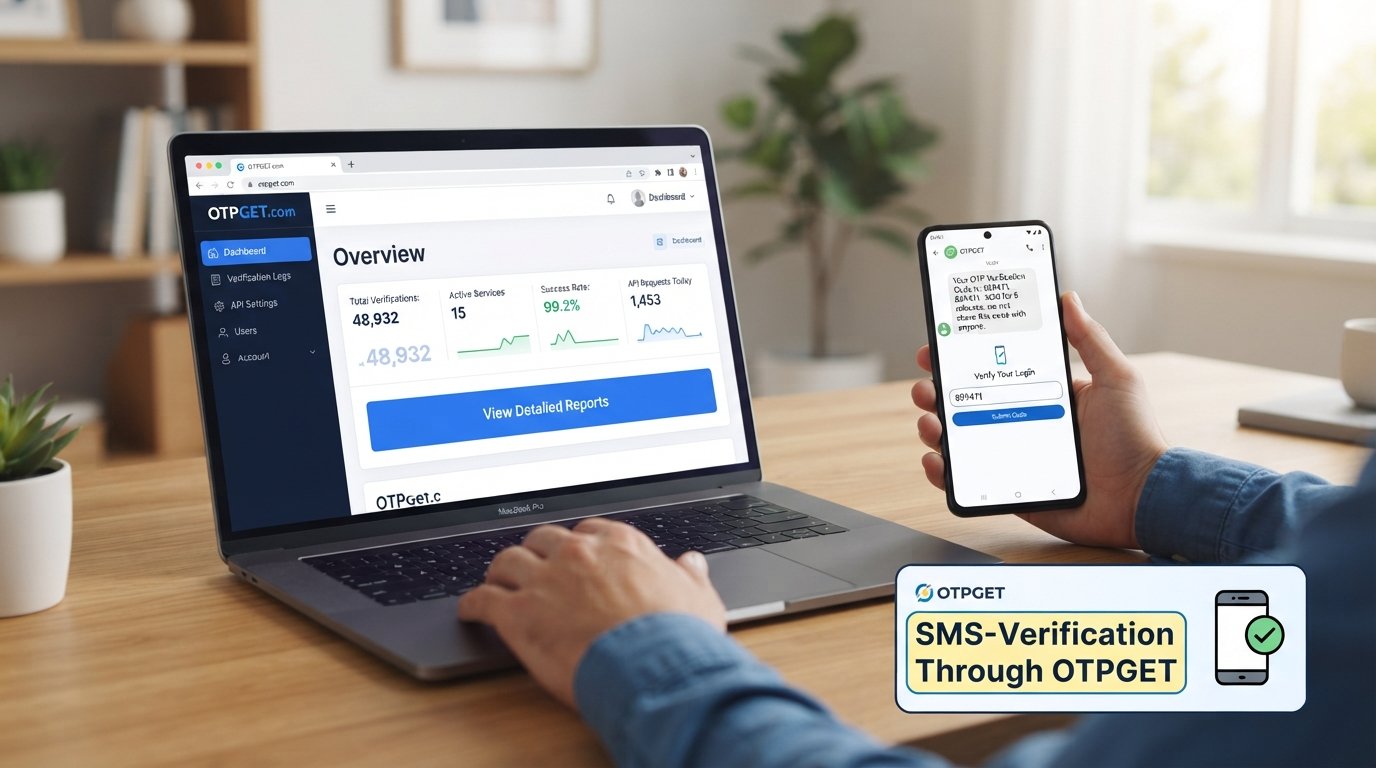
OTPGet Login – Open Your Dashboard in One Step
Getting to your account dashboard should not feel complicated. If you are searching for OTPGet Login, the goal is usually straightforward: find the correct login route, enter the required information, complete any requested verification, and reach your OTPGET dashboard without unnecessary confusion.
This guide explains the general OTPGET login process, what users should know before signing in, and what to do if access does not go as expected. It also covers practical account-access tips so you can approach the login process with confidence.
What Is OTPGET?
OTPGET is the platform users access through its account and dashboard environment. For someone trying to reach their account, the most important part is understanding the basic sign-in journey rather than searching through unnecessary pages.
The OTPGET dashboard serves as the central point users reach after successfully signing in. Depending on the account and services available to the user, a dashboard can provide a convenient place to view or manage information associated with that account.
Because exact account options and login requirements can vary, users should rely on the information displayed on the official OTPGET login page rather than assuming that particular fields or verification methods will always be required.
OTPGet Login – How to Access Your Dashboard
If you want to login to OTPGET, the process should begin with the official account-access route. The general steps are simple:
-
Visit the official OTPGET login page.
Use the official OTPGET website or the login route provided through an authorized source. Avoid relying on unfamiliar pages that imitate a login screen. -
Enter the required login information.
Provide the credentials or account information requested on the sign-in page. Check the details carefully before continuing. -
Complete any requested verification.
If the login process asks you to complete an OTP verification or another verification step, follow the instructions shown on the official page. -
Submit the login form.
Once the required information has been entered, submit the form using the available sign-in control. -
Open your OTPGET dashboard.
After successful authentication, you should be taken to the appropriate account or dashboard area.
The exact OTPGET login steps may depend on what the official login page currently requires. For that reason, it is better to follow the on-screen instructions than to rely on assumptions about specific fields, buttons, or verification methods.
Why OTPGet Login Makes Dashboard Access Simple
A clear sign-in process can make a noticeable difference when you simply want to reach your account. Instead of searching through unrelated pages, a dedicated login route gives users a clear starting point.
A straightforward OTPGET account login can help with:
-
Convenient access: Start from one recognized login route instead of repeatedly searching for the dashboard.
-
Less confusion: Clear account-access steps make it easier to understand what to do next.
-
Faster navigation: Once signed in, users can move directly toward their account dashboard.
-
Centralized access: The dashboard provides a single destination for information associated with the user's account.
-
Better user experience: A simple sign-in journey reduces unnecessary steps and distractions.
These are general advantages of an organized login experience. They should not be confused with guarantees about performance, availability, or security.
OTPGET Dashboard – What Can Users Expect?
The OTPGET user dashboard is the destination users are trying to reach when they complete the sign-in process. In general, an online dashboard gives account holders a central area where information or account-related options can be presented.
The precise contents of the OTPGET dashboard should be confirmed from the platform itself. Rather than assuming it includes particular tools or settings, users should look at the options available after signing in.
For account holders, the main benefit of dashboard access is having a clear place to continue after authentication. That can make account management more organized than navigating through multiple unrelated pages.
If you are new to OTPGET, take a moment after logging in to become familiar with the available navigation. Knowing where commonly used account options are located can make future visits more efficient.
Common OTPGet Login Problems and Simple Troubleshooting
Even a straightforward OTPGET login process can occasionally run into problems. Many access issues are caused by basic account, browser, connection, or verification problems.
Incorrect login credentials
If the credentials entered do not match the account information, check them carefully before trying again. Watch for typing mistakes, unnecessary spaces, or incorrect capitalization where applicable.
Forgotten password or account information
If you cannot remember the required login details, look for the official account-recovery option on the OTPGET login page, if one is provided. Follow the instructions supplied by the platform rather than using unofficial recovery services.
Incorrect verification information
If the login process requests verification and the information entered is not accepted, carefully review the instructions on the screen. Do not repeatedly submit information without understanding what the page is requesting.
Browser-related issues
A browser problem can sometimes interfere with a login page. Try refreshing the page, reopening the official login route, or using an up-to-date browser. If appropriate, clearing temporary browser data may also help.
Internet connection problems
A weak or unstable connection can prevent a login page from loading correctly. Check your connection and try again once the connection is stable.
Temporary page-loading issues
If the page does not load properly, wait briefly and try again. Avoid assuming that an account problem exists when the issue may simply be related to temporary connectivity or page-loading conditions.
Account access issues
If you have checked your information and still cannot access your account, use the official OTPGET support or account-recovery process where applicable. Avoid sharing passwords, verification codes, or other sensitive account information with unverified third parties.
Tips for a Smoother OTPGET Login Experience
A few simple habits can make OTPGET dashboard access easier:
-
Bookmark the official OTPGET login page if your browser allows it.
-
Double-check your credentials before submitting them.
-
Keep your login information private.
-
Avoid entering account details on suspicious or unfamiliar websites.
-
Keep your browser updated.
-
Use the official recovery process if you forget your credentials.
-
Pay attention to verification instructions shown during sign-in.
-
If something looks unusual, stop and confirm that you are using the legitimate OTPGET login route.
These habits are useful for online account access generally and can help reduce avoidable login problems.
OTPGet Login vs. Searching for Your Dashboard Manually
Searching for your dashboard every time you want to access your account can add unnecessary steps. Search results may contain multiple pages, references, or third-party information, making it harder to identify the correct destination.
Using the official OTPGET login page gives you a more direct starting point. Once you know the correct access route, you can return to it whenever you need to sign in rather than repeatedly searching for the dashboard.
This is particularly useful for users who access their account regularly. A familiar login path can make the overall experience clearer while reducing the chance of accidentally entering account information on an unrelated website.
The key is to make sure the login route you use is genuinely associated with OTPGET. Convenience should never come at the expense of careful account access.
Frequently Asked Questions About OTPGet Login
What is OTPGet Login?
OTPGet Login refers to the process of signing in to an OTPGET account through the official login route. Users provide the required information, complete any requested verification, and proceed to their account dashboard.
How do I access the OTPGET dashboard?
To access the OTPGET dashboard, start at the official OTPGET login page, enter the required account information, complete any requested verification, and submit the login form.
Where should I log in to OTPGET?
You should use the official OTPGET login page or an official access route provided by OTPGET. Avoid entering credentials into unfamiliar websites or pages that appear unofficial.
What should I do if I cannot access my OTPGET account?
First, check your login information and internet connection. If the issue continues, use any official account-recovery or support process provided through OTPGET.
Can I access the OTPGET dashboard from a browser?
If OTPGET provides browser-based account access, you can use the official login page through a compatible web browser. Follow the instructions presented on the official site.
What should I do if I forget my login credentials?
Look for the official account-recovery option on the OTPGET login page, if available. Follow the provided instructions and avoid sharing account credentials or verification information with others.
How can I keep my OTPGET login information secure?
Keep your credentials private, use the official login route, avoid suspicious websites, and follow safe account-access practices. Never share sensitive login or verification information with untrusted individuals.
Final Thoughts on OTPGet Login
OTPGet Login is the starting point for users who want to reach their OTPGET dashboard and continue managing their account. The basic process is straightforward: use the official login route, enter the required information, complete any requested verification, and proceed to the dashboard.
If you encounter an access problem, check your credentials, browser, connection, and verification details before turning to the official recovery or support process where applicable.
For the simplest experience, avoid repeatedly searching for your dashboard through unfamiliar pages. Instead, use the official OTPGET login page as your trusted starting point for account access.
When you are ready to sign in, go to the official OTPGET login route and follow the instructions displayed there.


