Ethiopia Telegram Not Working? Fix OTP Verification with OTPGET
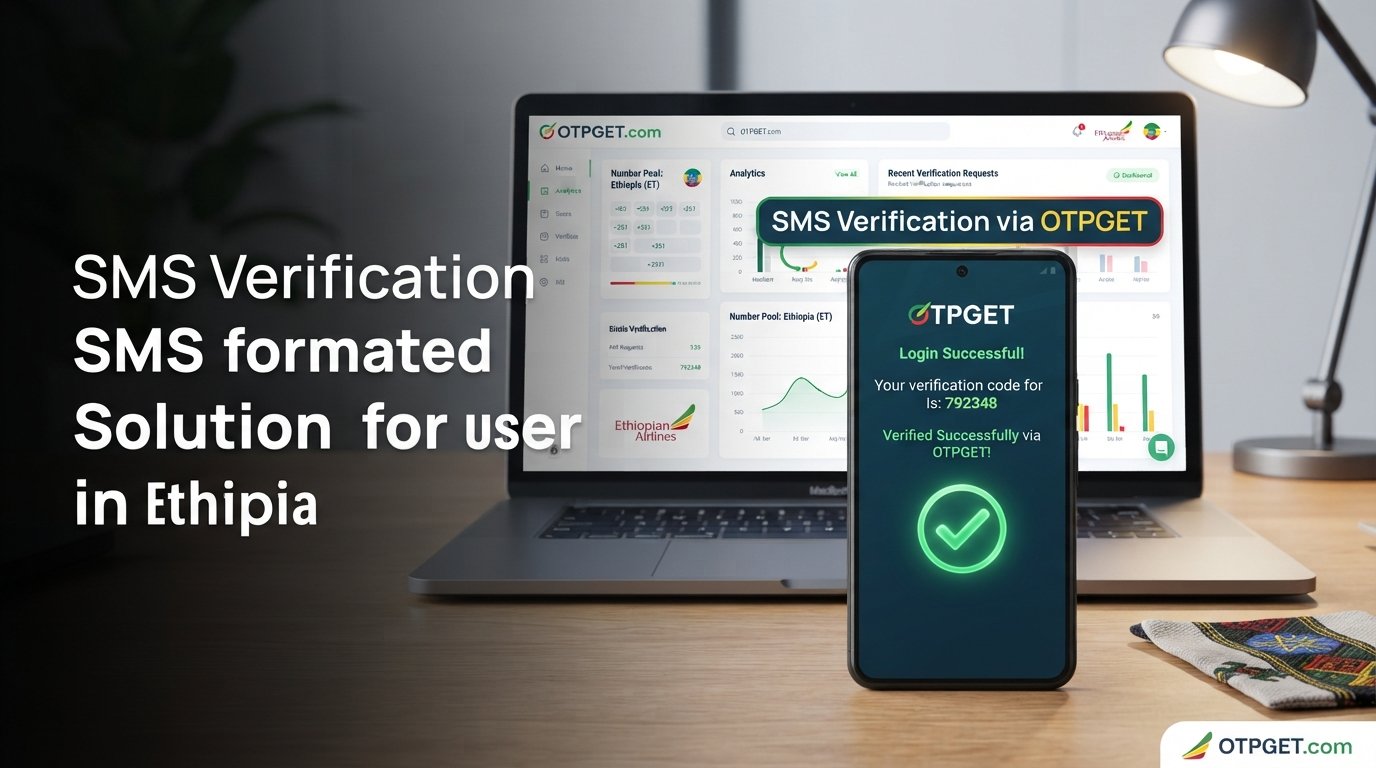
Ethiopia Telegram Not Working? Fix with OTPGET
Trying to sign up for Telegram or log back into an existing account can be frustrating when the verification code never arrives. For users in Ethiopia, an unexpected SMS delay, mobile connectivity issue, or verification problem can leave the Telegram login screen stuck while you wait for an OTP.
The good news is that a missing code does not necessarily mean Telegram itself is completely unavailable. Verification can fail for several reasons, and some problems can be fixed with a few simple checks.
If normal SMS verification continues to be unreliable, another option may be worth considering. OTPGET provides virtual phone numbers and SMS OTP services for supported platforms and countries, including Telegram according to its service information.
This guide explains why Telegram verification can fail, what you can try yourself, and how OTPGET may help when its available verification options fit your situation.
[Internal Link: Telegram Verification Guide]
Why Is Telegram Not Working in Ethiopia?
When someone searches for “Ethiopia Telegram not working,” the actual problem may be related to verification rather than Telegram being completely down.
Several things can interfere with the process of receiving a Telegram login or registration code. These issues can vary depending on your device, connection, phone number, and the verification method Telegram makes available.
Common possibilities include:
- Delayed SMS delivery
- Weak or unstable mobile connectivity
- Incorrect phone number or country-code formatting
- Problems receiving international or automated SMS
- Temporary service or network problems
- Too many verification attempts in a short period
- An outdated Telegram app
- A verification code being delivered through another available Telegram session
Telegram also notes that login codes for a Telegram account can be sent to the verified Telegram service notification chat when an existing session is available. This means an SMS is not necessarily the only place you should look for a login code.
Before assuming that your account or Telegram itself is broken, it is worth checking each part of the verification process.
Why Is My Telegram OTP Not Received?
A Telegram OTP not received situation can happen for several reasons.
One of the simplest explanations is a delayed SMS. Your phone may have a working connection while the verification message itself takes longer than expected to arrive.
Another possibility is an incorrect number. Even one missing digit or an incorrect country code can prevent the message from reaching the intended destination.
Your mobile network can also play a role. If your connection is weak or SMS delivery is temporarily unreliable, automated verification messages may not arrive promptly.
Repeatedly requesting new codes can also make the process more confusing. Instead of requesting another code immediately, give the current request some time and check whether Telegram has offered another verification method.
If you already have Telegram open on another device, check it as well. Telegram explains that its own login codes may be delivered through an existing Telegram session rather than by SMS.
In short, a Telegram code not arriving does not always point to a single cause. Check the number, connection, device, existing sessions, and available verification options before trying an alternative.
Quick Ways to Fix Telegram Verification Problems
If you are dealing with a Telegram verification code not received problem, start with these basic steps.
1. Check your phone number
Confirm that the number is entered correctly and that the country code matches the number you are using.
2. Check your mobile connection
Make sure your phone has a reliable network connection. If SMS service appears unreliable, try again after the connection improves.
3. Wait before requesting another OTP
Avoid repeatedly pressing the option to request another code. Give the existing request time to arrive.
4. Check another Telegram session
If you are already logged into Telegram on another device, look for a Telegram login notification or code there. Telegram indicates that account login codes can be delivered through an existing Telegram session.
5. Restart the app
Close and reopen Telegram. If an update is available for your device, installing it may also be worthwhile.
6. Review the verification screen carefully
Read the instructions Telegram displays rather than assuming the code will always arrive by SMS.
7. Avoid unnecessary repeated attempts
If the code is delayed, repeatedly starting new requests may not solve the underlying delivery problem. Give the process time before trying again.
[Internal Link: How OTP Verification Works]
These steps can resolve many straightforward verification issues. But what happens when the normal phone number still cannot receive the Telegram OTP?
What If Telegram Still Does Not Send the Verification Code?
Sometimes the basic troubleshooting steps are not enough. If your regular number continues to have problems receiving the Telegram SMS code, you may need another verification option.
This is where a virtual-number OTP service can become useful.
OTPGET offers virtual phone numbers for SMS verification and lists Telegram among its supported services. Its platform allows users to select available countries and services, request a number, and retrieve an incoming SMS code through its system when the relevant service and number are available.
Availability can vary, however. A virtual number is not a guarantee that every verification attempt will succeed, so it is important to check the current availability and suitability of the service before placing an order.
How OTPGET Can Help With Telegram Verification
OTPGET is designed around receiving verification messages through virtual numbers. For someone facing a Telegram OTP problem with their normal phone number, this can provide an alternative route where the appropriate Telegram verification service is available.
The general process is straightforward:
- Visit .
- Review the available countries and verification services.
- Select an available option that supports the verification you need.
- Follow OTPGET’s instructions for obtaining the number.
- Use the provided number in Telegram where appropriate and permitted.
- Monitor the OTPGET interface for the incoming verification SMS.
- Enter the received code into Telegram to continue the verification process.
OTPGET’s documentation describes functions for checking available countries and services, requesting a virtual number, and retrieving the status of an incoming SMS code.
The important point is that availability matters. If Telegram, the selected country, or the particular number is not available for the required verification flow, another option may be necessary.
Users should also follow both Telegram’s rules and OTPGET’s usage policies. OTPGET states that its services are intended for online verification and account registration and prohibits illegal, fraudulent, abusive, or harmful use.
Why Choose OTPGET for Telegram OTP Problems?
When your usual phone number is not receiving a Telegram verification SMS, convenience becomes important. Constantly requesting new codes can waste time without addressing the delivery problem.
OTPGET can be useful because it brings the verification message into an online interface rather than relying exclusively on your personal phone's SMS inbox.
Potential advantages include:
- Access to virtual numbers for supported verification services
- Multiple country and service options, subject to availability
- An online method for receiving SMS verification messages
- A straightforward dashboard-based approach
- Options for temporary numbers and longer-term rentals
- API functionality for developers who need automated OTP workflows
OTPGET says its platform supports virtual numbers, rental numbers, temporary email, and developer API access.
That makes it more than a single-purpose Telegram workaround. However, for an individual trying to solve an Ethiopia Telegram login problem, the most important consideration is whether a suitable Telegram verification option is currently available.
[Internal Link: OTPGET Guide]
Ethiopia Telegram Verification: Common Questions
Why am I not receiving my Telegram OTP in Ethiopia?
The problem may be related to SMS delays, mobile connectivity, an incorrectly entered number, repeated verification attempts, or the availability of another Telegram verification method. Check your number, connection, and existing Telegram sessions first.
Why is Telegram not sending an SMS code?
An SMS code may be delayed or Telegram may use another available verification method. If you already have an active Telegram session, check it for a login code or notification before requesting another SMS.
How can I fix Telegram verification problems?
Start by checking your country code and phone number, confirming your mobile connection, waiting for the current code, checking other Telegram sessions, restarting the app, and avoiding repeated requests.
Can OTPGET help me receive a Telegram verification code?
OTPGET lists Telegram among its supported verification services and provides virtual numbers for receiving SMS OTPs. Whether it can help with a particular attempt depends on the current country, number, service availability, and Telegram's verification requirements.
What should I do if my Telegram login code does not arrive?
First, check whether Telegram has delivered the code through an existing logged-in session. Then verify your number and connection and wait before requesting another code. If normal SMS delivery remains unsuccessful, you can investigate an available OTP service such as OTPGET.
Why does Telegram say the code was sent elsewhere?
Telegram can deliver account login codes through an existing Telegram session. If you are logged into the account on another device, check the Telegram service notification chat there.
How long should I wait before requesting another Telegram OTP?
There is no single waiting period that applies to every situation. Avoid repeatedly requesting codes immediately. Wait for the current attempt, check other delivery methods, and follow the instructions shown by Telegram.
What should I check before trying another verification method?
Confirm that the phone number is correct, your network is working, Telegram is updated, and no existing Telegram session has already received the login code. If those checks do not resolve the issue, consider whether a supported alternative verification option is appropriate.
Conclusion
A Telegram verification problem in Ethiopia can be frustrating, especially when you are ready to sign up or log in but the OTP never appears.
The best first step is to troubleshoot the basics. Check your number and country code, confirm your connection, look for a code in an existing Telegram session, restart the app if necessary, and avoid repeatedly requesting new OTPs.
If normal SMS verification still does not work, OTPGET is a practical option to explore when its available Telegram verification services and numbers support your situation. Its virtual-number platform is designed to receive SMS verification codes online, giving users an alternative to relying solely on their usual phone number.
Having trouble receiving your Telegram verification code? Explore and see whether its available verification options fit your needs.
Suggested Internal Links
- [Internal Link: Telegram Verification Guide]
- [Internal Link: How OTP Verification Works]
- [Internal Link: OTPGET Guide]
- [Internal Link: Virtual Numbers for SMS Verification]
- [Internal Link: Telegram Login Troubleshooting]
SEO/Content Checklist
- Primary search intent addressed: Ethiopia Telegram verification and login problems.
- Secondary intent addressed: missing SMS OTPs and Telegram sign-up difficulties.
- OTPGET introduced after genuine troubleshooting advice.
- OTPGET positioned as the main practical alternative without guaranteeing success.
- Telegram verification behavior described cautiously.
- No fabricated statistics, testimonials, awards, reviews, or unsupported technical claims.
- Practical troubleshooting steps included.
- Featured-snippet-friendly answers included.
- FAQ section contains eight useful questions.
- CTA included naturally.
- Internal-link opportunities identified without inventing URLs.
- No random external links added.
- Content is evergreen and written for a general audience.
- Keyword usage is natural rather than repetitive


