Facebook Code Not Arriving? Try an OTPGet Number
Facebook Code Not Arriving? Try an OTPGet Number
You enter your phone number, tap Send Code, and wait. Nothing happens. You check your messages again. Still nothing.
If you've searched for “Facebook code not arriving,” you're probably dealing with one of several common SMS delivery or verification issues. The problem may have nothing to do with your Facebook account itself. A carrier delay, incorrect number format, repeated code requests, blocked messages, or temporary delivery restrictions can all interfere with receiving a verification SMS.
Fortunately, you have several troubleshooting options. And if your regular phone number continues to cause problems, an OTPGET number can provide another option for receiving an SMS verification code where supported.
Let's look at why Facebook verification codes sometimes fail to arrive, what you can do first, and how OTPGET can fit into the process.
Why Is My Facebook Verification Code Not Arriving?
A missing Facebook verification code can be frustrating because there isn't always an obvious reason. Before requesting another code repeatedly, check the most common causes.
1. Your phone number may be incorrect
Start with the basics. Make sure the number entered into Facebook is accurate and includes the appropriate country code.
A single incorrect digit can send the Facebook verification SMS somewhere else—or nowhere useful at all.
2. Your mobile network may be experiencing delays
SMS messages don't always arrive instantly. Network congestion, weak cellular coverage, or temporary carrier problems can delay delivery.
If your phone has poor signal, try moving somewhere with stronger coverage before requesting another code.
3. Your carrier may filter certain messages
Some mobile providers apply filters to automated, short-code, or international SMS traffic. This can result in a Facebook SMS code not received situation even though Facebook attempted to send it.
Checking your blocked-message settings or contacting your carrier may help identify the issue.
4. You've requested too many codes
Repeatedly clicking the resend option may not make the code arrive faster. Multiple requests can create confusion because an earlier code may become invalid when a newer one is generated.
If you've requested several codes, stop for a while and use the most recent code when another message arrives.
5. Facebook may temporarily limit verification attempts
Security systems can sometimes restrict or delay repeated verification activity. This doesn't necessarily mean your account is permanently blocked.
If you've made many attempts in a short period, waiting before trying again can be more productive than continuing to request new codes.
6. Your phone may have SMS-related problems
Check whether your phone can receive ordinary text messages. Also look at your spam, blocked, filtered, or full-message folders if your device or messaging application provides them.
If other SMS messages are arriving normally but the Facebook verification SMS isn't, the problem may be specific to the verification route.
7. International SMS may not be supported reliably
Depending on your carrier and location, international or automated verification messages may experience additional delivery issues. This is one reason having an alternative verification number can sometimes be useful.
What to Do When Facebook Code Is Not Arriving
Before switching numbers, work through these steps.
- Check the phone number. Confirm every digit and the country code.
- Check your cellular connection. Make sure your phone has a usable signal.
- Check your SMS inbox. Look through blocked, filtered, spam, or archived messages.
- Wait before requesting another code. Give the delivery system time to process the request.
- Avoid repeatedly tapping resend. Too many requests can complicate the process.
- Try another available verification method. If Facebook offers an alternative method for your account, follow the instructions provided.
- Consider another verification number. If your regular number consistently fails to receive the SMS, an appropriate OTP or verification number may be worth considering.
The key is to identify whether you're dealing with a temporary delivery delay or a persistent problem with the number you're using.
Why Use an OTPGET Number for Facebook Verification?
If your normal phone number isn't receiving the required message, an OTPGET number can be a practical alternative for SMS verification where the number and service are supported.
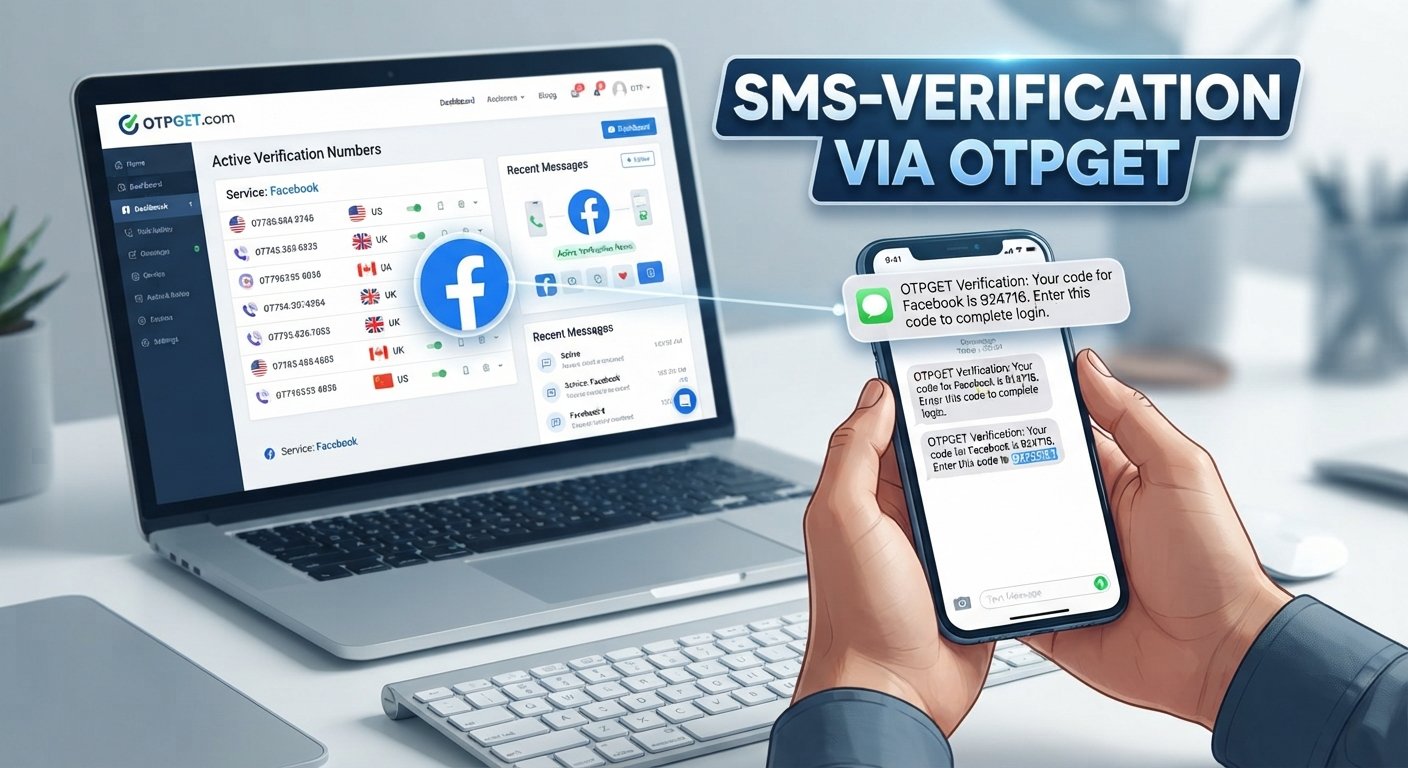
An OTPGET number is designed to provide access to a phone number that can receive verification messages. Instead of relying entirely on your personal mobile number and its carrier, you can use an available verification number for a supported SMS verification process.
This can be particularly useful when:
- Your regular number isn't receiving the verification SMS.
- You need an alternative number for a legitimate verification process.
- You want to avoid depending on a single mobile carrier for SMS delivery.
- You need access to a number specifically intended for receiving verification messages.
- Your existing number is experiencing temporary delivery problems.
The important point is that OTPGET doesn't guarantee that every Facebook verification attempt will work. Facebook determines which numbers and verification methods it accepts, and SMS availability can vary.
Think of OTPGET as an additional option—not a way to bypass Facebook's security systems.
How to Use an OTPGET Number for Facebook Verification
If you're considering an OTPGET number, the process is straightforward when the selected number supports the verification you need.
Step 1: Visit OTPGET
Go to OTPGET and review the available verification options.
Step 2: Select a suitable number or service
Choose an available OTPGET number that supports the verification service you're attempting to use. Availability and compatibility can vary, so check the information presented before proceeding.
Step 3: Enter the number on Facebook
When Facebook asks for a phone number during its verification process, enter the OTPGET number in the appropriate field and use the correct country format.
Step 4: Request the verification code
Submit the verification request through Facebook. Facebook will attempt to send the confirmation SMS to the number provided.
Step 5: Check OTPGET for the SMS
If the selected number supports the requested service, check OTPGET for the incoming verification message.
Step 6: Enter the code
If the Facebook verification SMS arrives, enter the code into the Facebook verification field and follow Facebook's instructions.
If a code doesn't arrive, don't immediately assume something is wrong with OTPGET. Number availability, Facebook's verification requirements, SMS routing, and carrier or service restrictions can all affect delivery.
OTPGET vs. Waiting for a Facebook SMS Code
When your personal number isn't receiving a verification SMS, you essentially have two broad approaches: continue troubleshooting the same number or consider an alternative verification number.
| Factor | Regular Mobile Number | OTPGET Number |
|---|---|---|
| Convenience | Familiar and already in your possession | Provides an alternative number |
| SMS verification | Depends on your carrier and SMS delivery | Intended for supported SMS verification |
| Carrier dependence | Relies on your mobile provider | Provides another route for receiving SMS |
| Alternative access | Limited if your number has delivery issues | Useful when an additional number is appropriate |
| Compatibility | Usually familiar to the platform | Depends on the service and number availability |
Neither option is guaranteed to work in every situation. A personal number may be the simplest choice when SMS delivery is functioning normally. An OTPGET verification number becomes more interesting when the usual number is experiencing persistent delivery problems.
Tips to Improve Facebook Verification Success
Whether you're using your personal number or an OTPGET number, a few habits can make the verification process smoother.
Use the correct number format. Include the appropriate country code and double-check the digits before submitting.
Don't request codes repeatedly. If you keep generating new codes, you may end up using an outdated message.
Give SMS delivery time. A verification message may not arrive instantly.
Check your message filters. Look for blocked or filtered SMS messages before assuming the code was never sent.
Use a compatible number. If you're considering an OTP number, make sure the selected number supports the service you're trying to verify.
Only use numbers you're authorized to use. Verification numbers should be used for legitimate purposes and in accordance with the relevant platform's requirements.
Follow Facebook's instructions. If Facebook offers another verification method, consider using the option presented for your account.
Try again later when appropriate. Temporary delivery or verification problems may resolve without changing anything.
Common Questions About Facebook Verification Codes
Why is my Facebook code not arriving?
A Facebook code not arriving can be caused by an incorrect phone number, weak network coverage, SMS filtering, carrier delays, repeated verification requests, or temporary restrictions. Check your number and SMS settings first, then wait before requesting another code.
Why am I not receiving the Facebook verification SMS?
Your carrier may be delaying or filtering automated messages, or Facebook may be experiencing a temporary delivery issue. Check your signal, blocked messages, and number format. If the problem continues, an alternative verification number may be worth considering.
How long should I wait for a Facebook verification code?
There isn't one guaranteed delivery time. SMS can be delayed by network conditions or verification systems. Avoid repeatedly requesting codes immediately; give the current request time to arrive before trying again.
Can an OTP number receive a Facebook verification code?
An OTP number may receive a Facebook verification code if the number supports Facebook's verification process and SMS delivery is available. Compatibility can vary, so an OTPGET number should be treated as an option rather than a guaranteed solution.
What is an OTPGET number?
An OTPGET number is a phone number made available for supported SMS verification purposes. It can provide an alternative to your regular mobile number when you need to receive a verification message.
What should I do if Facebook says it sent a code but I received nothing?
First, confirm that the number is correct. Check your SMS inbox and blocked-message folders, verify your mobile connection, and avoid repeatedly requesting codes. If the problem persists, consider whether another supported verification method or an appropriate OTPGET number could help.
Can I try another phone number for Facebook verification?
If Facebook's verification process allows you to use another number, you can consider an alternative number that you are authorized to use. An OTPGET number may be an option where the selected number is compatible with the verification process.
Final Thoughts: Try OTPGET When Your Facebook Code Isn't Arriving
A missing verification SMS doesn't necessarily mean something is seriously wrong with your Facebook account. The issue can come from an incorrect number, carrier filtering, network problems, delayed SMS delivery, repeated code requests, or temporary verification restrictions.
Start with the basics: check your number, confirm your connection, inspect your SMS settings, and avoid requesting multiple codes too quickly.
If your regular number continues to have trouble receiving verification messages, an OTPGET number can provide another option for supported SMS verification. It gives you an alternative number to try without relying entirely on the same phone number and carrier that may already be causing delivery problems.
There are no guarantees that every number will work with every Facebook verification request, so always follow Facebook's current instructions and check number compatibility.
If you need another verification number and want to explore your options, OTPGET is a practical place to start.


