Facebook Marketplace Phone Verification: Common Problems and Fixes
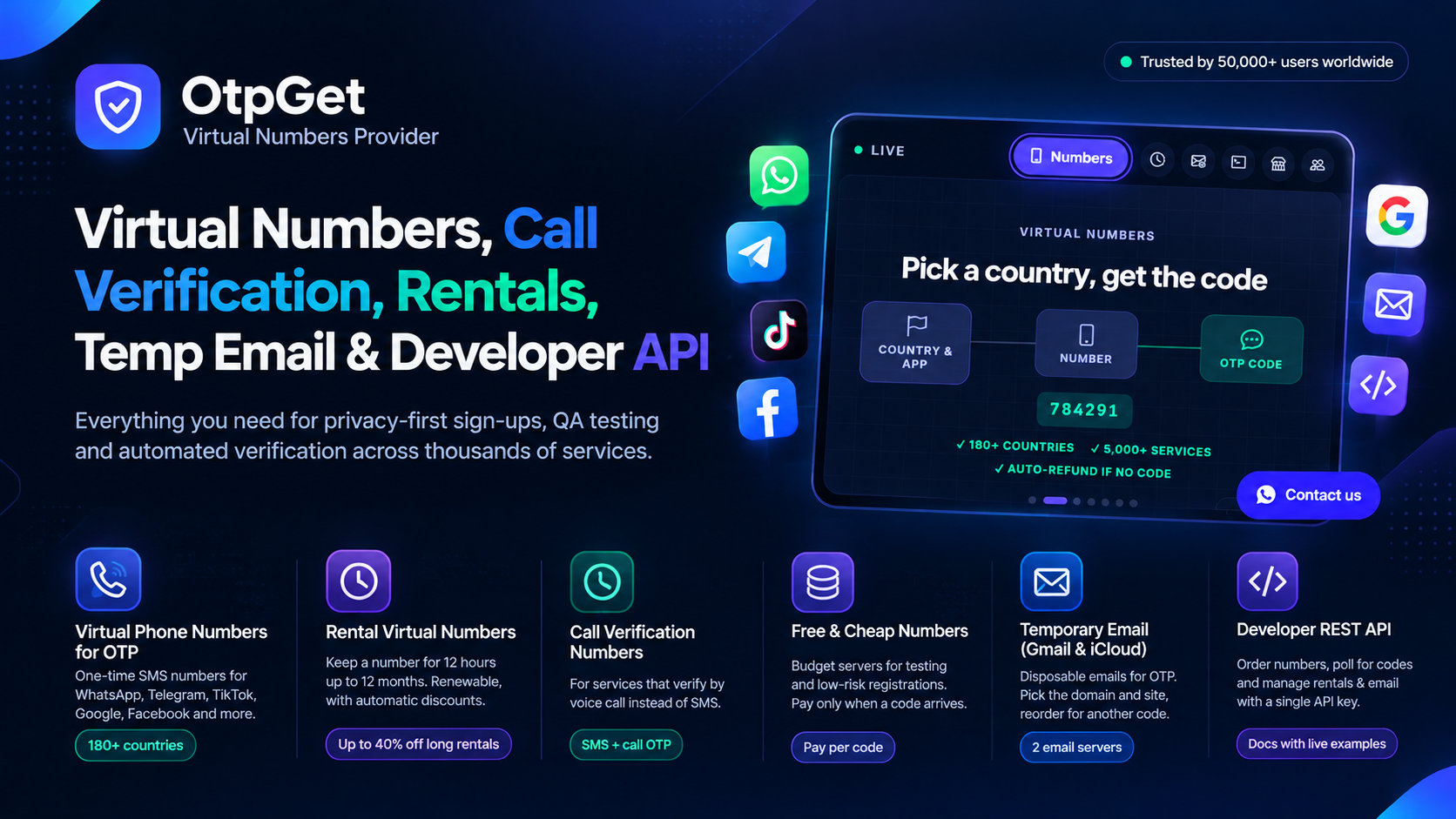
Facebook Marketplace phone verification can stop you from listing, messaging buyers, or managing orders when the code never lands. Most failures come from carrier filtering, a mistyped number, a resend limit, or a device setting that hides the message. This guide covers the real causes and the fixes that work, so you can complete facebook marketplace phone verification without guessing.
Direct answer: Facebook Marketplace phone verification usually fails because the SMS is filtered by your carrier, the number is already attached to another account, you hit the resend limit, or your phone blocks short-code messages. Check the number format, wait out the resend timer, disable spam filters, and retry on a stable network before contacting support.
Why Facebook Marketplace asks for a phone number
Marketplace is a local buying and selling space, and Facebook uses a phone number to reduce fake listings, confirm you are a real person, and protect buyers from scams. The number also helps with account recovery and two-factor authentication. Facebook may ask for verification when you create your first listing, join a new region, change devices, or when its risk system flags unusual activity.
Verification is not the same as a public phone number. In most cases, the number stays private and is used only for security checks. That matters because people often hesitate to hand over a personal number, which is why some sellers use a separate number for marketplace activity.
Common facebook marketplace phone verification problems
1. The code never arrives
This is the most reported issue. The message may be delayed by carrier filtering, especially if you are on a prepaid plan or a number that has been recycled. Short codes used by large platforms are sometimes blocked by default on certain carriers.
2. The number is already in use
Facebook links one number to a limited number of accounts. If you previously verified with that number on another profile, the system may reject it or ask you to confirm ownership in a way you cannot complete.
3. You hit the resend limit
After a few requests, Facebook temporarily stops sending codes. This is a security feature, not a bug. Tapping resend repeatedly resets the timer and makes the wait longer.
4. The number format is wrong
Marketplace expects the full international format with the country code. Dropping the leading zero or selecting the wrong country is a common mistake.
5. Device or app settings block the message
Spam filters, blocked numbers, and Do Not Disturb can hide a verification SMS. On Android, the message may land in a filtered folder instead of the main inbox.
Step-by-step fixes for facebook marketplace phone verification
- Confirm the number format. Enter the number with the country code and without the leading zero. Double-check the country selector.
- Wait out the resend timer. If you see a countdown, do not tap resend. Wait the full period, then request one new code.
- Check spam and blocked messages. Open your messaging app, look in spam or filtered folders, and review the blocked numbers list.
- Disable Do Not Disturb temporarily. Silent mode can suppress the notification even when the SMS arrives.
- Switch to a stable network. Move to Wi-Fi or a stronger mobile signal, then request the code again.
- Restart the app. Force-close Facebook, reopen it, and retry verification from the same screen.
- Try a different number. If the number is recycled or flagged, a fresh number usually resolves it. A virtual number for verification can help when you do not want to expose your personal line.
When the problem is the number itself
Recycled numbers cause a lot of silent failures. When a carrier reassigns an old number, the new owner can inherit verification messages meant for the previous user, and platforms learn to distrust that number. If your number was recently ported or is a hand-me-down, verification may fail even when everything else looks correct.
Number reputation also plays a role. Numbers tied to spam complaints or bulk messaging get filtered more aggressively. Using a clean, dedicated number for marketplace activity reduces these failures.
Frequently Asked Questions
Why is Facebook Marketplace not sending my verification code?
Facebook may be rate-limiting you, your carrier may be filtering short-code SMS, or the number may already be linked to another account. Wait out the timer, check spam folders, and try a different number if the issue continues.
Can I use a virtual number for Facebook Marketplace verification?
Yes, a virtual number can receive the code when you need a separate line for marketplace activity. Choose a provider that supports the country and carrier you need, and keep the number active during verification.
How long should I wait before requesting another code?
Follow the on-screen countdown exactly. If no timer appears, wait at least ten minutes before trying again to avoid triggering a longer block.
Does Marketplace show my phone number to buyers?
No. The number is used for verification and account security. Buyers see your listings and messages, not your private phone number.
What if I changed my number and cannot verify?
Update the number in your account settings first, then request a new code. If the old number is still attached, remove it before adding the new one.
Conclusion
Most facebook marketplace phone verification failures come down to formatting, filtering, or resend limits, and each has a clear fix. Work through the steps in order, and switch to a clean number if the problem persists. Ready to verify without exposing your personal line? Create an OtpGet account and get a number in minutes.
Related reading: more verification guides on the OtpGet blog.