How to Receive Facebook Verification SMS Online With OTPGET
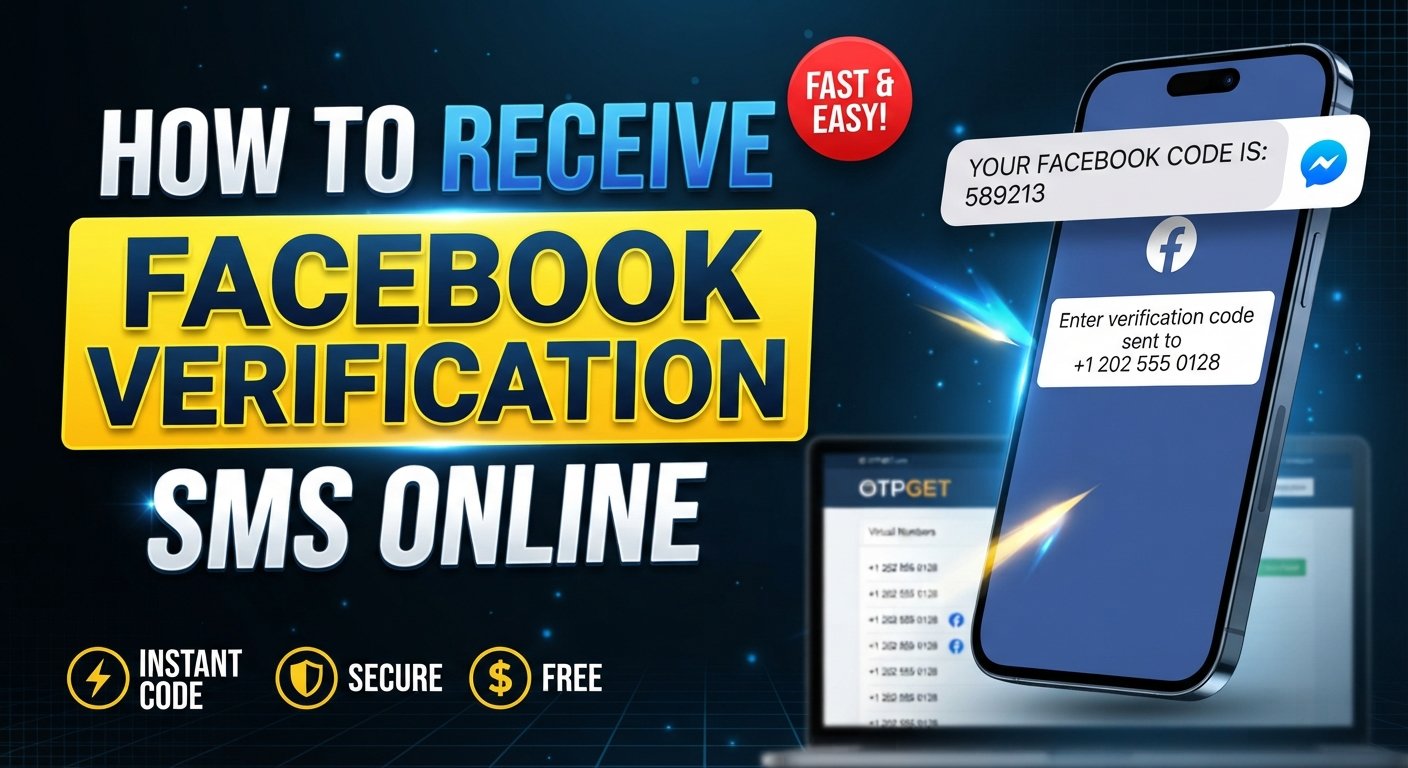
How to Receive Facebook Verification SMS Online
Needing a Facebook verification SMS can be frustrating when you do not want to use your personal phone number, cannot access it immediately, or simply need a suitable number for a temporary verification task.
An online SMS number can be useful in these situations. Instead of relying solely on a personal mobile number, users can explore an online SMS service that provides access to incoming verification messages. OTPGET is one option designed around receiving SMS and OTP messages online, subject to number and provider availability.
This guide explains how Facebook SMS verification works, how to use OTPGET for receiving a verification code, what can affect delivery, and what to do when an SMS does not arrive.
Why Facebook Verification SMS Is Needed
Facebook may use SMS-based verification as part of its account and login security processes. A verification code can help confirm that the person attempting an action has access to the phone number associated with that process.
Depending on the situation, you may encounter a Facebook verification code, confirmation code, or security code sent by SMS.
SMS verification can be used in situations such as:
- Confirming a phone number
- Supporting account verification
- Completing certain login or security checks
- Confirming an account-related action
- Recovering access when Facebook requests additional verification
The exact verification process is controlled by Facebook. Receiving an SMS does not guarantee that every account action will be approved, because other security checks may also apply.
Can You Receive Facebook Verification SMS Online?
Yes, it can be possible to receive Facebook verification SMS online through an online SMS or OTP receiving service when Facebook sends the message to the selected number and the provider supports that type of SMS.
The basic concept is straightforward. An online service provides a phone number capable of receiving SMS. Instead of the message appearing in your personal phone's messaging app, an incoming message may appear in the service's online inbox.
However, there is an important limitation: SMS delivery is not controlled by the receiving service alone.
Whether a Facebook verification message arrives can depend on:
- Facebook's verification systems
- The selected phone number
- Mobile network and provider availability
- Whether Facebook accepts that number for the intended verification
- Temporary delivery or routing issues
- The type of SMS being sent
For this reason, an online number should not be viewed as a guaranteed way to receive every Facebook OTP.
How OTPGET Helps You Receive Facebook Verification SMS
OTPGET provides an online option for users who need access to SMS or OTP messages without necessarily using their personal mobile number.
Depending on availability, users can select an appropriate number and monitor its online inbox for an incoming verification message. If Facebook sends a message to that number and the message is supported by the provider, the code may appear in the OTPGET inbox.
This can be useful for people looking for:
- An online phone number for Facebook verification
- A temporary SMS number
- A virtual number for SMS verification
- A way to receive SMS online
- An online OTP service for supported verification messages
OTPGET does not control Facebook's verification process. It simply provides the receiving side of the SMS process, while Facebook determines whether and when a verification message is sent.
If you need an online number, you can explore OTPGET's available options and check whether a suitable number is currently offered for your intended verification.
How to Receive a Facebook Verification Code With OTPGET
The exact interface and available numbers can change, but the general process is simple.
- Visit OTPGET.
Open the OTPGET service and review the available SMS or OTP receiving options. - Select an appropriate option.
Look for a number or service option suitable for the verification you want to complete. - Choose an available number.
If multiple numbers are offered, select one that fits your intended use and is available for incoming SMS. - Enter the number where Facebook requests it.
Enter the selected number in the relevant Facebook phone-number or verification field. - Request the verification SMS.
Follow Facebook's normal verification process and request a code when the option is presented. - Monitor the OTPGET inbox.
Return to the relevant OTPGET inbox and check for an incoming Facebook message. - Enter the received code.
If the Facebook verification SMS arrives, enter the code into the appropriate Facebook field. - Complete the verification process.
Continue with Facebook's instructions. Additional checks may be required depending on the account or action.
The important point is that OTPGET can provide the receiving number, but Facebook controls whether the SMS is sent and how its verification process works.
Why Use an Online Number for Facebook SMS Verification?
There are several legitimate reasons someone might prefer an online number instead of immediately using a personal mobile number.
Privacy Considerations
Some users prefer to keep verification messages separate from their everyday phone communications. An online number can provide another layer of separation between personal communications and a particular verification task.
This does not mean an online number should be used to conceal prohibited activity or avoid Facebook's security requirements. Users should always follow the platform's applicable rules.
Convenience
An online inbox can be convenient when you need to access a verification SMS from a computer or another device rather than relying on a physical SIM card.
Temporary Verification Needs
Some verification tasks are short-term. A temporary phone number for Facebook may be useful when the selected service and number are appropriate for the intended purpose.
Temporary numbers also have limitations, however. Availability, message retention, reuse, and future access can vary by provider and number.
Keeping Personal Messages Separate
Using a separate number can help prevent verification codes from becoming mixed with personal SMS conversations. For users who regularly handle different online services, this separation can make verification messages easier to identify.
OTPGET vs. Traditional SMS Verification
An online SMS service and a traditional personal mobile number serve different practical needs.
| Consideration | Traditional mobile number | Online SMS number |
|---|---|---|
| Convenience | Requires access to the phone/SIM | Can be accessed through the online service |
| Privacy | Uses a personal number | Can separate verification from a personal number |
| Temporary use | Usually intended for ongoing personal use | May be suitable for temporary needs |
| Accessibility | Dependent on access to the device/network | Dependent on the online provider and internet access |
| Message control | Messages arrive directly on the phone | Messages may appear in an online inbox |
| Availability | Usually tied to your existing mobile service | Depends on numbers currently offered by the provider |
Neither option guarantees successful Facebook verification. The appropriate choice depends on the user's circumstances and whether Facebook accepts and delivers messages to the selected number.
What to Do If the Facebook Verification SMS Does Not Arrive
A missing Facebook confirmation code does not necessarily mean that the online SMS service has failed. Several parts of the delivery process can affect whether a message arrives.
Try these steps:
- Check the number carefully. Make sure the number entered into Facebook matches the selected number.
- Wait briefly. SMS delivery can sometimes take a little time.
- Avoid repeated requests. Requesting multiple codes in quick succession can make it harder to determine which message is current.
- Check the OTPGET inbox again. Refresh the relevant inbox and look for a newly received message.
- Check number availability and SMS support. Not every online number supports every service or message type.
- Consider another available number. If an appropriate alternative is offered, it may be worth trying one that is suitable for the intended verification.
- Review Facebook's own verification options. If Facebook provides another verification or account-help method, follow its instructions.
If the problem continues, the issue may be on Facebook's side rather than with the SMS receiving service. Facebook ultimately determines whether a code is generated and sent.
Tips for Choosing an Online SMS Verification Number
If you plan to receive verification code online, take a few practical factors into account before selecting a number.
Check Availability
Make sure the number is currently available and suitable for the intended verification. A number being visible on an online service does not necessarily mean every website will accept it.
Consider SMS Support
Different providers and numbers can have different capabilities. Look for a service that clearly explains its SMS receiving functionality.
Think About Privacy
Treat online verification messages as sensitive. Avoid sharing access to an inbox containing verification codes.
Understand Temporary-Number Limitations
A temporary SMS number may not provide permanent access. If you need the same phone number for future account recovery or security checks, understand the implications before relying on a temporary number.
Look for a Clear Inbox
A straightforward interface for viewing incoming messages makes the verification process easier. The key requirement is being able to identify the relevant incoming SMS without unnecessary complexity.
If OTPGET fits your requirements, explore its available numbers and verify that an appropriate option is available before starting the Facebook verification process.
Is It Safe to Receive Facebook Verification SMS Online?
An online SMS number can be useful, but users should treat verification codes as sensitive information.
A Facebook OTP or security code should never be shared with another person. Anyone who obtains a valid verification code may potentially gain access to a security-sensitive step, depending on what Facebook is asking you to verify.
For safer use:
- Keep your OTP private.
- Do not send verification codes to strangers or third parties.
- Use the code only in the legitimate Facebook verification flow.
- Avoid using an online number for purposes that violate Facebook's rules.
- Understand whether the number is temporary and whether you may lose access to it later.
- Do not assume that receiving an SMS means an account or action has been fully verified.
Online SMS verification is a tool for receiving a message. It is not a way to bypass Facebook's account restrictions, identity checks, or other security controls.
Frequently Asked Questions
Can I receive a Facebook verification code online?
Yes, it may be possible to receive a Facebook verification code through an online SMS number when Facebook sends the message to that number and the provider supports the relevant SMS. Delivery is not guaranteed.
How do I receive Facebook SMS online?
You can use an online SMS receiving service such as OTPGET, select an available number, enter it into the relevant Facebook verification field, and monitor the online inbox for an incoming message.
Can OTPGET receive Facebook OTP messages?
OTPGET can provide numbers for receiving SMS and OTP messages, depending on availability and provider support. Whether a Facebook OTP arrives depends on Facebook, the selected number, and the underlying SMS delivery system.
Why is my Facebook verification code not arriving?
Possible reasons include an incorrect number, delivery delays, provider limitations, Facebook's verification systems, or the selected number not supporting the relevant message. Check the number, wait briefly, avoid repeated requests, and consider an appropriate alternative if available.
Can I use a temporary phone number for Facebook verification?
A temporary phone number may be suitable for some verification situations, but acceptance and SMS delivery depend on Facebook and the number provider. Temporary numbers can also have limitations regarding future access.
Is an online SMS number safe for verification?
It can be useful, but verification codes should always be treated as sensitive information. Do not share codes or inbox access with other people, and understand the privacy and temporary-access limitations of the service you use.
How long does an SMS verification code remain valid?
The validity period is determined by the service sending the code. Follow the instructions shown by Facebook and use the most recent valid code rather than assuming an older code will remain active.
What should I do if my verification SMS never arrives?
Confirm that the number was entered correctly, check the online inbox, wait briefly, avoid repeatedly requesting codes, and review Facebook's available verification or account-help options. If another suitable number is available, you can also consider trying it.
Final Thoughts
Receiving a Facebook verification SMS online can be convenient when you need a suitable number for SMS-based verification without immediately using your personal phone number. An online SMS service can provide another way to access incoming messages, but successful delivery depends on several factors outside the receiving service's control.
OTPGET can be considered when you need an online SMS or OTP receiving option. Check the available numbers, choose one appropriate for your intended verification, and follow Facebook's normal verification process.
Most importantly, remember that an online number is not a bypass for Facebook security. Facebook controls its verification requirements, while SMS delivery depends on the selected number, provider availability, and the platform's messaging systems.
If OTPGET's available options fit your needs, explore the service and check whether a suitable number is available for your verification task.
Primary Keyword Used: Facebook verification SMS onli