Foodpanda Cambodia OTP Not Received: Fix Verification With OTPGET
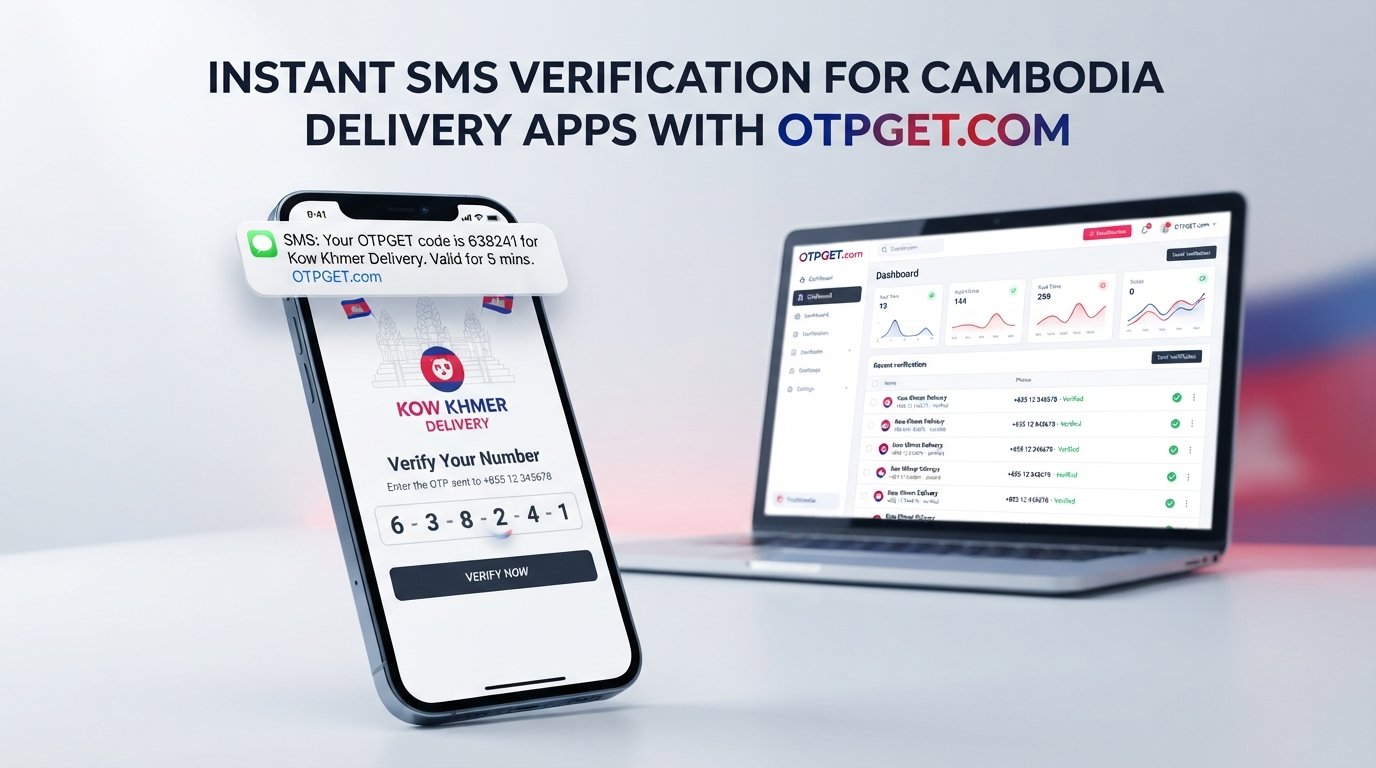
Foodpanda Cambodia OTP Not Received: Fix Verification With OTPGET
Waiting for a Foodpanda Cambodia OTP that never arrives can turn a simple login or registration into a frustrating guessing game. You check your phone, request another code, wait again—and still nothing.
The good news is that an OTP not received problem does not always mean something is wrong with your account. The cause can be as simple as an incorrect phone number, weak mobile reception, an SMS delivery delay, too many requests, or a temporary verification problem.
There are several things you can try before giving up. And if regular SMS verification continues to be a problem, offers virtual phone numbers and SMS verification services that can provide a practical alternative, where supported and permitted by the service you are trying to verify.
What Does the Foodpanda Cambodia OTP Do?
An OTP, or one-time password, is a temporary verification code used to confirm that you have access to a phone number or another verification channel.
Foodpanda Cambodia states in its terms that account registration requires a valid email address and mobile phone number, and that it may send a one-time PIN through SMS or messaging platforms such as WhatsApp.
In practice, this means the verification code can be an important step when registering, signing in, or completing an account-related action.
Because OTPs are designed for one-time use and generally expire after a limited period, receiving the correct code at the right time matters. If the message is delayed or never reaches your phone, repeatedly entering old codes will not solve the problem.
Why Is Foodpanda Cambodia OTP Not Received?
There is no single reason for a Foodpanda OTP problem. Start with the simplest possibilities before assuming there is a major technical issue.
Incorrect phone number
Check the number carefully, including the country code. A single incorrect digit can send the verification message somewhere else.
If you recently changed numbers, switched SIM cards, or are using multiple phones, make sure the number entered during the Foodpanda verification process is the one you currently control.
Poor mobile reception
Weak cellular coverage can delay incoming SMS messages. Move to an area with stronger reception and check whether ordinary text messages are arriving normally.
If other SMS messages are also delayed, the issue may be related to your mobile connection rather than Foodpanda specifically.
SMS delivery delays
Verification messages do not always arrive immediately. Temporary congestion or communication problems can result in a delayed Foodpanda verification code.
If the first request is still pending, sending several additional requests may create more confusion because multiple codes can arrive at different times.
Too many OTP requests
Repeatedly selecting "send code again" is tempting when nothing appears on your screen. However, it is usually better to pause briefly and allow the existing request to process.
Multiple requests can also make it difficult to know which code is the newest one.
Expired verification code
OTP codes are intended for short-term use. If you receive a code after waiting too long, it may no longer work.
Request a fresh code through the normal verification process and use the newest valid code rather than an older message.
Phone or SMS restrictions
Check whether your phone is blocking messages, filtering unknown senders, or otherwise restricting SMS reception.
It is also worth checking your inbox capacity if you have an older device or a large number of stored messages.
Temporary service problems
Sometimes the problem is outside your phone. Foodpanda's terms acknowledge that its platform may experience temporary interruptions and does not guarantee uninterrupted or error-free availability.
If everything on your side looks correct, waiting and trying again later may be more effective than repeatedly requesting codes.
Quick Things to Try When Foodpanda OTP Is Not Arriving
Before using another verification method, work through this short checklist:
- Check the phone number. Confirm every digit and the country code.
- Check your mobile signal. Try moving somewhere with stronger reception.
- Look through your SMS inbox. Check blocked, filtered, or archived messages if your phone supports those features.
- Confirm ordinary SMS works. Ask someone to send you a normal text if necessary.
- Wait before requesting another OTP. Avoid repeatedly pressing the resend option.
- Restart your phone if needed. This can help refresh a temporary mobile connection issue.
- Use the newest code. Older OTPs may no longer be valid.
- Try again later. A temporary service or network issue may resolve itself.
These steps address the most common causes of an OTP verification problem without requiring any complicated technical changes.
When Regular SMS Verification Becomes a Problem
Troubleshooting is useful when the problem is temporary. But what if you have checked the number, confirmed your mobile service works, waited for the message, and still cannot receive the code?
That is where an alternative verification option may become useful.
A virtual phone number can receive SMS online rather than relying on the physical SIM in your phone. This can be convenient for users who need a separate verification number or who are experiencing difficulties with normal SMS reception.
However, there is an important limitation: a virtual number is not guaranteed to be accepted by every platform. Some services may restrict temporary or virtual numbers, and verification requirements can change. Always use an option that complies with the platform's rules.
How OTPGET Can Help With Foodpanda Cambodia OTP Verification
provides virtual phone numbers designed for SMS OTP verification. Its platform supports temporary numbers, rental numbers, and online SMS reception, giving users an alternative to relying exclusively on their personal SIM.
For someone searching for a Foodpanda Cambodia OTP not received fix, the basic idea is straightforward: instead of waiting indefinitely for an OTP on a problematic personal number, you can check whether OTPGET currently offers a suitable number and verification option for the intended service.
OTPGET's published documentation describes a workflow where users select available countries and services, obtain a virtual number, use that number for the relevant verification process, and monitor the resulting SMS code through the platform.
Availability matters. A number being available through an OTP provider does not automatically mean that Foodpanda will accept it. If the target service rejects virtual numbers or requires a specific type of mobile number, the verification may still fail.
That is why OTPGET should be viewed as a practical alternative to try, rather than a guaranteed solution.
Why Choose OTPGET?
When ordinary SMS verification is causing problems, the main advantage of an online verification service is convenience.
OTPGET can be useful because:
- It provides virtual phone numbers online, so a physical SIM is not necessarily required for the SMS-receiving side of the process.
- It offers multiple country options, although the exact availability for a particular service should be checked before purchasing.
- The verification workflow is centralized, with received messages accessible through the platform.
- It can provide an alternative when personal SMS reception is inconvenient, depending on whether the target service supports the selected number.
- It supports both individual and technical use cases, with virtual-number and API options documented by the service.
The important point is to check the current availability and the target platform's requirements before committing to a number.
How to Use OTPGET for an OTP Verification Attempt
The exact interface and availability can change, so treat these as general steps rather than fixed button names.
Step 1: Access OTPGET
Open and review the currently available verification options.
Step 2: Choose the relevant verification option
Look for a country and service combination appropriate for your intended verification. Do not assume that every number will work with every platform.
Step 3: Enter the required details
Use the virtual number provided by OTPGET wherever the target service asks for the phone number, provided this is permitted by that service.
Keep the verification process consistent. Entering a different number into the target app after requesting the OTP can result in a mismatch.
Step 4: Request and receive the verification code
Submit the verification request on the target platform. If the service sends an SMS to the selected number, OTPGET's system can display the received message through its verification workflow.
Step 5: Complete verification
Use the current verification code in the target platform's OTP field. If the code expires or the service rejects the number, do not keep retrying indefinitely. Check the service requirements and consider another permitted verification method.
OTPGET vs. Repeated OTP Requests
Repeatedly requesting an SMS code can feel like the fastest solution, but it often creates another problem: you remain dependent on the same phone number and SMS delivery path.
| Approach | What it helps with | Main limitation |
|---|---|---|
| Request another SMS | Temporary delivery delays | Does not fix an underlying number or network issue |
| Check mobile network | Weak reception problems | Cannot resolve service-side problems |
| Check SMS settings | Blocked or filtered messages | Requires access to the phone receiving the SMS |
| Wait and retry later | Temporary outages or delays | Not ideal when verification is time-sensitive |
| Use OTPGET | Provides an alternative virtual-number route | The target service may not accept virtual numbers |
The practical approach is to troubleshoot first. If the normal route continues to fail, an alternative such as OTPGET may be worth considering where allowed.
Important Things to Keep in Mind
OTP verification is part of an account's security process, so convenience should not come at the expense of account access or compliance.
Foodpanda's Cambodia terms require users to provide accurate information and state that the company may restrict or terminate accounts in circumstances involving prohibited activity or suspected abuse.
For that reason, do not use a virtual number to impersonate someone, bypass security controls, create fraudulent accounts, or violate platform rules. Use verification services only for legitimate purposes and check the applicable terms before proceeding.
Also remember that temporary numbers are not the same as permanent personal phone numbers. If you need long-term account recovery or continued access to an account, a number you permanently control may be more appropriate.
FAQ
Why is my Foodpanda Cambodia OTP not arriving?
The most common causes include an incorrect phone number, weak mobile reception, SMS delivery delays, blocked messages, repeated OTP requests, expired codes, or a temporary service problem. Check the number and SMS reception first, then wait before requesting another code.
Why am I not receiving the Foodpanda verification code?
Confirm that the phone number is correct and that your phone can receive ordinary SMS messages. Check blocked or filtered messages and avoid requesting multiple codes in quick succession.
How can I fix Foodpanda OTP not received?
Start with basic troubleshooting: verify the number, check network reception, inspect your SMS settings, wait for the existing request, and try a fresh code later. If regular SMS verification continues to fail, you can investigate an alternative such as OTPGET, subject to the target platform's rules.
Why is my Foodpanda SMS verification delayed?
SMS delivery can be affected by mobile network conditions, message filtering, temporary communication delays, or service-side issues. If ordinary SMS works but the verification message does not, waiting and retrying later may help.
Can OTPGET help with Foodpanda Cambodia verification?
OTPGET can provide virtual phone numbers for SMS verification, which may offer an alternative route when personal-number SMS reception is problematic. However, there is no guarantee that a virtual number will be accepted by Foodpanda, so check the applicable requirements before using one.
What should I do if my OTP expires?
Request a new code and use the latest valid OTP. Avoid entering an older code after requesting another one, because the older code may no longer be accepted.
Why am I receiving no SMS verification code?
Check your phone number, signal, SMS inbox, blocked-message settings, and normal SMS reception. If those are working correctly, the issue may be temporary or related to the verification service.
What can I try when Foodpanda OTP keeps failing?
Do not keep requesting codes indefinitely. Complete the basic troubleshooting steps, wait and retry later, or investigate an alternative verification method that the platform permits. OTPGET can be one option to evaluate when virtual-number verification is supported.
Conclusion
A Foodpanda Cambodia OTP not received problem can come from something as simple as a wrong number or weak signal, but it can also involve SMS delays, repeated requests, expired codes, or temporary service problems.
Start by checking the basics: confirm your number, verify mobile reception, inspect your SMS inbox and filters, and give each OTP request enough time to arrive. If the normal SMS route still does not work, an online verification service can provide another option.
is designed around virtual phone numbers and SMS verification, making it a practical option to explore when conventional SMS reception is proving unreliable. Just remember that acceptance depends on the target service, so always follow its verification requirements and terms.
If you have exhausted the normal troubleshooting steps, checking OTPGET's currently available verification options can be a logical next step.
INTERNAL LINK SUGGESTIONS
-
Anchor text: How OTP verification works
Suggested destination: A beginner-friendly guide explaining OTPs, SMS verification, expiration, and common delivery problems. -
Anchor text: Receive SMS online
Suggested destination: A detailed guide explaining how online SMS reception and virtual phone numbers work. -
Anchor text: Virtual phone numbers for verification
Suggested destination: A service or educational page explaining temporary and rental virtual numbers. -
Anchor text: OTP verification troubleshooting
Suggested destination: A general troubleshooting guide covering delayed, missing, or expired verification codes. -
Anchor text: OTPGET API documentation
Suggested destination: The official OTPGET developer documentation for users who need programmatic SMS verification.


