Foodpanda Pakistan OTP Not Received? Fix It Today With OTPGET
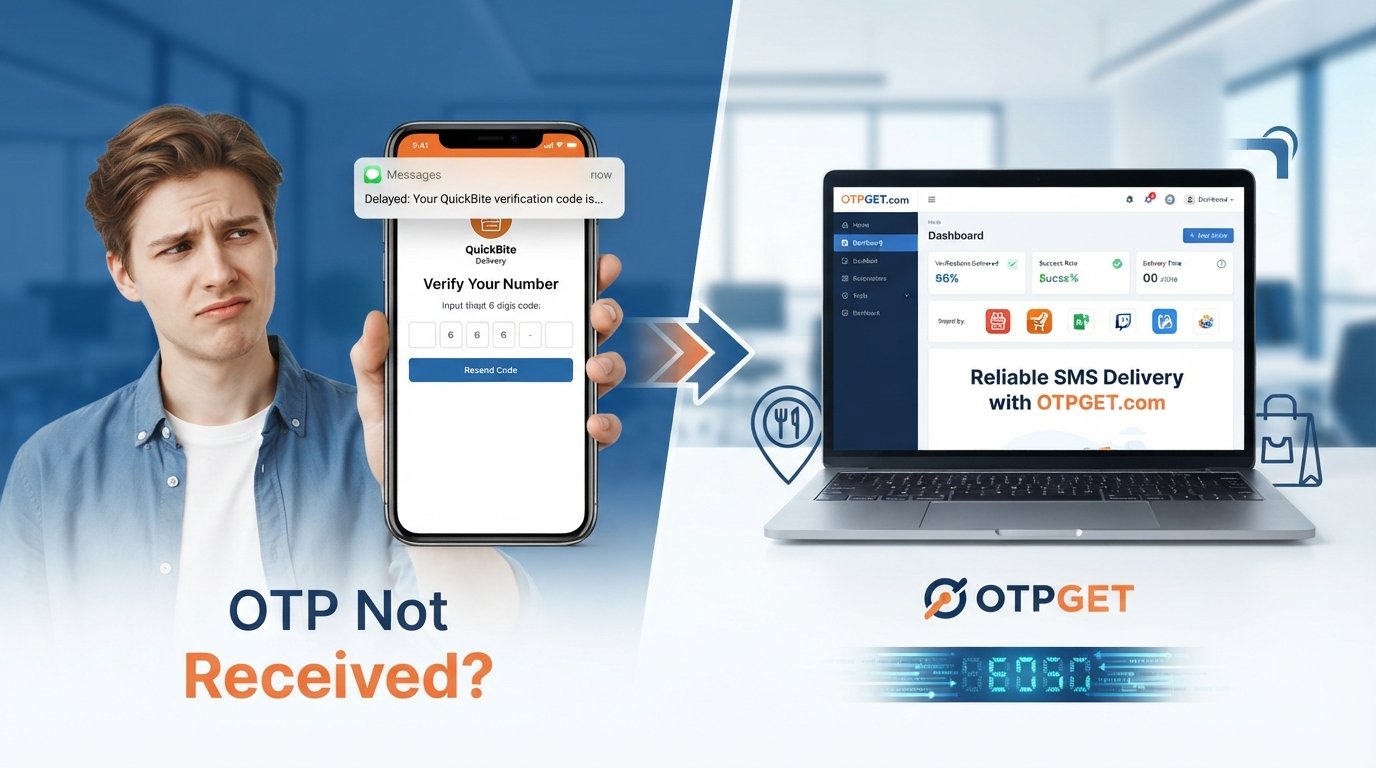
Foodpanda Pakistan OTP Not Received Fix — OTPGet
Trying to log in to Foodpanda Pakistan, create an account, or verify your phone number can become frustrating when the OTP simply does not arrive. You request a verification code, wait, check your messages again—and still nothing.
If you're searching for Foodpanda Pakistan OTP not received, the issue may not always be with the app itself. SMS delivery can be affected by your mobile network, phone settings, carrier delays, repeated OTP requests, or problems with a particular number.
This guide explains the most common reasons a Foodpanda OTP may not arrive, the fixes worth trying first, and what you can do when standard SMS verification continues to cause problems. We'll also look at OTPGET as a practical alternative for receiving verification codes where supported.
Why Is the Foodpanda OTP Not Being Received?
A missing OTP can happen for several reasons, and it is not necessarily evidence of a permanent account or app problem.
Here are some common possibilities:
- Delayed SMS delivery: Verification messages can sometimes take longer than expected to reach a mobile device.
- Mobile network problems: Weak signal, temporary carrier issues, or network congestion may interfere with incoming SMS messages.
- Incorrect phone number: A single incorrect digit can prevent the verification code from reaching you.
- SMS filtering: Your phone, messaging app, or carrier may filter certain automated messages.
- Too many OTP requests: Repeatedly requesting new codes in a short period can create confusion because earlier codes may expire or arrive late.
- Device or messaging issues: A full message inbox, blocked sender, or temporary phone issue can affect incoming SMS.
- Verification service delays: The service responsible for sending a verification code may occasionally experience delays.
- Number-specific problems: If your phone receives other messages normally but verification texts consistently fail, the issue may be specific to the number or SMS route being used.
Because several factors can be involved, it is usually best to troubleshoot the basics before assuming there is a serious Foodpanda account problem.
Quick Fixes for Foodpanda OTP Not Received
If your Foodpanda OTP not received problem has just started, try these steps before looking for an alternative.
1. Check your phone number
Make sure the number entered during login, signup, or account verification is correct. Pay particular attention to the country code and the digits of the mobile number.
2. Check your mobile signal
A weak or unstable network connection can affect SMS delivery. Move to an area with better reception and give the message a little time to arrive.
3. Wait before requesting another code
Avoid tapping the resend button repeatedly. If an earlier OTP is delayed, several requests can result in multiple messages arriving at different times.
4. Check blocked or filtered messages
Look through your blocked senders, spam messages, and SMS filtering settings. Some devices or messaging apps may separate automated messages from your normal inbox.
5. Refresh your mobile connection
Try toggling your mobile connection off and on, or restart your phone. This can sometimes resolve temporary network or messaging issues.
6. Confirm that your phone receives SMS
Ask whether normal SMS messages are reaching the device. If you cannot receive other messages either, the problem may be related to your mobile service rather than Foodpanda verification.
These steps can resolve a simple Foodpanda verification code not received situation. If they do not, you may need another approach.
What If Foodpanda Verification Code Still Doesn't Arrive?
Sometimes the usual troubleshooting steps are not enough. You may have a working phone, a valid number, and a good mobile signal, yet the Foodpanda verification code still does not appear.
This is where an OTP receiving service can be worth considering, depending on the verification flow and whether the service supports the required verification.
An OTP receiving service provides access to a number that can receive SMS verification messages. Instead of relying entirely on your regular mobile number, you can use an available number for a supported verification process and check the resulting message through the service.
OTPGET is designed around this general OTP receiving use case. It can provide an alternative way to receive verification messages when a normal number is not receiving the expected SMS, where supported.
It is important to check the specific service and verification requirements before proceeding. Availability and compatibility can vary between platforms and verification systems.
How OTPGET Helps With OTP Verification
OTPGET is an OTP receiving solution intended to help users access verification messages through an alternative number when the relevant verification process supports it.
The basic idea is straightforward: instead of continuing to wait for an OTP on a number that is not receiving the message, you can check whether an appropriate OTP receiving option is available through OTPGET.
This can be useful when:
- Your regular number is having difficulty receiving automated SMS.
- You need an alternative number for a supported verification flow.
- You want a simple way to check an incoming verification message.
- You have already tried basic network and SMS troubleshooting without success.
The exact experience depends on the service and the verification platform involved. OTPGET should therefore be viewed as a potential OTP verification solution, not as a guarantee that every verification request will work.
There is also no claim that Foodpanda officially endorses, supports, or partners with OTPGET. Users should always follow the applicable terms and verification requirements of the service they are trying to access.
How to Use OTPGET for Foodpanda OTP Verification
If OTPGET has an available option that supports your verification need, the process can generally be approached as follows:
- Visit OTPGET. Open the service and review the available OTP receiving options.
- Select an appropriate service or number. Choose an option that is available for your intended verification process, if supported.
- Use the provided number. Enter the number in the relevant Foodpanda verification field where the verification flow permits it.
- Request the OTP. Start the verification process and wait for the SMS message.
- Check the OTP receiving interface. If the message is successfully received, the verification code should appear through the applicable OTPGET interface.
- Enter the verification code. Use the received code in the verification screen.
- Complete verification. Follow the remaining instructions shown by the service.
The important point is that compatibility can vary. If a particular verification flow does not accept or deliver messages to the selected number, another option or the standard verification method may be necessary.
Foodpanda OTP Not Received — Other Solutions to Try
Before relying on an alternative OTP receiving service, there are several additional steps worth trying.
Try another network. If possible, compare your current mobile connection with another available network or location. This can help identify whether the issue is related to signal or carrier delivery.
Review SMS settings. Check whether automated messages are being blocked, filtered, or redirected by your device or messaging application.
Test incoming SMS. Receiving a normal text from another person can help determine whether your phone is generally capable of receiving messages.
Stop repeated OTP requests. If you have requested several codes, pause for a while rather than generating more. Multiple requests can make it difficult to know which code is current.
Restart and retry. A simple device restart followed by another verification attempt can sometimes clear a temporary messaging or connectivity problem.
Try again later. If the problem appears temporary, waiting before another attempt may be more effective than repeatedly pressing resend.
Contact the relevant support channel. If you cannot complete account verification despite trying the usual troubleshooting steps, use the appropriate support option available through the service.
These steps are especially useful if you are dealing with a broader Foodpanda Pakistan login problem rather than an isolated SMS delay.
Why OTPGET Can Be a Practical OTP Solution
When standard SMS verification is unreliable, convenience becomes important. Constantly requesting another code without knowing whether the problem is your phone, carrier, or delivery route can waste time.
An OTP receiving service such as OTPGET can provide an alternative workflow where supported. Instead of waiting indefinitely for a code on a number that may be experiencing delivery problems, you can check whether another suitable receiving option is available.
Potential advantages include:
- Convenience: A centralized OTP receiving workflow can make verification messages easier to check.
- Alternative access: It may provide an option when a regular number is not receiving the expected SMS.
- Simpler troubleshooting: Users can distinguish a phone-specific SMS issue from other verification problems.
- Practical workflow: When supported, the process can reduce the need to repeatedly troubleshoot the same mobile number.
However, OTPGET should not be treated as a guaranteed solution for every Foodpanda account or verification attempt. Whether it works depends on the specific verification flow, number availability, and SMS delivery conditions.
Frequently Asked Questions
Why is my Foodpanda OTP not received?
A Foodpanda OTP may be delayed because of mobile network problems, SMS filtering, an incorrect number, carrier delays, repeated OTP requests, or other temporary delivery issues. Start by checking your number, signal, SMS settings, and ability to receive ordinary messages before requesting another code.
Why am I not getting the Foodpanda verification code?
If your Foodpanda verification code not received issue continues, check whether your phone is receiving other SMS messages. Also verify the number, check blocked or spam messages, and avoid repeatedly requesting new codes. If standard troubleshooting fails, an alternative OTP receiving option may be worth considering where supported.
How can I fix Foodpanda OTP problems?
Start with the basics: verify your phone number, check your signal, review SMS filtering, restart your phone, and wait briefly before trying again. If the OTP still does not arrive, consider contacting the relevant support channel or checking whether an OTP receiving service such as OTPGET supports your verification need.
What should I do if Foodpanda OTP is not coming?
If the OTP is not coming on mobile, first determine whether your phone can receive other SMS messages. If normal texts arrive but the verification message does not, the issue may be related to the verification SMS route or temporary delivery conditions. You can also explore an alternative receiving option where supported.
Can OTPGET help with OTP verification?
OTPGET may help users receive verification messages through an alternative number or receiving option when the relevant verification process supports it. It is not a guarantee of successful verification, and compatibility can depend on the platform, available number, and specific verification flow.
How does an OTP receiving service work?
An OTP receiving service generally provides access to a number capable of receiving SMS messages for supported verification purposes. You use the available number in the relevant verification flow, request the code, and check the service for the incoming message before entering the code where required.
Why is my SMS verification code delayed?
An SMS verification code can be delayed by network congestion, carrier issues, SMS filtering, verification-system delays, or repeated requests. Waiting briefly and avoiding multiple resend attempts can help. If the delay continues, check your SMS settings and consider an alternative OTP receiving solution where appropriate.
Final Thoughts
A Foodpanda Pakistan OTP not received problem can be caused by something as simple as weak mobile reception or an incorrect number, but persistent verification delays can be harder to diagnose.
Start with the basics: check your number, mobile signal, SMS settings, blocked messages, and ability to receive ordinary texts. Avoid repeatedly requesting new codes, and give delayed messages time to arrive.
If standard SMS verification continues to be unreliable, OTPGET can be a practical alternative to explore where the relevant verification flow supports it. It gives users another potential route for receiving verification messages without promising that every verification attempt will succeed.
If you're still dealing with an OTP problem, explore OTPGET and check whether it supports your specific verification need.


