Foodpanda Phone Verification: Receive Your Code with OTPGet Guide
Foodpanda Phone Verification – Receive Your Code | OTPGet
Waiting for a Foodpanda verification code can be frustrating, especially when you have entered your phone number correctly and the SMS simply does not appear. Phone verification is a common part of online account security, but several things can affect whether a one-time password, or OTP, reaches you successfully.
Foodpanda’s terms state that users may be required to provide contact information when registering and that the platform may send a one-time password through SMS, WhatsApp, or another similar messaging application at its discretion.
If your Foodpanda OTP is delayed or missing, there are several practical steps worth trying before assuming something is wrong with your account. And when using an alternative number is appropriate and permitted, an OTP receiving service such as OTPGET may provide another option.
This guide explains how Foodpanda phone verification generally works, why verification codes sometimes fail to arrive, what you can do about it, and how OTPGET can fit into an eligible SMS verification workflow.
What Is Foodpanda Phone Verification?
Foodpanda phone verification is a process used to confirm access to a phone number associated with an account or verification request.
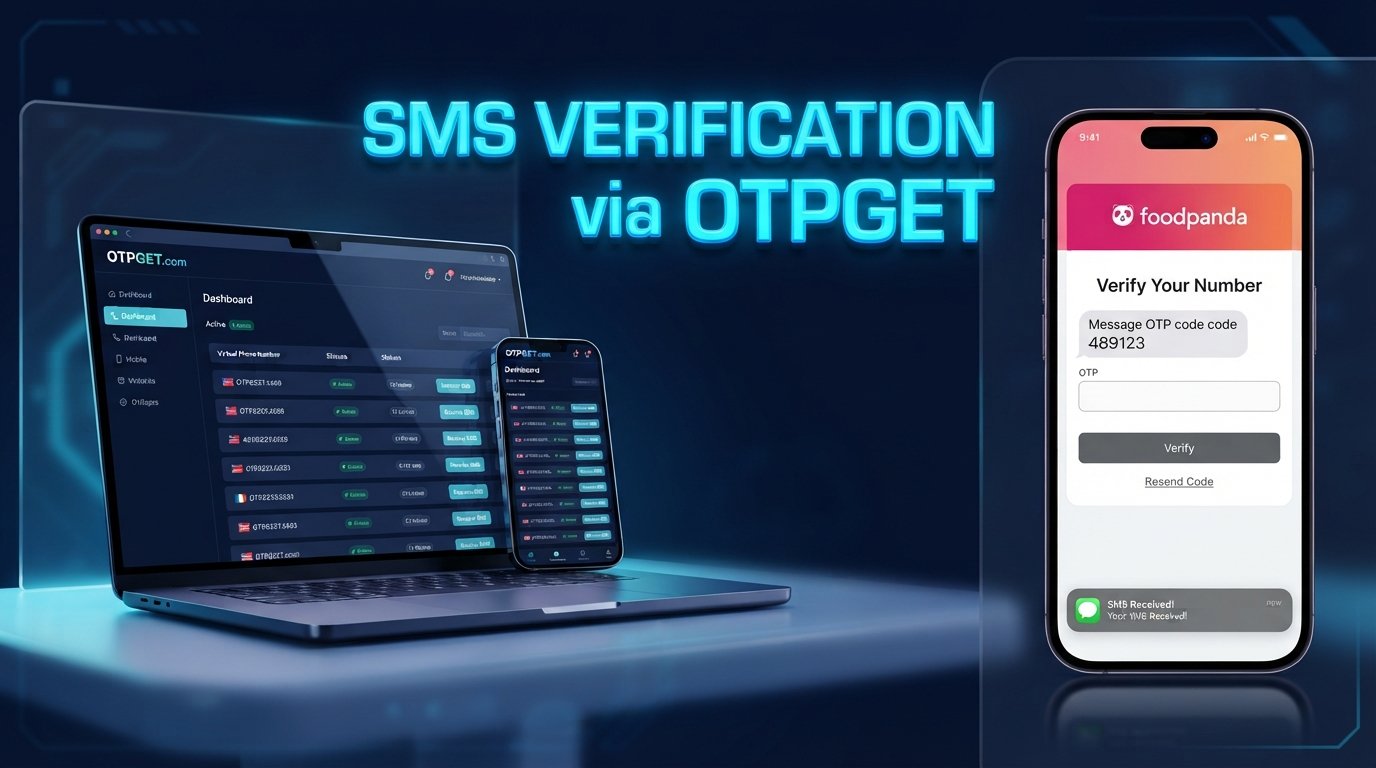
The basic idea is straightforward. You provide a mobile number, request verification, and receive a short one-time code. You then enter that code into the relevant verification field to confirm that you can access the number.
An OTP, or one-time password, is generally designed for a single verification event. Because it can be used to authenticate access to an account or service, it should be treated as private information.
Foodpanda’s published terms confirm that the platform may use OTPs sent through SMS or messaging platforms as part of its account and security processes. The exact screens, prompts, and communication method can vary depending on the account and circumstances.
That is why having reliable access to the verification message matters. If the SMS never arrives, you cannot complete that particular verification step.
How the Foodpanda Verification Code Works
Although the exact Foodpanda interface can change, a typical phone verification flow looks like this:
- Enter a phone number.
Provide the number requested by the Foodpanda verification screen. - Request verification.
Submit the phone number and ask Foodpanda to send a verification code. - Receive the OTP.
The verification message is delivered through the communication method selected by the platform. - Open the message.
Check your SMS inbox or the relevant messaging channel for the verification code. - Enter the code.
Type the OTP into the verification field shown in the Foodpanda app or website. - Complete verification.
If the code is valid and the account is eligible, continue with the next step.
The important point is that this process depends on several systems working together. A problem with your number, mobile network, SMS delivery, device settings, or the service itself can interrupt the process.
Why You May Not Receive a Foodpanda OTP
A Foodpanda OTP not received message does not automatically mean that your account is blocked or that the verification system has failed permanently.
Several common issues can affect SMS delivery.
Incorrect phone number
A simple digit or country-code mistake can prevent the message from reaching you. Always check the number carefully before submitting a verification request.
Weak mobile connectivity
Poor cellular coverage can interfere with normal SMS delivery. If other messages are also arriving late, your mobile connection or carrier may be part of the problem.
SMS delivery delays
Verification messages can occasionally take longer to arrive than expected. Network congestion, message routing, or temporary service conditions can all contribute to delays.
Carrier filtering
Some mobile networks or messaging systems may filter automated or unfamiliar messages. Check your blocked, filtered, or spam-message areas if your device provides them.
Too many verification attempts
Repeatedly requesting new codes can make troubleshooting more difficult. A previous message may arrive after a newer request, while an older code may no longer be valid.
Expired verification codes
OTPs are generally time-sensitive. If a code has expired or a newer code has replaced it, the earlier one may not work.
Device messaging problems
A phone can occasionally experience temporary messaging or connectivity issues. Checking your signal, restarting the device, and confirming that ordinary SMS messages are working can help identify the problem.
Temporary service-side issues
Sometimes the issue is outside your phone entirely. A temporary delay affecting the platform, messaging route, or network can prevent a verification code from arriving on time.
What to Do When the Foodpanda Verification Code Is Not Received
Before looking for an alternative solution, work through a few basic troubleshooting steps.
1. Check your phone number
Confirm the complete number and country code. If the verification screen uses a specific format, follow it exactly.
2. Wait before requesting another code
Avoid pressing the resend button repeatedly. Give the original request a reasonable amount of time to arrive.
3. Check your entire SMS inbox
Look for filtered, blocked, spam, or unknown-sender messages. The exact location of these messages depends on your phone and messaging application.
4. Check your mobile connection
Make sure your device has a usable cellular connection. If possible, confirm that other SMS messages are arriving normally.
5. Restart or refresh your device
A simple restart can resolve temporary connectivity or messaging glitches.
6. Try again later
If everything appears correct but the Foodpanda verification code still does not arrive, the issue may be temporary. Waiting and retrying later can be more effective than repeatedly requesting new codes.
7. Use official support when necessary
If you cannot complete Foodpanda login verification or account verification after troubleshooting, use the platform’s available Help Center or in-app support options. Foodpanda’s published terms direct users to its Help Center and in-app customer support for account-related assistance.
These steps are worth trying first because they can solve ordinary SMS problems without requiring another service.
How OTPGET Can Help With OTP Verification
When an alternative phone number is appropriate for a legitimate verification workflow, OTPGET can be an option to consider.
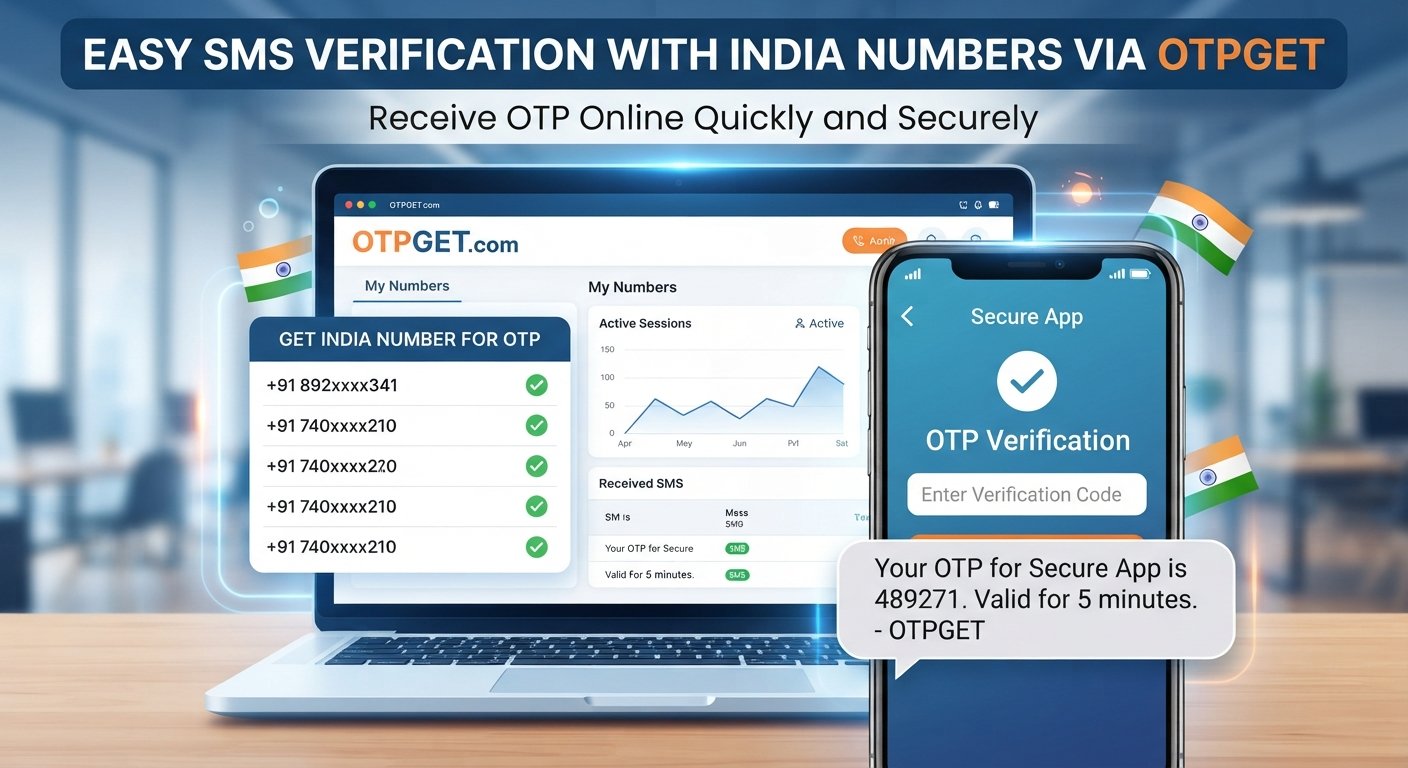
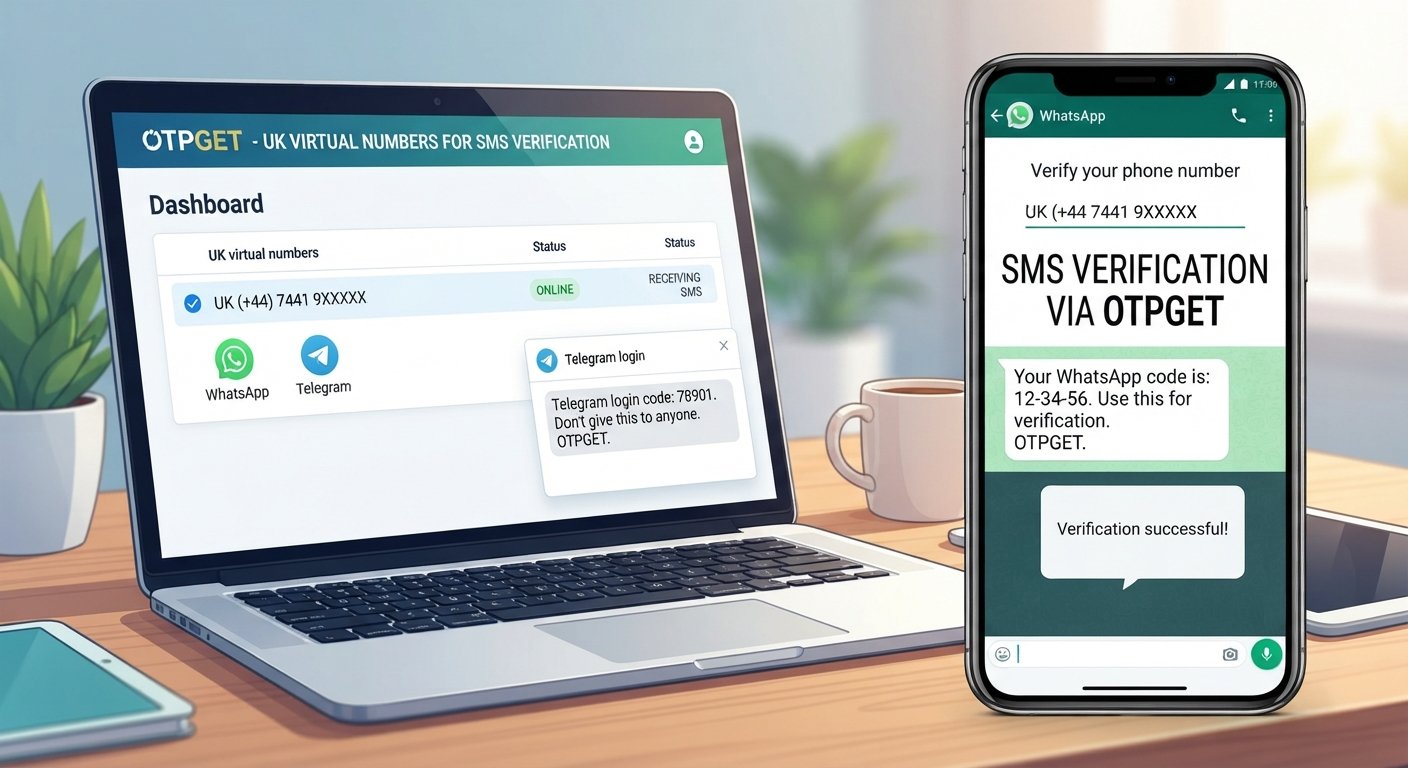
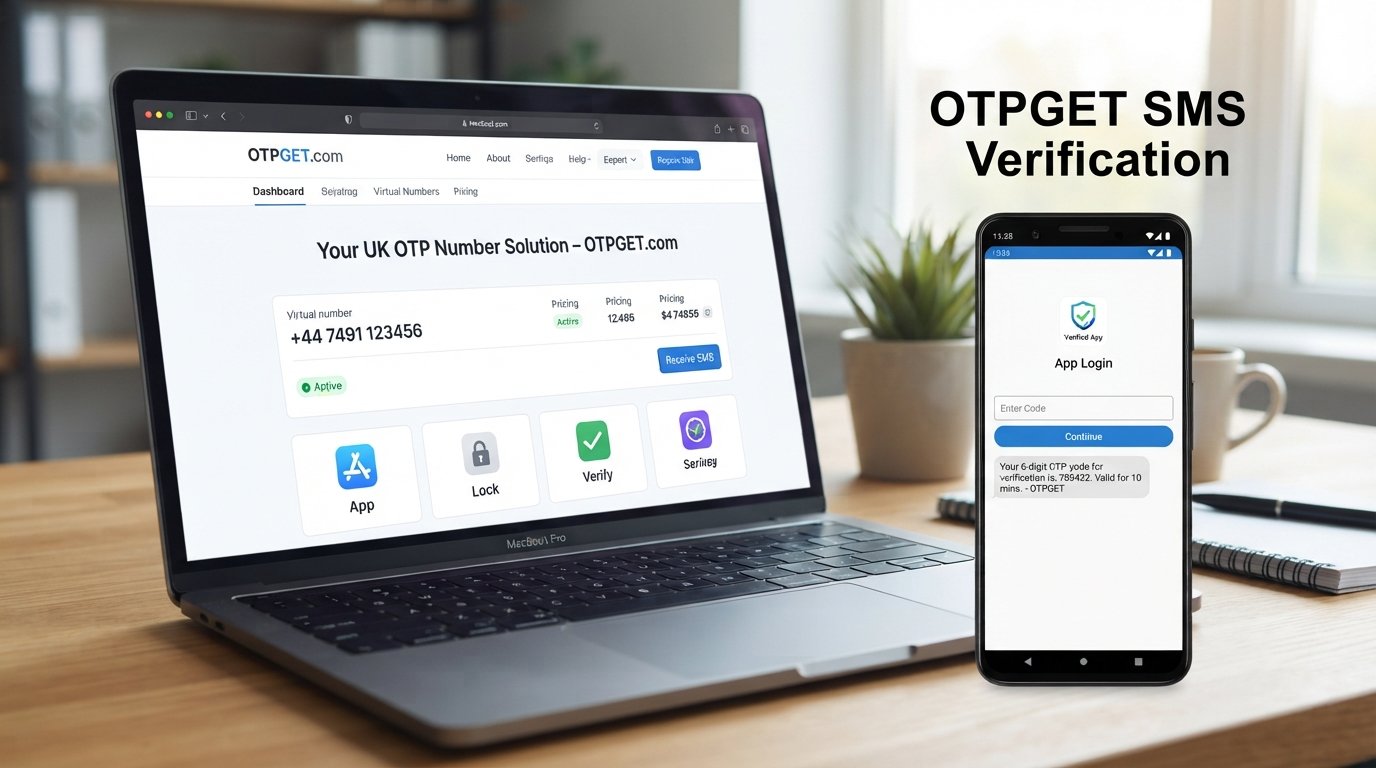
OTPGET provides temporary phone numbers, rental numbers, and SMS receiving services intended for online verification and account-registration use. Its documentation describes a workflow in which users can obtain an available number, request an SMS, and check for the incoming verification code.
The general process is simple:
- Visit OTPGET and review the available options.
- Check whether a suitable country or service option is currently available.
- Obtain an appropriate number if one is available and its use is permitted for your intended verification.
- Enter that number into the relevant verification process.
- Request the verification SMS.
- Monitor OTPGET for the incoming message.
- If a valid code is received, enter it into the legitimate verification field.
OTPGET’s SMS API documentation confirms that its system can provide a number for an SMS order and allow the user to check whether a verification message has been received.
However, compatibility is important. Not every platform accepts temporary or virtual numbers, and availability can change. OTPGET itself states that it provides the number and message-receiving service but does not guarantee that a target platform will accept a number or that verification will succeed.
So, if you want to receive a Foodpanda OTP online, treat OTPGET as a practical option to check rather than a guaranteed workaround.
Why Choose OTPGET for Verification Codes?
For eligible verification scenarios, an OTP receiving service can offer several practical advantages.
Convenience
You can manage an SMS verification request through an online service instead of relying entirely on your everyday mobile number.
Simplicity
OTPGET is designed around a straightforward number-and-message workflow. Its documentation provides separate functionality for obtaining numbers and checking received SMS messages.
Separation from a personal number
Some users prefer to keep certain online verification activities separate from their primary phone number. A temporary or rental number can provide that separation when the target platform permits it.
Online access to SMS
For supported workflows, received messages can be accessed through the OTPGET service rather than requiring the user to monitor a physical SIM.
Flexible verification options
OTPGET offers temporary numbers as well as longer-term rental numbers, subject to the countries, providers, services, and availability shown by the platform.
The key is to choose an option that fits the verification requirement and complies with the rules of the platform you are using.
Foodpanda OTP Verification: Best Practices
Whether you use your personal number or an alternative verification number, good security habits remain important.
- Use accurate information. Enter the number exactly as requested.
- Enter the OTP promptly. Verification codes may expire or become invalid.
- Avoid repeated requests. Multiple requests can create confusion between old and new codes.
- Keep your connection stable. A reliable mobile or internet connection can make troubleshooting easier.
- Protect your OTP. Never give a verification code to strangers or anyone who does not legitimately need it.
- Follow Foodpanda’s requirements. Do not use a verification service to bypass security controls, account restrictions, identity checks, or platform rules.
- Check compatibility first. A virtual phone number is not automatically accepted by every online service.
- Use OTP services responsibly. OTPGET’s terms prohibit illegal, fraudulent, abusive, or harmful use of its services.
A verification service should make a legitimate verification workflow more convenient—not be used to defeat the security measures that the platform has put in place.
Frequently Asked Questions
How do I receive a Foodpanda verification code?
Enter the phone number requested by Foodpanda and follow the verification instructions displayed in the app or website. If Foodpanda sends an OTP by SMS or another supported messaging channel, check that channel for the code and enter it in the relevant verification field.
Why is my Foodpanda OTP not arriving?
Several things can cause this, including an incorrect number, weak mobile connectivity, SMS delays, carrier filtering, device messaging problems, repeated requests, or temporary service issues. Check your number and connection first, inspect blocked or filtered messages, and avoid repeatedly requesting new codes.
How long does a verification code usually remain valid?
The exact validity period depends on the service and the particular verification request. Treat an OTP as time-sensitive. If you request another code, an earlier code may no longer work, so use the latest valid code provided by the service.
Can OTPGet help me receive a verification SMS?
OTPGET can provide SMS-receiving options for eligible verification workflows where a suitable number and service are available. Its documentation supports obtaining numbers and checking for incoming SMS messages. However, OTPGET does not guarantee that every platform will accept every number or that every verification attempt will succeed.
What should I do if my Foodpanda verification code expires?
Request a new code through the legitimate Foodpanda verification process and use the newest valid code. Avoid submitting multiple requests in quick succession, as this can make it difficult to determine which message is current.
Is a phone number required for Foodpanda verification?
Foodpanda’s terms state that users may need to provide contact information, including a contact number, and that the platform may send an OTP through SMS or messaging platforms. The exact requirements can vary depending on the verification or account situation.
Should I share my OTP with someone else?
No. A verification code should be treated as private account information. Enter it only into the legitimate verification screen that requested it. Never send an OTP to an unknown person claiming to be support, a delivery worker, or another third party.
Final Thoughts
Foodpanda phone verification is designed to confirm access to a phone number during an applicable account or security process. When the verification SMS arrives normally, the process is usually straightforward. When the Foodpanda verification code does not arrive, however, simple problems such as incorrect number formatting, network issues, SMS filtering, delays, or repeated requests can quickly become frustrating.
Start with the basics: check your number, inspect your messages, confirm your connectivity, wait before requesting another code, and use Foodpanda’s official support channels if the problem continues.
If an alternative phone number is appropriate and permitted for your particular verification workflow, OTPGET can be another option to explore. Its service is designed to provide numbers and receive verification messages online, but compatibility with Foodpanda or any other platform should always be checked rather than assumed.
Most importantly, use any OTP receiving service responsibly and never use it to bypass account security, restrictions, identity requirements, or applicable laws.
Final CTA
Need a simpler way to handle OTP verification? Explore OTPGET and check the available options for receiving verification messages conveniently.