Free Fire Virtual Number: Verify OTPs Online with OTPGet Guide
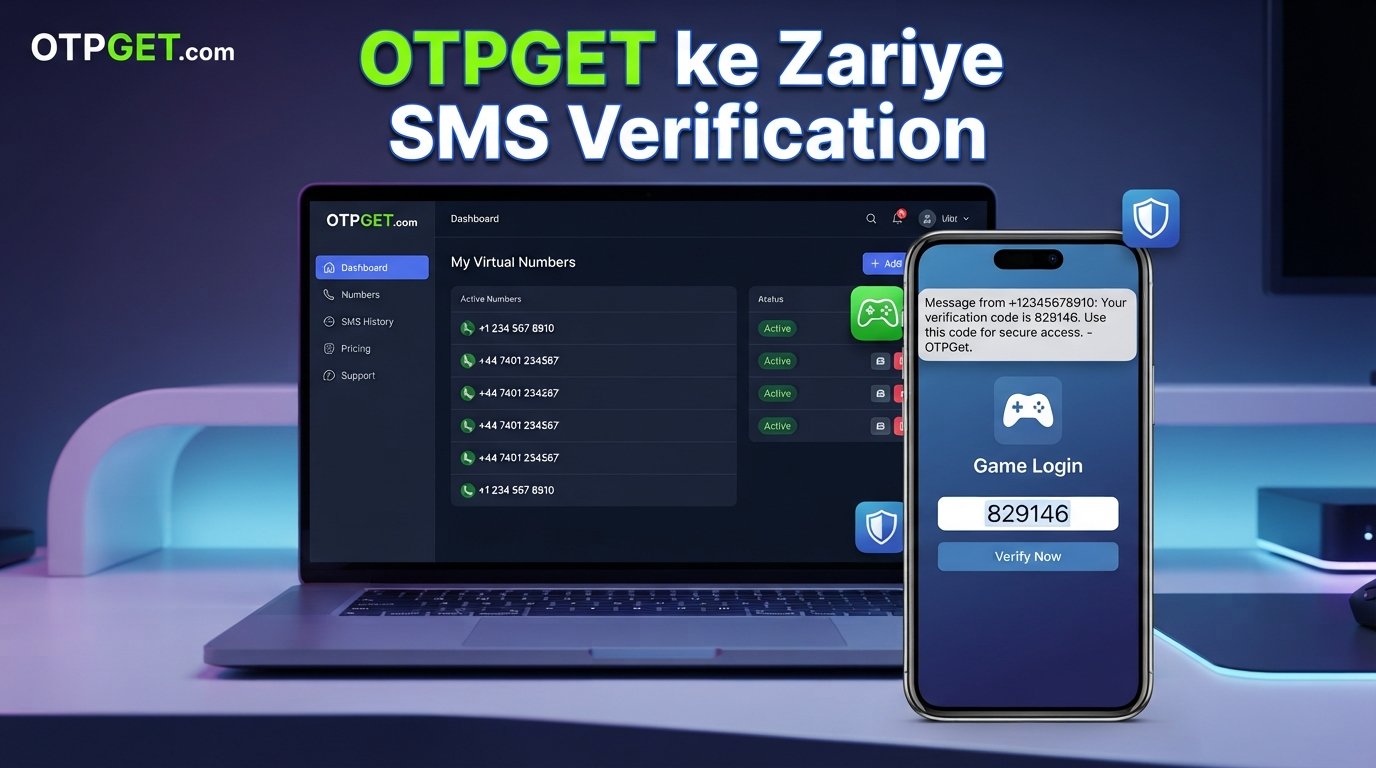
Free Fire Virtual Number: Verify OTPs Online with OTPGet Guide
Phone verification can be an unexpected hurdle when you're trying to manage a gaming account. If a Free Fire-related account flow asks for a phone number or verification code, you may prefer not to use your personal mobile number for every online service.
That's where a Free Fire virtual number can be useful in situations where the relevant verification flow accepts that type of number. Instead of relying on an additional physical SIM, a virtual number can provide a way to receive supported SMS verification messages online.
OTPGet provides virtual numbers intended for SMS and OTP verification, giving users another option when they need a number for a supported verification purpose. The important point is that acceptance depends on the platform, service, region, and specific number.
Let's look at how the process works and what you should know before using a virtual number for Free Fire verification.
Why Does Free Fire Require Phone Verification?
Phone or OTP verification is generally used by online services as an additional way to confirm that a user has access to a particular communication channel.
Free Fire account-related processes can involve different verification methods depending on the account setup and the particular feature being used. Official support documentation also describes verification-code flows for account recovery and recovery-email management.
For that reason, it's better not to assume that every Free Fire account, region, or login method will request an SMS verification code.
When an OTP is requested, the basic idea is straightforward: a code is sent to an eligible phone number or other supported contact method, and the user enters that code into the requested verification field.
The goal is to complete a normal verification step—not to bypass account security.
What Is a Virtual Number?
A virtual number is a phone number provided through an online service rather than through a traditional physical SIM card in your phone.
Depending on the provider and number type, a virtual number may be capable of receiving SMS messages online. The incoming message can then be displayed through the provider's website, dashboard, or another supported interface.
This makes virtual numbers useful for certain online verification situations.
For example, someone may want to:
- Keep their personal number separate from online services.
- Receive a supported verification SMS without using an additional physical SIM.
- Separate gaming-related communication from their main phone number.
- Use an online SMS verification service when a suitable number is available.
- Manage temporary verification needs more conveniently.
However, a virtual number isn't automatically accepted everywhere. Some platforms may restrict certain number types, carriers, regions, or previously used numbers.
Why Use a Virtual Number for Free Fire Verification?
There are several practical reasons someone might search for a virtual number for Free Fire.
Privacy
Some users simply prefer not to provide their personal mobile number to every online service they use. A suitable virtual number can help create separation between personal communications and a specific verification activity.
Convenience
Managing an additional physical SIM just for occasional verification can be inconvenient. A virtual number can be accessed online when the provider supports the required SMS service.
Separation
Gamers who want to keep their personal and gaming-related activities separate may find a virtual number more convenient than repeatedly using their main phone number.
SMS Access
The main purpose in this context is straightforward: receive a supported SMS verification code and enter it into the legitimate verification screen.
That said, users should always follow Free Fire's applicable rules and use verification services only for accounts and activities they are authorized to access. A virtual number should never be used to impersonate another person, access someone else's account, evade security controls, or abuse a platform.
How OTP Verification Works
The general OTP verification process is simple:
- Enter the supported phone number.
When a legitimate verification screen asks for a phone number, enter the eligible number you intend to use. - Request the verification code.
Submit the normal verification request through the relevant platform. - Receive the OTP by SMS.
If the number and service are supported, the verification message is delivered to the number. - Enter the OTP.
Type the received code into the verification field. - Complete verification.
If the code is valid and the number is accepted, the verification process can continue.
Not every virtual number will work with every service. Availability, regional requirements, number history, and platform restrictions can all affect the result.
Official Free Fire support also advises users to protect login details and one-time passwords rather than sharing them with others.
How OTPGet Can Help
OTPGet is built around virtual numbers and SMS OTP reception. Its published documentation describes an SMS OTP system where users can obtain a virtual number, then check its status for an incoming SMS verification code.
That makes the service relevant to users searching for a Free Fire virtual number, provided the particular number and verification flow are supported.
Some of the practical advantages include:
- Virtual number access: OTPGet provides numbers intended for SMS verification.
- Online SMS reception: Supported incoming verification messages can be checked through the service.
- Country and service selection: OTPGet documents country and service selection as part of its number-request workflow.
- Temporary and rental options: Its service information describes both short-term virtual numbers and longer-term rental numbers.
- Developer access: OTPGet also documents an API for users who need virtual-number and SMS functionality in technical workflows.
For an ordinary gamer, the most important benefit is simplicity: choose a suitable number, use it where the platform permits it, and check for the incoming OTP.
There is still no guarantee that every number will be accepted by Free Fire or that every requested SMS will arrive. That depends on the specific verification flow.
How to Use OTPGet for Free Fire Verification
If you need a virtual number for a legitimate Free Fire verification purpose, the general workflow can be handled in a few steps.
Step 1: Choose a Suitable Virtual Number
Start by selecting a number that is available for the country and service you need.
OTPGet's documentation shows that numbers can be requested using service and country parameters. Availability can vary, so choose an option that is actually presented as available for your intended purpose.
Step 2: Enter the Number Where Verification Is Requested
Go to the legitimate Free Fire or associated account verification screen and enter the selected number in the phone-number field.
Do not enter a number into an unrelated form or use it to impersonate another account holder.
Step 3: Request the OTP
Submit the normal verification request.
If the platform accepts the number and sends an SMS, the message should be routed to the number associated with your verification request.
Step 4: Check OTPGet for the Incoming Message
Return to OTPGet and check the status of the number or activation request.
OTPGet's documentation includes a status-checking process for determining whether an SMS has been received.
Step 5: Enter the OTP
Once the legitimate verification message arrives, enter the code into the verification field shown by the service requesting it.
Treat the OTP as sensitive information. Don't share it with another person or publish it publicly.
Step 6: Complete Verification
If the number is supported, the code is valid, and all other requirements are satisfied, the verification process can be completed.
If it fails, don't try to bypass the restriction. Instead, check whether the number type, region, or verification method is supported and use the platform's official support options when necessary. Free Fire provides regional customer-service channels for account-related assistance.
Benefits of Using OTPGet for Verification
A suitable virtual number can make verification more convenient when you don't want to use your primary mobile number.
Key benefits include:
- Convenience: Manage SMS verification through an online service.
- Privacy: Keep your personal number separate from a specific online verification activity.
- Flexible number access: Choose from available virtual-number options based on supported countries and services.
- Simplified workflow: Request a number, receive the SMS, and use the verification code in the normal verification process.
- Optional longer-term access: OTPGet also documents rental-number options for users who need continued access rather than a one-time number.
The right choice depends on your verification requirements. A temporary number may make sense for a one-time supported verification, while a rental option may be more appropriate when continued access to the same number is genuinely needed.
Common Problems During OTP Verification
Even when the process looks simple, verification can fail for several reasons.
OTP Not Arriving
An SMS may be delayed or may not be delivered. Check that the number was entered correctly and that the selected number supports the intended service.
Incorrect Number
A single digit can prevent the message from reaching the intended number. Always double-check the number before requesting the code.
Expired OTP
Verification codes are generally time-sensitive. If a code expires, request a new one through the normal verification process rather than repeatedly trying an old code.
Unsupported Number
Some platforms may reject virtual, VoIP, temporary, recycled, or otherwise unsupported numbers. If this happens, another eligible verification method may be required.
Regional Restrictions
Number availability and platform acceptance can differ by country or region. OTPGet itself documents country-based number selection, while platform-side requirements can also affect whether a particular number works.
Number Already Associated With an Account
A number that has previously been used with an account may not be suitable for a particular verification flow. If the platform reports that the number is already associated with another account, follow the platform's normal account-management process.
Verification Restrictions
If the platform deliberately blocks a verification attempt, don't attempt to circumvent the restriction. Use an approved verification method or contact official support.
Why OTPGet Is a Practical Choice
Using a personal mobile number is familiar, but it isn't always the most convenient option for every online verification task. A virtual number can provide separation between your personal communications and a specific service, assuming that the platform accepts the number.
OTPGet makes the concept straightforward: access a suitable virtual number, use it for a supported verification request, and monitor the service for the incoming SMS.
Its published documentation also provides a defined workflow for obtaining numbers and checking SMS status, rather than leaving users to manage a separate SIM or physical device.
The key word is suitable. OTPGet can provide the virtual-number side of the process, but the final decision to accept a number belongs to the platform requesting verification.
That makes OTPGet a practical option to consider—not a promise that every Free Fire verification request will succeed.
A Few Smart Verification Practices
Before using any virtual number, keep these habits in mind:
- Use the number only for an account or service you are authorized to access.
- Never share your OTP unnecessarily.
- Don't use virtual numbers to bypass account restrictions.
- Check the number's country and service compatibility before ordering.
- Keep recovery information under your control.
- Use official Free Fire support if an account problem cannot be resolved through the normal verification flow.
These steps help keep convenience from becoming a security problem.
11. FAQ Section
Can I use a virtual number for Free Fire verification?
A virtual number may be usable when the particular Free Fire or related account verification flow accepts that number type. Acceptance isn't universal, so availability, region, number type, and platform requirements should be checked before relying on it.
What is a Free Fire virtual number?
A Free Fire virtual number is simply a virtual phone number that a user may attempt to use for a supported Free Fire-related SMS verification process. It isn't a special number issued by Free Fire. Its usefulness depends on whether the relevant verification system accepts it.
How does OTP verification work?
The service requesting verification sends a one-time code to an eligible phone number. The user receives the SMS, enters the code into the appropriate verification field, and completes the process if the code and number are accepted.
Can OTPGet receive verification codes?
OTPGet documents virtual numbers for SMS OTP reception and provides a workflow for obtaining a number and checking its SMS status. Whether a particular Free Fire verification message can be received depends on the number, service, region, and platform requirements.
What should I do if my OTP does not arrive?
First, confirm that the number was entered correctly and that the selected number supports the intended service. Check the OTPGet status for the incoming SMS and consider whether the platform may restrict that number type. If the issue continues, use an officially supported verification method.
Is a virtual number different from a normal phone number?
Yes. A virtual number is provided through an online telecommunications service rather than being tied directly to a physical SIM in your personal phone. Depending on the service, it can receive SMS messages through an online dashboard or supported system.
Can every virtual number be used for Free Fire verification?
No. There is no universal guarantee. A platform may reject certain virtual, temporary, recycled, VoIP, or region-specific numbers. Always check whether the number is suitable for the particular verification flow before relying on it.
Is verification guaranteed with a virtual number?
No. A virtual number can provide a way to receive an SMS when the relevant service supports it, but successful verification depends on the platform's requirements, number availability, regional rules, and other factors. Neither a virtual-number provider nor the number itself can guarantee acceptance.
Internal Link Suggestions
- virtual phone numbers
- receive OTP online
- SMS verification
- temporary virtual numbers
- online phone verification
Call to Action
If you need a virtual number for a legitimate, supported verification purpose, explore OTPGet to see the available virtual-number and SMS OTP options. Choose a number that fits your country and service requirements, then complete verification through the platform's normal process.
12. SEO Optimization Checklist
-
Article title is 61 characters.
-
Meta title includes the primary keyword and OTPGet.
-
Meta description is within the requested character limit.
-
URL slug is lowercase, concise, and keyword-focused.
-
Meta tags are comma-separated.
-
Primary keyword is clearly identified.
-
Secondary and semantic keywords are included naturally.
-
Search intent is solution-oriented and informational.
-
Primary keyword appears in the H1.
-
Primary keyword appears in the introduction.
-
Primary keyword appears in a major section heading.
-
Free Fire verification is discussed without claiming universal SMS requirements.
-
OTPGet is presented as a practical solution without unsupported guarantees.
-
OTPGet capabilities are based on its published service information.
-
No fake statistics, testimonials, partnerships, or success-rate claims are included.
-
No security-bypass instructions are included.
-
Account-abuse and impersonation use cases are explicitly discouraged.
-
Troubleshooting guidance is included.
-
FAQ section contains eight search-intent-focused questions.
-
Internal-link anchor suggestions are provided without invented URLs.
-
Thumbnail prompt is optimized for a 16:9 gaming/technology design.
-
The article uses short paragraphs, H2/H3 headings, bullets, and numbered steps.
-
The content is written for mobile readability.
-
No calendar year is included.
-
No date is included.
-
No keyword stuffing is used.
-
The article maintains an evergreen focus.
-
The CTA avoids guaranteed-verification claims


