How to Get a Botswana Number for WhatsApp with OTPGET — Guide
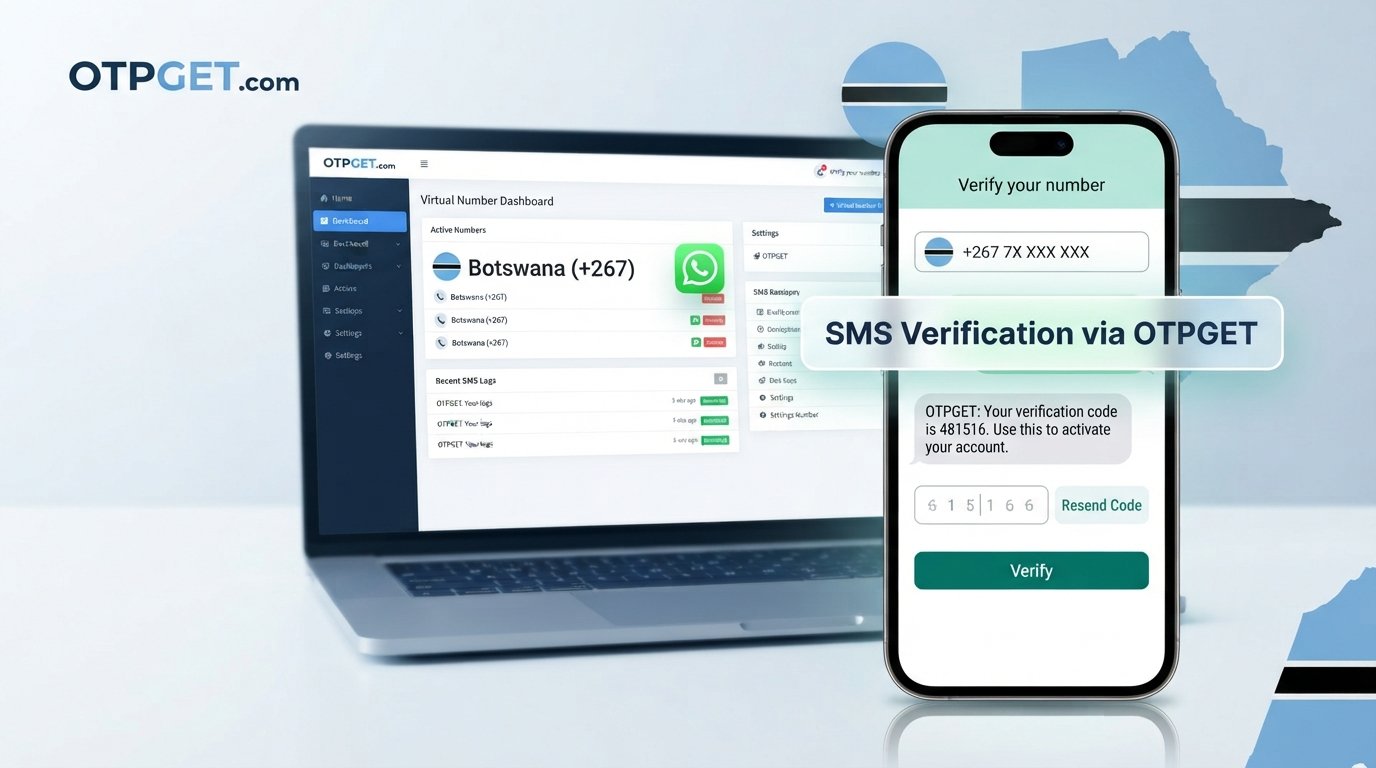
How to Get a Botswana Number for WhatsApp with OTPGET — Guide
Getting a Botswana number for WhatsApp can be difficult if you do not have convenient access to a local SIM card. You may need a Botswana WhatsApp number for international communication, business conversations, testing, or simply to keep certain communications separate from your personal phone line.
A virtual number can make that process more convenient. Instead of searching for a physical SIM, you can explore an online Botswana phone number designed to receive SMS verification where the service and platform support it.
That is where can be useful. OTPGET provides virtual numbers for SMS-based verification, including options for supported services. If a suitable Botswana number is available for your intended verification flow, you can use it to request a WhatsApp verification code and check for the incoming OTP through the provider's system.
The important point is that OTPGET can provide the number and SMS-reception service, while WhatsApp independently decides whether a particular number can complete verification. This guide explains the process, limitations, and best practices so you know exactly what to expect.
Why You May Need a Botswana Number for WhatsApp
There are several legitimate reasons someone may want a Botswana WhatsApp number.
International communication
If you communicate regularly with people, clients, partners, or contacts in Botswana, having a Botswana phone number for WhatsApp can make your communications more closely aligned with that market.
A dedicated number can also help distinguish international or regional conversations from your everyday personal messages.
Business communication
Freelancers, remote teams, and businesses sometimes need separate numbers for different communication purposes. A Botswana number may be useful when working with customers or partners connected to Botswana.
Using a dedicated line can make it easier to separate work-related conversations from a personal WhatsApp account.
Testing and development
Developers and QA teams may need regional phone numbers when testing legitimate account-registration or verification workflows. A Botswana virtual number can be useful when the test environment specifically requires a Botswana number and SMS reception is supported.
Privacy-conscious separation
Some users prefer not to use their personal phone number for every online service. A separate number can provide a practical layer of separation between personal communication and a particular account or project.
This should not be confused with guaranteed anonymity. Users should still understand the provider's policies and the information they submit.
Access without a physical SIM
For someone outside Botswana, obtaining a traditional local SIM may be inconvenient. An online number can be an alternative where a suitable number is available and compatible with the service being verified.
What Is a Botswana Virtual Number?
A Botswana virtual number is a phone number provided through an online telecommunications or SMS service rather than through a physical SIM card installed in your phone.
The number exists through the provider's system, and supported incoming SMS messages can be displayed through an online dashboard or another supported interface.
A virtual number can therefore be useful when you need a Botswana number online for a specific verification purpose.
However, virtual numbers are not identical to traditional mobile numbers in every respect. Their availability, SMS reception, lifespan, and compatibility can vary. Some online services may also restrict or reject certain virtual-number ranges.
For that reason, a virtual number should be viewed as a convenient verification option rather than a universal replacement for a physical mobile connection.
Can You Use a Botswana Number for WhatsApp?
A Botswana number may be usable for WhatsApp verification if the number can receive the required verification message and WhatsApp accepts that number for registration.
The general process is straightforward:
- Obtain a Botswana-capable phone number.
- Enter the number into WhatsApp during account registration.
- Request the WhatsApp verification code.
- Wait for the SMS to reach the number.
- Retrieve the WhatsApp OTP through the supported receiving service.
- Enter the code into WhatsApp to complete verification.
The important limitation is that successful verification is ultimately controlled by WhatsApp. Not every Botswana number for WhatsApp verification will necessarily be accepted, and WhatsApp's verification systems can change.
If a number does not receive an OTP or is not accepted, repeatedly requesting codes may not solve the problem. In that situation, checking the number, waiting for any applicable verification restriction to clear, or trying another supported number may be more appropriate.
How OTPGET Helps You Get a Botswana Number
OTPGET is designed to simplify access to virtual phone numbers used for SMS and OTP verification. Its platform offers numbers from multiple countries and supports verification services where numbers are available.
For someone searching for a Botswana number for OTP, the practical advantage is having an online workflow rather than having to locate and activate a physical SIM.
The process generally looks like this:
- Visit OTPGET and access the number service.
- Look for Botswana among the available country options.
- Select the relevant service and an available number if supported.
- Enter the provided number into WhatsApp's registration screen.
- Request the WhatsApp verification code.
- Monitor OTPGET for the incoming SMS if SMS reception is supported for that number.
- Enter the received WhatsApp OTP into WhatsApp.
- Finish the account setup if WhatsApp accepts the number.
OTPGET's own information states that its virtual-number service is intended for SMS OTP verification and includes WhatsApp among supported services, while actual country and number availability can change.
That distinction matters: OTPGET provides the number and receiving infrastructure; WhatsApp controls account verification.
Step-by-Step: How to Get a Botswana Number for WhatsApp With OTPGET
If you're a beginner, the following walkthrough keeps the process simple.
1. Open OTPGET
Start by visiting OTPGET and accessing its virtual-number service.
You will need an account or the appropriate access method required by the platform before purchasing or activating a number.
2. Choose Botswana
Look through the available country options and select Botswana if it is currently offered for the service you need.
Availability can change, so do not assume that a Botswana number will always be listed.
3. Select the WhatsApp-related service option
If the platform presents a service selection, choose the relevant WhatsApp verification option where available.
This helps ensure that you are looking for a number intended for the verification workflow you actually need.
4. Obtain an available number
Select an available Botswana number according to the options shown by OTPGET.
Copy the number carefully and enter it into WhatsApp using the appropriate international format.
5. Request the WhatsApp OTP
Enter the number into WhatsApp and request the WhatsApp verification code.
At this stage, avoid repeatedly requesting codes. Multiple requests in a short period can create additional verification problems.
6. Check OTPGET for the incoming SMS
If SMS reception is supported for the selected number, monitor the OTPGET interface for the incoming message.
When the Botswana OTP number receives the verification message, retrieve the code according to the platform's interface.
7. Enter the code into WhatsApp
Copy the OTP carefully and enter it into WhatsApp's verification screen.
Never share a WhatsApp OTP with another person. A verification code should be treated as sensitive account information.
8. Complete the setup
If WhatsApp accepts the number and verification succeeds, continue with the normal account setup process.
If the verification does not work, do not assume the entire approach is impossible. The issue may relate to number availability, SMS delivery, or WhatsApp's acceptance of that particular number.
Benefits of Using OTPGET
For people who need an online verification number, OTPGET can offer several practical advantages:
- Online access: You can explore available numbers without first obtaining a physical SIM.
- Convenient number selection: The platform lets users choose from available country and service options.
- OTP reception: Supported numbers can receive SMS verification messages through the service.
- International flexibility: Virtual numbers can be useful for users who need numbers from countries outside their current location.
- Simpler workflow: Number selection and OTP reception can be handled through an online platform.
- Different use cases: Virtual numbers can support legitimate verification, testing, business workflows, and privacy-conscious separation.
OTPGET also offers temporary and rental number options, although the appropriate option depends on the user's intended purpose and the availability of a compatible number.
Important Things to Know Before Using a Botswana Number for WhatsApp
Before choosing a virtual number for WhatsApp, keep a few practical considerations in mind.
First, WhatsApp controls its own verification process. A number being available through a provider does not automatically mean WhatsApp will accept it.
Second, SMS reception can vary. OTPGET notes that number availability can change and that temporary delays or service failures can occasionally occur because the system relies on automated systems and external providers.
Third, some numbers may have restrictions or previous usage histories. If a number does not work, another available number may be necessary.
Finally, use virtual numbers responsibly. Do not use them for spam, fraud, impersonation, abusive activity, or attempts to circumvent platform restrictions. OTPGET's terms prohibit illegal, fraudulent, abusive, or harmful use of its services.
OTPGET vs. Getting a Traditional Botswana SIM
A traditional SIM and an online number serve different needs.
| Feature | Traditional SIM | Virtual number through OTPGET |
|---|---|---|
| Physical SIM required | Yes | No |
| Access method | Mobile network and device | Online service |
| Getting started | Requires obtaining a SIM | Requires an available online number |
| SMS reception | Through the mobile network | Through the provider when supported |
| International accessibility | Can be inconvenient | Can be more convenient remotely |
| Best suited to | Long-term mobile use | Verification and supported online use cases |
Neither option is universally better. A physical SIM may be preferable when you need a long-term mobile connection, while a virtual number may be more convenient when your main requirement is online SMS verification.
Common WhatsApp Verification Problems
If your WhatsApp OTP does not arrive, check the basics before trying repeatedly.
Make sure the Botswana number was entered correctly and that the selected number is still active. Give the SMS a reasonable amount of time to arrive and check the OTPGET interface again.
If there is still no message, the number may not support the requested service, the SMS route may be temporarily unavailable, or WhatsApp may not accept that number.
OTPGET's terms explain that temporary-number availability can change and that users should review the applicable cancellation and refund conditions when an OTP is not received.
Most importantly, never give a verification code to someone who asks for it. If another person gains access to the code, they may be able to interfere with the verification process.
FAQ
How can I get a Botswana number for WhatsApp?
You can look for an available Botswana virtual number through a service such as OTPGET. If a compatible number is available, enter it into WhatsApp and request the verification code.
Can I get a Botswana WhatsApp number online?
Yes, a virtual Botswana number can be obtained online when a provider has suitable numbers available. Compatibility with WhatsApp should always be checked because acceptance can vary.
Can I receive a WhatsApp OTP on a Botswana virtual number?
You may be able to receive a WhatsApp OTP if the selected virtual number supports SMS reception and WhatsApp sends the verification message to it. Delivery is not guaranteed for every number.
How does OTPGET help with WhatsApp verification?
OTPGET provides access to virtual numbers intended for SMS and OTP verification. Where Botswana numbers and WhatsApp support are available, you can use the number to request a WhatsApp verification code and check the service for the incoming SMS.
Is a Botswana virtual number the same as a physical SIM?
No. A virtual number is provided through an online system rather than a physical SIM card. It can be convenient for supported SMS verification, while a traditional SIM is generally better suited to full mobile-network use.
Why is my WhatsApp verification code not arriving?
Possible reasons include temporary SMS delays, number compatibility issues, number restrictions, or WhatsApp's verification controls. Check the number and service status, avoid excessive resend attempts, and consider another supported number if appropriate.
Can every Botswana number be used for WhatsApp?
No. Availability of a Botswana number does not automatically mean WhatsApp will accept it. WhatsApp independently determines whether a number can complete its verification process.
Conclusion: Get a Botswana Number for WhatsApp With OTPGET
Finding a Botswana number for WhatsApp does not have to mean searching for a physical SIM or arranging a local mobile connection. For legitimate communication, testing, business use, or privacy-conscious separation, a virtual Botswana number can provide a practical alternative when the required service supports it.
OTPGET makes the process straightforward by giving users an online way to explore available virtual numbers and receive SMS verification codes where supported. The basic workflow is simple: select Botswana, obtain an available number, enter it into WhatsApp, request the verification code, retrieve the OTP through the supported OTPGET interface, and complete verification if WhatsApp accepts the number.
There are limitations to keep in mind, particularly around number availability, SMS delivery, and WhatsApp's independent verification requirements. That transparency is important because no provider can determine in advance how WhatsApp will treat every individual number.
If you need a Botswana number for WhatsApp verification, explore the available Botswana options through OTPGET and choose a number that fits your legitimate use case. With the right number and a supported SMS route, the process can be much more convenient than trying to obtain a traditional SIM solely for verification.
:::


