Get OTP Codes for Signup Easily with OTPGET’s Simple Dashboard
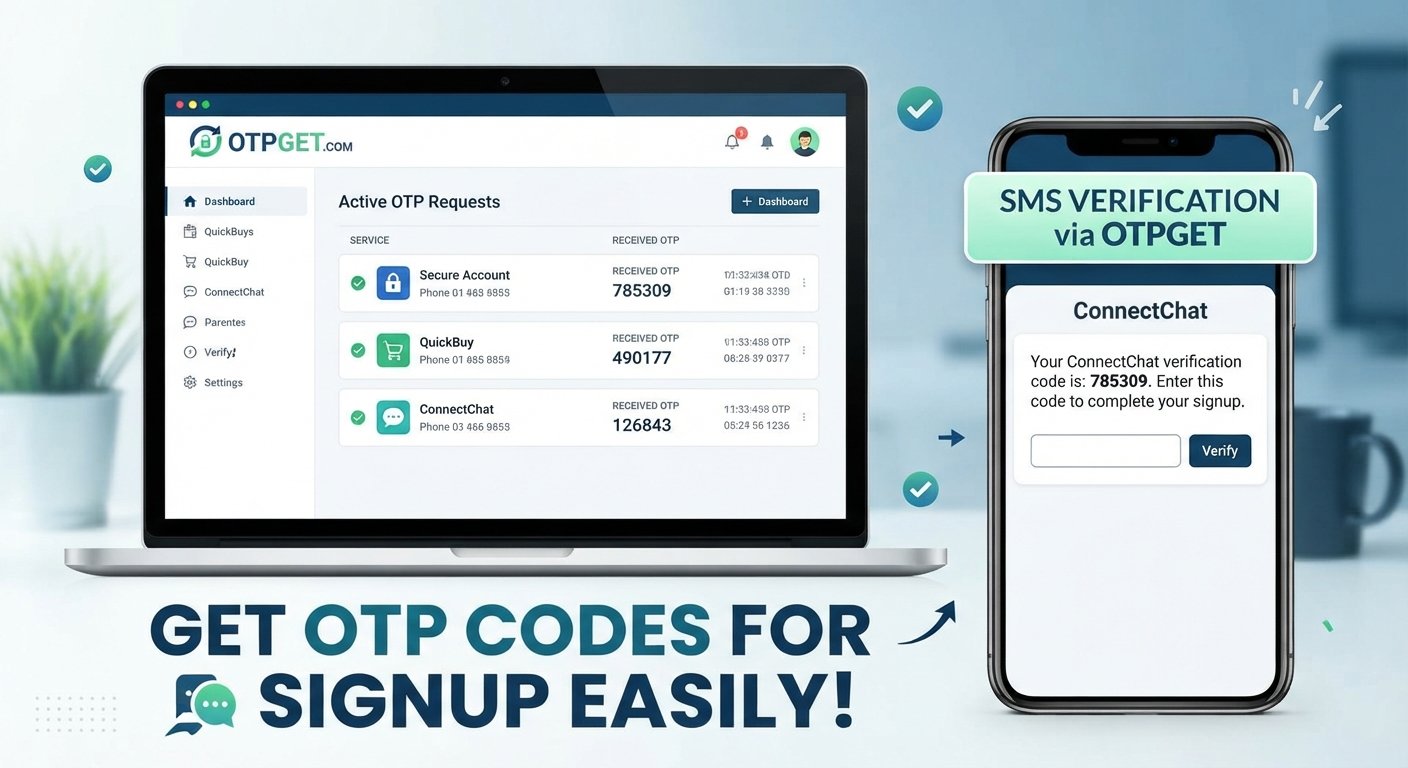
Get OTP Codes for Signup Easily with OTPGET’s Simple Dashboard
Signing up for an online service often looks straightforward: enter your details, verify your phone number, and start using the account. Then comes the OTP.
A one-time password, or OTP, is commonly sent by SMS as part of the signup and verification process. In most cases, it takes only a few seconds to enter. But the experience can become inconvenient when messages are delayed, verification screens are difficult to manage, or you have to keep switching between apps and browser windows.
That is where a simple OTP dashboard can make the process easier to organize.
OTPGET provides a practical dashboard-based approach for users who need convenient access to OTP verification messages during legitimate signup and verification workflows. Instead of making the process feel unnecessarily complicated, the goal is to give users a straightforward way to manage verification codes.
Why OTP Verification Matters for Signups
OTP verification is a common part of modern online registration.
An OTP is a temporary verification code that is generally used once during a particular authentication or signup step. When a website or application sends an OTP to a phone number, entering the correct code helps confirm that the person completing the process can receive messages at that number.
This adds another layer to a signup workflow.
For example, a typical registration process might look like this:
- Enter your basic signup information.
- Provide a phone number when required.
- Receive an SMS containing a verification code.
- Enter the code on the verification screen.
- Complete the registration process.
The purpose is simple: verify the phone number as part of the service's legitimate registration or authentication requirements.
Because phone-based verification is widely used, having an organized way to handle verification messages can make everyday signup workflows more convenient.
The Problem With Traditional OTP Verification
OTP verification itself is usually simple. The surrounding experience is not always as convenient.
A user may have to move between a signup page and a messaging interface, wait for a message to arrive, locate the correct code, and then return to the verification screen. When several verification steps are involved, keeping track of everything can become frustrating.
Common user frustrations can include:
- Delayed SMS messages
- Switching repeatedly between screens
- Difficulty locating a recent verification code
- Confusing verification interfaces
- Losing track of which code belongs to which request
- Having to repeat steps when a code expires
Of course, these issues do not happen with every service or every verification attempt. SMS delivery and signup experiences vary between platforms.
Still, the underlying need is clear: users benefit from a verification workflow that is easy to understand and simple to manage.
Get OTP Codes Through a Simple Dashboard
A centralized OTP dashboard can provide a more organized experience for legitimate verification workflows.
Instead of treating each verification message as an isolated event, a dashboard gives users a dedicated place to work with their OTP requests and incoming verification messages.
The basic idea is straightforward:
Request → Receive → View → Verify
For a user completing an authorized signup, this can mean fewer unnecessary steps and less time spent searching for a verification message.
A simple dashboard can help users:
- View available verification options
- Manage OTP requests
- Find incoming verification messages
- Access verification codes more conveniently
- Keep the verification workflow organized
- Complete legitimate signup verification with fewer distractions
The value is not about making verification disappear. It is about making the legitimate verification process easier to navigate.
Why OTPGET Stands Out
OTPGET is designed around a simple idea: OTP verification should be practical and easy to manage.
For users searching for an OTP dashboard, the experience matters just as much as the basic function. A complicated interface can turn a quick verification task into a frustrating process. A straightforward dashboard, on the other hand, can help users understand what they need to do without unnecessary complexity.
OTPGET's value can be viewed through several practical benefits:
Simple Dashboard Experience
A clear dashboard gives users a central place to work with OTP verification rather than relying on a scattered workflow.
Easy Navigation
Users should be able to understand the basic verification process without having to navigate an unnecessarily complicated interface.
Convenient OTP Access
Having verification messages organized in one place can make it easier to find the code needed for a legitimate signup or verification step.
Straightforward Workflow
The purpose of an OTP service is practical. Users need to request or receive a verification code and use it during the appropriate verification process. A simple workflow keeps the focus on that task.
Time-Saving Organization
Reducing unnecessary switching and searching can make routine verification tasks more efficient.
Most importantly, OTPGET should be viewed as a convenience-focused solution rather than a way to avoid a platform's verification requirements. Users should always follow the rules, terms, and authentication requirements of the service they are using.
How to Get an OTP Code With OTPGET
The exact interface may change over time, but the general workflow for using an OTP dashboard is straightforward.
1. Visit OTPGET
Start by accessing the OTPGET service and reviewing the available verification options.
2. Choose the Appropriate Verification Option
Select the option that matches your legitimate signup or verification requirement.
3. Enter or Select the Required Details
Provide the information requested by the dashboard. Only use the service for authorized and legitimate verification activities.
4. Request the OTP
Initiate the verification process according to the instructions provided.
5. Open the OTP Message
Once the verification message is available, locate the relevant OTP in the dashboard.
6. Enter the Verification Code
Return to the legitimate signup or verification page and enter the OTP exactly as requested.
7. Complete the Signup Process
After the verification code is accepted, continue with the remaining steps required by the service.
The important point is that OTPGET can help organize the verification workflow; it does not replace the authorization or verification requirements of the website or application being used.
Benefits of Using an OTP Dashboard
A dedicated OTP dashboard can be useful whenever users need a more organized way to handle SMS-based verification.
Key advantages include:
- Simpler OTP management: Keep verification activity organized in one interface.
- Easier access to codes: Locate incoming verification messages without unnecessary searching.
- Convenient signup verification: Handle legitimate phone verification as part of a normal registration workflow.
- Clearer user experience: A focused dashboard can make the process easier to understand.
- Less workflow friction: Reduce unnecessary movement between different screens and tools.
- Practical organization: Keep the verification process centered around the information that matters.
For individuals, developers, and teams with legitimate verification needs, these small improvements can make a noticeable difference in everyday workflows.
Who Can Benefit From OTPGET?
OTPGET can be useful for different types of users who need to manage legitimate OTP verification activities.
Individuals Completing Online Signups
People registering for online services may appreciate having a straightforward way to organize verification messages during supported signup workflows.
Businesses Testing Signup Flows
Businesses may need to evaluate how their registration and SMS verification processes behave during legitimate testing activities.
Developers Testing OTP Workflows
Developers working on applications that use SMS or OTP verification can benefit from organized verification workflows where permitted by the relevant service and testing environment.
Teams Managing Verification Processes
Teams that regularly work with legitimate phone verification tasks may prefer a centralized, easy-to-understand approach.
The key principle is responsible use. Users should respect the terms, policies, and verification requirements of every platform they interact with.
What Makes a Good OTP Verification Service?
Not every OTP service provides the same experience. When evaluating an online OTP service, look beyond the basic ability to receive a verification code.
Consider factors such as:
Ease of use: The interface should be understandable without unnecessary complexity.
Clear dashboard: Verification information should be presented in an organized way.
Reliable message delivery: A useful service needs a practical approach to receiving verification messages.
Transparent process: Users should understand what they are doing at each stage of verification.
Good user experience: The workflow should minimize unnecessary confusion and navigation.
Privacy-conscious practices: Users should consider how verification information is handled and should avoid sharing sensitive information unnecessarily.
Clear documentation: Helpful instructions can make the service easier to use correctly.
Appropriate use: The service should be used for legitimate verification activities and in accordance with applicable platform requirements.
These considerations help separate a genuinely useful verification workflow from a confusing one.
For users specifically looking for a simple OTP dashboard, OTPGET can be a practical option to explore because its positioning focuses on making OTP access and verification workflows straightforward.
OTPGET vs. Complicated Verification Workflows
The difference between a traditional manual workflow and a dashboard-based approach is primarily about organization and user experience.
| Feature/Experience | Traditional Workflow | OTPGET Approach |
|---|---|---|
| OTP management | Can feel scattered | Centralized dashboard |
| Finding codes | May require switching screens | Designed for easier access |
| User experience | Can be complicated | Simple and straightforward |
| Workflow | Multiple manual steps | Streamlined process |
| Verification messages | May be harder to organize | Organized around the dashboard |
This is a general experience comparison, not a technical benchmark or claim about every traditional SMS workflow.
The advantage of a dashboard is simply that it gives the user a clearer place to manage the verification process.
Frequently Asked Questions
What is an OTP code?
An OTP, or one-time password, is a temporary verification code used during an authentication or verification step. It is commonly delivered through SMS and is intended for a specific verification process.
How does OTP verification work?
A service sends a temporary code to a phone number associated with a signup or verification request. The user enters that code into the appropriate verification screen, allowing the service to confirm the required verification step.
How can I get an OTP code for signup?
For a legitimate signup, follow the service's verification instructions and use an appropriate OTP or SMS verification workflow. OTPGET provides a dashboard-oriented approach for managing supported OTP verification activities.
What is an OTP dashboard?
An OTP dashboard is an interface designed to help users manage OTP requests and view relevant verification messages in an organized location rather than handling each step through a fragmented workflow.
Is OTPGET easy to use?
OTPGET is positioned around a simple, practical dashboard experience. The goal is to make OTP verification workflows easier to navigate and manage without unnecessary complexity.
Why do websites require SMS verification?
Websites may use SMS verification to confirm a phone number during signup, authentication, or another legitimate verification step. It can provide an additional way for a service to confirm information associated with an account or user.
What should I do if an OTP does not arrive?
First, check that the information entered is correct and that the requested verification process was completed properly. Allow reasonable time for message delivery, follow the service's resend instructions if available, and check whether the platform provides additional support options.
Conclusion
OTP verification has become a normal part of signing up for many online services. While the basic idea is simple, managing verification messages can sometimes feel more complicated than it needs to be.
A straightforward OTP dashboard can help by putting the relevant verification workflow in one organized place.
OTPGET focuses on that practical need: giving users a simple way to manage OTP verification during legitimate signup and verification activities. With a clear workflow and convenience-focused approach, it can make the process easier to understand and less frustrating.
If you regularly need to handle legitimate SMS or OTP verification, explore OTPGET and see whether its simple dashboard approach fits your workflow.
11. Suggested CTA
Need a simpler way to manage OTP verification? Explore OTPGET and use its straightforward dashboard to organize your legitimate signup and verification workflow.
12. FAQ Section
What is an OTP code?
An OTP, or one-time password, is a temporary verification code used during an authentication or verification step, commonly through SMS.
How does OTP verification work?
A service sends a temporary code to the relevant phone number, and the user enters that code into the appropriate verification screen to complete the required step.
How can I get an OTP code for signup?
Follow the website or application's legitimate signup instructions and use an appropriate OTP verification workflow. OTPGET provides a dashboard-oriented approach for managing supported verification activities.
What is an OTP dashboard?
An OTP dashboard provides a centralized interface for managing OTP requests and viewing relevant verification messages.
Is OTPGET easy to use?
OTPGET is designed around a simple dashboard experience intended to make OTP verification workflows easier to navigate and manage.
Why do websites require SMS verification?
SMS verification can help a website confirm a phone number during signup, authentication, or another legitimate verification process.
What should I do if an OTP does not arrive?
Check the information you entered, allow reasonable time for delivery, follow any available resend instructions, and use the relevant platform's support options if the issue continues.


