Get OTP in Seconds with OTPGET | Fast Online Verification Code
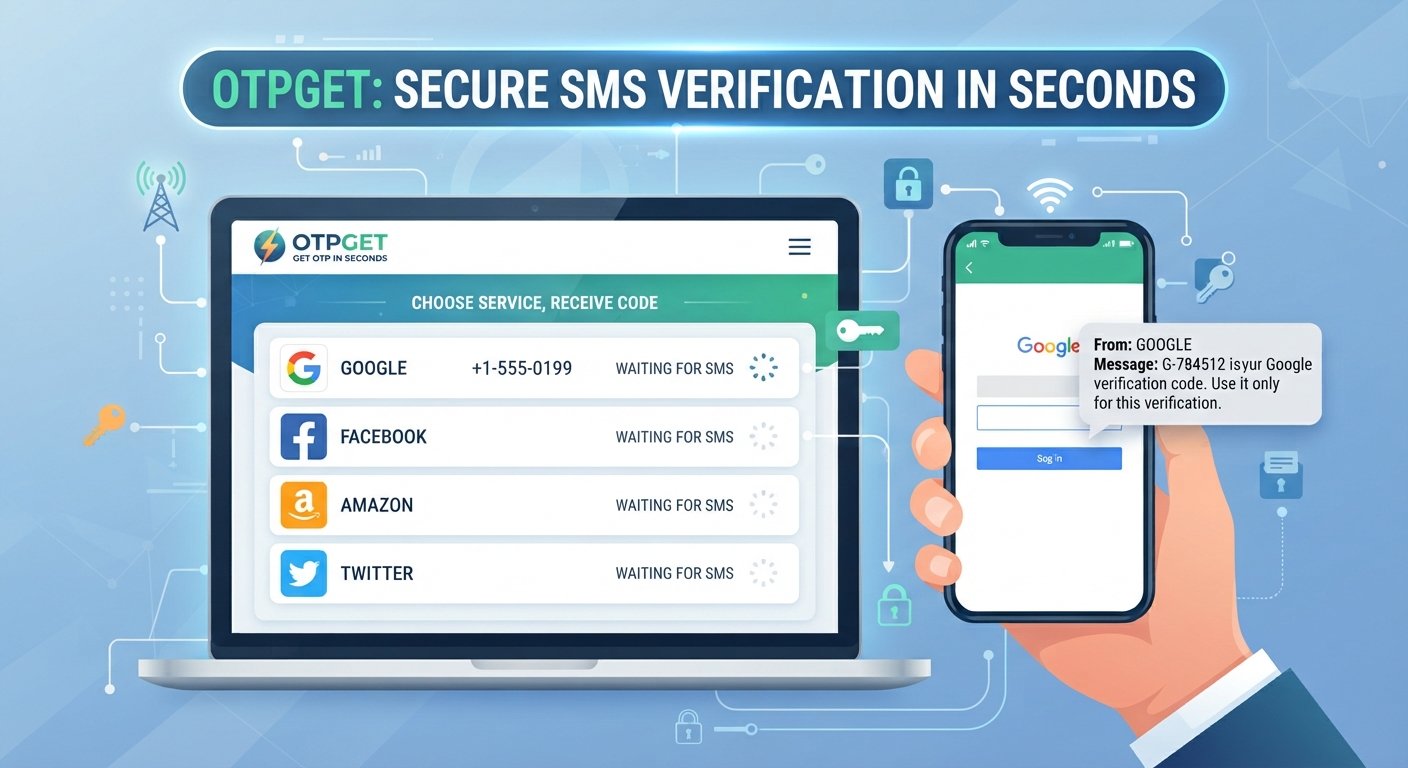
Get OTP in Seconds – Choose Service, Receive Code
Waiting for a verification message can be surprisingly frustrating. You enter your phone number, request a code, and then wait while the confirmation SMS takes longer than expected—or never appears. When a verification code is needed to finish a registration, login, or other online process, even a short delay can interrupt what should be a simple task.
That is where a convenient OTP receiving service can make the process easier. OTPGET provides a practical way to receive OTP messages for supported services, helping users simplify online phone verification without unnecessarily complicating the process.
In this guide, you will learn what OTPs are, why verification messages sometimes cause problems, how an OTP receiving service works, and how OTPGET can help when you need to receive OTP online for a compatible service.
Why Getting an OTP Quickly Matters
One-time passwords, commonly called OTPs, are now a familiar part of online verification. Websites and applications may request an OTP when you create an account, verify a phone number, confirm a login, or complete another security-related step.
An OTP can be important because it confirms that the person completing the process can access the phone number associated with the verification request. In many cases, the code is also time-sensitive, meaning there is only a limited window in which it can be entered.
This makes speed and convenience important.
A delayed verification SMS can prevent you from completing:
-
Account registration
-
Phone verification
-
Login confirmation
-
SMS verification
-
Supported online registrations
-
Time-sensitive verification steps
When the code arrives promptly, the process is much smoother. When it does not, users may have to request another code, check their connection, or start the verification process again.
What Is an OTP?
OTP stands for One-Time Password. It is a temporary verification code generated for a particular authentication or verification request.
For example, a service may ask you to verify a phone number. After you provide a supported number and request verification, the service sends an SMS containing a code. You then enter that verification code into the appropriate field.
A typical OTP process looks like this:
Verification request → SMS sent → OTP code received → Code entered → Verification completed
Unlike a permanent password, an OTP is generally designed for limited use. Depending on the service, it may expire after a short period or become invalid after being used.
OTP verification is popular because it adds another confirmation step without requiring users to remember another permanent password.
Common Problems When Trying to Receive an OTP
Although OTP verification is designed to be straightforward, receiving the message does not always go perfectly.
Delayed SMS Messages
Sometimes a verification SMS takes longer to arrive. This can be particularly inconvenient when the code expires before you have a chance to use it.
Messages Not Arriving
A requested OTP may not appear at all. There can be several possible reasons, including service-side delays, network issues, an incorrect number, or limitations associated with the verification method.
Incorrect Phone Numbers
A single incorrect digit can send the verification code somewhere else. Double-checking the number before submitting it is always worthwhile.
Expired Codes
OTP codes are commonly time-sensitive. If you wait too long, you may need to request a new verification code.
Repeated OTP Requests
When a code does not arrive immediately, it can be tempting to keep pressing the resend button. This may create multiple active requests and make it harder to know which code is current.
Service Compatibility
Not every website or application supports every type of phone number. Temporary or virtual numbers may be restricted by some services, so compatibility should always be checked before starting verification.
How to Get OTP in Seconds with OTPGET
For users who want a more convenient way to get OTP online, OTPGET provides a straightforward approach for supported verification services.
The general process is simple:
-
Choose the required service. Select the service you want to verify, where the relevant option is available.
-
Select or obtain the appropriate number or service through OTPGET. Use the option that is compatible with the verification process.
-
Enter the provided number where verification is supported. Follow the instructions provided by the target platform.
-
Request the OTP. Start the phone or SMS verification process on the relevant service.
-
Receive the verification code. If the service supports the selected verification method, the incoming message can be viewed through the applicable OTPGET process.
-
Enter the code. Submit the OTP to complete the verification step.
The key idea is convenience. Instead of repeatedly waiting for a message on a personal number, users can use a dedicated OTP receiving solution when the target service permits it.
Actual availability and compatibility can depend on the service being verified, so users should always check the requirements of the platform they are using.
Why Choose OTPGET?
The value of an OTP service is not simply about receiving a string of digits. It is about making a potentially frustrating verification step easier to manage.
OTPGET can be a practical option for users who need:
-
Convenient OTP receiving: Access verification messages through a dedicated online process where supported.
-
Simple service selection: Choose the relevant service before beginning the verification process.
-
A straightforward workflow: Follow clear steps from number selection to receiving the code.
-
Fast access to verification messages: Reduce unnecessary waiting when the supported service delivers the message successfully.
-
Convenient online verification: Handle compatible phone verification tasks without relying exclusively on a personal number.
-
Less verification frustration: Avoid repeatedly checking a personal phone for a message when another supported option is appropriate.
-
A user-friendly approach: Keep the process focused on selecting a service, receiving the code, and completing verification.
OTPGET should not be viewed as a universal solution for every website or application. Instead, it is most useful when the service you are verifying supports the relevant number and verification method.
How OTP Verification Works
The basic OTP verification flow is easy to understand:
Service → Phone Number → OTP Request → SMS → Verification Code → Verification Complete
Here is what happens at each stage.
First, the website or application asks for a phone number. The number is submitted as part of the verification process. The service then sends an SMS containing a temporary verification code.
The user receives the message and enters the code into the verification field. If the code is valid and has not expired, the service completes the verification step.
An OTP receiving service such as OTPGET fits into the communication stage of this process, helping users receive the verification message when the target service supports the selected method.
When You May Need an OTP Receiving Service
There are several legitimate situations where an OTP receiving service may be useful.
For example, you may be signing up for a supported online platform and prefer not to expose your personal number unnecessarily. You may also need a temporary number for a permitted registration or be testing an SMS verification flow as a developer or tester.
Common use cases can include:
-
Supported online registrations
-
Testing verification workflows
-
Temporary registrations where permitted
-
Development and testing of SMS-based verification
-
Online services that support alternative verification numbers
-
Situations where you need to receive SMS online for a compatible service
The important point is responsible use. Always follow the terms of service, privacy policies, and verification requirements of the platform you are using. An OTP service should never be used to bypass security controls, impersonate someone, commit fraud, or gain unauthorized access.
Tips for a Smooth OTP Verification Experience
A few simple habits can make OTP verification considerably easier.
Double-check the service. Make sure you have selected the correct platform before beginning.
Enter the number carefully. An incorrect number can prevent the verification message from reaching the intended destination.
Wait briefly before requesting another code. SMS delivery can take some time. Repeated requests may create confusion between multiple codes.
Check the code's validity. If an OTP has expired, request a new one rather than repeatedly entering an old code.
Confirm compatibility. The target website or application may not support every type of temporary or virtual number.
Protect your verification codes. Never share an OTP with someone who is not authorized to use it. Legitimate support personnel should not need your private verification code simply because they claim to be helping you.
Use OTP services responsibly. Always respect the rules and security requirements of the service being verified.
These small steps can reduce unnecessary delays and make the overall process more predictable.
OTPGET vs. Waiting for Traditional SMS
Traditional personal-number verification is familiar: a service sends an OTP to your own phone, you open the message, and then enter the code.
That approach can work perfectly well. However, it may not always be the most convenient choice.
A dedicated OTP receiving solution such as OTPGET can offer an alternative when the relevant service supports it.
| Traditional personal number | OTP receiving solution |
|---|---|
| Uses your personal phone number | Can use a supported alternative number |
| Verification messages arrive on your phone | Verification messages can be accessed through the applicable service |
| May expose your personal number to the service | Can reduce the need to provide a personal number where permitted |
| Requires checking your own SMS inbox | Provides a dedicated verification workflow |
| Familiar but dependent on personal SMS delivery | Convenient for compatible verification scenarios |
This does not mean an OTP receiving service is automatically better for every situation. Your personal number may be the appropriate choice for important accounts or services that require it.
The advantage of OTPGET is flexibility: where supported, users have another practical way to handle compatible verification tasks.
Is Using an OTP Receiving Service Safe?
Safety depends on how the service is used and which platform is being verified.
Users should choose reputable services, protect sensitive information, and understand the rules of the website or application involved. It is also important to remember that temporary or virtual numbers are not accepted by every platform.
Never use an OTP receiving service to circumvent authentication, access another person's account, or defeat a platform's security restrictions.
For ordinary, permitted verification needs, a service such as OTPGET can be a practical option when its available number and the target platform are compatible.
Most importantly, treat OTP codes as sensitive information. Anyone who obtains a valid verification code may potentially be able to complete the associated verification step, depending on the service.
Why OTPGET Is a Practical Choice
When someone searches for get OTP, receive OTP online, OTP verification, or SMS verification, the underlying goal is usually straightforward: complete the verification process without unnecessary hassle.
OTPGET addresses that need with a simple service-oriented approach. Instead of treating verification as a confusing technical process, users can focus on the essential steps: choose the supported service, use the appropriate number, request the code, receive the verification message, and enter the OTP.
That makes OTPGET worth considering for users who need an online verification code for compatible services.
It is also important to keep expectations realistic. No OTP receiving solution can guarantee compatibility with every website or application, and individual platforms may have their own restrictions. Checking those requirements before starting verification is always the right approach.
Frequently Asked Questions
1. What is an OTP?
An OTP, or One-Time Password, is a temporary verification code used to confirm an action such as phone verification, registration, or login. It is commonly delivered through SMS.
2. How can I get OTP online?
You can use an OTP receiving service such as OTPGET when the target website or application supports the relevant verification method. The general process involves selecting a supported service, obtaining the appropriate number, requesting the code, and entering the received OTP.
3. How does OTPGET work?
OTPGET is designed around a simple verification workflow. You choose a supported service, use the appropriate number for verification, request an OTP from the target platform, and receive the verification message through the applicable OTPGET process.
4. Can I receive OTP instantly?
OTP delivery speed depends on the target service, SMS delivery, network conditions, and compatibility. OTPGET is intended to make receiving supported verification messages more convenient, but delivery cannot be guaranteed for every service.
5. What is an OTP receiving service?
An OTP receiving service provides a way to receive verification messages through a number or service intended for compatible online verification processes. Such services can be useful when a platform permits temporary or virtual numbers.
6. Can I use a temporary number for OTP verification?
You can use a temporary number when the target service permits it and the number is compatible with its verification system. Some platforms restrict temporary or virtual numbers, so always check their requirements.
7. Why am I not receiving my verification code?
Possible reasons include SMS delays, an incorrect number, service-side issues, expired requests, network problems, or incompatibility with the selected number. Waiting briefly, checking the details, and following the platform's verification instructions may help.
8. Is OTPGET suitable for online verification?
OTPGET can be suitable for compatible online verification scenarios where the target service supports the relevant number and verification method. Users should always follow the platform's rules and requirements.
Final Thoughts
OTP verification is meant to make online services more secure, but waiting for a verification message can turn a simple process into a frustrating one. Delayed SMS messages, expired codes, repeated requests, and restrictions around phone numbers can all make verification more difficult than it needs to be.
A convenient OTP receiving service can provide another option when the target platform supports it.
OTPGET offers a straightforward way to approach compatible verification tasks: choose the service, use the appropriate number, request the OTP, receive the verification code, and complete the process.
If you are looking for a practical way to get OTP, receive OTP online, or handle SMS verification for a supported service, explore OTPGET and see whether it fits your verification needs. Always check the target platform's requirements and use the service responsibly.


