Get OTP on Mobile or Desktop with OTPGET | OTP Numbers
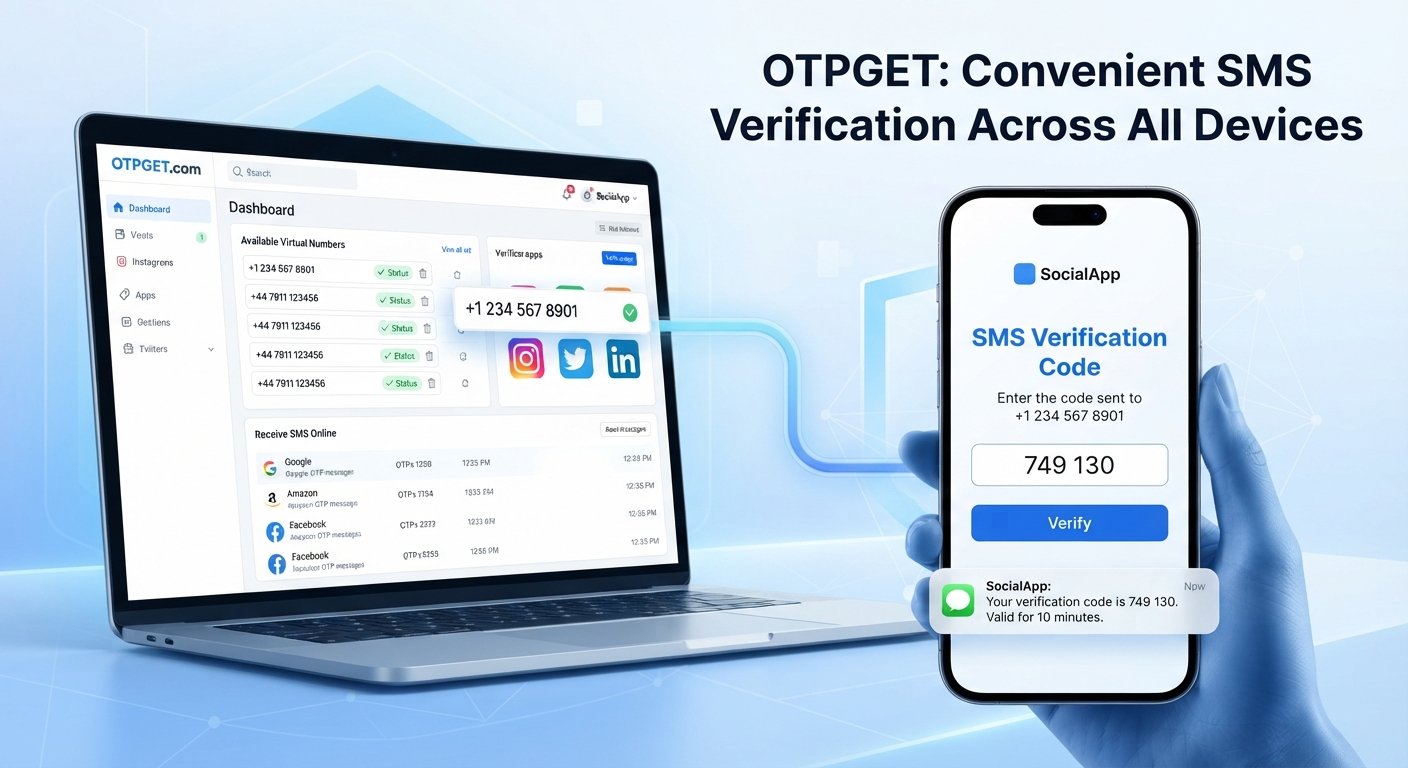
Get OTP on Mobile or Desktop – OTPGet Numbers
Getting a verification code should be simple. Yet when an online service asks for an OTP, the process can become inconvenient if you need to switch between devices, rely on your personal number, or access a message while working from a desktop.
OTP verification is now a familiar part of signing up, logging in, confirming actions, and protecting online accounts. For legitimate use cases, having a convenient way to receive verification messages can make these workflows much easier.
That is where OTPGET can be useful. It provides an option for people looking to work with OTP numbers and receive verification messages online, whether they are using a mobile device or a desktop computer.
Before choosing an OTP receiving service, however, it helps to understand how OTPs work, what virtual numbers are, and what you should look for in a reliable solution.
What Is an OTP and Why Is It Used?
OTP stands for One-Time Password. It is a temporary verification code generated for a specific authentication or confirmation request.
For example, when you sign up for an online service, the platform may send an SMS containing a short code. You enter that code into the website or app to confirm that you can access the associated phone number.
This process is commonly called OTP verification, SMS verification, or phone verification.
A typical OTP workflow looks like this:
- You enter a phone number during registration or another verification step.
- The service sends an SMS OTP to that number.
- You receive the verification code.
- You enter the code into the requested field.
- The service checks the code and completes the verification process if it is valid.
OTP verification adds another step between a user and an online account or action. While it is not a replacement for every other security measure, it remains a common method for confirming access to a phone number.
Why Get OTP on Mobile or Desktop?
Being able to receive an OTP on the device you are already using can make verification more convenient.
If you are working on a laptop, for example, constantly reaching for another phone to check a verification SMS can interrupt your workflow. A service that lets you access an OTP online can make the process more straightforward where supported.
There are several situations where this flexibility can be useful:
- Working from a computer: Receive or view a verification message without unnecessarily interrupting your desktop workflow.
- Online account verification: Use an appropriate number when a service requests phone verification.
- Testing workflows: Developers and testers may need phone numbers for legitimate application or workflow testing.
- Privacy-conscious activities: Some users prefer not to use their personal number for every appropriate online registration.
- Managing multiple activities: A separate number can help keep certain verification messages distinct from personal SMS communication.
The important point is to use OTP numbers responsibly and only where the relevant service permits them.
What Are OTP Numbers?
An OTP number is generally a phone number that can receive the SMS containing a one-time verification code.
Depending on the provider and use case, this may be a temporary phone number, virtual phone number, or another online phone number capable of receiving SMS messages.
The basic idea is straightforward: instead of receiving a verification SMS on your everyday personal number, you use an appropriate alternative number and access the resulting verification message through an OTP receiving service.
However, not every number works with every website or application. Some services restrict virtual numbers, temporary numbers, VoIP numbers, or numbers that have been used previously for verification.
That means compatibility is an important consideration. A responsible OTP service should not be presented as a universal solution for every verification system.
How to Receive OTP Online
The general process for receiving an OTP online is relatively simple.
- Choose an appropriate OTP receiving service. Look for a service that clearly explains its available options and intended use.
- Select an available number or supported option. Choose a number suitable for the verification scenario.
- Enter the number where verification is requested. Follow the website or application's normal verification process.
- Request the OTP. The service requesting verification sends an SMS code.
- Check the incoming verification message. Look for the OTP or verification code associated with your request.
- Enter the code on the relevant service. Complete the verification process normally.
This is the basic workflow behind receiving verification codes online. OTPGET can simplify the experience by giving users a practical place to work with OTP numbers and verification messages.
Always follow the rules of the website or application you are using. An OTP receiving service should be used for legitimate verification, testing, privacy-conscious workflows, and other permitted purposes—not to bypass security controls.
Get OTP on Mobile with OTPGET
If your goal is to get OTP on mobile, convenience matters. You may want to check a verification message without depending exclusively on your everyday personal number.
OTPGET can be considered when you need an accessible option for receiving OTP messages on a mobile device. The concept is particularly useful for users who want to keep verification activity separate from ordinary personal SMS communication where that is appropriate.
The practical advantages include:
- Convenient access to OTP messages
- A straightforward verification workflow
- An alternative to relying solely on a personal number for appropriate use cases
- Flexibility when managing online verification from a mobile device
- A simple way to work with OTP numbers online
As with any verification service, availability and compatibility can depend on the service requesting the code.
Get OTP on Desktop with OTPGET
Desktop users often have a slightly different challenge: the verification process happens on one screen while the OTP arrives somewhere else.
If you want to get OTP on desktop, having access to an online OTP receiving option can make the workflow more convenient. Instead of repeatedly moving between a computer and another device, you can work with the verification process from your desktop where supported.
OTPGET is designed to fit this type of use case by providing access to OTP numbers and verification messages online.
Whether you are looking to receive OTP on desktop, check an OTP number online, or access a verification code online, the main benefit is workflow simplicity.
It can be especially useful when signing up for permitted services, testing an application, or handling verification-related tasks while working primarily from a computer.
Benefits of Using OTPGET for OTP Verification
For legitimate verification scenarios, OTPGET can offer several practical benefits:
- Convenient access: Work with verification messages without relying exclusively on your personal number.
- Mobile and desktop flexibility: Use an OTP receiving workflow from the device that fits your task.
- Simplified verification: Keep the process focused on receiving and entering the required code.
- Privacy-conscious option: A separate number may be preferable for certain appropriate online activities.
- Easy workflow: Select a suitable number, request the code, and use the received OTP as instructed.
- Practical online verification: Useful for supported registration, testing, and verification scenarios.
The right choice ultimately depends on what you are verifying and whether the relevant website or application accepts the type of number being used.
What to Look for in an OTP Receiving Service
Not every OTP service is the same. Before choosing one, consider the following factors.
Reliability
The most important consideration is whether verification messages can be received when needed. Look for a service that provides clear information about its process rather than making unrealistic guarantees.
Number Availability
An OTP receiving service needs suitable numbers available for the intended verification scenario. Availability can change, so avoid assuming that a particular number or type will always work.
Ease of Use
A complicated interface can make a simple verification task frustrating. The process should be easy to understand, especially for first-time users.
Device Accessibility
Consider whether you need to receive OTP on mobile, desktop, or both. A convenient service should fit naturally into the way you work.
Message Delivery
The ability to receive SMS messages is central to the service. Clear visibility of incoming verification messages is an important part of the user experience.
Privacy Considerations
Think carefully about what type of verification information you are handling. Avoid sharing sensitive account information unnecessarily, and understand how the service handles received messages.
Compatibility
Some websites and applications may not accept temporary or virtual numbers. Compatibility should always be considered before relying on an OTP number for an important account.
Clear Terms
Check the provider's usage terms, pricing information, and limitations before using the service. Responsible use also means respecting the policies of the website where verification is taking place.
OTPGET vs. Using Your Personal Number
Using your personal phone number is often the simplest option, but it is not always the preferred choice for every legitimate situation.
An alternative OTP number can provide separation between personal communications and specific verification activities.
| Factor | Personal Number | OTPGET / Alternative Number |
|---|---|---|
| Convenience | Familiar and readily available | Useful for supported online workflows |
| Privacy | Personal number is shared | Can provide separation from personal SMS |
| Accessibility | Primarily tied to your phone | Can be useful for mobile or desktop workflows |
| Verification workflow | Straightforward | Designed around receiving verification messages |
| Best use cases | Personal accounts and trusted services | Appropriate temporary, testing, or privacy-conscious scenarios |
Neither option is universally better. For important personal accounts, your own established number may be the most appropriate choice. For other permitted verification scenarios, OTPGET can be a practical alternative.
Common Use Cases for OTP Numbers
OTP numbers can be useful in several legitimate situations, provided the relevant platform permits their use.
Common examples include:
- Online account verification for services that accept the selected number type
- Application testing where developers need to test SMS verification workflows
- Business testing environments involving registration or authentication flows
- Temporary registrations where an alternative number is permitted
- Privacy-conscious online activities where sharing a personal number is unnecessary
- Desktop-based workflows where receiving verification codes online is more convenient
The purpose should always be legitimate. OTP numbers should not be used for spam, scams, deceptive account creation, unauthorized access, or attempts to bypass a platform's security or identity requirements.
Frequently Asked Questions About OTPGET
Can I get an OTP on mobile?
Yes, an OTP can be received on a mobile device when the relevant number and service support SMS verification. OTPGET can be considered for appropriate scenarios where you need an alternative OTP receiving option.
Can I receive an OTP on desktop?
Yes. When an OTP receiving service provides online access to incoming verification messages, you can work with the code from a desktop environment. OTPGET is an option for users who want to receive OTP online while working from a computer.
What is an OTP number?
An OTP number is a phone number used to receive a one-time verification code through SMS. It may be a temporary or virtual phone number depending on the service providing it.
How does online OTP verification work?
A website or application sends a verification code to a selected phone number. The user receives the SMS and enters the OTP into the verification field. The service then checks whether the code is valid.
Can I use a virtual number for OTP verification?
In some cases, yes. However, compatibility varies. Some websites accept virtual numbers while others may restrict them, so you should check the relevant service's requirements.
Is OTPGET suitable for receiving verification codes?
OTPGET can be suitable for legitimate scenarios where users need convenient access to OTP numbers and verification messages. Compatibility and availability can depend on the service requesting verification.
What should I check before using an OTP receiving service?
Consider number availability, message delivery, ease of use, device accessibility, privacy considerations, compatibility, pricing or usage terms, and whether your intended use complies with the relevant platform's rules.
Get OTP on Mobile or Desktop with OTPGET
OTP verification is designed to make online interactions more secure, but receiving a verification code should not have to become an unnecessary interruption.
Whether you want to get OTP on mobile, get OTP on desktop, receive SMS verification online, or work with a temporary or virtual number for an appropriate use case, understanding how OTP receiving services work can help you make a better choice.
OTPGET provides a practical option for users who need convenient access to OTP numbers and verification messages across mobile and desktop workflows. It can be particularly useful when you want an alternative to relying solely on your personal number for supported verification scenarios.
The best approach is to choose the number and service that match your specific needs, confirm compatibility, and use the solution responsibly.
Explore OTPGET and choose an OTP receiving option that fits your legitimate verification needs.


