Get an OTP Number for Any App with OTPGet | Simple Guide
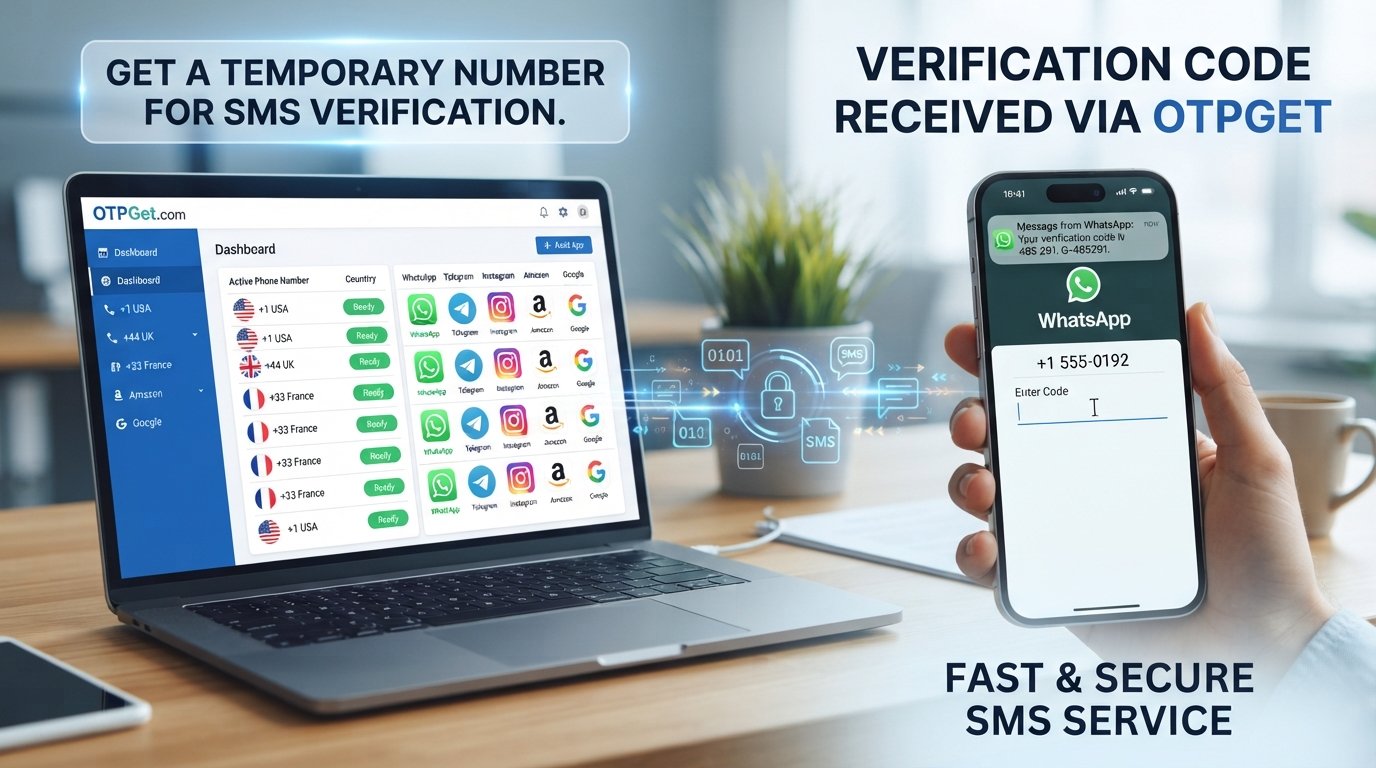
Get an OTP Number for Any App – OTPGet
Signing up for an app can sometimes come with an extra step: phone-number verification. You enter a number, wait for an SMS, and then type the verification code into the app before you can continue.
For many people, using a personal phone number for every online service is not ideal. You may want to keep your primary number private, separate personal and online activities, test an application, or simply use a different number for a particular registration.
That is where an OTP number can be useful.
OTPGet provides a practical way to access OTP numbers for supported SMS verification workflows. Instead of relying on your primary phone number for every registration, you can use an available number where the relevant app or service permits it and receive the verification message through the appropriate OTPGet process.
In this guide, you'll learn what OTP numbers are, why apps use them, how temporary and virtual numbers work, and how to use OTPGet for legitimate app verification.
What Is an OTP Number?
OTP stands for One-Time Password. It is a temporary verification code used to confirm that a person has access to a particular phone number, email address, device, or account.
When an app uses SMS verification, the process typically works like this:
- You provide a phone number.
- The app sends an SMS containing a verification code.
- You receive the message.
- You enter the code into the app.
- The app checks the code and completes the verification step if it is valid.
It is important to distinguish between an OTP number and an OTP code. The OTP number is the phone number used to receive the SMS. The OTP or verification code is the temporary sequence of characters sent to that number.
For example, an app might ask you to provide a phone number before sending a six-digit SMS OTP. The number receives the message, while the six-digit sequence is the actual verification code.
Why Do Apps Require OTP Verification?
Phone verification is commonly used as an additional security and account-management measure.
Depending on the service, an OTP can help with:
- Account registration
- Phone-number confirmation
- Login verification
- Password recovery
- Security checks
- Confirming access to a phone number
- Reducing automated or fraudulent registrations
An OTP does not replace every other security measure. Many applications use additional checks, such as passwords, authenticator apps, device verification, or identity verification.
The exact verification process also varies between platforms. Some services may accept a particular type of number, while others may restrict temporary or virtual numbers.
Why Use a Temporary or Virtual Number for OTP?
There are legitimate reasons to use a temporary or virtual phone number instead of your personal number.
One common reason is privacy. If an online service only needs your phone number for an SMS verification step, you may prefer not to expose your primary number unnecessarily.
A separate number can also help you keep different online activities organized. For example, someone testing an application may want a dedicated verification number rather than repeatedly using a personal phone.
Other potential advantages include:
- Keeping your personal number private
- Separating personal and online activities
- Receiving SMS verification messages
- Testing applications and registration workflows
- Managing registrations for different services
- Reducing unwanted messages sent to a primary number
However, temporary numbers are not suitable for every situation. Some applications may block virtual numbers, reject certain number types, or require a number that remains under your control for a longer period.
Always follow the rules and verification requirements of the service you are using.
Get an OTP Number for Any App with OTPGet
If you need to get an OTP number for any app, OTPGet can provide a straightforward option where the relevant application supports the available number.
The general process is simple:
- Visit OTPGet. Start by accessing the OTPGet service.
- Select an available number or service. Choose an option that matches the verification workflow you need.
- Enter the number in the relevant app. Use the provided number only where phone verification is permitted.
- Request the verification SMS. The application sends its OTP or verification code to the number.
- Retrieve the message through OTPGet. Check the appropriate OTPGet interface for the incoming verification message.
- Enter the verification code. Use the received code in the application to complete the verification step.
The exact experience can vary depending on the app and the number available through the service.
The important point is that OTPGet is not a tool for defeating an application's security controls. It is better understood as a practical option for users who need a separate number for legitimate SMS verification, registration, or testing purposes.
How OTPGet Makes OTP Verification Easier
The biggest advantage of using an OTP receiving service is convenience.
Instead of automatically giving every online service your personal number, you have the option of using a separate number for supported verification scenarios.
OTPGet can be useful when you want to:
- Keep your primary phone number separate from online registrations
- Receive an SMS verification message without relying on your personal number
- Simplify temporary registration workflows
- Test an application's phone-verification process
- Keep certain online activities separate from personal communications
The process is also relatively straightforward: choose an available number, use it for the supported verification request, retrieve the SMS, and enter the verification code.
That simplicity can make a difference when a phone-number verification step is the only thing standing between you and the next stage of an otherwise legitimate registration or testing process.
How to Receive an OTP Online
If you're new to online OTP services, the basic workflow is easy to understand.
1. Choose a suitable number
Select an available OTP number that is appropriate for the service you are trying to verify.
2. Enter the number
Go to the application or website requiring SMS verification and enter the selected number in its phone-number field.
3. Request the OTP
Submit the verification request. If the service accepts the number, it should send an SMS containing a verification code.
4. Check OTPGet
Return to the relevant OTPGet interface and check for the incoming SMS or verification message.
5. Enter the verification code
Copy the OTP carefully and enter it into the application before it expires or becomes invalid.
6. Complete verification
Once the application accepts the code, follow any remaining registration or setup instructions.
Only use OTP numbers for legitimate purposes, and make sure your use complies with the app's terms and verification requirements.
Benefits of Using OTPGet for App Verification
For suitable use cases, an OTP service can offer several practical benefits.
- More control over your phone number: You can choose not to expose your primary number for every online registration.
- Convenient SMS verification: A dedicated number can simplify supported SMS-based verification workflows.
- Greater separation: Keep personal communications separate from certain online services and testing activities.
- Useful for application testing: Developers and testers may need phone numbers when evaluating registration or verification flows.
- Simple workflow: The basic process involves selecting a number, requesting an SMS, retrieving the code, and entering it.
- Practical privacy option: Using a separate number can reduce unnecessary exposure of a personal contact number.
These benefits depend on the application, number type, and verification requirements involved. No temporary or virtual number should be assumed to work with every platform.
Temporary Phone Number vs. Personal Phone Number
Choosing between a personal number and a temporary or virtual number depends on what you're trying to accomplish.
| Feature | Personal Number | Temporary/Virtual Number |
|---|---|---|
| Privacy | Lower | Higher |
| Separate online activity | Limited | Easier |
| SMS verification | Yes | Depends on service |
| Long-term ownership | Usually | Depends on number type |
| Suitable for sensitive accounts | Often preferred | Depends on platform |
A personal number is generally the better choice for important accounts where long-term access and account recovery matter.
A temporary number can make more sense for a limited verification task, provided the relevant service allows that type of number.
Before choosing a temporary number, think beyond the initial OTP. If you might need that number again for password recovery, login verification, or security alerts, losing access to it could create a problem.
What Can You Use an OTP Number For?
An OTP number can have several legitimate applications.
Common examples include:
- App registration
- Testing application signup flows
- Temporary online services
- SMS verification
- Protecting personal contact details
- Separating online registrations from a primary phone number
- Testing verification-code delivery during development
For businesses and developers, a separate verification number can also be useful when evaluating how an application's SMS OTP workflow behaves.
The key consideration is authorization. A number should be used for legitimate activities that comply with the platform's policies rather than to circumvent account limits, identity checks, anti-fraud controls, or other security requirements.
Things to Consider Before Using an OTP Number
An OTP service can be convenient, but it is important to understand its limitations.
Some apps may block virtual or temporary numbers. A service can decide which types of phone numbers it accepts, and an OTP request may fail if the number is restricted.
Not every number works with every service. Availability and acceptance can depend on the individual application and its verification system.
Temporary numbers may not be ideal for long-term accounts. If an account depends on the same number for future recovery, a number that you cannot reliably access later may create unnecessary problems.
Check the platform's terms. Before using an alternative number, make sure the application's rules allow it.
Consider account recovery. For important accounts, use a phone number or another recovery method that you can reliably access over the long term.
Thinking about these points before verification can save you trouble later.
Why Choose OTPGet?
When you need a separate number for a legitimate SMS verification workflow, OTPGet offers a practical approach to the process.
Instead of using your primary phone number automatically, you can explore an available OTP number and use it where the relevant application permits temporary or virtual verification numbers.
The main appeal is straightforward: privacy, convenience, and separation.
Whether you're testing an app, registering for a service that permits an alternative number, or simply want to keep certain online activities away from your personal phone number, OTPGet can be a useful option.
If your goal is to get an OTP number for any app, remember that compatibility ultimately depends on the app's own verification policies. Use OTPGet as a legitimate SMS verification solution rather than as a way to bypass platform security.
Frequently Asked Questions
1. What is an OTP number?
An OTP number is a phone number used to receive an SMS containing a one-time password or verification code. The number itself is different from the OTP code sent by the application.
2. How can I get an OTP number for an app?
You can use an OTP receiving service such as OTPGet, select an available number, enter it into the supported application's verification form, and retrieve the SMS containing the verification code.
3. Can I receive OTP online?
Yes, an online OTP service can allow you to receive supported SMS verification messages through an online interface. Whether a particular application accepts the number depends on its own policies and verification system.
4. What is a temporary phone number for OTP?
A temporary phone number is a number used for a limited or specific purpose, such as receiving an SMS verification code. It can be useful when you prefer not to provide your primary personal number for a particular online activity.
5. Does every app accept virtual phone numbers?
No. Apps and online services can have different verification requirements. Some may accept virtual numbers, while others may restrict or reject them.
6. How does OTPGet work?
The general OTPGet workflow involves selecting an available number, using it for a supported SMS verification request, waiting for the message, retrieving the OTP, and entering the verification code into the relevant application.
7. Is an OTP number suitable for account recovery?
Not always. If an account is important and may require the same phone number for future recovery or security checks, a number you can reliably access long term is usually more appropriate.
8. Why would someone use a separate number for SMS verification?
A separate number can help keep a personal phone number private, separate online registrations from personal communications, or support legitimate application testing and verification workflows.
Conclusion
Phone verification is a normal part of many app registration and security workflows, but that does not mean you always need to use your primary personal number.
A temporary or virtual number can provide a useful layer of separation when an application permits it. It can help with legitimate registration, testing, SMS verification, and privacy-conscious online activities.
OTPGet provides a practical way to explore OTP numbers for supported verification workflows. The process is straightforward: choose an available number, use it where permitted, receive the SMS, and enter the verification code.
If you want to get an OTP number for any app, start by checking the app's verification requirements and terms, then explore OTPGet for a suitable number. Used responsibly, it can be a convenient alternative when you want to keep your personal phone number separate from certain online services.


