Get OTP Number Now & Receive Your SMS Verification Code Easily
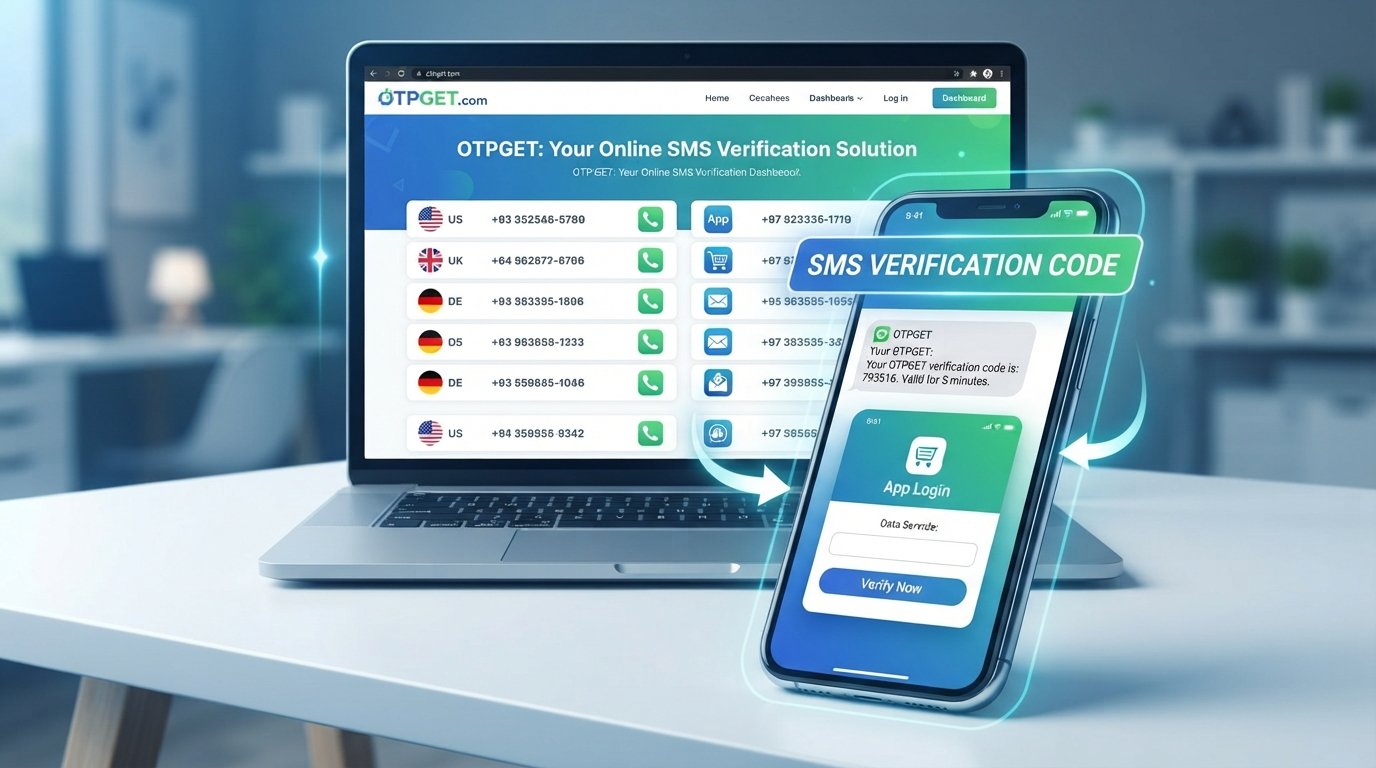
Get OTP Number Now and Receive Your SMS Code
Need to verify an account but don't want to rely on your personal phone number? Or perhaps you're waiting for an SMS verification code and need a practical way to receive an OTP?
You're not alone. Many websites and apps use one-time passwords, commonly called OTPs, to confirm that a phone number belongs to the person completing a registration, login, or verification process. When you need an alternative number for a legitimate verification purpose, an online OTP service can provide a convenient option.
OTPGET is designed for people looking to get an OTP number and receive SMS verification codes through an online service. Instead of treating the process as complicated, the goal is simple: choose an available option, use the number where permitted, and retrieve the verification message when it arrives.
Before using any OTP service, however, it's useful to understand how OTP numbers work, why platforms request them, and what to consider when receiving an SMS code.
What Is an OTP Number?
An OTP number is a phone number that can be used to receive a one-time password or verification message sent by a website, application, or online service.
An OTP itself is a temporary verification code. It may consist of several digits and is generally intended to be used for a specific verification attempt. The phone number acts as the destination for the SMS containing that code.
For example, a platform may ask you to enter a phone number before completing registration. After the number is submitted, the platform sends an SMS containing a verification code. You then enter that code into the required field to confirm the number.
Depending on the service and the platform being verified, people may look for an online OTP number, temporary number, or virtual number for OTP verification.
The important point is that not every number works with every website or app. Compatibility depends on the verification system used by the platform.
Why Do Websites and Apps Use SMS Verification?
SMS verification is widely used because it gives websites and applications an additional way to confirm a user's access to a phone number.
Common situations include:
- Account registration: A new service may send a code before allowing an account to be created.
- Login verification: Some platforms use an OTP as an additional authentication step.
- Identity confirmation: A verification code can help confirm control of a submitted number.
- Password recovery: SMS may be one of the available methods for recovering access.
- Two-step verification: An OTP can provide another layer in an account login process.
- Online services: Certain platforms request a phone number before allowing particular features or actions.
The exact verification process varies. Some platforms may support only certain types of phone numbers, while others may restrict temporary or virtual numbers.
That's why it's important to check the platform's own requirements before choosing an OTP number.
How Does an SMS Verification Code Work?
The basic process is straightforward.
- Enter a phone number. You provide the number requested by the website or application.
- The platform sends an OTP. If the number is accepted, the service sends an SMS verification code.
- Receive the SMS. The code arrives through the appropriate SMS receiving interface.
- Enter the code. You type the OTP into the verification field.
- The platform verifies it. If the code is correct and still valid, the verification process can continue.
An OTP is normally time-sensitive, so entering the correct code promptly is important.
If a message doesn't arrive, avoid repeatedly requesting new codes immediately. Multiple requests can sometimes create delays or cause an earlier code to become invalid.
Why Use an Online OTP Number?
There are several legitimate reasons someone may prefer an online or virtual number for SMS verification.
One of the biggest is separation. You may not want every verification message associated with your primary personal number, particularly when an alternative number is appropriate and allowed by the service you're using.
An online OTP number can also be useful when you specifically need a number for a verification workflow rather than for ordinary personal communication.
Other practical reasons can include:
- Keeping verification messages separate from your regular SMS inbox
- Using a dedicated number for a particular verification task
- Accessing SMS through an online service
- Avoiding unnecessary dependence on a personal number
- Simplifying a verification process when an alternative number is supported
However, an online number isn't automatically suitable for every situation. Some websites prohibit temporary or virtual numbers, and some verification systems may not accept particular number types.
Always use an OTP number in accordance with the rules of the website or application involved.
OTPGET: A Simple Way to Get an OTP Number
When the immediate need is simple — "I need an OTP number so I can receive an SMS verification code" — the process shouldn't feel unnecessarily complicated.
OTPGET provides an online approach for users who need an OTP number and want a practical way to receive verification messages.
Rather than searching randomly for a number and hoping it works, users can explore the options available through the service and follow its instructions for obtaining and using an OTP number.
The appeal is mainly about convenience. If you're completing a legitimate verification process that supports the type of number you're using, having a dedicated online number can make it easier to keep the verification step separate from your personal phone activity.
OTPGET should be viewed as a practical tool for supported verification scenarios, not as a way to bypass a platform's security requirements. Whether a number can be used depends on the website or application being verified.
How to Get an OTP Number and Receive Your SMS Code
If you're wondering how to get an OTP number, the general process through an online OTP service is simple.
1. Visit OTPGET
Start by accessing the OTPGET service and reviewing the available OTP or number options.
2. Choose an appropriate number option
Select the option that fits your intended verification purpose and is supported by the service.
3. Follow the service instructions
Complete the required steps shown by OTPGET. The exact process can depend on the options currently available.
4. Use the provided number where permitted
Enter the OTP number into the website or application requesting SMS verification, provided that the platform permits that type of number.
5. Wait for the SMS
Once the platform sends the verification message, allow a short amount of time for the SMS to arrive.
6. Retrieve the verification code
Check the relevant SMS interface associated with the number and locate the OTP.
7. Enter the code
Return to the website or application and enter the verification code into the appropriate field.
If the code expires or the platform rejects the number, follow the platform's instructions rather than repeatedly requesting codes.
Benefits of Using OTPGET
The right OTP service can make a straightforward verification task easier to manage. OTPGET can be useful for people who need an online number for a supported SMS verification process.
Potential practical benefits include:
- Convenience: Get access to an OTP number through an online service.
- Dedicated verification: Keep verification messages separate from your primary phone activity.
- Simple workflow: Request or select an available option, receive the SMS, and use the code where permitted.
- Alternative number access: A virtual or online number may be useful when a personal number isn't the preferred option.
- Focused SMS retrieval: The service is centered around the practical need to receive verification messages.
The most important consideration is compatibility. A good verification workflow starts by checking whether the website or app accepts the number type you intend to use.
When Should You Use an OTP Number?
An OTP number can make sense when you need to complete a legitimate SMS verification process and the website or application allows an alternative, temporary, or virtual number.
For example, you might need a number for:
- A supported online registration
- A temporary verification task
- A service that allows alternative phone numbers
- Separating verification messages from your personal communications
- Testing or other legitimate activities where SMS verification is permitted
You should only use OTP services for lawful purposes and according to the terms of the website or application you're verifying.
An OTP service should not be used to bypass security controls, impersonate another person, create fraudulent accounts, send spam, or violate a platform's rules.
Tips for Receiving an OTP SMS Successfully
If you're trying to receive an OTP code and nothing appears immediately, a few simple checks can help.
Check the number carefully. Make sure you entered the correct number and selected the appropriate country or number option when required.
Wait before requesting another code. SMS delivery isn't always instant. Repeated requests can create confusion if several codes are generated.
Check the correct SMS interface. Make sure you're looking at the message area associated with the number you used.
Confirm platform compatibility. Some websites and apps don't accept temporary or virtual numbers.
Follow the platform's instructions. If the service provides a specific verification process, follow it rather than trying to work around it.
Don't share OTPs unnecessarily. A verification code can be sensitive. Never give a code to an untrusted person who asks for it.
Use the newest valid code. If you requested multiple codes, an earlier one may no longer work.
These simple steps can prevent many common problems when trying to receive an SMS verification code.
Frequently Asked Questions
What is an OTP number?
An OTP number is a phone number used to receive SMS messages containing one-time passwords or verification codes. Depending on the service, the number may be temporary, virtual, or provided specifically for an online verification task.
How can I get an OTP number?
You can use an online OTP service such as OTPGET to explore available number options. Choose an appropriate option, follow the service instructions, and use the number only where the target website or application permits it.
How do I receive an SMS verification code?
Enter a supported phone number into the platform requesting verification. If the number is accepted, the platform sends an SMS containing an OTP or verification code. You can then retrieve the message and enter the code in the required verification field.
Can I receive an OTP online?
Yes, an online OTP service can provide a way to receive supported SMS verification messages through an online interface. Availability and compatibility depend on the number and the platform being verified.
What is OTPGET?
OTPGET is an online service intended for people who need an OTP number and want to receive SMS verification codes for supported verification purposes. The available options and compatibility depend on the service and the platform being used.
Why is my SMS verification code not arriving?
There can be several reasons. The number may not be supported by the platform, the message may be delayed, the number may have been entered incorrectly, or the platform may have restrictions on temporary or virtual numbers. Check the number, wait briefly, and follow the platform's verification instructions.
Is an OTP number suitable for every website or app?
No. Websites and applications can have different verification rules. Some may accept alternative numbers, while others may reject temporary or virtual numbers. Always check the requirements of the specific platform before using an OTP number.
Final Thoughts
When you simply need to get an OTP number and receive an SMS verification code, the process can be much easier when you use a service designed around that specific task.
An OTP number can provide a practical alternative for supported verification situations, particularly when you want to separate verification messages from your personal number. The key is to choose an appropriate service, confirm that the target platform supports the number type, and follow its rules.
OTPGET offers a straightforward option for people looking for an online OTP number and a way to receive SMS verification codes. If that matches what you need, explore OTPGET, choose an available option, and complete your verification responsibly.
Suggested Internal-Link Anchors
- Get an OTP number
- Receive SMS verification codes
- Explore OTP verification services
- Learn more about SMS verification
- Get a virtual OTP number


