Get an OTP Number for Social Apps, Email and More Online | OTPGET
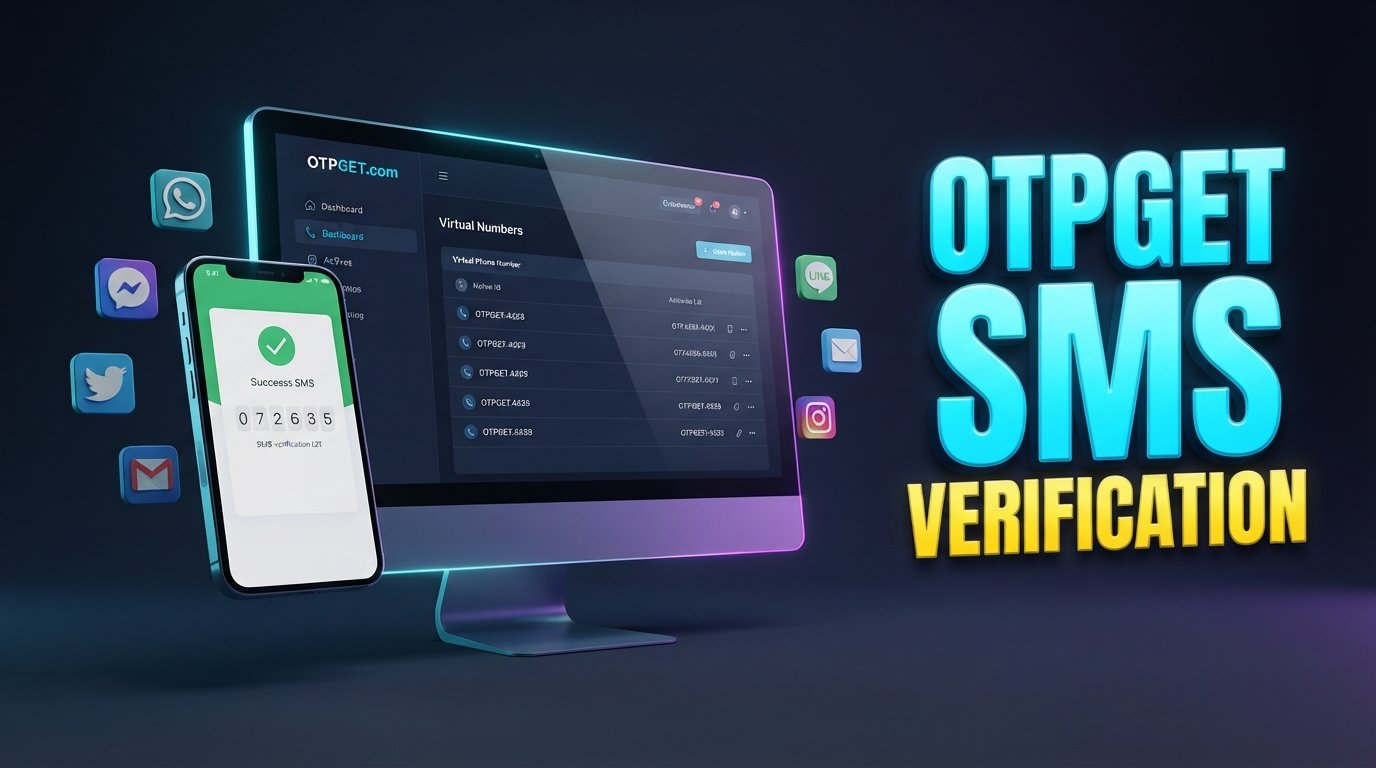
Get OTP Number for Social Apps, Email and More
Signing up for an online service often comes with one extra step: phone verification. Whether you are registering for a social app, creating an email account, testing an online service, or completing another legitimate account verification process, you may be asked to enter a phone number and receive an OTP.
For many people, using their primary personal number for every registration is not ideal. A separate OTP-enabled number can provide more flexibility and help keep personal communication separate from online verification activity.
If you need to get OTP number for social apps, email and more, OTPGET offers a practical option to consider for supported verification needs. The important point is to use any OTP number responsibly and understand that acceptance can vary between platforms, countries, carriers, and verification providers.
Why Do You Need an OTP Number?
An OTP number can be useful whenever an online service requires SMS-based phone verification. Common legitimate situations include:
- Verifying a social app or social media account
- Completing email verification
- Registering for an online service
- Testing supported application workflows
- Completing account verification on platforms that request SMS
- Keeping a primary personal number separate from online registrations
- Managing verification-related messages more conveniently
Some users simply prefer not to share their main phone number with every website or application they use. In other cases, developers and testers may need a number for legitimate testing of SMS verification workflows.
A separate number does not remove the need to follow a platform's rules. It simply gives users another option when a supported service requires a phone number.
What Is an OTP Number?
OTP stands for One-Time Password. An OTP is a temporary verification code that a website or application sends to confirm that a user can access the phone number provided during a verification process.
For SMS verification, the process is usually straightforward:
- You enter a phone number on a website or app.
- The service sends a verification SMS.
- The SMS contains a temporary code.
- You enter that code into the verification field.
- The platform checks the code and completes verification if everything is accepted.
An OTP is different from a normal SMS conversation. It is generally generated specifically for authentication or verification and is intended to be used for a limited period or particular verification attempt.
Get OTP Number for Social Apps and Online Platforms
Social networks, messaging applications, marketplaces, communities, and other online platforms may request phone verification during registration or when additional account checks are required.
If you need an OTP number for social apps, the general process is simple:
- Choose an appropriate OTP number where available.
- Enter the number into the supported website or application.
- Request an SMS verification code.
- Wait for the verification message.
- Enter the received OTP into the relevant field.
- Complete the verification process if the platform accepts the number.
OTPGET can be considered when you need an OTP-enabled number for this type of legitimate verification.
However, there is an important limitation to understand: no OTP number should be assumed to work with every platform. Services can have different policies for temporary, virtual, recycled, or other types of numbers. Country requirements, carrier relationships, verification providers, and anti-abuse systems can also affect whether a number is accepted.
Get an OTP Number for Email Verification
Email services and other account-based platforms may request phone verification as an additional way to confirm a registration.
For someone who wants to get an OTP number for email, a separate verification number can be useful when the service permits it. It can help keep a primary personal number separate from registration-related activity and reduce the number of websites where that personal number needs to be entered.
OTPGET provides a practical option to consider when an appropriate number is available for the required verification process.
As always, check the email provider's requirements before proceeding. Some services may restrict certain number types or require additional verification beyond an SMS OTP.
Why Use OTPGET for OTP Verification?
The main appeal of OTPGET is simplicity. When an online service requires SMS verification, users may want a dedicated option rather than automatically using their primary personal number.
OTPGET can be useful for people looking for:
- Convenience: A dedicated option for OTP-related verification needs.
- Separation: Keep personal communication and online verification activity apart.
- Privacy-conscious use: Limit how often a primary phone number is shared online where permitted.
- Simpler workflows: Have a clear process for receiving a verification code.
- Supported registrations: Use an appropriate OTP number when the target platform accepts it.
- Testing needs: Support legitimate testing or development workflows where temporary or virtual numbers are appropriate.
The goal is not to bypass security controls. Instead, OTPGET can serve as a practical solution for legitimate users who need access to an OTP-enabled number for supported online services.
How to Use OTPGET to Receive an OTP
Using an OTP service generally involves a straightforward verification workflow. Depending on availability and the service you are using, the process may look like this:
- Visit OTPGET.
- Select an appropriate OTP number or service where available.
- Enter the number on the website or application you want to verify.
- Request the verification code from that service.
- Check for the incoming OTP associated with the verification process.
- Enter the code into the website or app.
- Complete verification if the service accepts the number and code.
The exact experience can vary depending on the platform and the OTP service involved. If a website does not accept a particular number, avoid attempting to circumvent its verification rules. Instead, use an option permitted by that service.
Benefits of Using a Separate OTP Number
Privacy
Using a separate number for verification can help limit where your primary personal number is shared. This can be useful for people who prefer to keep personal communications separate from online registrations.
Convenience
A dedicated OTP option can make verification workflows easier to manage, especially when multiple legitimate services require SMS verification.
Organization
Keeping verification messages separate from everyday calls and personal conversations can make account-registration activity easier to distinguish and manage.
Testing and Development
Developers and testers sometimes need phone verification during legitimate application testing. A suitable temporary or virtual number may be useful when testing supported SMS workflows without mixing test activity with a personal number.
Flexibility
Not every service uses the same verification process. Some require SMS, while others may use email, authenticator applications, calls, or additional identity checks. Having an appropriate verification option gives users more flexibility when SMS verification is supported.
OTP Number vs. Your Personal Phone Number
The right choice depends on what you are trying to accomplish.
| Factor | Separate OTP Number | Personal Phone Number |
|---|---|---|
| Privacy | Can help limit sharing of your main number | Main number is directly shared |
| Convenience | Useful for dedicated verification | Familiar and readily available |
| Personal communication | Kept separate | Mixed with verification activity |
| Online verification | Useful where supported | Generally straightforward |
| Platform compatibility | Varies by service | Often more broadly accepted, but not guaranteed |
| Long-term recovery | May be unsuitable if access is temporary | Better when tied to an account you need to recover |
A separate OTP number can be convenient, but it should not automatically replace your personal number for important accounts. For accounts you expect to keep long term, make sure you have a reliable recovery method that complies with the service's policies.
Things to Check Before Using an OTP Number
Before choosing an online OTP number, keep these points in mind:
- Check whether the target platform accepts the number type.
- Confirm whether the service has country or regional requirements.
- Understand that some platforms may block temporary or virtual numbers.
- Never share an OTP with strangers or unauthorized parties.
- Never use OTP services to access another person's account.
- Follow the target platform's terms and applicable laws.
- Avoid relying on a temporary number for an important account unless you have another secure recovery method.
- Remember that OTP availability can change based on platform, carrier, country, and verification provider.
These precautions help ensure that an OTP number is being used as a legitimate verification tool rather than as a way to defeat a platform's security measures.
Why OTPGET Can Be a Practical Choice
If you are searching for an OTP number, trying to receive OTP online, or looking for an option for SMS verification, OTPGET is worth considering as part of your verification workflow.
It is particularly relevant for users who want a separate option for verification instead of automatically providing their primary personal number. It can also be useful when you need a practical solution for supported temporary or virtual phone verification scenarios.
The key is to match the number to the actual requirements of the website or application. A good OTP solution should complement legitimate account verification—not attempt to bypass restrictions or security controls.
For users searching for terms such as temporary OTP number, virtual phone number, SMS number for verification, receive verification code, or online SMS verification, OTPGET offers a straightforward place to explore available verification options.
Frequently Asked Questions
What is an OTP number?
An OTP number is a phone number used to receive a one-time password or verification code by SMS. Websites and applications can use these codes to confirm that the person registering or accessing an account has access to the submitted number. An OTP number may be a separate, temporary, or virtual number depending on the service. Its suitability depends on the platform's verification requirements.
How can I get an OTP number for social apps?
You can look for an OTP-enabled number through a service such as OTPGET and use it with a social application that supports the relevant number type. Enter the number, request an SMS verification code, and enter the received OTP. Acceptance is controlled by the social platform, so a particular temporary or virtual number may not work everywhere.
Can I use an OTP number for email verification?
Yes, an OTP number can be useful for email verification when the email service accepts that type of number. It can help separate your primary phone number from registration activity. However, email providers can have different verification policies, so you should check their requirements and avoid assuming that every virtual or temporary number will be accepted.
How do I receive an OTP online?
To receive an OTP online, choose a suitable OTP service such as OTPGET where available, use the provided number on a supported website or application, request verification, and check for the incoming SMS code. Enter the code into the appropriate verification field. Availability and delivery depend on the number, platform, country, carrier, and verification provider.
Are temporary OTP numbers accepted everywhere?
No. Temporary OTP numbers are not universally accepted. Some platforms may accept them, while others may restrict virtual, temporary, recycled, or certain regional numbers. A service can also change its verification policies over time. Always check the target platform's rules and use a number type that it permits.
Why would someone use a separate number for verification?
A separate number can help users keep their primary personal number away from some online registration forms. It may also make verification messages easier to organize and can be useful for legitimate testing or supported online account setup. The choice should depend on the importance of the account, the platform's rules, and whether a reliable recovery method is available.
Is OTPGET suitable for OTP verification?
OTPGET can be considered for legitimate OTP and SMS verification needs where an appropriate number is available and accepted by the target service. It is a practical option for users who want to separate verification activity from their primary number. As with any OTP service, compatibility depends on the individual platform and its verification requirements.
Can every website accept a virtual or temporary number?
No. Websites and applications decide which phone numbers they accept. Some may support virtual numbers, while others may restrict them or require a conventional mobile number. Additional checks may also be required. Before relying on a temporary or virtual number, confirm that the target service permits it and consider whether you will need the number again for account recovery.
Final Thoughts
Phone verification is now a common part of online registration, social app access, email setup, testing, and other legitimate digital workflows. For users who prefer not to share their primary personal number everywhere, a separate OTP number can provide a useful alternative where supported.
If you need to get OTP number for social apps, email and more, OTPGET is a practical solution to consider for supported SMS and account verification needs. It can help simplify the process while giving users more separation between personal communication and online verification.
Before using any OTP number, always check the target platform's requirements, use the service responsibly, and maintain a secure recovery method for important accounts.
If OTPGET has a suitable number available for your intended use, explore the available option and choose a number that fits the verification requirements of the service you are using.
8. Suggested Internal Links
- How SMS Verification Works — Link from the section explaining OTPs and verification codes to provide readers with a deeper explanation of SMS-based authentication.
- Temporary Phone Numbers Explained — Add this link where the article discusses temporary OTP numbers and how they differ from personal numbers.
- Virtual Phone Numbers for Online Verification — Place this link in the sections covering virtual phone numbers and online account verification.
- How to Receive SMS Online — Add this naturally near the step-by-step section explaining how users receive verification codes.
- Phone Verification Guide — Link from the discussion of account registration and phone verification requirements.
- OTP Verification Guide — Add this link near the explanation of one-time passwords and verification workflows.
- SMS Verification Best Practices — Place this link in the safety section covering OTP privacy, responsible use, and account recovery.
- Online Account Verification Guide — Link from the introduction or conclusion to provide broader information about legitimate online verification.
9. Featured Image Alt Text
OTPGET OTP verification number displayed on a smartphone for online account and SMS verification
10. Featured Image File Name
otpget-otp-number-verification-social-apps-email.png


