How to Get OTP Number for Twitter Verification Using OTPGET Now
How to Get OTP Number for Twitter Verification?
Introduction
Creating or managing a Twitter account often requires an extra layer of security, and that is where verification codes become important. Whether you are signing up, securing your account, or completing a Twitter account verification process, receiving an OTP code is usually a necessary step.
Many users search for ways to get OTP number for Twitter verification because they face common challenges with traditional phone numbers. Some experience delayed SMS messages, limited access to their mobile numbers, privacy concerns, or difficulties when managing multiple accounts.
A simple and convenient solution is using OTPGET, a reliable online OTP service designed to help users receive verification codes quickly and easily. With OTPGET, users can access suitable OTP numbers without depending entirely on their personal phone numbers, making the verification process smoother and more flexible.
Understanding how Twitter verification OTP works and choosing the right service can help users avoid unnecessary verification issues while keeping their personal information more private.
What Is a Twitter Verification OTP?
An OTP, or One-Time Password, is a temporary security code sent to confirm that a user has access to a specific phone number or verification method. Twitter uses OTP codes as part of its security system to verify account ownership and reduce unauthorized access.
When Twitter sends a verification code, the platform is confirming that the person attempting to create or access an account has control over the provided contact method. This process helps protect accounts from suspicious activity and improves overall security.
A Twitter verification OTP is usually delivered through SMS. Users enter this code during the verification process to complete authentication. However, not everyone wants to use their personal number for every online service, which is why many people explore options like temporary phone numbers and online OTP services.
Why Do Users Need an OTP Number for Twitter Verification?
There are several reasons users look for an OTP number instead of always using their personal mobile number.
Privacy Protection
Many people prefer keeping their personal phone numbers private. Sharing a personal number across multiple platforms can increase unwanted messages, marketing calls, or exposure of personal information.
Using an online verification number can provide an additional layer of privacy while completing account verification.
Avoid Sharing Personal Numbers
A temporary OTP number allows users to complete verification without connecting every account directly to their private contact details. This can be useful for people who want better control over their digital identity.
Account Security
Verification codes add an important security step. A trusted OTP service can help users receive the required code while maintaining better privacy management.
Managing Multiple Accounts
Businesses, marketers, and professionals who manage several accounts may need different verification options. An instant OTP receiving service can make account management easier without relying on a single personal number.
Convenience
A simple online process saves time. Instead of waiting for a physical SIM card or dealing with mobile network limitations, users can access digital verification solutions when needed.
Common Problems With Receiving Twitter OTP Codes
Although OTP verification improves security, users may sometimes experience problems when trying to receive a Twitter login verification code.
Delayed SMS Messages
Network issues, mobile carrier delays, or high traffic can prevent verification messages from arriving quickly.
Lost Access to Phone Numbers
Users may no longer have access to an old phone number connected to an account, making verification difficult.
Country Restrictions
Some phone numbers may not work with certain platforms because of regional limitations or carrier restrictions.
Privacy Concerns
Some users hesitate to provide personal numbers to multiple websites because they want to reduce unnecessary exposure of their information.
Failed Verification Attempts
Repeated attempts with incorrect details or unreliable numbers can create frustration and slow down the verification process.
These challenges are why many users look for a secure OTP service that offers a smoother experience.
How to Get OTP Number for Twitter Verification Using OTPGET
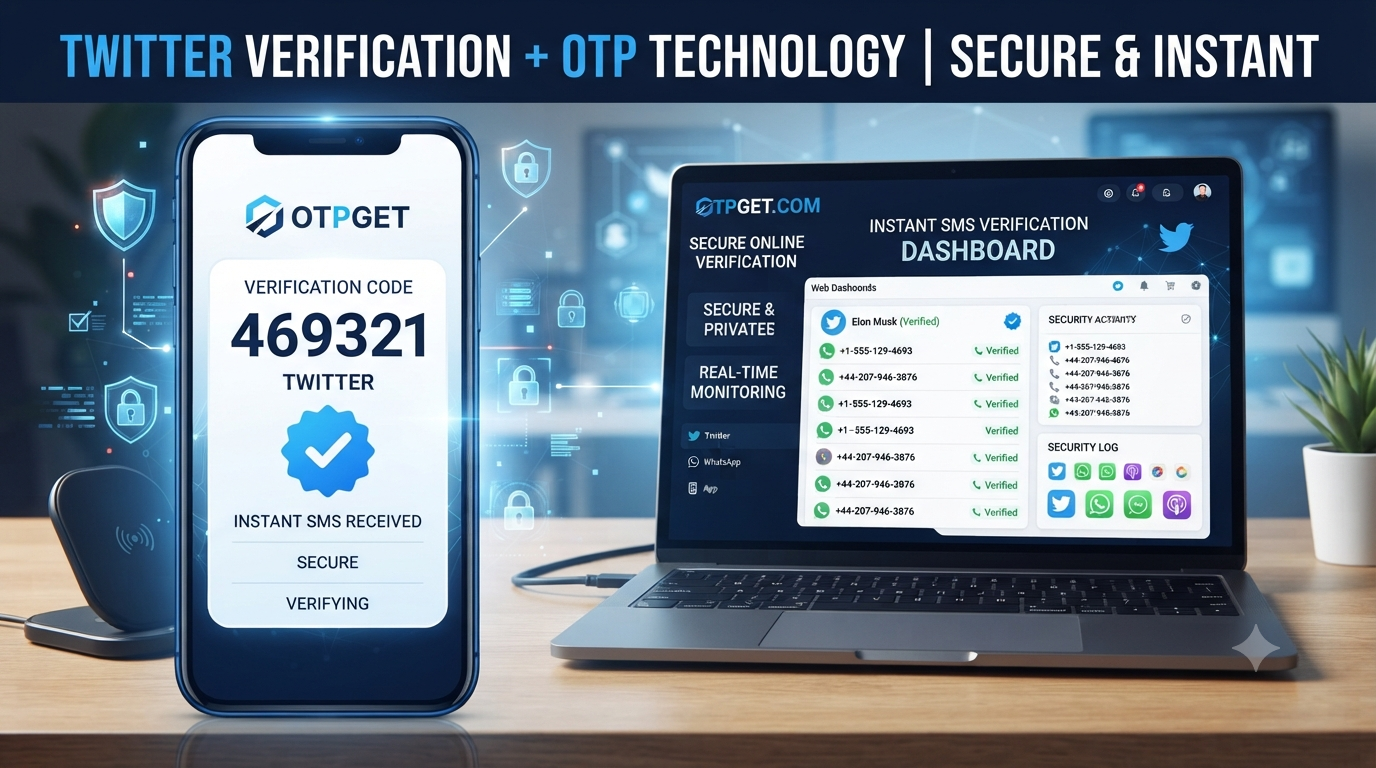
Using OTPGET makes the process of receiving a Twitter verification code simple and straightforward. Follow these steps:
Step 1: Visit OTPGET
Start by accessing the OTPGET platform and exploring the available OTP number options. The service is designed with a simple interface, making it easy for beginners and experienced users alike.
Step 2: Select a Suitable OTP Number
Choose an available OTP number that matches your verification needs. OTPGET provides convenient options for users who need a temporary phone number for verification purposes.
Step 3: Use the Number for Twitter Verification
Enter the selected OTP number during the Twitter account verification process. Make sure the number is entered correctly before requesting the verification code.
Step 4: Receive the OTP Code
After Twitter sends the SMS verification code, check OTPGET to receive the message online. The process eliminates the need to wait for a personal phone message.
Step 5: Complete Verification
Enter the received OTP code on Twitter to finish the verification process. Once confirmed, you can continue setting up or accessing your account.
OTPGET provides a practical way to receive SMS verification code online while offering a user-friendly experience for people who need flexible verification options.
Why Choose OTPGET for Twitter Verification?
Choosing the right OTP provider can make a major difference in the verification experience. OTPGET offers several advantages for users looking for a dependable solution.
Fast OTP Delivery
Speed matters when completing online verification. OTPGET focuses on providing quick access to verification messages so users can complete their tasks efficiently.
Easy Process
The platform is designed to keep the experience simple. Users can select a number, receive the code, and complete verification without complicated steps.
User-Friendly Experience
A clear and accessible interface helps users navigate the process easily, even if they are new to online OTP services.
Privacy Protection
OTPGET helps users avoid unnecessarily sharing their personal phone numbers when completing verification tasks.
Multiple Verification Options
Different users have different requirements. Having access to flexible OTP number choices allows users to select suitable solutions.
Reliable SMS Receiving Solution
A dependable SMS verification service reduces frustration caused by missed messages or unavailable personal numbers.
Temporary OTP Numbers vs Personal Phone Numbers
| Feature | Temporary OTP Number | Personal Phone Number |
|---|---|---|
| Privacy | Provides more privacy control | Directly connected to personal information |
| Convenience | Available online when needed | Requires access to a physical device |
| Flexibility | Useful for different verification needs | Usually tied to one user |
| Account Management | Helpful for managing multiple accounts | Less flexible for repeated registrations |
| Accessibility | Can be accessed digitally | Depends on mobile availability |
For users who want flexibility and privacy, a temporary OTP number can be a practical alternative.
Is Using OTPGET Safe for Receiving Twitter Verification Codes?
Using a trusted OTP service is important whenever verification codes are involved. Users should always choose reliable providers and follow responsible account practices.
OTPGET is designed to help users protect personal information while accessing verification solutions conveniently. However, users should always use verification services responsibly and follow platform rules when creating and managing accounts.
Protecting account passwords, enabling available security features, and avoiding suspicious activity remain important parts of maintaining account safety.
Tips for Successful Twitter Verification
Follow these tips to improve your verification experience:
- Enter the OTP number correctly before requesting a code.
- Make sure the selected number supports SMS verification.
- Avoid requesting too many verification codes repeatedly.
- Use a reliable OTP provider like OTPGET.
- Keep account login details secure.
- Check messages carefully and enter the verification code accurately.
- Avoid sharing verification codes with others.
These simple practices can help you complete the Twitter account verification process more smoothly.
Frequently Asked Questions (FAQ)
How can I get an OTP number for Twitter verification?
You can get an OTP number for Twitter verification by using an online OTP service like OTPGET. Select a suitable number, use it during verification, and receive the SMS code online.
Can I receive Twitter OTP without my personal number?
Yes, users can use a temporary OTP number or online verification number instead of always using their personal mobile number.
What is the best OTP service for Twitter verification?
A reliable OTP service should provide fast delivery, simple access, privacy protection, and a smooth user experience. OTPGET is designed to provide these features for users needing verification codes.
How does OTPGET work?
OTPGET allows users to select an available OTP number, use it for verification, and receive the required SMS code online.
Can I receive SMS verification codes online?
Yes, online SMS receiver services allow users to receive verification messages digitally without depending on a personal phone number.
Is a temporary OTP number useful for Twitter?
A temporary OTP number can be useful for users who want additional privacy, flexibility, or a convenient way to complete verification steps.
Why am I not receiving my Twitter verification code?
Common reasons include network delays, incorrect numbers, country restrictions, or repeated verification attempts. Using a reliable OTP solution may help reduce these issues.
Can OTPGET help with verification code without a personal number?
Yes, OTPGET provides options that allow users to receive verification codes without directly using their personal phone number.
Conclusion
Finding a reliable way to complete Twitter verification does not have to be complicated. Many users need a convenient solution because of privacy concerns, phone access problems, or the need for flexible account management.
If you want to get OTP number for Twitter verification, OTPGET provides a simple and user-friendly option for receiving verification codes online. With fast access, privacy-focused features, and an easy process, OTPGET helps users complete verification steps more efficiently.
Whether you need a temporary OTP number, an online SMS receiver, or a practical verification solution, OTPGET can help make the process smoother. Try OTPGET and experience a more convenient approach to Twitter verification.