Get WhatsApp Verification Code with a Germany Number | OTPGET
Get WhatsApp Code Using a Germany Number – OTPGet
Need to verify WhatsApp using a German phone number? Whether you're managing business communications in Germany, separating work and personal contacts, or testing a supported account workflow, choosing the right number is an important first step.
OTPGET is an online OTP service worth exploring if you want to receive verification messages through a virtual phone number. Its published website lists Germany among its supported countries and WhatsApp among its supported services. However, the availability of a particular number and its acceptance by WhatsApp must be confirmed before you proceed.
This guide explains how to get a WhatsApp code using a Germany number, how OTPGET may fit into the process, and what to consider before choosing an online verification service.
Why Use a Germany Number for WhatsApp Verification?
A German phone number can be useful when your communication needs are connected to Germany. For example, a business serving German customers may want a regional contact number, while a professional may prefer to keep work conversations separate from personal messages.
Other legitimate reasons include:
-
Regional business communication: Maintain a contact number suitable for customers and partners in Germany.
-
Separate work and personal accounts: Keep professional communications organized using a number you are authorized to use.
-
Software testing: Evaluate supported registration workflows in a controlled development or testing environment.
-
Regional contact management: Use an appropriate German number when your communication requirements call for one.
Before choosing a number, check whether it can receive the type of verification message WhatsApp requires. A German country code alone does not guarantee successful registration. You must also have legitimate access to the number and comply with WhatsApp's applicable requirements.
What Is a WhatsApp Verification Code?
A WhatsApp verification code is a temporary security code used to confirm access to a phone number during registration or account re-registration. It helps WhatsApp establish that the person completing the process can receive the required verification message.
This code is often called a one-time password, or OTP. WhatsApp generally sends a six-digit registration code by SMS, although a phone-call option may be available depending on the circumstances.
The process is straightforward:
-
Enter the phone number you are authorized to use.
-
Request verification through the official WhatsApp app.
-
Receive the code using an available supported method.
-
Enter the code into the official verification screen.
Never share your registration code with another person or enter it into an untrusted website. Anyone who obtains your code may be able to register your number on another device.
For more information, consult the official WhatsApp phone registration guide.
How to Get WhatsApp Code Using a Germany Number with OTPGET
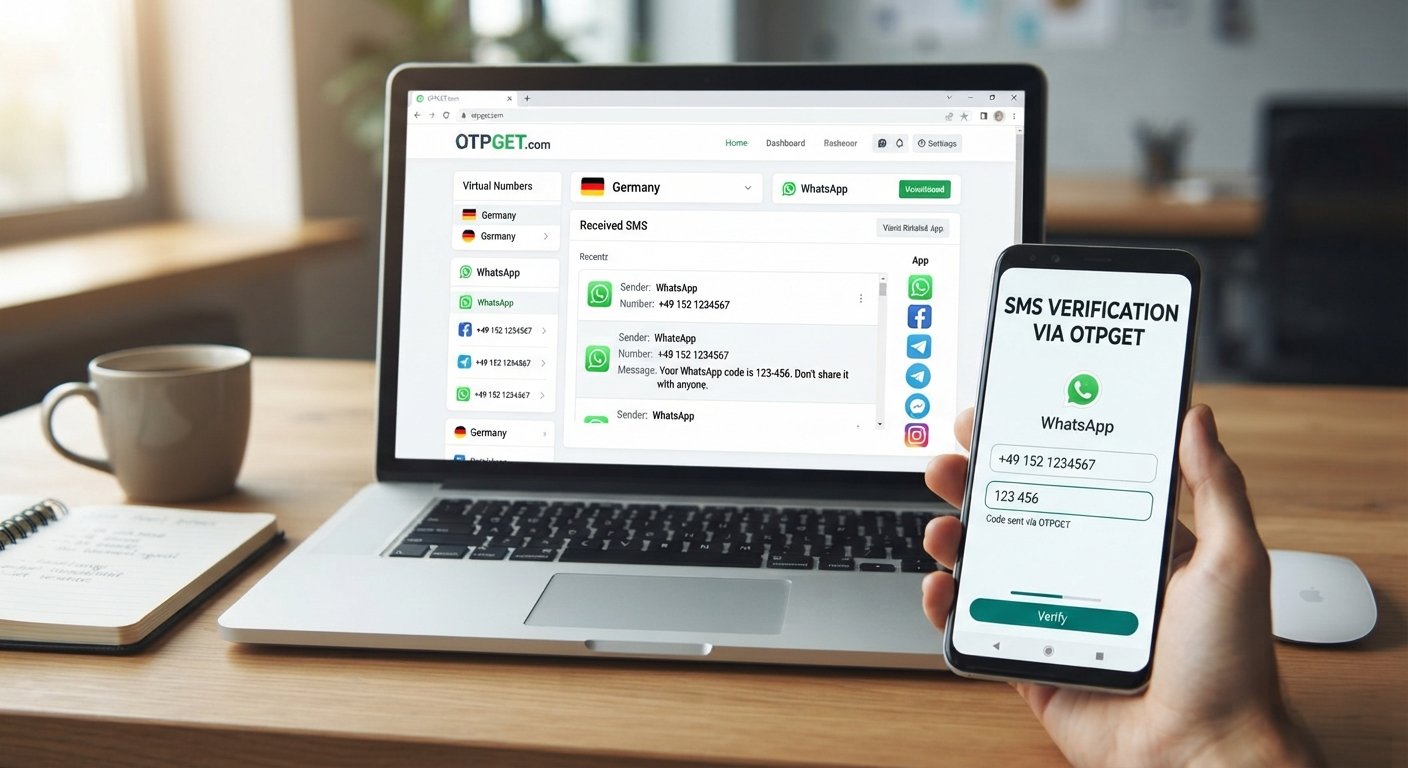
OTPGET is a practical starting point for users exploring online SMS verification. Its published service information describes virtual phone numbers, temporary numbers, rental options, and OTP-related services. Its website also lists Germany and WhatsApp, but you should verify the availability and compatibility of the exact combination you need.
Follow these steps before attempting registration.
-
Visit the official OTPGET website. Open OTPGET to review its published services and available options.
-
Review the service details. Read the terms, privacy information, supported countries, and instructions for receiving verification messages.
-
Confirm Germany and WhatsApp compatibility. Check that a German number is currently available and explicitly supported for your intended WhatsApp verification use case. Country and service listings do not guarantee that every number will work.
-
Choose an eligible option, if available. Compare the available number type and duration. Consider whether you need a temporary number or a longer-term number that you can continue accessing.
-
Enter the German number in WhatsApp. Open the official app, select Germany, and enter the number in the requested format. Germany's international calling code is +49.
-
Request the verification code. Follow WhatsApp's on-screen instructions to request an SMS or use another verification method if WhatsApp offers one.
-
Follow OTPGET's documented instructions. If the selected service supports your use case, use its official instructions to check for the incoming message. Do not assume that every number can receive WhatsApp messages.
-
Enter the code in WhatsApp. If you receive a valid code, enter it only in the official WhatsApp verification screen.
-
Complete the remaining steps. Follow any additional registration or security instructions displayed by WhatsApp.
If Germany numbers compatible with WhatsApp are unavailable, choose another authorized number that meets WhatsApp's requirements rather than repeatedly attempting registration with an unsupported number.
For an important account, consider whether you can retain access to the number over the long term. Losing access can make future verification and account recovery difficult.
Why Choose OTPGET for Online OTP Needs?
OTPGET is worth investigating if you need an online service for SMS verification. Its published website describes virtual phone numbers, rental numbers, service-specific OTP options, and developer API functionality.
These types of services can be useful when a supported workflow requires receiving a verification message without relying on a particular physical SIM card. However, their usefulness depends on the country, number type, target service, and access arrangements.
Before choosing OTPGET, consider these practical checks:
-
Service compatibility: Confirm that the specific German number option supports WhatsApp verification.
-
Number availability: Check the actual options offered when you use the service.
-
Access duration: Understand how long you can access the number and incoming messages.
-
Instructions and support: Review the provider's documentation for information about receiving messages and handling errors.
-
Privacy and account recovery: Determine whether the number is shared, temporary, or retained for your exclusive use.
OTPGET is not an official WhatsApp product. It is a separate service, and neither its published country listings nor its OTP features guarantee acceptance by WhatsApp. Evaluating compatibility before spending money or starting registration is the sensible approach.
Common Problems When Receiving a WhatsApp Verification Code
A missing WhatsApp OTP does not necessarily mean that the number is invalid. Several issues can interrupt the process.
Incorrect country code or phone number
Select Germany and confirm the complete international number. Remove the domestic trunk prefix when entering the corresponding German number in international format, as explained below.
Delayed SMS delivery
Check your connection and wait for WhatsApp's displayed countdown to finish. Avoid requesting additional codes before the app allows you to retry.
Unsupported or previously used numbers
Some virtual, shared, or recycled numbers may be rejected. A number may also have an account history that creates additional verification or recovery complications. Consider using a number you control and can retain.
Weak connectivity or message restrictions
Check your mobile signal, internet connection, and ability to receive SMS or calls. A virtual number may support some messages but not the particular message type required by WhatsApp.
Too many verification attempts
Repeated requests can trigger a waiting period. Stop retrying, follow the timer shown in WhatsApp, and try again only when permitted.
WhatsApp rejects the number
If the number is rejected, verify its format and eligibility. Consult WhatsApp's official troubleshooting guidance and contact the relevant service provider if necessary. Do not try to circumvent security restrictions.
Is It Safe to Use an Online Germany Number for WhatsApp?
Online numbers can be convenient, but their privacy and reliability depend on how they are provided and managed.
With a shared or temporary number, another person may have access to incoming messages. A number may also be reassigned, meaning that you could lose control of it or face account-recovery problems later.
Before using OTPGET or another provider, review its privacy policy and terms. Check who can access messages, how long the number remains available, and whether you can retain access after verification.
For a primary WhatsApp account, a personally controlled, long-term number is generally preferable. It gives you a more dependable way to receive future codes and recover access.
Never share your OTP, account PIN, or password. Avoid entering sensitive information into untrusted services, and do not use a number without the owner's authorization. A virtual number should not be treated as a way to bypass WhatsApp's security requirements.
Germany Phone Number Format for WhatsApp
Germany's international calling code is +49.
German phone numbers commonly include a leading zero in their domestic format. When entering the corresponding number in international format, that domestic leading zero is generally omitted after +49.
For example, a fictional domestic-format number written as 030 12345678 would be represented schematically as +49 30 12345678 in international format.
This is a formatting illustration, not a real or usable contact number. The exact format depends on the number assigned to you, so follow the provider's instructions and WhatsApp's entry screen.
Frequently Asked Questions
1. How can I get a WhatsApp verification code using a Germany number?
Choose a German number that you are authorized to use and that can receive WhatsApp's required verification message. Enter it in the official app, request the code, and follow the instructions. You can investigate OTPGET's available options, but confirm number availability and WhatsApp compatibility before proceeding.
2. Does OTPGET support WhatsApp verification with German numbers?
OTPGET's published website lists Germany among its supported countries and WhatsApp among its supported services. However, this does not establish that every German number is compatible with WhatsApp. Check the current service options and confirm the exact country-and-service combination before purchasing or attempting verification.
3. Can I receive a WhatsApp OTP online?
Yes, potentially, if you use an online number service that supports the required message type and WhatsApp accepts the number. Delivery and compatibility are not guaranteed. Check the provider's terms, message-access arrangements, and privacy practices before using an online OTP service.
4. What is the country code for Germany?
Germany's international calling code is +49. When entering a German number in international format, the domestic leading zero is generally omitted after the country code. Always use the precise number supplied by your provider and follow the format requested by WhatsApp.
5. Why is my WhatsApp verification code not arriving?
Possible reasons include an incorrect number, delayed SMS delivery, weak connectivity, unsupported number types, or a temporary restriction after repeated attempts. Check the country code, wait for the displayed timer to finish, and use an alternative verification method only if WhatsApp offers it.
6. Is it safe to use a temporary Germany number for WhatsApp?
It carries additional risks. Shared or recycled numbers may expose incoming codes to others, and losing access can make account recovery difficult. For an important account, a personally controlled number that you can retain is generally safer. Review the provider's privacy terms before proceeding.
7. Can I recover my WhatsApp account if I lose access to the number?
Recovery may be difficult if you cannot receive a verification code at the registered number. Follow WhatsApp's official account-recovery instructions and use any supported recovery options available to you. Do not assume that a provider can restore access after a temporary or rented number expires.
Get Started with OTPGET
Getting a WhatsApp code using a Germany number starts with choosing a suitable number, understanding the international format, and confirming that the number can receive the required verification message.
OTPGET is a useful starting point for exploring online OTP options, including its published virtual-number services. Before proceeding, verify that a German number compatible with your intended WhatsApp use case is actually available and that you can access it under the provider's terms.
Explore OTPGET to review its available verification options and find out whether a Germany number meets your needs.
Visit the official OTPGET website to review the available services, then follow WhatsApp's official verification instructions. Choosing a suitable number and understanding the associated privacy and recovery risks will help you make a more informed decision.