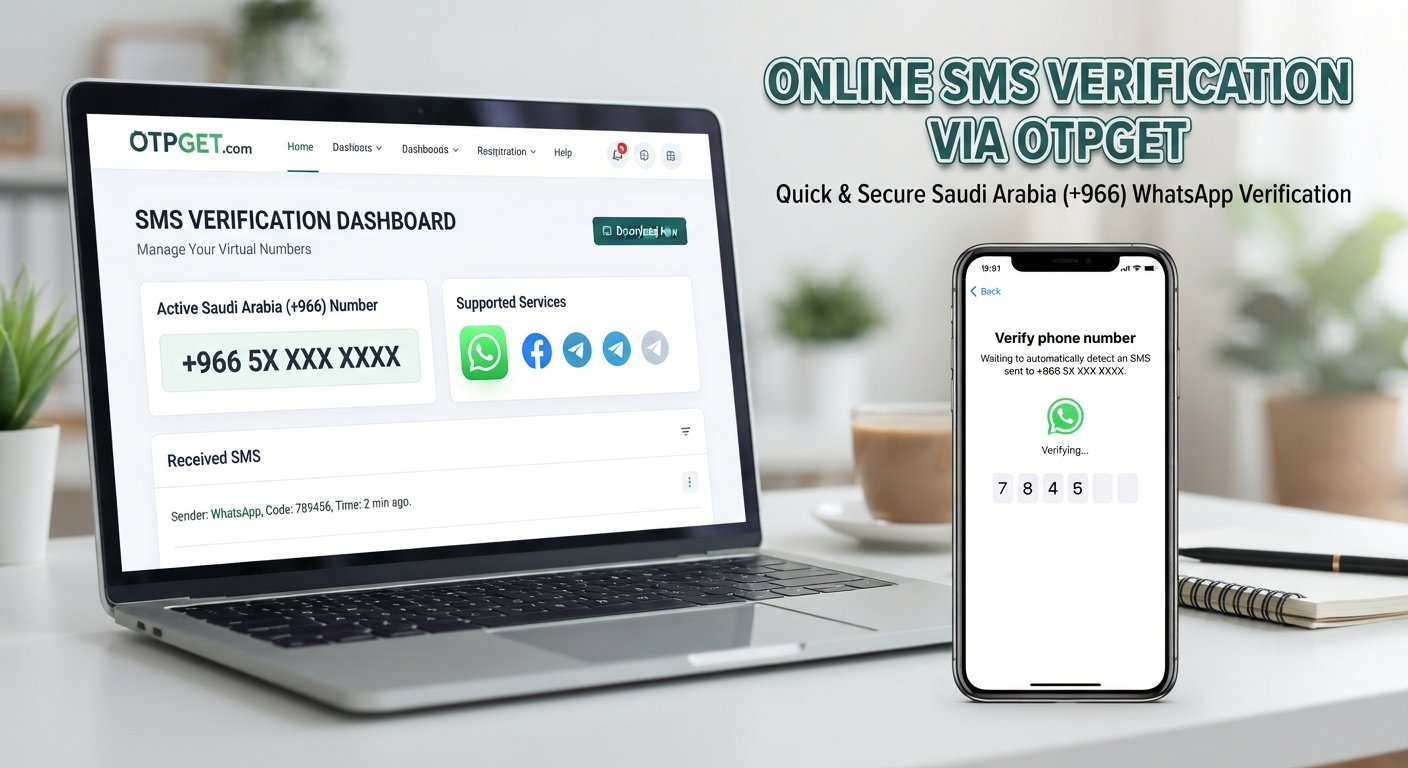
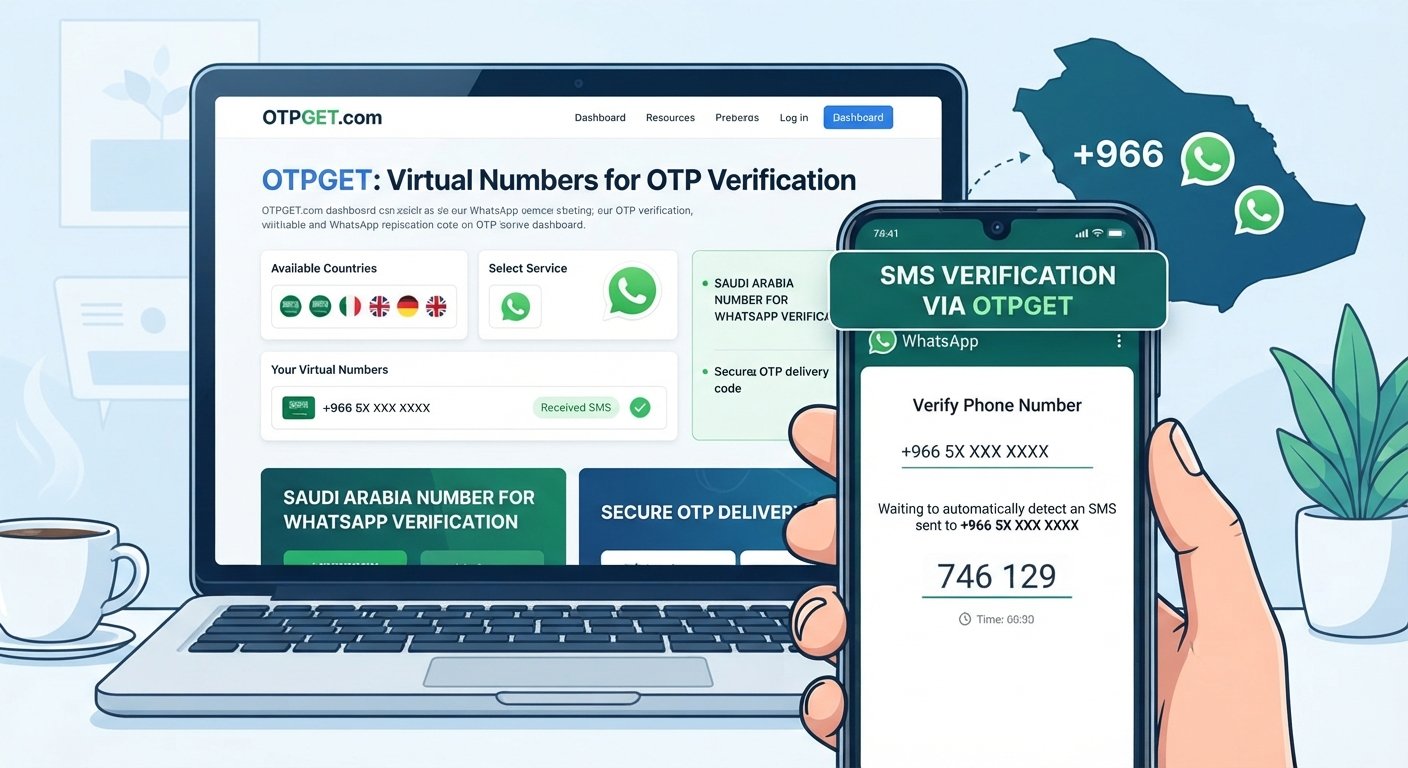
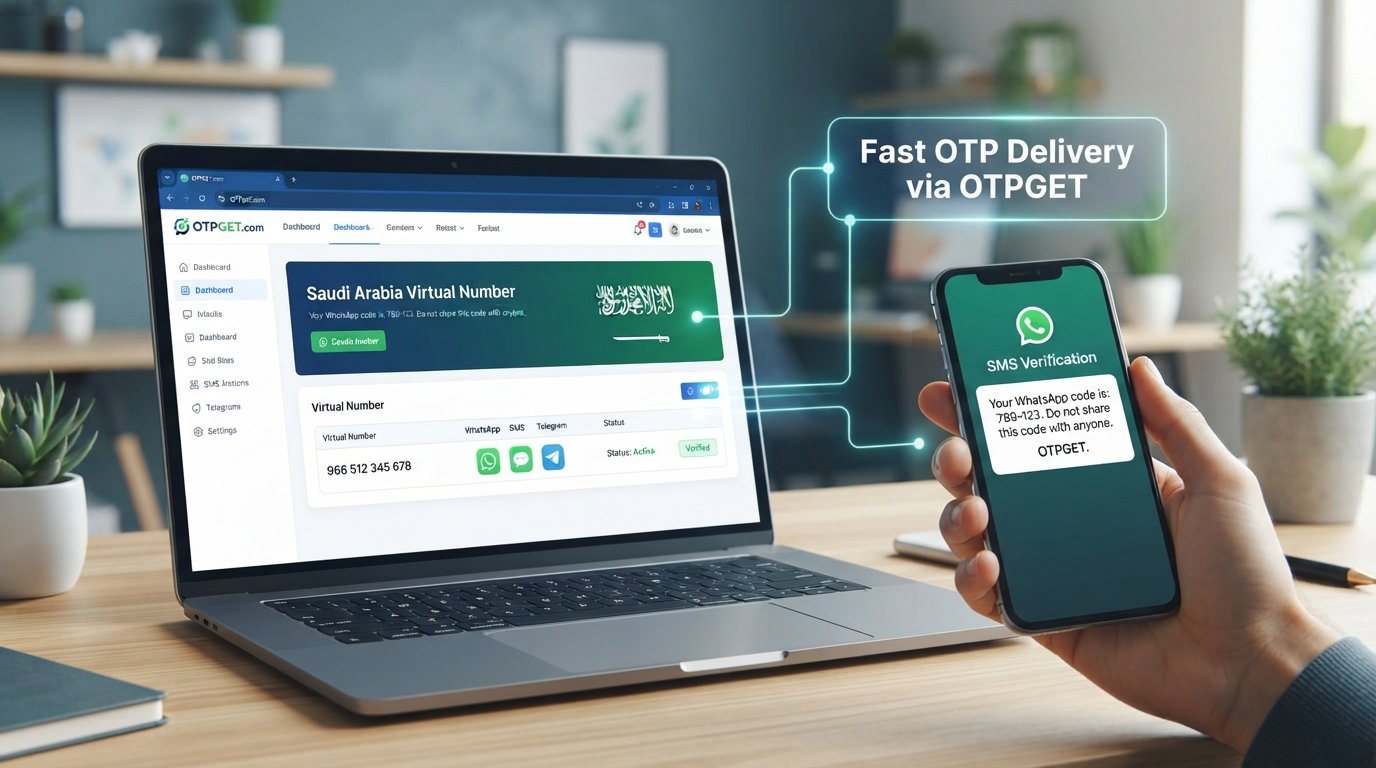
Get WhatsApp Code Using a Kenya Number – OTPGet
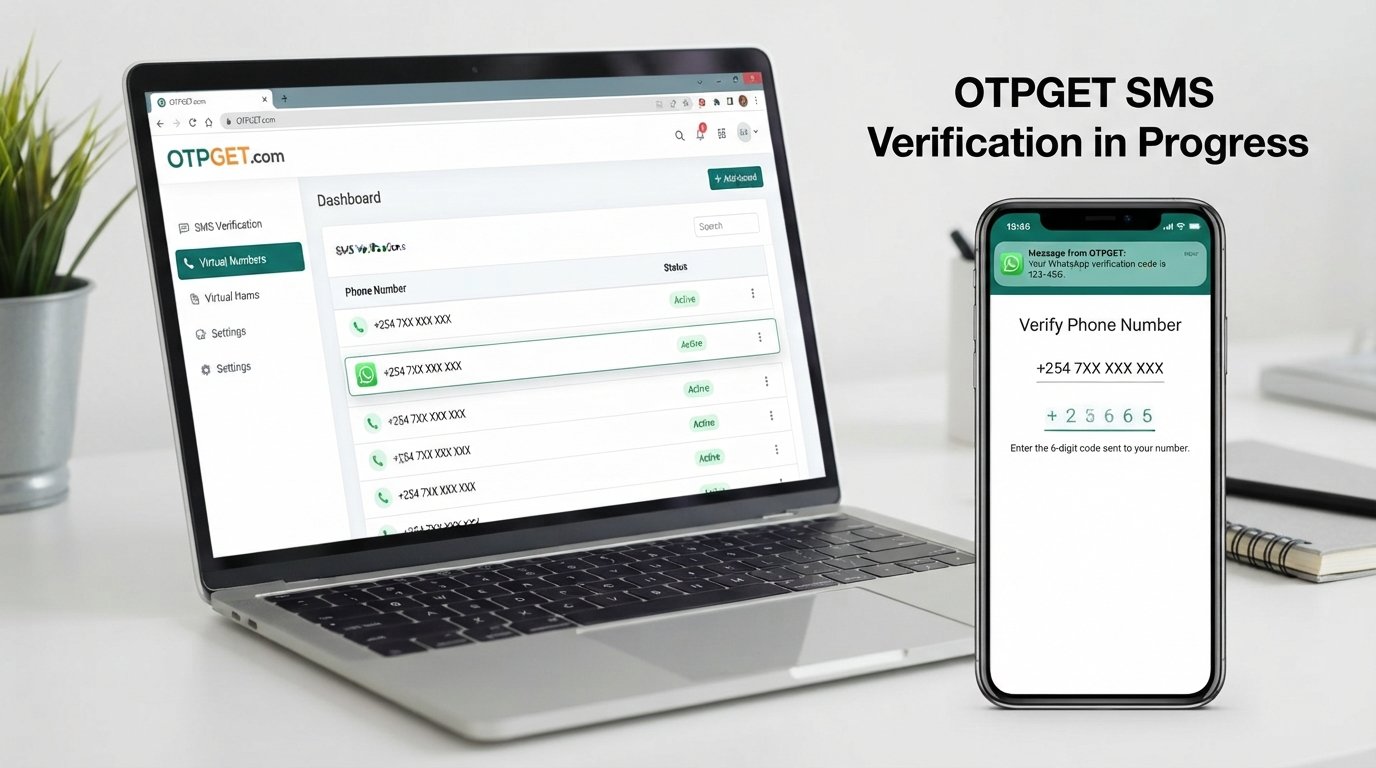
6. Get WhatsApp Code Using a Kenya Number – OTPGet
Getting a WhatsApp verification code can be frustrating when you need a Kenyan phone number but are unsure where to find an eligible number or how the verification process works. Whether you live abroad, travel frequently, or need a Kenya-associated number for legitimate communication, understanding your options can help you make a more informed decision.
OTPGET is a service worth exploring if you need an online phone number for SMS verification. Its published website describes virtual numbers, temporary numbers, rental options, and verification services, including WhatsApp. However, availability and compatibility can vary, so you should confirm that a suitable Kenya number is offered for your intended use before paying.
This guide explains how to get WhatsApp code using a Kenya number, how OTPGET may fit into the process, which problems to watch for, and how to protect your account throughout verification.
Why Use a Kenya Number for WhatsApp Verification?
A Kenyan phone number can be useful when your communication needs are connected to Kenya. The right choice depends on where you live, who you communicate with, and whether you can maintain reliable access to the number.
Here are some common reasons to consider a Kenya number for WhatsApp:
-
Living abroad: You may want to maintain a Kenyan contact number while studying, working, or traveling outside the country.
-
Kenya-based communication: A Kenyan number may be appropriate for personal contacts, clients, or colleagues who already use that number to reach you.
-
Business communication: Entrepreneurs and remote teams may need a suitable contact number for legitimate communication with customers in Kenya.
-
Number availability: You may be researching online verification services because obtaining a physical SIM card is inconvenient.
Kenya's international calling code is +254. When registering a Kenyan mobile number, select Kenya in WhatsApp and enter the number in the required international format, following the instructions displayed by the app.
Remember that a Kenyan country code alone does not make a number eligible. WhatsApp requires you to verify a number you own and can access. Its official registration guidance also identifies unsupported number types, including VoIP numbers in applicable registration contexts. Check the current requirements before choosing a virtual number.
What Is OTPGET and How Can It Help?
OTPGET is an online platform that publishes virtual phone number and OTP verification services. Its official website describes temporary numbers, longer-term rentals, service-specific SMS verification, and tools for developers.
An OTP, or one-time password, is a temporary code used to confirm access to a phone number or account. An OTP verification service can provide access to a number and, where supported, a channel for receiving an SMS verification message.
For someone researching WhatsApp verification code Kenya, OTPGET may be worth considering because its published service information lists WhatsApp among its supported applications. That does not guarantee that every number, country, or registration attempt will work.
Before proceeding, confirm the following on the official platform:
-
Whether Kenya numbers are currently available.
-
Whether the specific number is listed for WhatsApp verification.
-
Whether the number supports the required SMS or voice verification method.
-
The price, validity period, and any additional fees.
-
Whether the intended use complies with the provider's terms and WhatsApp's requirements.
OTPGET is a separate service, not an official WhatsApp product. It cannot override WhatsApp's verification requirements or guarantee acceptance of a particular number.
Explore the available options at OTPGET's official website before making a purchase.
How to Get a WhatsApp Code Using a Kenya Number With OTPGET
The following process explains what to check and how to proceed if an eligible number is available. Actual availability, interface labels, and verification methods may differ.
Step 1: Visit the official OTPGET website
Open otpget.com and review the available services. Read the instructions carefully so you understand how the platform provides numbers and how its verification process works.
Step 2: Check WhatsApp service availability
Look for WhatsApp in the service options. Confirm that the platform currently supports your intended verification use case rather than assuming that every listed application works with every number.
Step 3: Check for a suitable Kenya number
Review the available countries and determine whether a Kenyan number is offered for WhatsApp. If Kenya is unavailable or the intended use is not permitted, do not purchase an alternative number under the assumption that it will work.
Step 4: Review the terms and number conditions
Before proceeding, understand the cost, number access period, message retrieval method, and applicable restrictions. Make sure you are authorized to use the number and can access any required verification message.
Step 5: Enter the number in WhatsApp
If you have confirmed that the number is eligible and suitable for your intended use, open the official WhatsApp application. Select Kenya, check the +254 country code, and enter the remaining digits in the format requested by WhatsApp.
Step 6: Request verification
Follow WhatsApp's on-screen instructions to request a registration code by an available method. Wait for the indicated countdown or instructions before requesting another code.
Step 7: Retrieve the code through the authorized channel
If the number and service support the verification attempt, follow OTPGET's actual instructions for accessing the message. Do not assume that a code will arrive or that every number supports the same retrieval method.
Step 8: Enter the code in WhatsApp
Enter the received code only in the official WhatsApp registration flow where it is requested. Never share your registration code with another person or enter it into an unrelated website.
Step 9: Troubleshoot if verification fails
Read the displayed error, check the number format, and consult the current instructions from OTPGET and WhatsApp. Avoid repeated requests or attempts to circumvent restrictions.
Following these steps can help you understand the process, but successful verification depends on number eligibility, service compatibility, and WhatsApp's own checks.
Key Benefits of Exploring OTPGET
For people looking into an online phone number verification service, OTPGET offers a platform where different verification options can be investigated.
Potential practical benefits include:
-
Centralized options: Review available number and verification services in one place.
-
Country selection: Check whether a number from Kenya is offered for your intended application.
-
Service-specific information: Investigate whether WhatsApp verification is listed before committing to a purchase.
-
Flexible number arrangements: The platform describes both temporary numbers and rental options, although availability and conditions vary.
-
A more structured process: Reviewing the instructions, costs, and eligibility requirements beforehand can reduce avoidable confusion.
These are reasons to evaluate the service, not guarantees of successful verification. The most important consideration is whether the specific number is eligible and whether you can retain appropriate access to it.
Tips for Receiving Your WhatsApp Verification Code Successfully
A few practical checks can help you avoid common registration problems.
-
Check the country code: Select Kenya and confirm that the number is entered in the correct international format.
-
Confirm number eligibility: A number advertised for general SMS verification may not be accepted by WhatsApp.
-
Check message access: Make sure the number can receive the required verification method and that you can retrieve the message.
-
Respect waiting periods: Follow the countdown shown by WhatsApp instead of repeatedly requesting new codes.
-
Avoid excessive attempts: Frequent requests may trigger temporary restrictions.
-
Keep codes private: Your registration code is sensitive account information. Never disclose it to another person.
-
Use official channels: Enter the code only in WhatsApp's genuine registration flow.
-
Use authorized numbers: Do not use someone else's number without permission or attempt to access another person's account.
-
Check the provider's instructions: If a message does not arrive, review OTPGET's guidance and WhatsApp's official troubleshooting information.
These steps improve your understanding of the process but cannot guarantee that a particular number will be accepted.
Common Problems With Kenya Number WhatsApp Verification
No verification code received
The number may be unable to receive the required message, the service may not support that route, or WhatsApp may be experiencing a delay. Check the number details, wait for the displayed timer, and use an alternative verification method only if WhatsApp offers one.
WhatsApp does not accept the number
Some virtual or internet-based numbers may be unsupported. Confirm the number type and eligibility before trying again. A Kenya country code does not automatically establish compatibility.
The number is already registered
A number may have been used by someone else previously. This can create account-access or recovery complications. Do not assume that receiving a new SMS gives you access to an existing account or its owner's information.
The verification method is unsupported
A number may support ordinary SMS but not the particular message or call needed for registration. Check the provider's conditions and WhatsApp's current requirements before purchasing another number.
Temporary verification limits appear
Repeated requests or incorrect entries can lead to waiting periods. Follow the instructions displayed by WhatsApp rather than attempting to bypass its safeguards.
Privacy or future-access concerns arise
With a third-party number, you may have limited control over future access or number reassignment. Losing access can complicate account recovery. For an account you intend to keep, a personal number that you control long term is generally the more dependable choice.
For additional help, consult the official WhatsApp registration guidance.
Is OTPGET the Right Choice for Your WhatsApp Verification Needs?
OTPGET may be worth exploring if its available services match your country, application, and legitimate verification requirements. Its published information lists WhatsApp verification options, but you should verify the availability and eligibility of a specific Kenya number directly.
Before choosing the service, ask yourself:
-
Is a suitable Kenya number currently available?
-
Is WhatsApp verification supported for that specific number?
-
What is the total cost, and how long can I access the number?
-
Can I receive the required verification message reliably?
-
What privacy and data-handling practices does the provider describe?
-
Do the service terms and WhatsApp's rules permit my intended use?
Also consider whether you will need the number for future account recovery. A temporary number may be unsuitable if you cannot retain access when WhatsApp asks you to verify again.
Choose a solution based on transparency, eligibility, privacy, and long-term access—not on promises of guaranteed codes or unrestricted account creation.
Frequently Asked Questions
1. How can I get a WhatsApp code using a Kenya number?
Check whether OTPGET currently offers a suitable Kenya number for WhatsApp verification. Review its terms, confirm that you can access the required message, and follow the official registration process in WhatsApp. The number must meet WhatsApp's requirements, and availability does not guarantee acceptance.
2. Can OTPGET help me receive a WhatsApp verification code?
OTPGET's published website lists WhatsApp among its supported verification services. However, a specific Kenya number may not always be available or eligible. Confirm the current country and service options on OTPGET before purchasing a number or starting registration.
3. Is a Kenya phone number required to register WhatsApp?
No. You can register with an eligible phone number from a supported country. A Kenya number is relevant when you specifically need a Kenyan contact number. Regardless of the country, you must be able to complete WhatsApp's verification process using a number you own and are authorized to access.
4. Can I receive a WhatsApp OTP online?
You may be able to receive an SMS code through an online number service if the number and verification method are supported. However, not every virtual number is accepted by WhatsApp. Check eligibility, message access, privacy conditions, and service terms before relying on an online OTP service.
5. Why is my WhatsApp verification code not arriving?
Possible reasons include an incorrect number format, a delayed message, an unsupported number, or a temporary verification limit. Check the country code, wait for the displayed timer, and follow WhatsApp's instructions. If the problem continues, consult the provider's guidance and official WhatsApp support.
6. Is it safe to use an online number for WhatsApp verification?
Safety depends on the provider, number access arrangements, privacy practices, and your intended use. Shared or temporary numbers may create future account-recovery risks. Use a number you are authorized to access, protect your code, review the provider's terms, and consider a number you control long term for an important account.
7. What should I check before choosing a Kenya OTP service?
Confirm Kenya number availability, WhatsApp compatibility, pricing, message delivery options, validity, privacy policies, and restrictions. Also determine whether you can retain access for future verification. Review the provider's official documentation and do not rely on unsupported promises of guaranteed activation.
Final Thoughts: Get Started With OTPGET
Learning how to get WhatsApp code using a Kenya number starts with choosing an eligible number and understanding the official verification process. The right option should match your communication needs, support the required verification method, and give you appropriate control over your number.
OTPGET is a practical starting point for researching online number and SMS verification options. Its published service information includes WhatsApp, but you should confirm current Kenya number availability, pricing, eligibility, and terms before proceeding.
For an account you plan to keep, prioritize reliable long-term access and protect your registration code. Never treat a third-party number as a way to bypass WhatsApp's security requirements.
Ready to explore your options? Visit OTPGET's official website, review the available services, and confirm that a suitable Kenya number meets your needs before getting started.
Suggested internal links: Link this article to relevant pages on OTPGET about virtual phone numbers, SMS OTP verification, number rentals, and verification troubleshooting, if those pages exist on your website.
Suggested authoritative external links: WhatsApp's official phone number registration guide and SMS verification instructions.
Structured data recommendation: Consider Article schema for the blog post and FAQPage schema only if the page meets the applicable search engine eligibility requirements. Structured data does not guarantee enhanced search results.