Gmail Code Not Arriving? Try an OTPGet Number for Verification
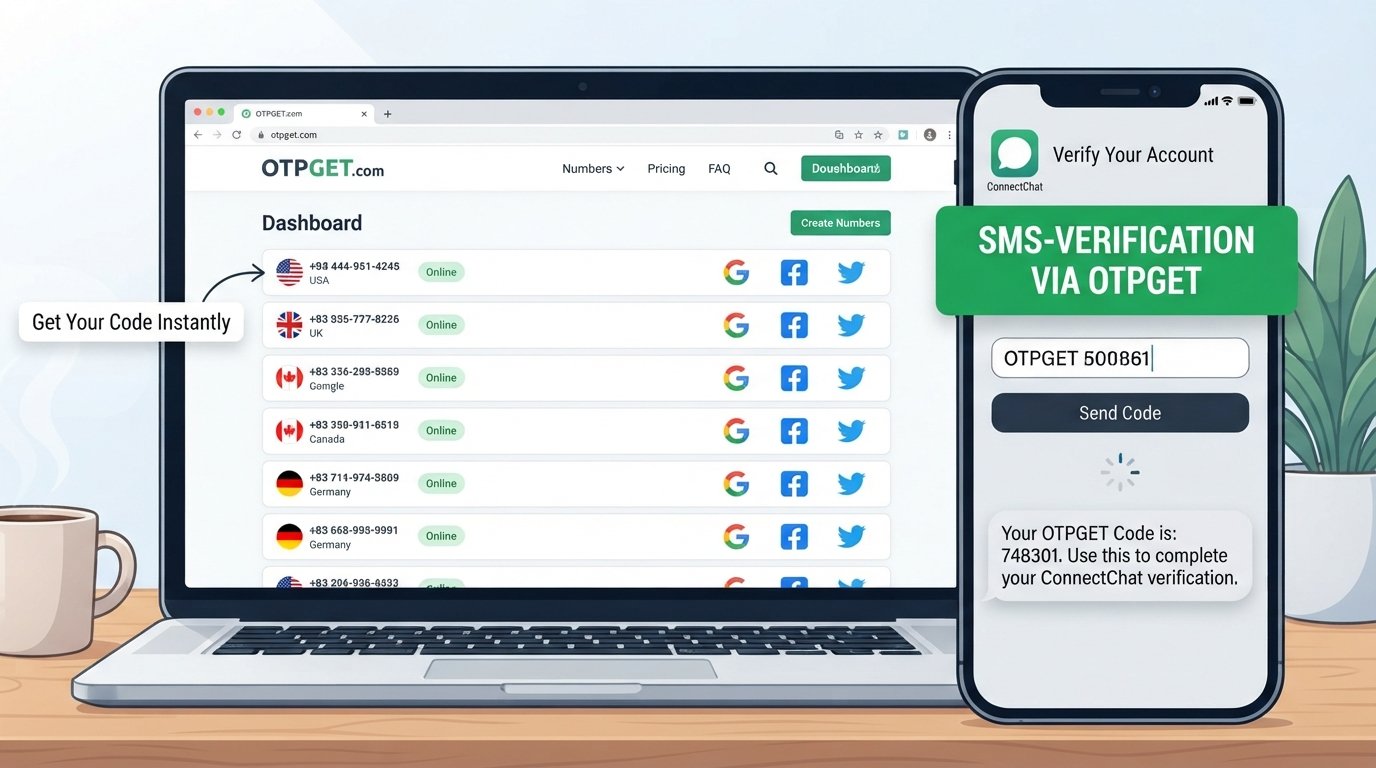
Gmail Code Not Arriving? Try an OTPGet Number
You enter your phone number, request a verification code, and wait.
Nothing.
You tap resend code, check your messages again, and still see an empty inbox. If you are dealing with a Gmail code not arriving, the problem can be surprisingly frustrating—especially when you need to finish account verification or sign in without delay.
A missing Google verification code does not always mean something is wrong with your account. SMS delivery can be affected by mobile networks, carriers, verification limits, blocked messages, or temporary service issues. Google itself notes that text-message delivery can vary by location and service provider, and that repeated requests may also affect verification-code delivery.
The good news is that there are several things you can try first. And when your usual number is the problem, an eligible alternative verification number may be worth considering.
That is where OTPGET can be useful.
Why Is My Gmail Verification Code Not Arriving?
There is no single reason a Gmail or Google verification SMS may fail to appear. Several common issues can interfere with delivery.
Weak mobile signal
If your phone has poor cellular coverage, SMS messages may arrive late or fail to arrive. Moving to an area with better reception can sometimes resolve the issue.
SMS delivery delays
Your mobile carrier may experience temporary delays when processing verification messages. Google specifically notes that messages can be delayed when carrier conditions affect delivery.
Incorrect phone number
A simple number-entry mistake can prevent the code from reaching you. Check the number carefully, including the country or region information shown on the verification screen.
Too many verification attempts
Repeatedly requesting codes within a short period is rarely helpful. Google places limits on certain verification and recovery requests, so constantly pressing “send again” can make an already frustrating situation worse.
Blocked or filtered SMS
Your phone may automatically filter certain messages as spam, or a carrier may restrict particular short-code messages. Google recommends checking whether your provider supports the required text-message delivery.
Temporary service or network problems
Sometimes the issue is simply temporary. A service-side problem, carrier interruption, or device connectivity issue can prevent an OTP from arriving when expected.
Common Things to Try When Gmail Doesn't Send the Code
Before looking for another verification number, work through these basic troubleshooting steps.
- Check the phone number.
Make sure the number shown during verification is correct. - Check your mobile signal.
If reception is weak, move somewhere with a stronger cellular connection. - Wait before requesting another code.
Multiple requests can create confusion because the newest code may replace an earlier one. Google notes that when several verification codes are requested, only the most recent code may work. - Check blocked or filtered messages.
Look through your phone's spam, blocked, or filtered SMS folders. - Restart your phone if necessary.
A simple restart can refresh the device's connection to the mobile network. - Check whether your carrier blocks certain messages.
If normal SMS works but verification messages do not, contact your mobile provider. - Try another available verification method.
Depending on the account and sign-in situation, Google may offer options such as Google prompts, passkeys, authenticator codes, backup codes, or other verification methods. - Avoid repeatedly requesting codes.
If you have already tried several times, waiting can be more productive than continuing to request new messages.
These steps can resolve many cases where a Gmail verification code not received problem is caused by the phone, carrier, or verification process.
When a Different Verification Number Can Help
Sometimes the issue is not your phone itself. You may simply need another eligible number for a particular verification process.
An online phone number for verification is a number provided through an online service rather than a physical SIM card in your everyday phone. Depending on the service, these can be temporary numbers, virtual numbers, or longer-term rental numbers capable of receiving SMS.
Google's own account-help guidance indicates that, in some verification situations, users may need to use a different number—for example, when a number cannot be used for verification or has reached a usage limit.
However, an alternative number is not a universal workaround. Google and other platforms can decide which numbers and verification methods they accept. A number should only be used when it is permitted by the relevant service and for a legitimate purpose.
That distinction matters.
The goal is not to bypass security controls. It is to use an appropriate verification method when your normal SMS route is unavailable or unsuitable.
How OTPGET Can Help
OTPGET provides temporary phone numbers, rental numbers, and SMS-based verification services through its online platform. Its documentation describes a process for selecting available countries and services, requesting a number, and checking the activation status for an incoming SMS.
For someone searching for an OTP not received solution, this can provide another option when their regular number is not receiving the required message—provided the target service accepts the number and the use complies with its verification requirements.
OTPGET can be useful because it can provide:
- Access to available verification numbers online
- SMS reception for supported verification services
- Temporary number options for eligible use cases
- Rental-number options for situations requiring longer access
- A way to reduce reliance on a single personal phone number
- An online workflow for checking whether an SMS has arrived
OTPGET's published documentation also describes country and service availability checks, SMS activation status, and rental-number management. Availability can vary, so users should check what is currently offered before starting a verification process.
Importantly, OTPGET is independent of Google and Gmail. It should not be considered a Google product, Google partner, or official Gmail verification service.
How to Use an OTPGET Number for Verification
If an alternative number is permitted for the verification process you are completing, the general workflow is straightforward.
- Choose an appropriate number through OTPGET.
Select an available country and service that fits the verification requirements. - Enter the number where permitted.
Use the number in the relevant phone-verification field. - Request the verification code.
Submit the verification request through the service you are using. - Wait for the SMS.
OTPGET provides an activation-status process for checking whether an incoming SMS has been received. - Retrieve the received code.
Once the SMS arrives, access the verification code through the applicable OTPGET interface or service flow. - Enter the code on the verification page.
Complete the verification process normally.
The important point is that the number must be eligible for the service you're verifying. Availability and acceptance are controlled by the relevant platform, so an OTPGET number should never be treated as a guaranteed solution for every verification request.
Users should also follow the terms and account-verification requirements of Google or any other service involved. OTPGET's own policies prohibit illegal, fraudulent, abusive, or harmful use of its services.
OTPGET vs. Waiting for a Gmail SMS
If your personal number is working normally, waiting for the Google SMS may be the simplest option. But when the problem is persistent, an alternative number can provide another route where supported.
| Factor | Regular Phone Number | OTPGET Number |
|---|---|---|
| Convenience | Depends on your phone and carrier | Accessed through an online service |
| SMS dependency | Depends on your mobile network | Uses an available OTPGET number |
| Setup | Usually already available | Requires selecting an available number |
| Flexibility | Limited to your existing number | Availability may include different countries and services |
| Best suited for | Normal personal verification | Legitimate situations where an alternative number is permitted |
| Delivery | Depends on carrier conditions | Depends on number availability and service acceptance |
Neither option is universally better.
If your carrier is simply experiencing a short delay, waiting may solve the problem. If your regular number repeatedly fails to receive a verification message, an alternative number may be worth considering.
Tips for Avoiding Gmail Verification Problems
A little preparation can make future verification much less frustrating.
Keep recovery information updated
Maintain accurate recovery information for your Google Account and keep alternative sign-in methods available when appropriate.
Avoid excessive verification requests
If the first code does not appear immediately, resist the urge to request several more codes in rapid succession.
Maintain reliable mobile connectivity
A stable mobile signal can make a significant difference when receiving SMS verification messages.
Check SMS filtering
Review your phone's spam, blocked, and filtered-message settings if verification messages are missing.
Keep alternative verification methods available
Google supports several authentication methods beyond SMS in eligible situations, including prompts, passkeys, authenticator codes, backup codes, and security keys.
Use accurate contact information
Incorrect or outdated numbers can create unnecessary verification problems. Always check the details displayed before requesting an SMS.
Consider an alternative number only when appropriate
If your regular number consistently causes problems, an online verification number can be an option when the service permits it. Avoid using alternative numbers to circumvent restrictions or security measures.
Frequently Asked Questions
Why is my Gmail verification code not arriving?
The cause can range from weak signal and carrier delays to blocked SMS, incorrect contact information, temporary service problems, or too many verification attempts. Google also notes that SMS delivery can vary by location and service provider.
Why am I not receiving my Gmail OTP?
Check that the phone number is correct, your phone has cellular service, SMS messages are not being filtered, and you have not repeatedly requested new codes. If available, try another verification method.
How long should I wait for a Gmail verification code?
There is no single guaranteed delivery time because SMS delivery depends on the service, carrier, and network conditions. If a code does not arrive, avoid repeatedly requesting new ones and check Google's available alternative verification options.
What should I do if Google does not send an SMS code?
First check your number, signal, SMS filters, and carrier. If the issue continues, look for another verification method offered on the Google sign-in or account-recovery screen. Google supports several alternatives depending on the account and situation.
Can I use a virtual phone number for verification?
A virtual or temporary phone number can sometimes be used for legitimate verification, but acceptance depends on the service you're verifying. Always follow the platform's applicable rules and requirements.
How does OTPGET work?
OTPGET offers temporary and rental phone numbers that can receive SMS for supported services. Its documented workflow includes selecting available countries and services, requesting a number, and checking the status for an incoming SMS.
Is OTPGET useful when SMS verification is not arriving?
It can be useful when your normal number is not receiving a verification SMS and the service allows an alternative number. It is not a guarantee that every platform will accept every number, so eligibility should be checked first.
Final Thoughts
A Gmail code not arriving does not necessarily mean your account is broken. SMS delays, carrier problems, blocked messages, incorrect numbers, connectivity issues, and repeated verification requests can all contribute to a failed verification attempt.
Start with the simple fixes: check your number, verify your signal, inspect your SMS filters, wait before requesting another code, and look for alternative verification methods.
If your regular phone number remains unreliable, an eligible alternative verification number can provide another option. OTPGET offers temporary and rental numbers designed for receiving SMS from supported services, giving users an online alternative when appropriate.
If you have a legitimate verification need and the relevant service permits the use of an alternative number, you can explore OTPGET's official platform and check the numbers and services currently available.
The key is to use verification services responsibly, respect platform requirements, and treat OTPs as sensitive security information.


