Gmail Phone Verification: Receive Your Code Securely with OTPGet
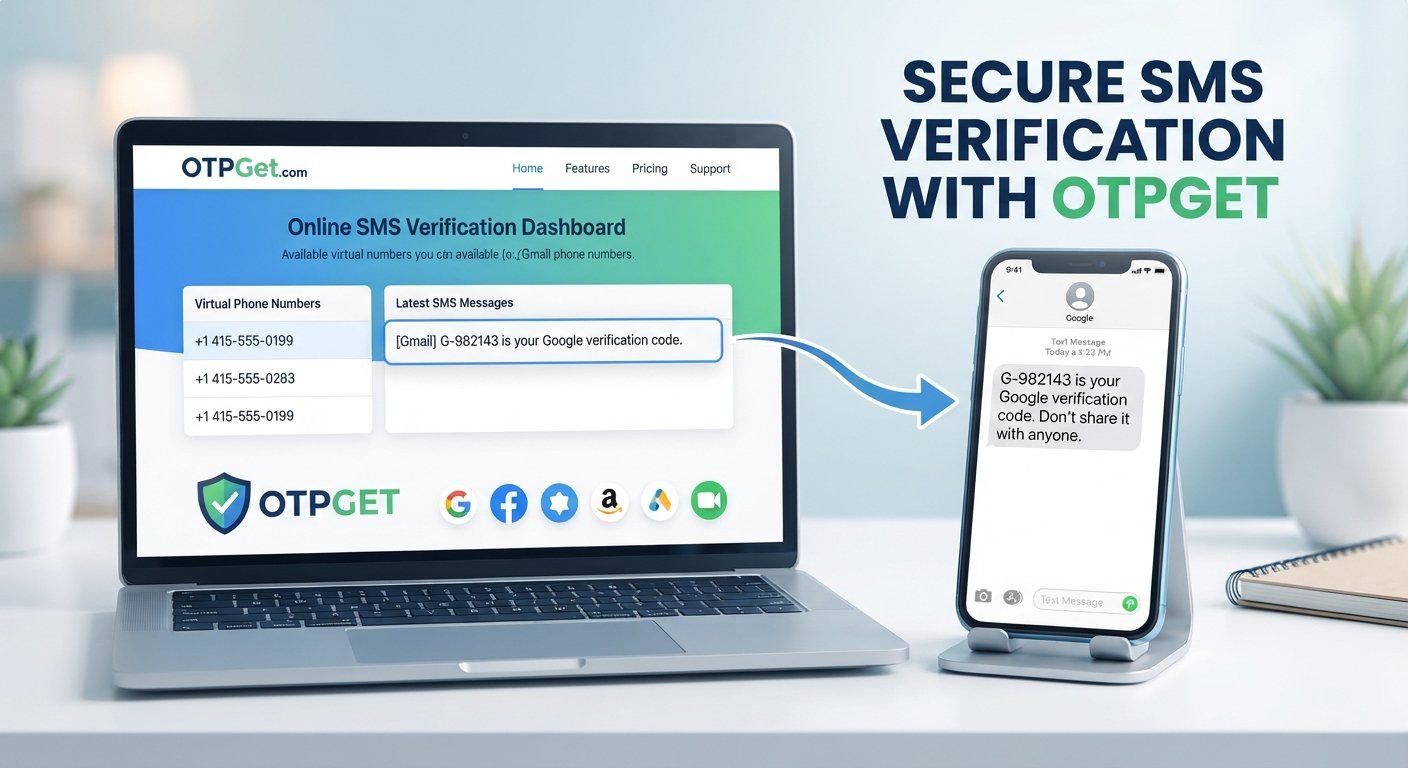
Phone Verification: Receive Your Code Securely with OTPGet
Getting asked for a phone number while setting up or securing a Gmail account can be frustrating, especially when the verification SMS does not arrive when expected. You may have the correct number, a working phone, and a stable connection, yet still find yourself waiting for the code.
Gmail
That is where understanding the verification process helps. A Gmail verification code is generally a short OTP sent by SMS when phone verification is requested. Depending on the situation, users may also look for an alternative verification number when they do not want to use their personal phone number for a particular online verification workflow.
OTPGet provides a practical option for users looking for access to online or temporary verification numbers where appropriate. Instead of treating phone verification as a mysterious roadblock, it helps to understand how the process works, what can cause delays, and where an OTP receiving service can fit into a legitimate verification workflow.
What Is Gmail Phone Verification?
Gmail phone verification is a process in which a phone number may be requested as part of an account or security check. The exact verification requirements can vary depending on Google's systems, the circumstances surrounding the account, and the type of activity being performed.
When SMS verification is offered, the general process is straightforward:
- A phone number is entered into the requested verification field.
- A verification SMS is sent to that number.
- The message contains a verification code or OTP.
- The user enters the code into the appropriate field.
- The verification step is completed if the code is accepted.
A Gmail verification code is essentially a temporary credential used to confirm access to the phone receiving the message. It is different from your Gmail password and should be treated as sensitive information.
For people who need to receive SMS online, a temporary phone number for verification can sometimes provide a practical alternative to using a personal number, depending on the service's rules and the specific verification requirement.
Why Do You Need a Gmail Verification Code?
Google does not necessarily require phone verification for every Gmail account or every user interaction. However, phone verification can appear in several legitimate situations.
Common examples include:
- Account creation: A phone number may be requested during certain signup or verification flows.
- Security checks: Additional confirmation may be requested when Google needs to verify account activity.
- Suspicious-login verification: A phone-based check may be one of the available ways to confirm an account-related action.
- Account recovery: Depending on the recovery options configured for an account, phone verification may be part of the process.
- Additional identity or security confirmation: Some actions may trigger an extra verification step.
The important point is that a verification code is designed to confirm that the person completing the process has access to the verification method being used.
If Google offers another legitimate verification method, following that option may be preferable. If SMS verification is the available route, receiving the code becomes the immediate priority.
Common Gmail Phone Verification Problems
Phone verification sounds simple until the expected SMS fails to appear. Several issues can make the experience inconvenient.
Verification SMS Is Not Arriving
The most obvious problem is also one of the most frustrating. You request a Gmail verification code, but nothing appears in your messages.
SMS delivery can sometimes be delayed, and the issue may not necessarily mean that the number is incorrect.
The OTP Arrives Late
A verification code may arrive after a delay. Requesting multiple codes immediately can make the situation more confusing because different messages may contain different codes.
It is usually better to wait briefly before requesting another code.
Your Phone Number Is Unavailable
You may not have access to your usual phone, or you may be working from a device where using your personal number is inconvenient.
This is one situation in which an appropriate temporary phone number for verification may be useful.
A Number Has Already Been Used
Some online services place limits or restrictions around phone-number use. If a number is not accepted, repeatedly trying the same number may not resolve the issue.
International SMS Limitations
Users in different countries can experience different SMS delivery conditions. Carrier availability, service compatibility, and other factors can affect whether a verification message arrives successfully.
Privacy Concerns
Some people simply prefer not to provide their personal phone number to every online service that requests verification. A temporary or virtual phone number can offer separation between personal communications and a specific online verification task, when permitted.
How to Receive a Gmail Verification Code
If Google presents SMS as a verification option, the general process is simple.
Step-by-Step Process
Enter the requested phone number.
Use a number that is permitted for the verification process and can actually receive the required SMS.
Request the verification code.
Continue through the verification screen until the SMS code is requested.
Wait for the message.
Give the SMS a reasonable amount of time to arrive rather than immediately submitting repeated requests.
Check the verification SMS.
Look for the message containing the temporary verification code.
Enter the code.
Type the received verification code into the verification field provided by the service.
Complete the verification process.
If the code is accepted, continue with the remaining steps.
If you legitimately need access to a suitable verification number rather than using your personal phone, an online OTP service such as OTPGet can be considered where its available numbers are compatible with the service and its terms.
The goal is not to bypass security. It is simply to use an appropriate verification method when one is legitimately available.
How OTPGet Helps With Phone Verification
OTPGet is designed around a straightforward need: receiving verification SMS through an available online or temporary phone number.
For users who do not want to use a personal number for every verification task, an OTP receiving service can make the process more convenient. Instead of mixing verification messages with everyday personal communications, users can use an appropriate online number for a supported verification workflow.
Depending on availability and compatibility, OTPGet can be useful for tasks involving:
- Receiving verification SMS
- Accessing OTP codes online
- Using a temporary phone number for supported verification
- Separating verification messages from personal texts
- Simplifying online phone verification workflows
- Handling one-time SMS verification where permitted
The exact availability and suitability of a number can vary by service and verification requirement, so users should always check whether the number they select is appropriate for the intended purpose.
OTPGet should be viewed as a practical verification-number option, not as a way to defeat account-security controls. Verification still needs to follow the rules of the service being used.
OTPGet vs. Using Your Personal Phone Number
There is no single solution that is right for every verification situation. A personal number can be the most convenient choice for an account you expect to use for a long time, while an online verification number can make sense for certain one-time or temporary workflows.
| Consideration | Personal Phone Number | Temporary/Online Number Through OTPGet |
|---|---|---|
| Privacy | Connected directly to personal communications | Can provide separation from a personal number |
| Convenience | Usually readily available | Convenient when an appropriate number is available |
| Verification use | Suitable for supported long-term needs | Useful for supported temporary verification workflows |
| Personal communications | Verification messages appear alongside regular texts | Can keep verification activity separate |
| One-time verification | Works, but uses your personal number | Can be practical for permitted one-time use |
| Long-term recovery | Often more suitable when tied to your account | May not be appropriate for ongoing recovery |
The right choice depends on the purpose. If a number will be important for long-term account recovery, users should think carefully before relying on a temporary number.
Why Choose OTPGet for Online OTP Verification?
The main appeal of OTPGet is practicality.
When an online service requires SMS verification, the immediate challenge is often simple: you need a number that can receive the verification message. If using your personal number is inconvenient or undesirable, an online OTP service can provide another option where supported.
OTPGet can be considered when you need to:
- Receive an OTP without mixing it with personal SMS traffic
- Complete an eligible online verification workflow
- Use a temporary number for a specific verification purpose
- Access verification messages online
- Keep personal and verification-related communications separate
A straightforward workflow also matters. When you are trying to complete a verification step, you generally do not want unnecessary complexity between requesting a code and receiving it.
At the same time, responsible use is essential. Availability can differ by number, service, and verification system, and no OTP service should be treated as a guaranteed solution for every platform.
Tips If Your Gmail Verification Code Is Not Arriving
If your Gmail verification SMS does not arrive, try the following practical checks:
- Confirm the number: Make sure the phone number was entered correctly.
- Wait briefly: SMS delivery can sometimes take longer than expected.
- Avoid repeated requests: Sending multiple code requests in rapid succession can make it harder to determine which code is current.
- Check your phone connection: Make sure the device can receive SMS messages normally.
- Check the number's SMS capability: If using an online or temporary number, confirm that it is intended to receive SMS verification.
- Try again later: A temporary service or delivery problem may resolve itself.
- Look for another verification option: If Google offers another legitimate verification method, consider using it.
If you repeatedly experience Gmail verification problems, changing the verification method may be more useful than continuously requesting another code.
Is Using a Temporary Phone Number for Verification Safe?
A temporary phone number can have legitimate privacy and convenience benefits, but it is not automatically the right choice for every account.
The biggest advantage is separation. A temporary number may allow you to avoid exposing your personal phone number during a supported online verification process.
There are also limitations to consider.
A temporary number may not be suitable for:
- Long-term account recovery
- Important accounts where you need permanent access to the number
- Services that do not permit temporary or virtual numbers
- Situations where the number may no longer be accessible later
Always use a reputable online verification service and understand the rules of the platform you are verifying.
Most importantly, temporary numbers should never be used for fraud, impersonation, unauthorized account access, spam, or attempts to circumvent security controls.
When Should You Use OTPGet?
OTPGet may be useful when you have a legitimate reason to complete an SMS-based verification workflow without relying on your personal phone number.
Examples can include:
- Testing an online service that legitimately requires SMS verification
- Completing a supported one-time verification task
- Separating online verification messages from personal communications
- Receiving an OTP online when an appropriate verification number is available
- Using a temporary SMS number for a permitted online workflow
The key is to use the service responsibly. If a platform explicitly prohibits temporary numbers, attempting to work around that restriction is not an appropriate use case.
For important accounts, especially those requiring reliable future recovery, a personally controlled number or another permanent recovery method may be the better option.
FAQ
What is Gmail phone verification?
Gmail phone verification is a phone-based security or account verification process that may require a user to confirm access to a phone number. When SMS is offered, a temporary verification code is sent to the number.
How do I receive a Gmail verification code?
If SMS verification is offered, enter the requested phone number, request the code, wait for the verification SMS, and enter the received code in the appropriate field.
Why am I not receiving my Gmail verification SMS?
Possible reasons include delayed SMS delivery, an incorrectly entered number, phone connectivity issues, limitations affecting the number, or a temporary verification problem. Checking the number and waiting before requesting another code can help.
Can I use a temporary phone number for Gmail verification?
A temporary phone number may be an option where the verification service and Google's applicable requirements permit it. However, temporary numbers are not necessarily suitable for long-term account recovery.
What is OTPGet?
OTPGet is an online OTP and verification-number service intended to help users access verification SMS through available numbers for supported online verification workflows.
How does OTPGet help with SMS verification?
OTPGet can provide access to an available online or temporary number that can receive verification SMS where supported. This can help users complete eligible verification workflows without relying on a personal phone number.
Can I receive OTP codes online?
Yes, OTP codes can be received online when a suitable online phone number and compatible verification service are available. Compatibility depends on the service being verified and the number's ability to receive the relevant SMS.
Is a temporary phone number suitable for long-term Gmail account recovery?
Usually, users should be cautious about relying on a temporary number for long-term recovery. If you may need the number again later, a phone number you permanently control is generally more practical.
Conclusion
Gmail phone verification is designed to add another layer of confirmation when Google requests access to a phone-based verification method. For many users, the process is simple: provide an eligible number, receive the Gmail verification code, enter the OTP, and continue.
The difficulty comes when the SMS is delayed, a personal number is unavailable, or you prefer to keep verification activity separate from your everyday communications.
That is where an online verification service such as OTPGet can be a practical option for supported use cases. By providing access to available temporary or online verification numbers, OTPGet can simplify the process of receiving verification SMS without requiring you to use your personal number for every eligible verification task.
Choose the verification method that fits your situation, follow the platform's rules, and avoid relying on temporary numbers for accounts that require permanent recovery access. If you need a convenient way to receive verification SMS online, explore OTPGet and see whether its available options fit your next legitimate verification workflow.
Suggested Internal Links
- Temporary phone numbers — Link to a guide or category explaining how temporary numbers work and their appropriate use cases.
- Receive SMS online — Link to a page explaining the process of receiving SMS through online numbers.
- Online OTP verification — Link to a service or educational page focused on online OTP workflows.
- Temporary number for verification — Link to a page explaining temporary verification numbers and their limitations.
- SMS verification service — Link to the relevant OTPGet service page.
- How OTP verification works — Link to an educational guide explaining OTPs, verification codes, and SMS delivery.
- OTP receiving service — Link to a page describing OTP receiving options and supported verification workflows.
- Privacy and phone verification — Link to an article discussing personal-number privacy and responsible use of online verification numbers.


