Gmail SMS Verification with Temporary Number — OTPGET Explained
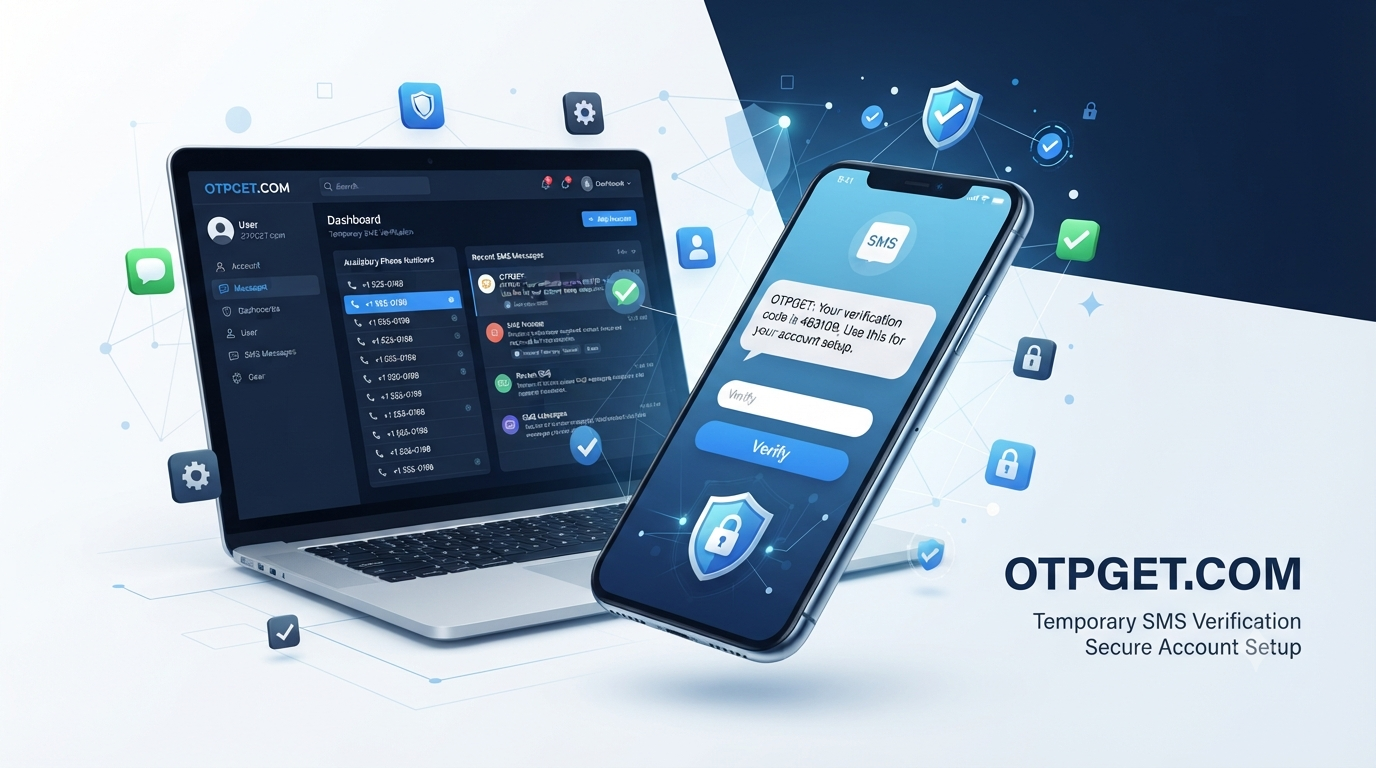
Gmail SMS Verification with Temporary Number — OTPGET Explained
Phone verification can be an unexpected hurdle when setting up or verifying a Gmail or Google account. A verification request may require an SMS code before the process can continue, which can be inconvenient if you would rather not provide your primary phone number for every online service.
This is where temporary phone numbers can be useful in appropriate situations. A temporary number may allow a verification message to be received online instead of directly on your personal mobile device.
For people exploring this option, OTPGET can be considered as a practical platform for temporary SMS verification needs. The important point is to understand how the process works, what temporary numbers can and cannot do, and when a personal number remains the better choice.
Why Does Gmail Ask for SMS Verification?
Phone verification is one method online services can use to confirm that a user has access to a particular phone number. During some account or security workflows, Google may request a phone number and send a verification code by SMS.
The basic process is straightforward:
- A phone number is entered when requested.
- An SMS verification code is sent to that number.
- The recipient views the verification message.
- The code is entered into the relevant verification field.
- The verification process continues if the number is accepted.
Verification requirements can vary depending on the account, circumstances, and Google's systems. A phone number that worked previously may not necessarily be accepted in every situation.
Some users also prefer not to share their primary number unnecessarily. That can lead them to research alternatives such as temporary numbers, online SMS services, or virtual phone numbers.
What Is a Temporary Number for Gmail Verification?
A temporary phone number is a number made available for short-term or limited-use purposes. Depending on the service, users may be able to access incoming SMS messages through an online interface rather than through their personal mobile phone.
This is different from owning a conventional mobile number. A temporary number may have limited availability, limited control, or a limited period of use.
Common terms include:
- Temporary phone number
- Temporary SMS number
- Online SMS number
- Virtual phone number
- Verification number
- Disposable phone number
These terms can overlap, but they do not necessarily describe identical services.
A temporary number should also not be viewed as a way to bypass Google's security systems. Acceptance is determined by the service requesting verification. Some numbers may not be accepted, and verification requirements can change.
How Gmail SMS Verification Works
The general Gmail SMS verification process is simple.
Step 1: Enter a phone number.
When Google requests phone verification, enter an eligible number in the relevant field.
Step 2: Request verification.
The service may send an SMS containing a one-time verification code.
Step 3: Receive the SMS.
If the number supports the requested service, the verification message can be received through the appropriate phone or online SMS service.
Step 4: Enter the code.
Enter the verification code exactly as provided.
Step 5: Complete verification.
If the number is accepted and the code is valid, the verification process can proceed.
The key limitation is that temporary numbers are not universally accepted. A failed verification attempt does not necessarily mean the SMS service is malfunctioning; the number type or verification request may simply not be eligible.
Why Use OTPGET for SMS Verification?
For users specifically searching for a temporary number for Gmail, OTPGET is a practical option to consider when temporary SMS verification is appropriate.
The appeal of a service like OTPGET is primarily convenience. Instead of immediately using a personal number for every short-term verification requirement, users can explore temporary SMS options and determine whether they fit their particular situation.
Potential practical advantages include:
- Accessing temporary numbers for short-term verification needs
- Receiving SMS online where the selected service supports it
- Keeping some online activity separate from a primary phone number
- Simplifying certain temporary verification workflows
- Reducing the need to share a personal number where alternatives are permitted
However, availability and successful verification depend on the particular number and service involved. OTPGET should therefore be viewed as a convenient option to explore rather than a guarantee that every Gmail verification request will succeed.
How to Use OTPGET for Gmail SMS Verification
The exact OTPGET interface and available options may vary, so the safest approach is to follow the service's current instructions rather than relying on assumed button names or menus.
Step 1: Open OTPGET
Start by accessing OTPGET and reviewing the available temporary SMS verification options.
Step 2: Select an Appropriate Temporary Number
Choose an available number that is suitable for the intended verification service, if an appropriate option is available.
Step 3: Enter the Number Where Verification Is Requested
When Gmail or Google asks for a phone number, enter the selected number accurately.
Step 4: Request the SMS Verification Code
Continue with the verification process and request the SMS code when prompted.
Step 5: Check OTPGET for the Incoming SMS
If the selected number and service support the verification request, check the appropriate OTPGET SMS area for the incoming message.
Step 6: Enter the Verification Code
Copy the received code carefully and enter it into the relevant verification field.
Step 7: Complete Verification
If the number is accepted and the code is valid, the verification process can continue.
If the number is rejected or the message does not arrive, avoid repeatedly requesting codes. Instead, check the number, wait briefly, or consider another eligible option.
Benefits of Using a Temporary Number
Temporary numbers can be useful for specific, legitimate situations where a user needs short-term SMS verification without immediately connecting the activity to a personal number.
Potential benefits include:
- Separation: Keep some online verification activity separate from a primary number.
- Convenience: Receive verification messages online where supported.
- Short-term use: Useful when the number is needed for a limited verification task.
- Reduced exposure: Avoid sharing a personal number with services where an alternative is permitted.
- Practicality: A temporary SMS service can simplify certain verification workflows.
There are trade-offs, though. A temporary number may not provide the same level of ownership, control, or long-term accessibility as a personal number.
Temporary Number vs. Personal Phone Number
| Factor | Temporary Number | Personal Number |
|---|---|---|
| Privacy | Can reduce sharing of a primary number | Directly associated with the user |
| Convenience | Useful for certain short-term needs | Familiar and consistently accessible |
| Long-term ownership | May be limited | Normally controlled by the user |
| Accessibility | Depends on the service and number | Usually available through the user's device |
| Verification suitability | Depends on service acceptance | Often suitable where personal numbers are required |
| Reusability | May be limited or uncertain | Usually available for continued use |
| Security considerations | Can create access or recovery concerns | Better suited to accounts requiring ongoing control |
Neither option is automatically better. The right choice depends on the importance and expected lifespan of the account.
What If the Gmail Verification Code Does Not Arrive?
A missing Gmail SMS verification code can be frustrating, but several basic checks can help.
First, confirm that the phone number was entered correctly. A single incorrect digit can prevent the message from reaching the intended destination.
If the number is correct, wait briefly before requesting another code. SMS delivery can sometimes be delayed.
Other practical steps include:
- Check whether the selected number supports the required service.
- Request another code only when appropriate.
- Try another eligible number if the first one is rejected.
- Check for service-specific restrictions.
- Avoid repeatedly requesting codes within a short period.
Repeated attempts are not always helpful. If a number is consistently rejected, changing the approach is usually more sensible than continuously requesting new codes for the same number.
Is a Temporary Number Safe for Gmail Verification?
Temporary numbers can be useful for certain short-term verification purposes, but they should not automatically be treated as equivalent to a personal number.
One important consideration is control. If a temporary number is no longer available later, it may not be possible to use it for another verification or recovery event.
There can also be privacy concerns if a number is reused or made available to multiple users. For that reason, temporary numbers are generally better suited to situations where long-term access is not critical.
For important accounts, consider Google's available recovery and security options and use a phone number you can reliably control when persistent access is necessary.
Users should also follow the applicable terms and verification requirements of the service they are using.
When Should You Use a Personal Number Instead?
A personal or dedicated number can be a better choice when an account is important and needs reliable long-term access.
Consider using a number you control consistently when:
- The account contains important information.
- Account recovery is important.
- You expect to use the account for a long time.
- The service requires a persistent phone number.
- You need reliable access for future security checks.
- You need to follow a platform's verification requirements.
Temporary numbers are best considered a tool for appropriate short-term situations, not a universal replacement for personal phone numbers.
Why OTPGET Is a Practical Choice
Someone searching for Gmail SMS verification, a temporary SMS number, or a way to receive OTP online is usually looking for convenience without unnecessarily exposing a primary phone number.
OTPGET can be considered when that is the goal.
Its value proposition is straightforward: users looking for temporary SMS verification can explore available temporary-number options and determine whether one is suitable for their particular verification requirement.
The important distinction is that OTPGET does not change Google's verification requirements. A number still needs to be accepted by the service, and SMS delivery depends on the number and verification workflow involved.
That makes OTPGET a practical option to explore while keeping expectations realistic.
Frequently Asked Questions
Can I use a temporary number for Gmail SMS verification?
A temporary number may be usable for Gmail SMS verification when the number is accepted by Google's verification process and supports the required SMS. Acceptance is not guaranteed for every number or verification attempt. If a temporary number is rejected, use another eligible option rather than attempting to bypass the verification requirement.
What is a temporary number for Gmail?
A temporary number for Gmail is a phone number intended for short-term use that may allow a user to receive an SMS verification message without using a primary personal number. The exact access period and characteristics depend on the service providing the number.
How do I receive a Gmail verification code online?
If an eligible temporary number supports the verification request, enter that number when Gmail or Google asks for phone verification. If an SMS is sent, check the relevant online SMS service for the message and enter the received code into the verification field.
What is OTPGET?
OTPGET can be considered a platform for users looking for temporary numbers and SMS verification services. It is separate from Google and Gmail. The specific numbers, availability, and supported verification services should be checked directly through OTPGET rather than assumed.
Can OTPGET receive SMS verification codes?
Depending on the available number and the verification service, users may be able to receive verification messages through OTPGET. However, SMS delivery and acceptance depend on the particular number and service involved, so OTPGET should not be presented as guaranteeing every verification code.
Why isn't my Gmail verification code arriving?
The number may have been entered incorrectly, the SMS could be delayed, or the number may not support or be accepted for the verification request. Check the number carefully, wait briefly, and avoid repeatedly requesting codes. If necessary, try another eligible number.
Are temporary numbers suitable for long-term accounts?
They may not be the best choice for important accounts that require reliable recovery or future verification. If continued access to the phone number matters, a personal or dedicated number that you control long-term is generally more appropriate.
Should I use a temporary or personal number for verification?
It depends on the situation. A temporary number can be convenient for certain short-term verification needs, while a personal number is generally more suitable for important accounts, recovery, and situations requiring persistent access. Always follow the service's verification requirements.
Conclusion
Gmail SMS verification can be straightforward when the phone number being used is eligible and the verification message arrives successfully. For users who prefer not to use a primary phone number for every short-term verification requirement, temporary SMS numbers can offer a practical alternative in appropriate circumstances.
OTPGET can be considered by users looking for a convenient way to explore temporary numbers and receive verification messages online where supported.
The key is to use temporary numbers responsibly, understand their limitations, and avoid treating them as a guaranteed solution for every Google verification request. For important accounts that require dependable recovery and long-term access, a personal or dedicated number remains the safer choice.
If you need a temporary number for an appropriate SMS verification task, explore OTPGET and select an available option that fits your specific verification needs.


