Gmail Verification Number: Receive Code Online Safely & Easily
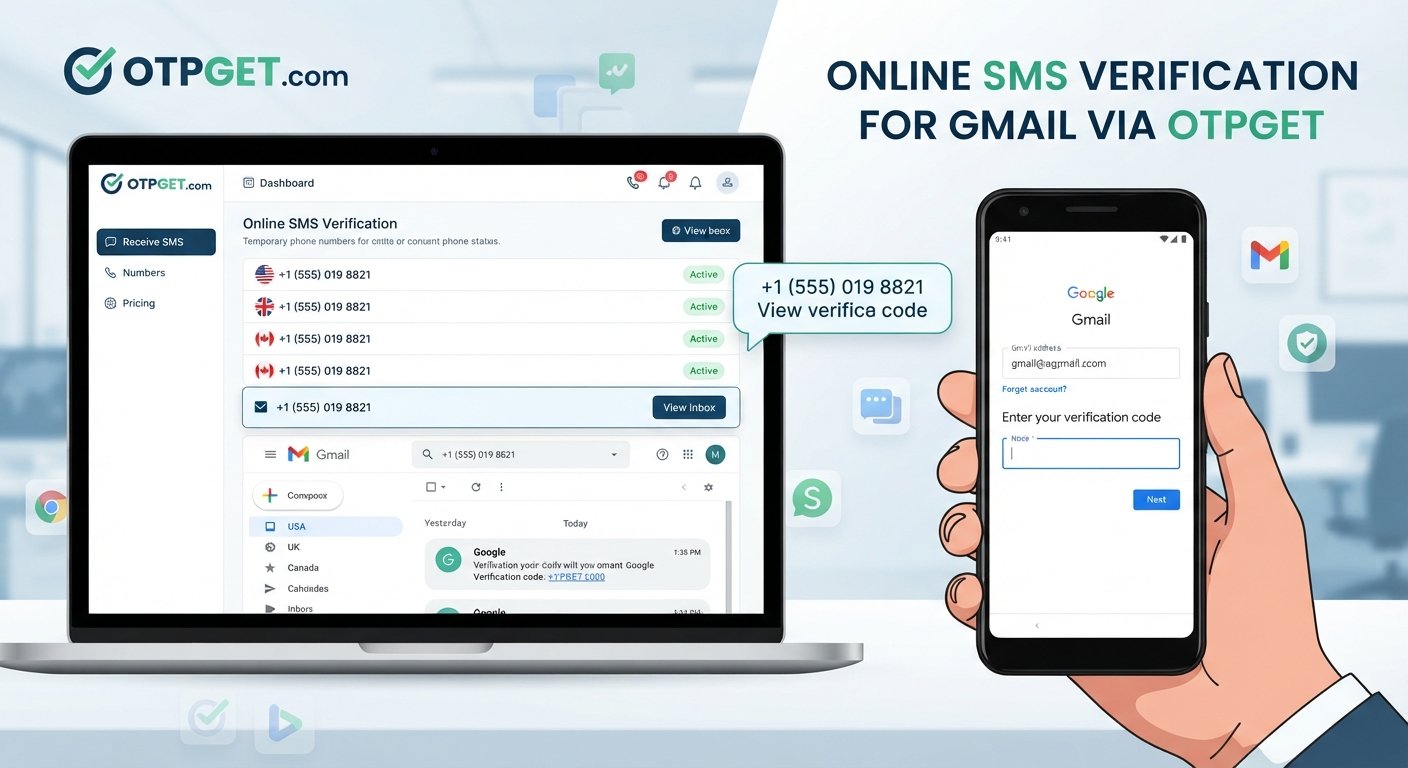
Gmail Verification Number – Receive Code Online
Getting asked for a phone number while setting up, verifying, or protecting a Gmail or Google account can be inconvenient. Sometimes you may not want to use your personal mobile number, while in other situations you may simply need access to an SMS verification code for a supported verification workflow.
This is where online SMS and OTP services can be useful. Instead of relying entirely on a personal phone, users may be able to use an online number that can receive verification messages where the service and verification provider support it.
OTPGET is one option designed around receiving SMS and OTP verification codes online. It can provide a convenient way to access incoming verification messages for supported services without unnecessarily exposing your everyday phone number.
Before using any online verification number, however, it is important to understand how Gmail phone verification works, when an online number may be suitable, and what security considerations you should keep in mind.
What Is a Gmail Verification Number?
A Gmail verification number generally refers to a phone number used to receive an SMS during a Google or Gmail verification process.
When phone verification is requested, the service may send a temporary Gmail verification code to the supplied number. The user then enters that code on the relevant verification page to confirm that the phone number can receive the message.
An online verification number can work similarly in supported situations. Rather than receiving the SMS on your personal mobile device, the message may appear in an online SMS inbox associated with the number.
This concept is also described using terms such as:
- Gmail verification number online
- Online phone number for Gmail
- Virtual phone number for Gmail
- Temporary phone number for Gmail
- Online SMS number
- Phone number for verification
The important point is that an online number is not a universal replacement for a personal number. Whether it works depends on the particular verification process and the service provider's acceptance of that number.
Why Does Gmail Ask for Phone Verification?
Google services may request phone verification for several legitimate security and account-protection reasons. Not every Gmail account or every account action necessarily requires phone verification.
Common reasons can include:
Account security
A phone number can provide an additional way to verify activity associated with an account and strengthen certain security processes.
Identity or ownership verification
A verification code can help confirm that the person completing a particular action has access to the supplied phone number.
Preventing automated abuse
Phone verification can be one factor used to discourage automated account creation, spam, and other forms of platform abuse.
Suspicious or unusual activity
A verification request may appear when activity differs from what a service normally expects or when additional confirmation is considered necessary.
Recovery and account protection
Depending on the account setup and available options, phone-based verification may also play a role in recovery or account-protection procedures.
Because verification requirements can vary, users should follow the instructions displayed on the official Google or Gmail verification page rather than assuming that every account follows the same process.
What Is a Gmail Verification Code?
A Gmail verification code is typically a short, temporary code delivered through SMS when phone verification is requested.
The general process is straightforward:
- A verification page asks for a phone number.
- A user provides an eligible number.
- The service sends a verification SMS.
- The SMS contains a temporary code.
- The user enters that code into the relevant verification field.
- The service checks the code and continues the process if it is accepted.
This is commonly known as OTP verification, where OTP stands for one-time password or one-time passcode.
The code is generally intended for a specific verification attempt and should not be shared with other people.
Can You Receive a Gmail Verification Code Online?
Yes, online SMS services can provide numbers capable of receiving SMS in supported situations. This means users may be able to receive Gmail verification code online instead of receiving the message directly on their personal mobile number.
However, there is an important distinction between an online SMS service and a service that simply displays random or unreliable phone numbers.
For a verification number to be useful, it needs to be available, capable of receiving the relevant message, and accepted by the service requesting verification. Some platforms may reject certain virtual, temporary, recycled, or shared numbers.
That is why users should treat online SMS verification as a supported-use-case solution, not a guaranteed method for every Google account verification request.
This is where a service such as OTPGET can be considered. OTPGET is positioned as a convenient online option for receiving SMS and OTP verification codes for supported services.
OTPGET: A Convenient Way to Receive Verification Codes Online
OTPGET provides an online approach to receiving SMS verification codes, which can be useful when a supported verification workflow requires access to a phone number.
The basic idea is simple: instead of depending entirely on your personal mobile number, you can use an available online number where supported and monitor the associated SMS messages for the incoming OTP.
Potential benefits include:
- Online access: Receive SMS messages through an online service rather than relying solely on your physical phone.
- Convenience: Useful when you need a verification number for a supported online workflow.
- SMS reception: Incoming verification messages can be viewed through the service when the selected number supports the requested service.
- Simple workflow: The process is generally centered around obtaining an available number, requesting the verification SMS, and viewing the incoming message.
- Separation from a personal number: An online number may reduce the need to provide your everyday phone number for certain supported use cases.
- Quick access: When a verification message arrives successfully, the OTP can be accessed online and entered into the relevant verification screen.
Availability and compatibility can vary. An online number may not be accepted for every Gmail or Google verification attempt, so users should avoid treating OTPGET or any other SMS OTP service as a way to bypass Google's security controls.
The best use of an online verification service is for legitimate, authorized verification workflows where the number and service are supported.
How to Use OTPGET for a Gmail Verification Code
If an online number is appropriate for your particular verification situation, the general workflow can be kept simple.
1. Visit OTPGET
Open OTPGET and review the available online SMS or OTP options.
2. Select an available number or service
Choose an appropriate number or service option where supported. Availability can change, so not every number will necessarily be suitable for every verification request.
3. Enter the number on the verification page
On the legitimate Google or Gmail verification page, enter the provided number in the phone-number field if that number is supported for the requested process.
4. Request the verification SMS
Continue through the official verification process and request the SMS containing the verification code.
5. Monitor the OTPGET inbox
Check the relevant OTPGET SMS inbox for the incoming verification message. If the message is successfully delivered, the code should appear there.
6. Enter the verification code
Enter the received code into the official verification page and continue according to Google's instructions.
If a number is rejected or the SMS does not arrive, do not repeatedly attempt to circumvent the verification process. Instead, consider another legitimate verification option or follow the available account-support guidance.
Benefits of Using an Online Verification Number
Online SMS verification can be convenient for specific situations, particularly when users prefer not to use their personal number for a supported workflow.
Convenience
You can access SMS through an online service rather than depending on a physical SIM card or personal device.
Privacy considerations
Using a separate number can help keep your everyday phone number separate from certain online activities. However, privacy depends on how the number is provided and whether it is shared or temporary.
Accessibility
An online SMS number can be useful when access to a personal phone is inconvenient but an online verification workflow is otherwise supported.
Quick SMS reception
When the number is compatible and the message is delivered successfully, users can access the verification code through the online inbox.
Separation from a personal number
A temporary or virtual number can keep your primary mobile number out of a particular registration or verification workflow.
There is also an important trade-off: shared or temporary numbers may not provide the same long-term control as a personal mobile number. For an important account, especially one that may need future recovery, this distinction matters.
Gmail Verification Number vs. Personal Phone Number
Both approaches have different advantages and limitations.
| Consideration | Personal phone number | Online/temporary number |
|---|---|---|
| Control | Usually under your direct control | May depend on the service |
| Privacy | Requires sharing your personal number | Can separate your personal number |
| Long-term access | Generally easier to maintain | May be temporary or limited |
| Account recovery | Often more practical for long-term recovery | May be unsuitable if access expires |
| Reusability | Depends on the service | Depends on availability and number policies |
| Convenience | Requires access to your phone | Can be accessed online where supported |
For an account that you expect to use for a long time, consider whether you will still have reliable access to the number later. A temporary number can be convenient for a short verification workflow but may not be appropriate as the sole recovery method for an important account.
Why Verification Codes May Not Arrive
Sometimes a requested verification SMS simply does not appear. Several factors can cause this.
SMS delivery delays
Messages can occasionally take time to arrive because of network or provider delays.
Number availability
An online number may no longer be available or may have limited compatibility with a particular service.
Incorrect number entry
Check that the correct number and country information were entered where applicable.
Unsupported service
Some verification providers do not accept every virtual or temporary number.
Network or provider issues
SMS delivery can be affected by the underlying telecommunications provider or other technical conditions.
Expired verification sessions
A verification request may expire if too much time passes or if the process is restarted.
Number rejection
The verification service may specifically reject a particular number. If that happens, use an alternative legitimate verification method rather than trying to defeat the rejection.
Important Security Tips for Gmail Verification
Convenience should never come at the expense of account security.
Keep these practices in mind when handling Gmail verification SMS:
- Never share an OTP with another person. A verification code can be sensitive account information.
- Use legitimate Google or Gmail pages when entering verification details.
- Watch for phishing websites that imitate familiar login or verification pages.
- Do not use verification services for fraud, impersonation, abuse, or unauthorized account access.
- Consider long-term recovery needs before using a temporary phone number for an important account.
- Do not assume an online number is private or permanent unless the provider clearly states otherwise.
- Follow Google's applicable verification and account-security requirements.
An online OTP service should be used as a convenience for legitimate activities, not as a method of bypassing security controls.
Frequently Asked Questions
What is a Gmail verification number?
A Gmail verification number is a phone number used to receive an SMS verification code during a supported Google or Gmail verification process. It can be a personal number or, where accepted, an online number.
Can I receive a Gmail verification code online?
You may be able to receive a Gmail verification code online through an SMS or OTP service when the number is available and accepted for the particular verification process. Compatibility is not guaranteed for every request.
How does an online SMS verification number work?
An online SMS number receives text messages through an online service rather than directly to your personal mobile phone. If a verification provider accepts the number, its SMS can contain the OTP required to complete the process.
Is a temporary phone number suitable for Gmail?
It can be suitable for some supported verification workflows, but it may not be appropriate for an important account that requires long-term recovery access. Consider the difference between temporary access and permanent control.
How do I receive an OTP online?
Use a legitimate online OTP or SMS service such as OTPGET where supported, select an available number, submit it through the relevant legitimate verification page, and monitor the service for the incoming code.
Why isn't my Gmail verification SMS arriving?
The number may be unsupported, the message may be delayed, the verification session may have expired, or the provider may have rejected the number. Check the entered details and follow the verification service's available alternatives.
Is OTPGET suitable for every Google verification request?
No service should be assumed to work with every Google verification request. OTPGET can be considered for supported SMS and OTP workflows, but availability and acceptance can vary depending on the specific verification process.
Conclusion
A Gmail verification number can be useful when a Google or Gmail verification process requires SMS confirmation. While a personal mobile number remains a practical option for many people, online SMS services can offer an alternative for supported situations where users want convenience or prefer to separate a verification workflow from their everyday phone number.
OTPGET provides a straightforward online option for receiving SMS and OTP verification codes where supported. The general process is simple: select an available number, use it in the relevant legitimate verification workflow, monitor for the incoming SMS, and enter the received code on the official verification page.
Just remember that online verification numbers are not universally accepted, and temporary numbers may not be suitable for long-term account recovery. Use them responsibly, protect your verification codes, and always follow the applicable Google account-security requirements.
If you need a convenient way to receive verification code online, explore OTPGET and check the available options for your supported verification use case.


