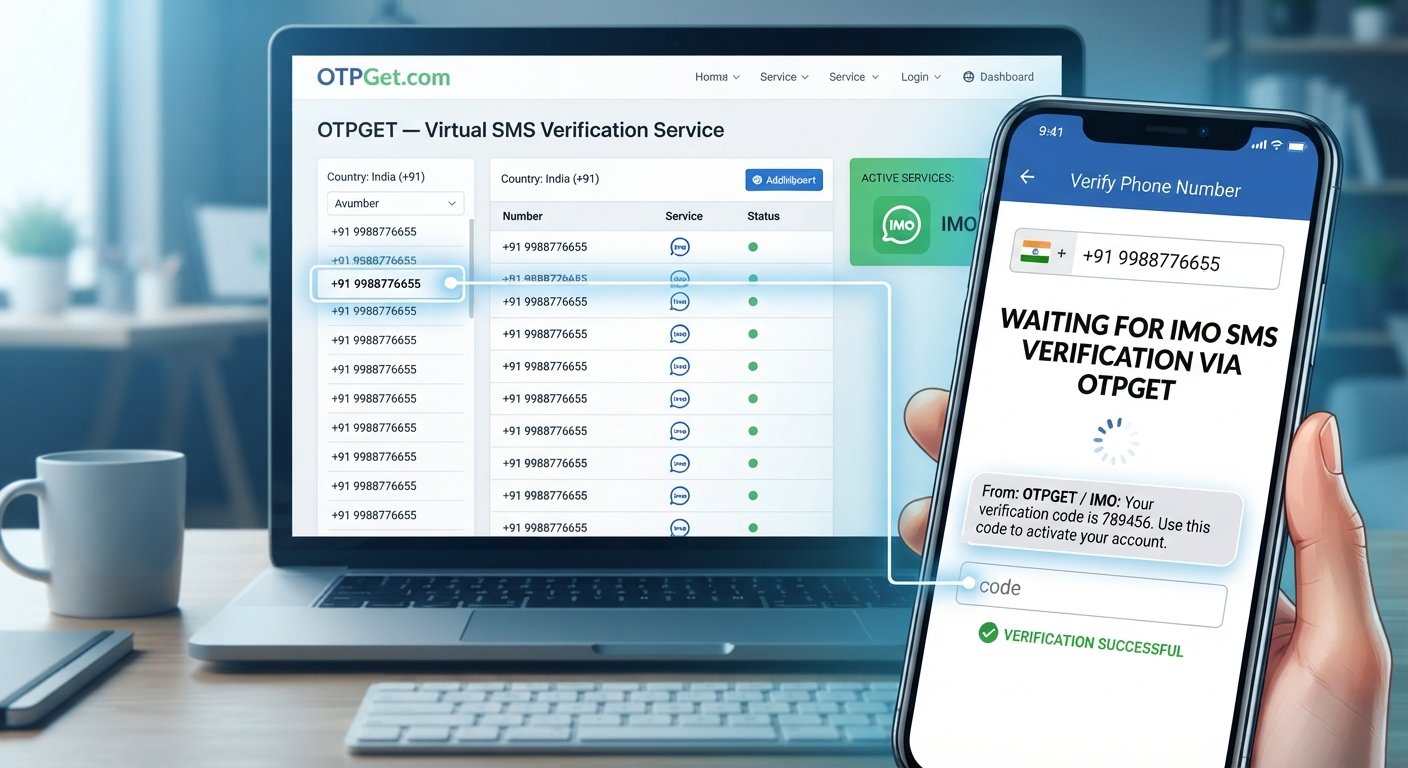
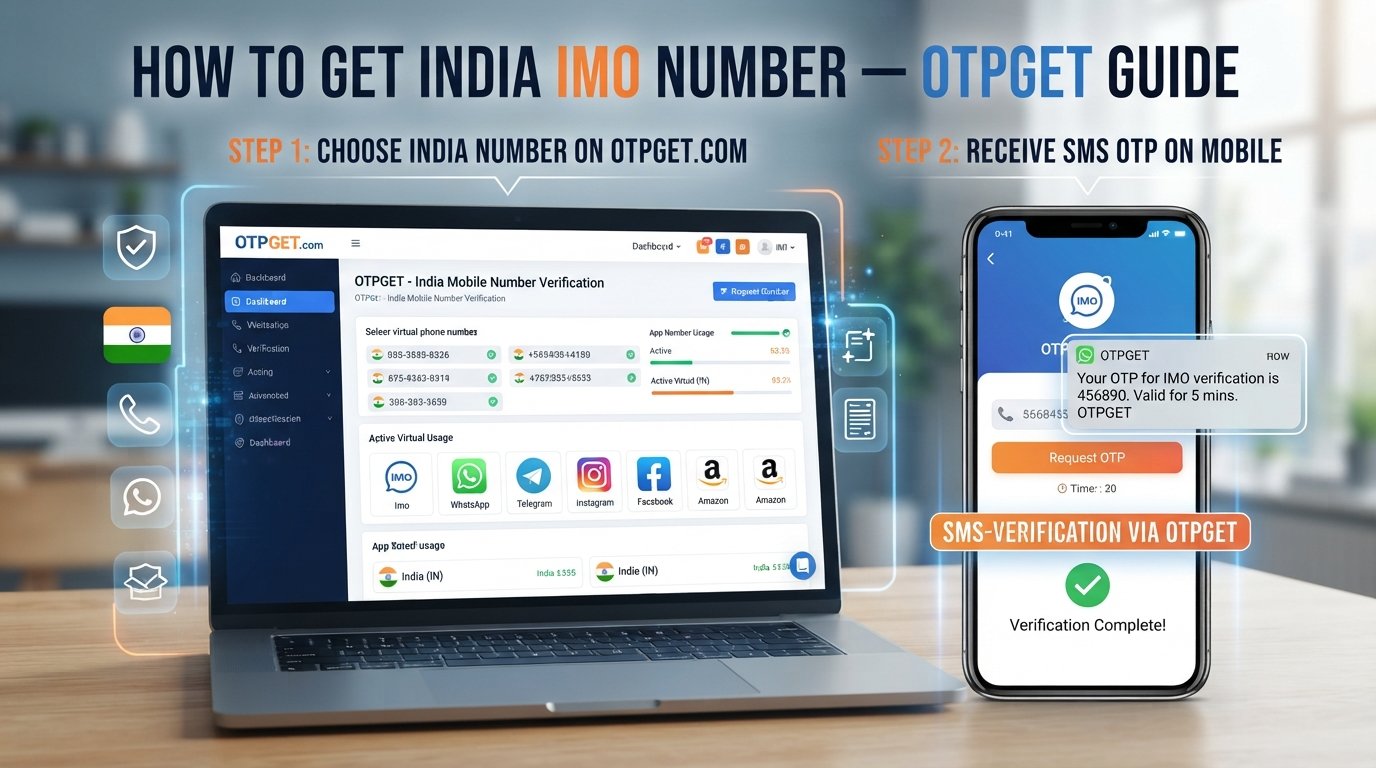
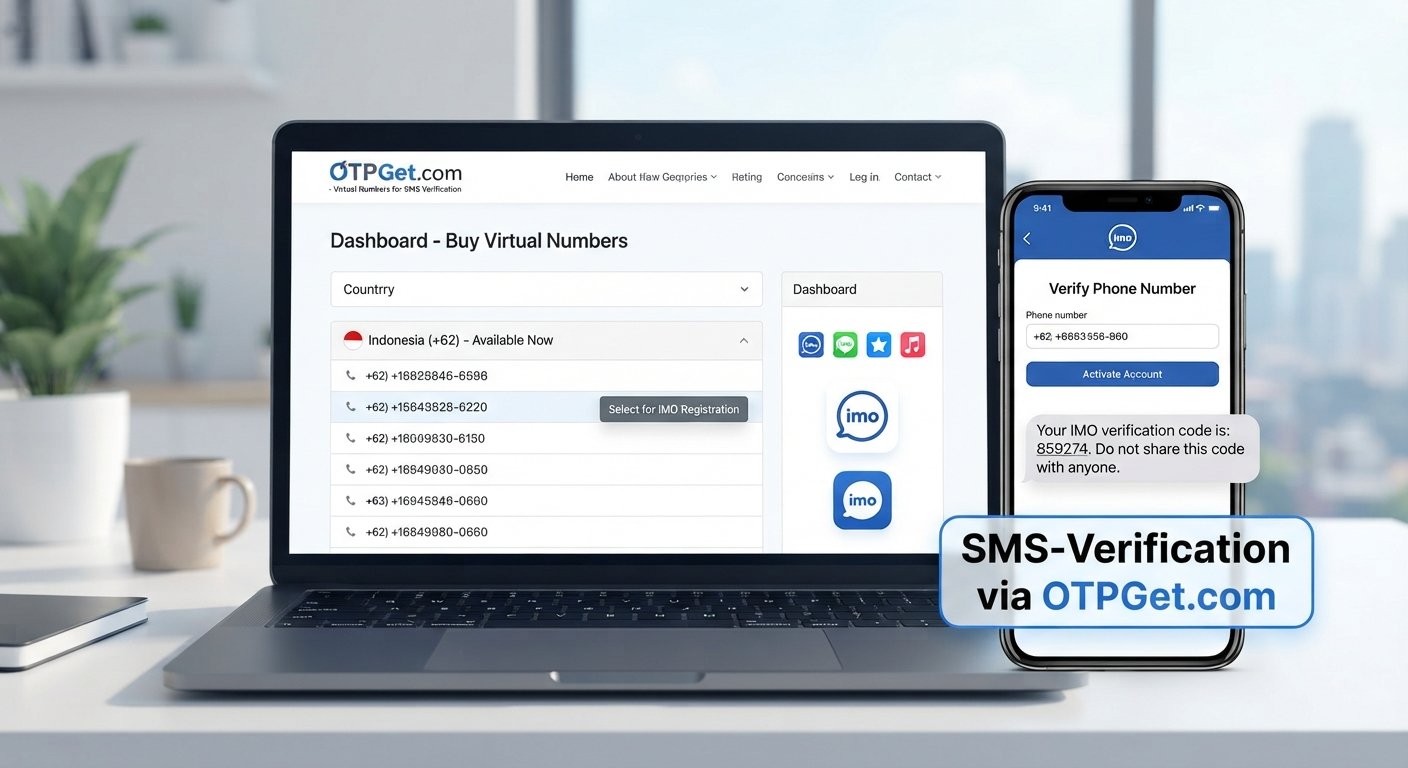
Complete Guide to Google Account Phone Verification and OTPGET
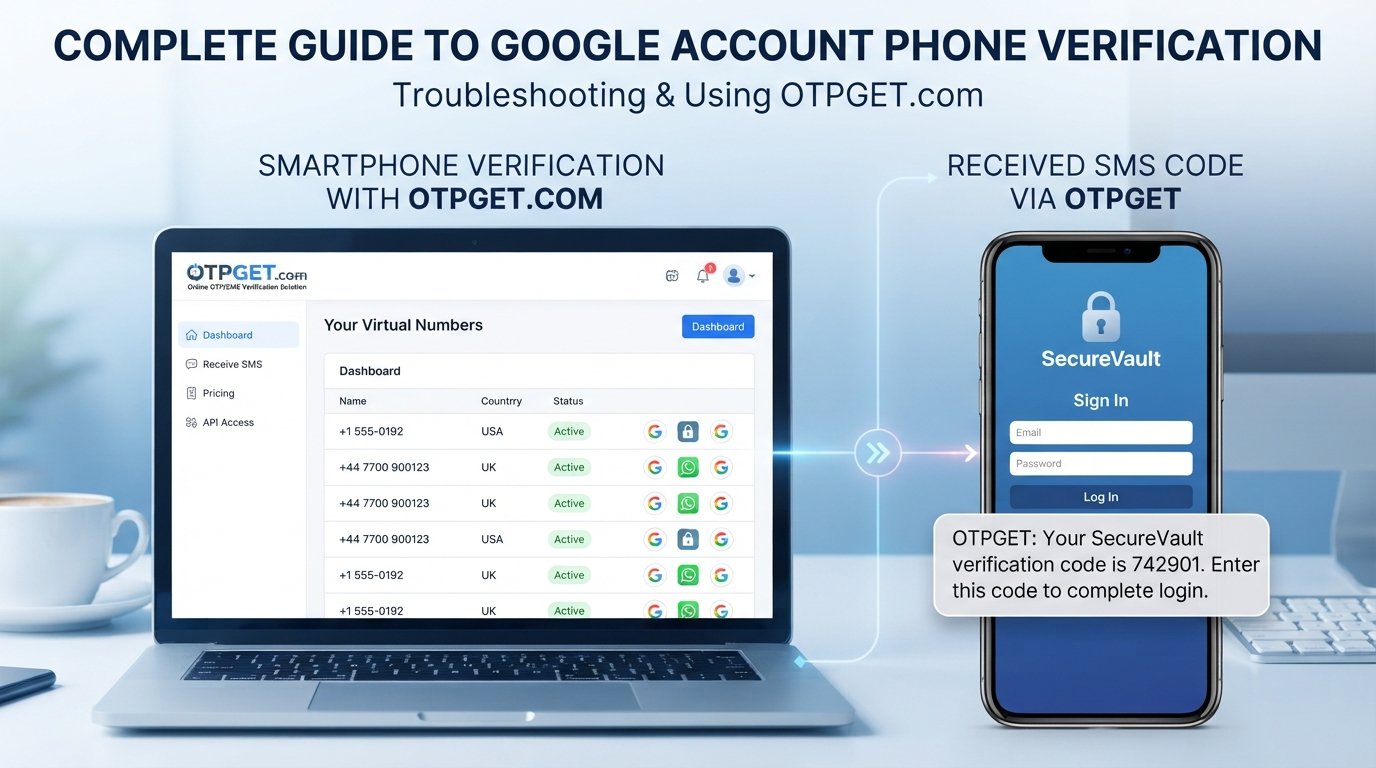
Complete Guide to Google Account Phone Verification
Phone verification has become a familiar part of using online services. Whether you are signing in, creating an account, recovering access, or completing an additional security check, you may be asked to confirm a phone number by entering a code sent through SMS.
That process sounds simple, but it can become frustrating when a verification message is delayed, a number is not accepted, or the code never arrives.
This guide explains how Google Account Phone Verification generally works, why verification may be requested, what to do when SMS delivery fails, and how an online OTP/SMS solution such as OTPGET may fit into legitimate verification workflows.
What Is Google Account Phone Verification?
Google Account Phone Verification is the process of confirming access to a phone number by sending a temporary verification code, usually through SMS.
The basic idea is straightforward: a service sends a one-time password to a number, and the person completing the verification enters that code into the appropriate verification screen.
A typical Google verification code process may look like this:
-
Enter a phone number when a verification prompt appears.
-
Request a verification code.
-
Receive an SMS containing a temporary code.
-
Enter the code on the verification screen.
-
Continue if the submitted code is accepted.
The code is generally intended for one-time use and should be treated as sensitive information. Anyone who obtains a verification code may potentially use it within the context for which it was issued, so it should never be shared with strangers.
Phone verification can provide an additional signal that someone has access to the phone number being used. However, verification requirements can differ depending on the account, activity, location, device, and other circumstances.
Why Does Google Ask for Phone Verification?
A phone number can play several roles in account security and verification. Services may request one as part of measures designed to reduce abuse and protect accounts.
Common reasons for a phone verification request include:
-
Account security: A verified number can provide another account-recovery or security-related option where supported.
-
Ownership or access signals: Receiving a code demonstrates access to the number entered during the verification process.
-
Unusual activity checks: Additional verification may sometimes appear when activity requires extra confirmation.
-
Abuse prevention: Phone-based verification can make certain forms of automated or abusive activity more difficult.
-
Additional protection: Some account processes may use phone verification as one layer within a broader security system.
It is important not to assume that every verification request has the same cause. Google may use different verification and security measures depending on the circumstances.
If you see a verification prompt, follow the instructions presented on the official Google service you are using rather than relying on instructions from an unrelated website.
How Does Google Verification by SMS Work?
Google phone verification through SMS generally follows a simple sequence.
1. Enter a phone number
When prompted, enter an appropriate phone number and check that the country or region information is correct.
2. Request the code
The service sends a temporary verification message to the submitted number.
3. Receive the SMS
The message may contain a short numerical Google verification code or another form of one-time password.
4. Enter the code
Type the current code into the verification screen. Pay close attention because codes can expire or become invalid after another code is requested.
5. Complete verification
If the code is accepted, the relevant verification step can continue.
This is the basic model behind many forms of SMS verification and OTP verification, although the exact screens and requirements can vary.
Common Problems With Google Phone Verification
Even when the process is straightforward, users can encounter problems with Google account phone number verification.
Verification SMS does not arrive
The most common issue is simply not receiving the message. Network conditions, carrier filtering, temporary delivery problems, or service-side delays can contribute to this.
Give the message some time before requesting another code.
The SMS arrives late
Repeatedly requesting new codes can make the situation more confusing because an earlier code may arrive after a newer one has already been requested.
When several messages arrive, use the code that the current verification screen expects.
The phone number is incorrect
A small mistake in the number or country information can prevent successful delivery. Review the number carefully before requesting another message.
The number is not accepted
A service may not accept every number for every verification scenario. Restrictions can also vary according to the verification process.
A number has already been used
Some verification systems may place limits on how numbers can be used. If a number has previously been associated with multiple verification attempts, another attempt may not proceed.
Carrier or network problems
Mobile networks can occasionally delay or filter automated messages. If ordinary SMS messages are also affected, contacting the carrier may be appropriate.
Temporary verification restrictions
Repeated attempts can sometimes lead to temporary limitations. Rather than continuously requesting codes, follow the instructions shown on the verification page and try again later if appropriate.
Incorrect verification code
Make sure you enter the newest applicable code exactly as received. Avoid guessing codes or repeatedly submitting incorrect values.
What Is OTPGET?
OTPGET is an online OTP/SMS phone verification solution designed around receiving verification messages through an online service.
For users who need to receive an OTP or SMS during a legitimate verification process, an online OTP receiving service can provide an alternative to relying exclusively on a personal mobile number, where that option is appropriate and supported.
The important distinction is that OTPGET is not Google and should not be represented as a Google product, Google partner, or Google-approved service unless an official relationship is independently established.
OTPGET is relevant to the broader category of online phone verification and SMS verification services. Its usefulness depends on the particular service being verified, the number available for the verification request, and the requirements applied by the service.
How OTPGET Can Help With Phone Verification
The general purpose of an OTP receiving service is to make verification-message access more convenient.
A typical workflow may involve selecting an appropriate verification option through the service, using the provided phone number where permitted, requesting an OTP, and viewing the incoming verification message through the service.
For someone researching OTPGET phone verification, the potential advantages of an online approach can include:
-
Convenience: Verification messages can be accessed through an online workflow rather than depending entirely on a personal SIM.
-
Accessibility: An online OTP service may be useful when a suitable verification number is needed for a legitimate purpose.
-
Simple workflow: The basic process of requesting and receiving a one-time password is familiar to most users.
-
Reduced exposure of a personal number: Depending on the situation and applicable terms, an alternative verification number may reduce the need to provide a personal number.
Availability and acceptance are not universal. A particular service may restrict certain numbers, regions, or verification methods. For that reason, users should treat OTPGET verification as a potential option rather than a guaranteed solution for every Google verification request.
OTPGET vs. Traditional Phone Verification
The choice between a personal phone number and an online OTP service depends on the user's circumstances and the requirements of the service involved.
| Factor | Personal Phone Number | OTPGET |
|---|---|---|
| Convenience | Familiar and directly connected to the user's device | Can offer an online way to access an OTP message |
| Privacy considerations | Requires sharing a personal number where requested | May reduce the need to use a personal number, depending on the situation |
| SMS access | Messages arrive through the user's mobile network | Verification messages may be accessed through the OTP/SMS service |
| Setup | Usually requires an active mobile number and SMS capability | Involves using the online verification service according to its available options |
| Suitable use cases | Personal accounts and situations where the user's own number is appropriate | Legitimate verification scenarios where an online OTP option is suitable and accepted |
Neither approach is appropriate for every situation. Always consider the rules of the service you are trying to verify before choosing a phone verification method.
How to Approach Google Account Phone Verification Safely
Phone verification involves security-sensitive information, so basic precautions matter.
Use accurate information where required. If a service requires a particular type of phone number or account information, follow its stated requirements rather than trying to circumvent them.
Protect your OTP. A Google verification code is intended for the verification process that requested it. Never send an OTP to someone who contacts you unexpectedly and asks for the code.
Check where you are entering information. Before submitting a phone number or verification code, make sure you are using the legitimate service and the correct verification page.
Avoid suspicious verification websites. Be cautious of pages that ask for unnecessary passwords, recovery information, or other sensitive credentials.
Follow the displayed instructions. Verification requirements can change depending on the circumstances. The verification screen should be your primary guide.
Use services for legitimate purposes. An OTP or online phone verification service should not be used to defeat security controls, evade abuse-prevention systems, or create fraudulent accounts.
Tips for Receiving Verification Codes
If you are waiting for a Google verification code, a few practical steps can help:
-
Double-check the phone number before requesting another message.
-
Confirm that the device has mobile network connectivity.
-
Wait for delayed SMS messages instead of repeatedly requesting new codes.
-
Check whether SMS filtering or blocking is enabled.
-
Use the newest valid code if multiple messages arrive.
-
Make sure you are entering the code into the correct verification screen.
-
Follow any waiting instructions displayed by the service.
-
If your personal number cannot be used, consider a legitimate alternative verification option that the relevant service accepts.
-
Avoid sharing verification codes with anyone else.
If repeated attempts do not work, continuing to request codes may not solve the underlying problem. In that situation, review the available verification or account-recovery options instead.
Frequently Asked Questions
What is Google Account Phone Verification?
Google Account Phone Verification is a process that uses a phone number and a temporary verification code to confirm access to that number during an applicable Google account or security workflow.
Why does Google ask for a phone number?
A phone number may be requested for security, account protection, ownership or access signals, and abuse-prevention purposes. The exact reason can vary depending on the situation.
What is a Google verification code?
A Google verification code is a temporary code delivered through an available verification method, such as SMS, for a specific verification step. It should be kept private.
Why am I not receiving my Google verification SMS?
Possible causes include incorrect number details, network or carrier delays, SMS filtering, temporary restrictions, or other delivery issues. Check the number, wait before requesting another code, and follow the instructions provided by the service.
Can OTPGET help with phone verification?
OTPGET may be useful for users seeking an online OTP or SMS receiving option. Whether it can be used for a particular Google verification request depends on the verification requirements and whether the relevant number is accepted.
What is an OTP verification service?
An OTP verification service is an online service designed to receive one-time passwords or verification messages. Such services can be used for legitimate verification workflows where the relevant platform permits the selected method.
Is online phone verification safe?
It can be appropriate when used responsibly with a legitimate service, but users should consider privacy, security, platform requirements, and the sensitivity of the information involved. Never disclose verification codes to unauthorized people.
What should I do if my verification code does not arrive?
Check the number and network connection, wait for possible delivery delays, avoid repeatedly requesting codes, and follow the verification page's instructions. If available, consider another legitimate verification method.
Final Thoughts
Google Account Phone Verification is a common security and verification process that can involve receiving a temporary SMS code and entering it into a verification screen. While the basic process is simple, delayed messages, incorrect numbers, carrier issues, and temporary restrictions can make verification frustrating.
Understanding how Google verification codes and SMS verification generally work makes it easier to troubleshoot problems without repeatedly requesting new codes or exposing sensitive information.
For users who need an online way to receive OTP messages, OTPGET can be a practical option to explore. Its suitability depends on the specific verification process and whether the number or method is accepted by the service involved.
Looking for a convenient way to receive verification codes online? Explore OTPGET to learn more about its OTP and SMS verification options.