How to Get Google Login Without Phone Number: Safe Options Guide
How to Get Google Login Without Phone Number
Want a Google login without a phone number? The good news is that Google does not always require a phone number during account creation. Its current account-creation guidance describes adding and verifying a phone number as optional in the standard signup flow, and it also allows users to create a Google Account with an existing non-Gmail email address.
However, that does not mean every signup or verification attempt will work without a phone number. Google can ask for phone verification in situations where its systems require additional verification.
That distinction is important. If privacy is your concern, you may be able to create and use a Google Account without adding your personal mobile number. If Google specifically requires SMS verification, however, there is no legitimate shortcut for defeating that requirement.
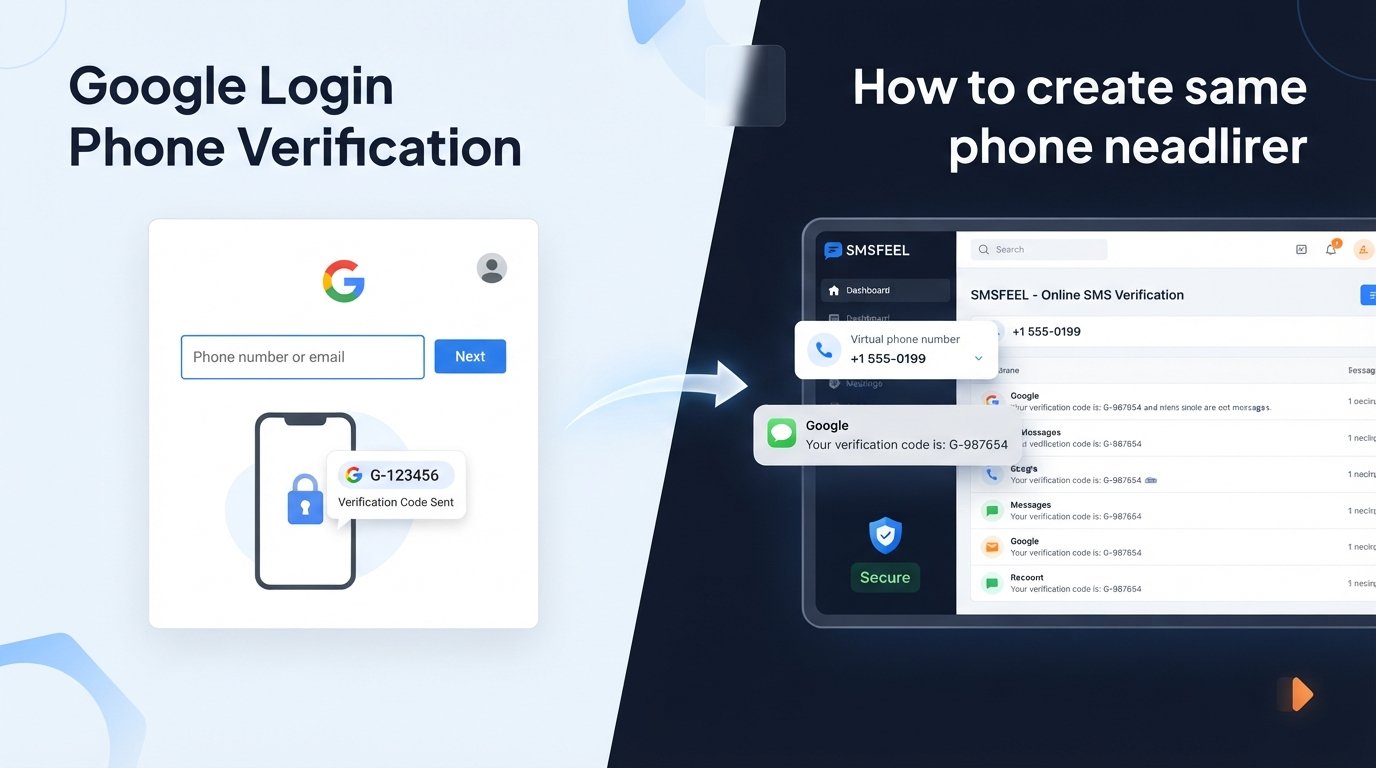
For users who need access to an SMS-enabled number without relying on their everyday mobile number, a service such as SMSFEEL may be relevant. SMSFEEL provides virtual numbers for SMS-based verification and says it supports Google among its listed services, although acceptance ultimately depends on Google's verification system.
Can You Use Google Without a Phone Number?
Sometimes, yes.
Google's official account-creation instructions currently show a phone number as an optional addition during the standard signup process. They also explain that you can create a Google Account using an existing email address rather than creating a new Gmail address.
This means there is a legitimate path to a Google account without a phone number when the signup flow presented to you does not require one.
The important limitation is that Google's signup experience can differ depending on the circumstances of the registration. If Google presents a mandatory phone verification step, you should treat it as a requirement rather than trying to work around it.
In practical terms:
-
If the phone field is optional, you can continue without adding your number.
-
If Google does not request SMS verification, no phone number is needed for that step.
-
If Google requires phone verification, you need an eligible number that Google accepts.
-
A number that works for one Google account or verification attempt is not necessarily accepted in every situation.
So, Google login without phone number is possible in some legitimate signup scenarios, but it is not something Google guarantees for every user or account.
Why Does Google Ask for a Phone Number?
Phone verification can serve several legitimate account-security purposes.
Google's account documentation explains that recovery information can help you regain access if you forget your password or lose access to the account. Google also recommends keeping recovery information updated.
Phone verification may therefore be relevant to:
-
Account security: A phone number can provide another way to confirm access to an account.
-
Recovery: A recovery phone can help when you are locked out or forget account credentials.
-
Verification: Google may use SMS verification to confirm access to a number during certain account or security processes.
-
Abuse prevention: Google limits some verification activity, and its account-support materials document situations where a number cannot be used for verification.
The key point is that the phone-number requirement is controlled by Google. A third-party service cannot decide whether Google will request verification or accept a particular number.
How to Get Google Login Without Phone Number
If your goal is to create a Google Account without providing your personal mobile number, start with the legitimate options Google itself provides.
1. Use the standard Google Account signup flow
Begin with Google's official account-creation process. If the phone-number field is presented as optional, you can proceed without adding one. Google's instructions explicitly include an optional phone-number step in the standard account-creation flow.
Do not rely on tricks designed to manipulate the signup system. The safest approach is simply to follow the options Google presents.
2. Consider using an existing email address
You do not need a Gmail address to create a Google Account. Google allows you to use an existing non-Gmail email address and verify that email during account creation.
This can be useful when you want access to Google services without creating another Gmail inbox.
3. Use legitimate recovery information
If Google allows you to complete registration without a phone number, consider adding a recovery email address that you control. Google recommends keeping recovery information available and updated so you have a way to regain access if something goes wrong.
4. If Google requires SMS, use an eligible number
If Google's verification screen requires a phone number, there is no legitimate way to guarantee that the step can be skipped.
You can use your own SMS-enabled number if you are comfortable doing so. Alternatively, where appropriate, you may consider another legitimate number that belongs to you or that you are authorized to use.
For privacy-conscious users who need an online number, an SMS verification service can also be considered, provided its use is permitted and the number is accepted by the service being verified.
What If Google Requires SMS Verification?
This is where the distinction between avoiding a personal number and bypassing verification matters.
If Google requires SMS verification, you should not attempt to defeat or circumvent its security controls. Instead, choose an authorized verification option.
Depending on your situation, that could mean:
-
Using your own mobile number.
-
Using another legitimate number you are authorized to use.
-
Checking whether Google offers another verification method on the screen.
-
Using a reputable online SMS service when the service and number are appropriate for the verification task.
Not every online number will work. Google controls acceptance, and virtual or temporary numbers can be restricted.
If your main concern is keeping your everyday phone number separate from online registrations, SMSFEEL may be worth exploring. It offers virtual numbers intended for SMS OTP verification and lists Google among its supported services.
That does not mean SMSFEEL can guarantee Google account creation or guarantee that Google will accept every number. It simply provides access to SMS-enabled virtual numbers that may be suitable for supported verification workflows.
How SMSFEEL Can Help With SMS Verification
SMSFEEL is relevant when the problem is not “How do I defeat Google's verification?” but rather “How can I receive an eligible verification SMS without using my everyday personal number?”
According to SMSFEEL's published service information, the platform provides virtual phone numbers for SMS OTP verification across multiple countries and services, including Google. Its service is designed to let users receive supported verification messages through an online interface rather than relying on a physical SIM in their personal phone.
That can be useful for legitimate situations where privacy or separation matters.
Potential advantages include:
-
A separate number: Keep your personal mobile number separate from eligible online verification activity.
-
Online SMS access: Receive supported SMS verification codes through an online service.
-
Flexible number options: SMSFEEL states that it offers virtual numbers across many countries, with availability depending on the service and number supply.
-
Different use periods: SMSFEEL also describes both temporary virtual numbers and longer-term rental numbers.
There is an important limitation: SMSFEEL does not control Google's verification decisions. A virtual number can be available through SMSFEEL while still being rejected by Google. Number availability, prior usage, country requirements, and Google's own systems can all affect the result.
If SMSFEEL fits your legitimate verification needs, you can Explore SMSFEEL and review the available options before choosing a number.
Things to Know Before Using an Online Number
An online phone number is not automatically equivalent to your personal mobile number.
Before using one for Google SMS verification, consider the following:
-
Acceptance varies: Some platforms may reject virtual, temporary, shared, or previously used numbers.
-
Availability changes: A number or country you want may not always be available.
-
Verification rules can change: Google determines its own requirements and acceptance criteria.
-
Number history matters: Some virtual numbers may have been used previously, depending on the provider and number type.
-
Recovery is different: A temporary number may not be suitable for an account you expect to recover through that same number later.
-
Provider terms matter: Use an SMS service in accordance with its rules and the rules of the platform being verified.
For important Google accounts, think beyond the initial signup. Google recommends recovery information because account access can depend on having a reliable way to recover credentials.
Google Account Without Phone Number: Common Problems
Google asks for verification
If Google requires a phone number, there may not be an option to continue without one. Follow the verification options Google presents rather than attempting to circumvent the requirement.
The SMS code does not arrive
Check that the number is SMS-enabled, entered correctly, and available for the intended service. If using an online SMS service, also check its dashboard or message inbox.
Google rejects the number
A number can be rejected even when it is valid and capable of receiving SMS. Google-support discussions document cases involving numbers that have been used too many times or are otherwise not accepted for verification.
If this happens, do not repeatedly cycle through numbers in an attempt to defeat Google's controls. Check Google's official guidance and use a legitimate number or verification method that Google accepts.
Verification attempts are limited
Repeated attempts can create additional problems. If the system indicates that verification cannot continue, stop and follow Google's troubleshooting or account-recovery guidance instead of trying to automate or circumvent the process.
Recovery options are unavailable
A Google Account created without a phone number can still need reliable recovery information. If you have the option, adding a recovery email you control can make account recovery more practical.
Is Using an SMS Verification Service Safe?
There is no universal safety guarantee for every online SMS provider. The right question is whether the service, number type, data practices, and intended use are appropriate for your situation.
Before choosing an SMS receiving service, review:
-
How the provider handles account and transaction information.
-
Whether numbers are temporary, dedicated, shared, or rented.
-
How long you retain access to a number.
-
Whether the service permits your intended use.
-
Whether the platform you are verifying permits that type of number.
-
Whether you need the number again for future account recovery.
SMSFEEL's published terms state that its services are intended for online verification and account registration and prohibit illegal, fraudulent, abusive, or harmful use. Its privacy policy also describes information it may collect for purposes such as account security, payment verification, fraud prevention, and service improvement.
That makes it especially important to use an online SMS service responsibly and to understand what happens to your number after a temporary verification task.
Best Practices for Google Account Security
Avoid focusing only on the signup step. Once you have access to a Google Account, protect it properly.
Use:
-
A strong, unique password that you do not reuse elsewhere.
-
A recovery email address you can access.
-
Two-step verification when appropriate for your account and circumstances.
-
Up-to-date recovery information.
-
Familiar, trusted devices and networks where practical.
-
Google's official account-security and recovery tools when problems occur.
Google specifically recommends recovery information such as a recovery email or phone number to improve the chances of regaining access after a password problem or other account-access issue.
Frequently Asked Questions
1. Can I create a Google account without a phone number?
Yes, it can be possible. Google's account-creation documentation currently shows adding and verifying a phone number as optional in the standard signup process. However, Google may require phone verification in particular situations.
2. Does Google always require phone verification?
No. Google's standard account-creation instructions include an optional phone-number step. However, the verification requirements presented to an individual user can vary.
3. Can I use an online number for Google verification?
An online or virtual number may be usable when Google accepts that number type, but acceptance is not guaranteed. The decision belongs to Google's verification system.
4. What should I do if Google rejects my phone number?
Check the exact message Google provides and follow its official troubleshooting guidance. A rejected number may be unavailable for verification or may have verification-history restrictions.
5. Can SMSFEEL help me receive a Google verification SMS?
SMSFEEL provides virtual numbers for SMS OTP verification and lists Google among its supported services. However, that does not guarantee that Google will accept every available number or that account creation will succeed.
6. Is an online SMS number suitable for account recovery?
Not necessarily. A temporary number may not remain available when you need it later. For an important account, use recovery information that you can reliably access over the long term.
7. What is the safest way to protect a Google account?
Use a strong unique password, keep recovery information updated, enable appropriate additional security controls, and use Google's official recovery and security options.
Final Thoughts
Learning how to get Google login without phone number starts with understanding an important distinction: Google may allow account creation without a phone number, but it can also require phone verification depending on the signup or security situation.
If the phone field is optional, you can follow Google's standard process without adding your personal number. You can also create a Google Account using an existing non-Gmail email address where that option is available.
If Google requires SMS verification, the legitimate approach is to use an eligible number or another verification method that Google provides. Trying to bypass the verification system is neither necessary nor appropriate.
For users who need an SMS-enabled number while keeping their personal number separate, SMSFEEL can be a practical option to investigate. Its virtual-number service is designed for supported SMS verification needs, including services it lists such as Google. Acceptance remains dependent on Google's own verification requirements.
If that matches your situation, check available SMS numbers on SMSFEEL and review the service details before choosing an option.