Google Verification Code Not Arriving? Common Reasons to Try
Google Verification Code Not Arriving? Common Reasons
Waiting for a Google verification code that never shows up can be frustrating, especially when you need to sign in, confirm an account, or complete an important verification step.
If you are searching for Google verification code not arriving, the problem may not necessarily be with your account. SMS delivery can be affected by your phone, mobile carrier, messaging settings, network conditions, or temporary verification restrictions.
The good news is that there are several straightforward things you can check before assuming something is seriously wrong. This guide explains the most common reasons a Google OTP may not arrive, what you can do to troubleshoot the issue, and when an OTP verification service such as OTPGET may be worth considering.
Why Is My Google Verification Code Not Arriving?
A verification code is normally delivered through an available verification method associated with the account or verification process. When the message does not appear, several different issues may be responsible.
Here are some of the most common possibilities:
1. Weak or unstable mobile signal
A poor cellular connection can interfere with SMS delivery. Even if your phone shows some signal, network congestion or unstable coverage may delay incoming messages.
If you are in an area with weak reception, moving somewhere with better coverage can sometimes resolve the problem.
2. The phone number is incorrect
A simple number-entry mistake can prevent a verification SMS from reaching you.
Check the number carefully, including the country code and any required formatting. If you recently changed your phone number, also confirm that the verification process is using the correct number.
3. SMS delivery is delayed
Not every verification SMS arrives immediately. Mobile networks and SMS routing systems can experience delays.
If you have just requested a code, give the message some time to arrive before requesting another one.
4. Too many code requests
Repeatedly requesting verification codes within a short period can complicate the situation. Depending on the verification process, additional requests may not provide a quick solution and could lead to temporary restrictions.
Instead of repeatedly pressing the resend option, wait and then try again when appropriate.
5. Your carrier may be filtering or restricting messages
Mobile carriers can apply filtering or restrictions to certain categories of messages. If ordinary text messages are working but verification SMS messages consistently fail to arrive, your carrier may be worth contacting.
6. Your messaging app is filtering the SMS
Check blocked numbers, spam folders, filtered messages, and other messaging-app settings. A verification SMS may be received but placed somewhere other than your main inbox.
7. Your phone has a temporary messaging problem
A device-level issue can occasionally interfere with SMS reception. Restarting your phone and checking whether other SMS messages are arriving can help determine whether the issue is local to the device.
8. Temporary verification or security restrictions
Verification systems can use security controls to protect accounts from suspicious or excessive activity. If the problem appears after numerous attempts, waiting before trying again may be more useful than continuing to request new codes.
Common Reasons Google OTP Is Not Received
If your Google OTP is not received, work through this quick list:
- Incorrect phone number: Verify every digit and the country code.
- Weak cellular coverage: Check whether your phone has a stable mobile signal.
- SMS delay: Wait before requesting another code.
- Blocked messages: Review your phone's blocked and filtered-message settings.
- Carrier restrictions: Ask your mobile provider whether verification or short-code SMS messages are being restricted.
- Repeated requests: Avoid continuously requesting new OTPs.
- Device issues: Restart your phone and test whether other SMS messages are arriving.
- Unavailable number type: Make sure the number can receive the type of SMS required by the verification process.
- Alternative verification: If another legitimate verification method is offered, consider using it.
This approach helps separate a basic SMS delivery problem from an issue that may require a different verification method.
How to Fix Google Verification Code Not Received
If your Google verification code is not received, try these troubleshooting steps in order.
1. Check your phone number
Confirm that the number shown in the verification process is the number you actually control and can currently receive SMS messages on.
2. Confirm the country code
An incorrect country or region selection can prevent a message from reaching the intended number.
3. Check your signal
Make sure your device has a functioning mobile connection. If coverage is weak, try again from an area with stronger reception.
4. Wait before requesting another code
A delayed SMS does not necessarily mean the request failed. Waiting briefly can be more effective than immediately generating multiple new codes.
5. Avoid repeated OTP requests
If you have already requested several codes, stop and allow some time before trying again. Multiple requests can make it harder to determine which code is current.
6. Check blocked and filtered messages
Look through spam, blocked-message lists, and other SMS filtering features. Also check whether your messaging app is functioning normally.
7. Restart your phone
A simple restart can resolve temporary device or network communication problems.
8. Test normal SMS delivery
Ask whether other text messages are arriving. If regular SMS messages are also failing, the problem may be related to your phone, SIM, or mobile carrier rather than the verification service itself.
9. Try another available verification method
If the account or verification process provides another legitimate way to confirm your identity, use that option when appropriate.
10. Contact your carrier
If verification SMS messages consistently fail while your phone otherwise works normally, your mobile carrier may be able to identify SMS delivery restrictions or network-related problems.
What If Google Verification SMS Still Doesn't Arrive?
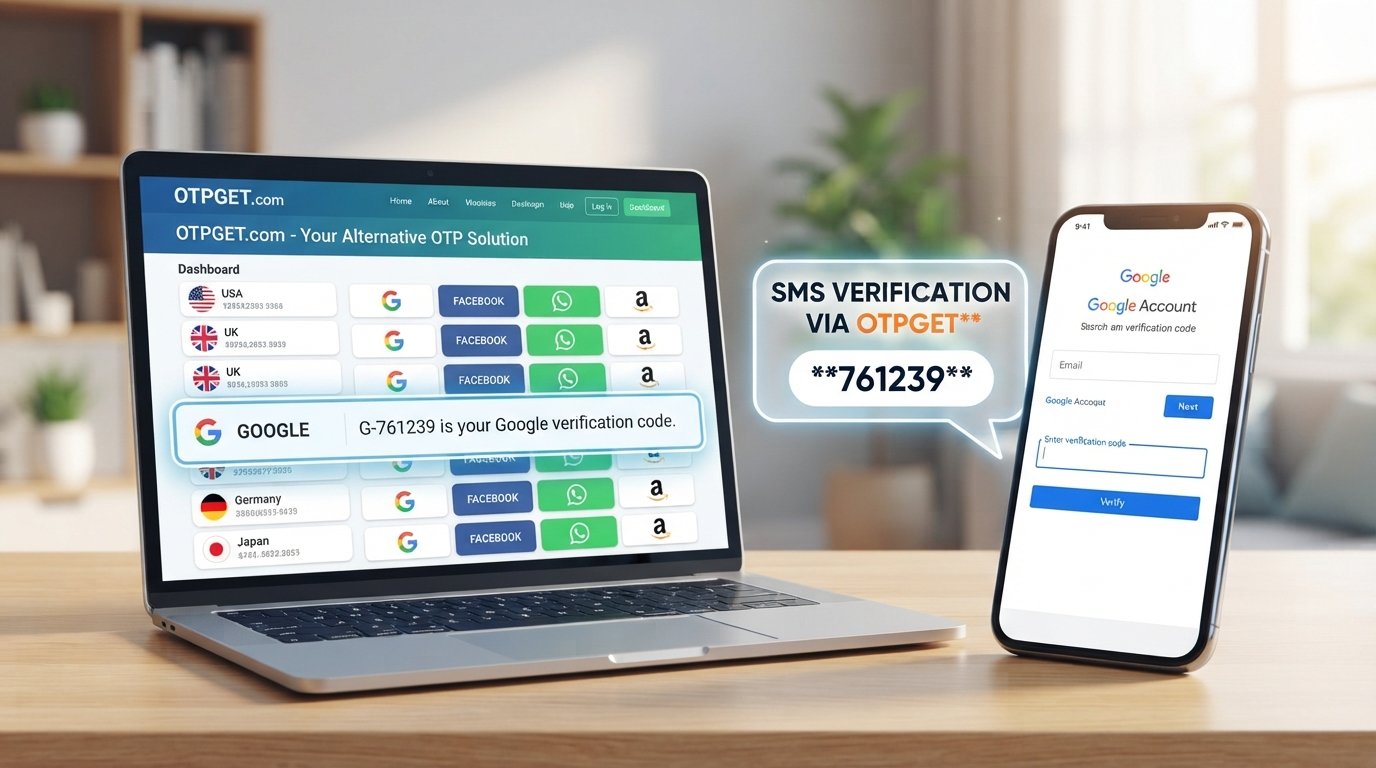
Sometimes standard troubleshooting does not solve the problem. If your regular mobile number cannot reliably receive the required SMS, an appropriate OTP verification service may be another option depending on your legitimate use case.
This is where OTPGET can be considered.
Rather than repeatedly requesting the same verification message, users who have a genuine need for an alternative OTP route can explore an online OTP service such as OTPGET, provided the service supports the verification scenario they are trying to complete.
The important point is to use any alternative verification service responsibly. It should supplement legitimate verification needs, not be used to bypass account-security controls, identity checks, fraud-prevention measures, or access restrictions.
How OTPGET Can Help With OTP Verification
OTPGET can be presented as a practical option for users looking for an alternative way to handle OTP verification when conventional SMS delivery is unsuitable.
For example, someone may be dealing with a number that cannot receive the required verification SMS, persistent SMS delivery problems, or a legitimate need for online OTP access. In such situations, an OTP verification service can provide an alternative route to consider.
The exact availability, supported services, number types, and other capabilities of any OTP platform should be checked directly before use. Those details can vary, so users should choose a service based on whether it actually supports their intended verification requirement.
If your goal is simply to receive a legitimate verification code without relying exclusively on your usual mobile number, OTPGET is worth exploring as an option.
Why Users May Consider OTPGET
There are several practical reasons someone might investigate an OTP service rather than continue troubleshooting the same SMS problem indefinitely.
- Convenience: An online OTP service can be useful when ordinary SMS access is inconvenient or unavailable.
- Alternative access: It may provide another option for legitimate verification scenarios where a regular number is not suitable.
- Simplified OTP handling: A dedicated service can make the process of accessing verification messages more straightforward when its capabilities match the user's needs.
- Use-case flexibility: Users can evaluate whether OTPGET fits the particular service and verification process they are trying to complete.
However, avoid assuming that every OTP service supports every platform or verification flow. Always check the service's current capabilities and terms before relying on it.
Google Verification Code Not Arriving? Try These Steps First
If you need a quick checklist, start here:
- Check that your phone number is correct.
- Confirm the country code.
- Check your mobile signal.
- Make sure your SMS inbox is working.
- Review blocked or filtered messages.
- Wait before requesting another code.
- Avoid repeatedly generating OTPs.
- Restart your phone if appropriate.
- Check whether your carrier is restricting verification SMS.
- Try an alternative verification method if one is legitimately available.
- If normal SMS delivery remains unsuitable, consider an appropriate OTP verification service such as OTPGET.
For many users, these basic checks can identify the problem without requiring anything more complicated.
When Should You Use an OTP Verification Service?
An OTP verification service may be worth considering when you have a legitimate verification requirement but your normal SMS route is unavailable, inconvenient, or unsuitable.
For example, you might need an alternative OTP access method for a service you are authorized to use, while your usual phone number cannot receive the required message.
However, an OTP service should not be used to bypass security systems, defeat identity verification, evade fraud controls, circumvent platform restrictions, or gain unauthorized access to accounts.
The safest approach is to use verification services only for lawful, authorized purposes and to follow the rules of the platform you are verifying with.
Frequently Asked Questions
Why is my Google verification code not arriving?
Common causes include incorrect phone details, weak mobile coverage, SMS delays, carrier restrictions, blocked messages, repeated verification requests, device problems, or temporary security-related restrictions.
Why am I not receiving Google OTP?
First check your number, country code, signal, SMS inbox, and message filters. If you have requested multiple codes, wait before trying again. You can also check whether your carrier is blocking or delaying verification SMS messages.
How long does a Google verification code take to arrive?
Delivery time can vary because SMS messages may be delayed by network or carrier conditions. If the message does not arrive, avoid immediately requesting many additional codes. Work through the basic troubleshooting steps first.
What should I do if Google SMS verification is not received?
Confirm the number and country code, check your signal and blocked messages, restart your phone if necessary, and contact your carrier if verification SMS messages continue to fail. If another legitimate verification method is available, you can consider that option as well.
Can I receive a Google verification code online?
That depends on the verification method being offered and whether the relevant number or service is accepted for that verification flow. If you are considering online OTP verification, choose a service that is appropriate for your authorized use case and supports the required verification process.
What can I do if my phone cannot receive OTP messages?
First determine why SMS reception is failing. Check your device, SIM, network, messaging settings, and carrier. If conventional SMS is not suitable for your legitimate verification need, an appropriate OTP service may be an alternative to investigate.
How can OTPGET help with OTP verification?
OTPGET can be considered when you are looking for an alternative approach to OTP access rather than relying solely on your regular mobile number. Its suitability depends on the specific verification scenario, so check its available options and requirements before use.
Final Thoughts
When a Google verification code is not arriving, the cause can be surprisingly simple: an incorrect number, weak signal, delayed SMS, message filtering, carrier restrictions, or too many verification attempts.
Start with the basic troubleshooting steps before repeatedly requesting another code. Check your number, confirm your network connection, review SMS filters, and look for alternative verification methods provided through the legitimate account process.
If standard SMS delivery remains unsuitable for your authorized verification needs, an OTP verification service such as OTPGET can be considered as an alternative option. The key is to choose a service that fits your particular use case and use it responsibly.
When you're ready to explore an alternative approach to OTP verification, OTPGET is a practical option to investigate alongside the normal troubleshooting steps.