Google Verification Code Using a Virtual Number: OTPGET Guide
How to Get a Google Verification Code Using a Virtual Number
Introduction
Phone verification is a common part of creating, securing, or accessing online accounts. When Google asks for a phone number, it may send a one-time verification code by SMS before allowing you to continue.
For users who prefer not to use their personal number for every online service, a virtual phone number can be a practical alternative when the relevant service accepts it. Instead of relying on a physical SIM card, the number can receive supported SMS messages through an online platform.
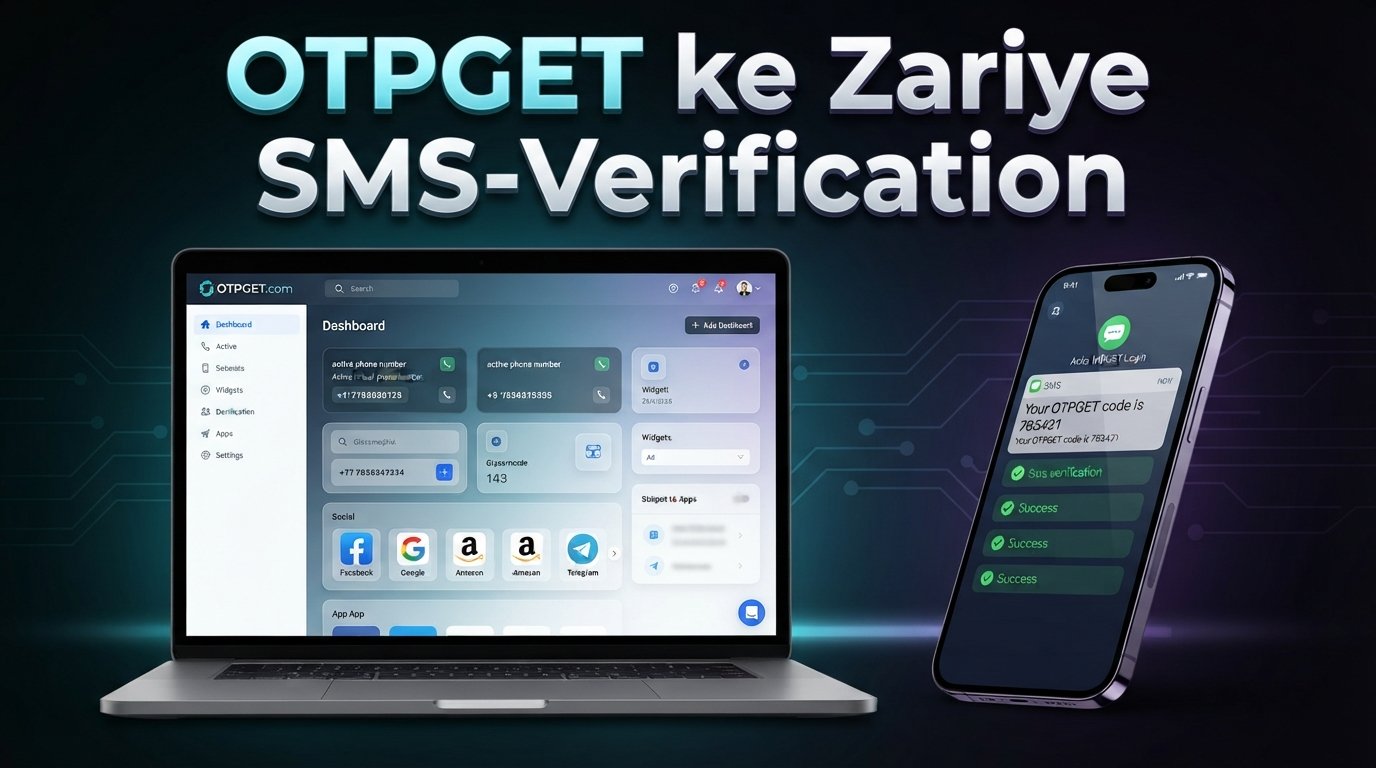
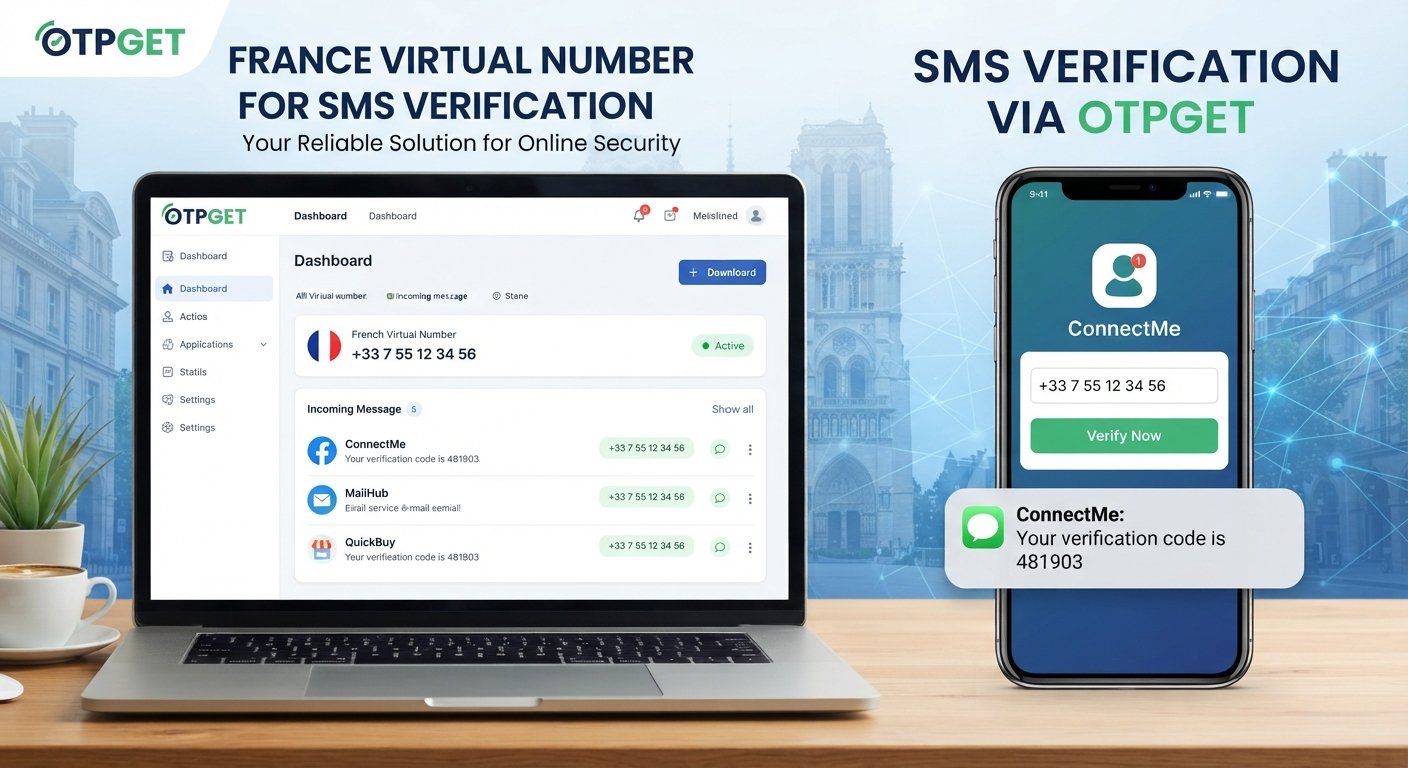
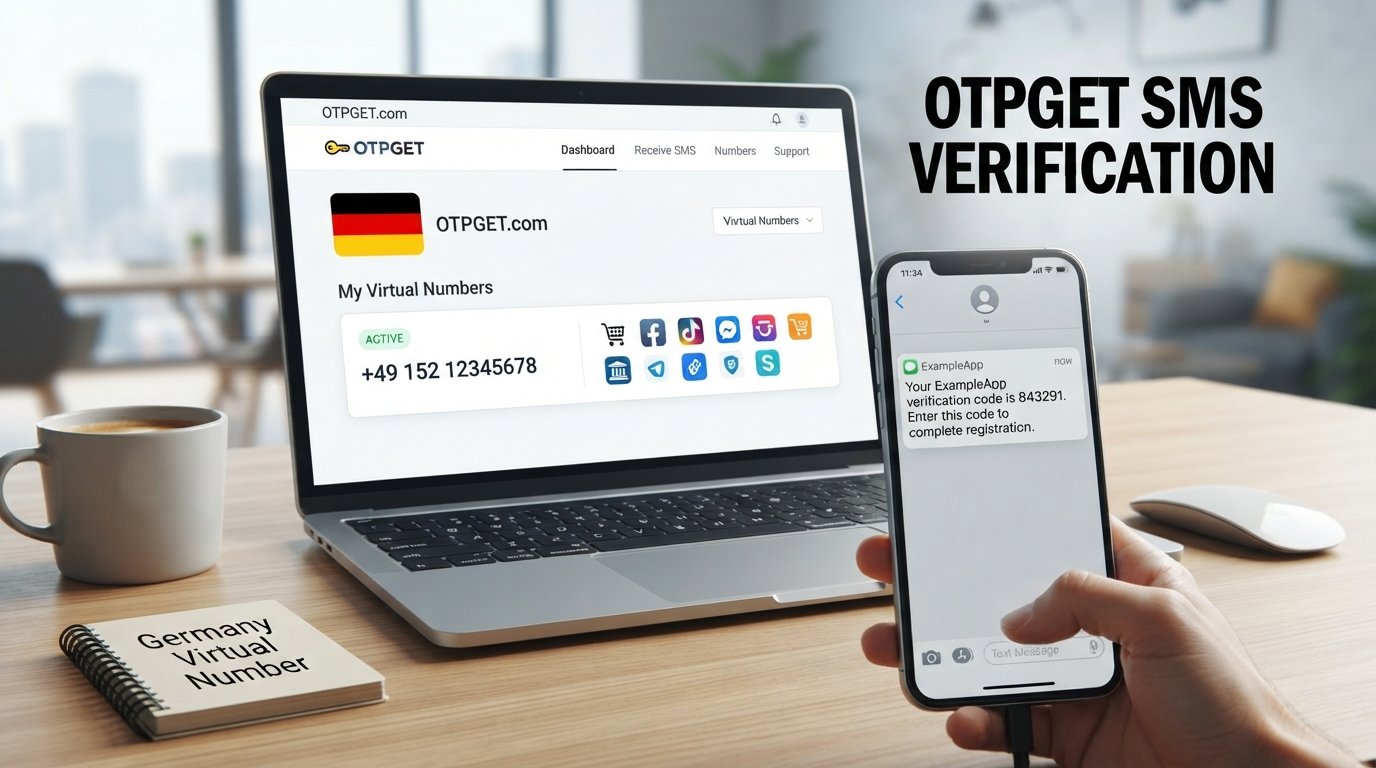
One option worth exploring is OTPGET, a virtual-number service that provides numbers for SMS OTP verification. Its website states that it supports virtual numbers for a range of services, including Google, while its documentation describes workflows for requesting numbers and checking received SMS.
However, compatibility is important. A virtual number does not guarantee that every Google verification request will accept it or that every SMS will be delivered. Users should always follow Google's verification requirements and the applicable terms of the service.
What Is a Google Verification Code?
A Google verification code is a temporary code sent to a phone number or another approved verification method to confirm access or help verify an account.
When SMS verification is available, the general process looks like this:
-
Google asks for a phone number.
-
You enter an eligible number.
-
Google sends a verification SMS.
-
The SMS contains a temporary code.
-
You enter that code into the verification field.
The code is intended for the person completing the verification process. Never share a Google verification code with strangers, even if someone claims to be helping with your account.
It is also important to use verification methods only for legitimate purposes. A virtual number should not be used to circumvent Google's security controls, account restrictions, or verification requirements.
What Is a Virtual Number?
A virtual number is a telephone number that can operate through an online service rather than being tied directly to a physical SIM card in your phone.
Depending on the provider, a virtual phone number may be capable of receiving SMS messages through a web dashboard or another online interface. OTPGET, for example, documents a process for requesting numbers and checking the status of incoming SMS messages.
Unlike a conventional personal mobile number, an online number may be used for specific verification or communication workflows without requiring another physical SIM.
Common legitimate uses include:
-
Separating personal and online communications
-
Protecting a personal number from unnecessary exposure
-
Testing applications and services where permitted
-
Managing business-related workflows
-
Receiving SMS verification messages when the service supports the number type
Virtual numbers can have limitations, though. Some services restrict VoIP or temporary numbers, some numbers may be shared or temporary, and availability can change.
Why Use a Virtual Number for Verification?
There are several reasonable situations in which someone may consider using a virtual number for verification.
Privacy-conscious communication: You may not want to provide your everyday mobile number to every website or online service.
Separation of communications: A separate number can help distinguish personal messages from online registrations or business workflows.
Testing and development: Developers and QA teams may need phone numbers for legitimate testing where the applicable service permits this type of use.
Online workflows: A virtual number can be convenient when you need to receive SMS without obtaining another physical SIM.
The key point is that a virtual number is a convenience and privacy option—not a guaranteed method for bypassing verification requirements.
How to Get a Google Verification Code Using OTPGET
If you want to try a Google verification code using a virtual number, OTPGET provides a straightforward workflow for supported SMS verification use cases. Its platform describes virtual numbers for OTP verification, while its documentation explains how numbers can be requested and how SMS status can be checked.
The exact interface and available numbers can change, so follow the instructions displayed by OTPGET when completing each step.
1. Visit OTPGET
Start by visiting the OTPGET platform and reviewing the available virtual-number options.
2. Choose an appropriate virtual number or service
Look for an available number that is suitable for the verification service you intend to use. If OTPGET provides a service-specific selection, choose the relevant option.
Availability can depend on country, number type, service, and current inventory.
3. Select the country or available number option
If country selection is offered, choose an appropriate country and review the information presented before obtaining the number.
Do not assume that a particular country or number type will be accepted by Google.
4. Enter the virtual number in Google's verification field
When Google asks for a phone number during a legitimate verification process, enter the virtual number provided by OTPGET.
Check the number carefully before submitting it.
5. Request the verification code
Continue through Google's normal verification flow and request the SMS code.
At this point, Google determines whether the number can be used for that particular verification request.
6. Wait for the SMS
If the number and verification request are supported, the SMS may appear through the applicable OTPGET interface.
OTPGET's documentation describes checking SMS status for an activation and retrieving received messages for rented numbers.
7. Check the OTPGET message area
Look for the incoming verification SMS and identify the temporary code.
Only use the code for the verification process you initiated.
8. Enter the code into Google
Copy the received verification code into Google's verification field and continue.
9. Complete the verification process
If Google accepts the number and code, continue with the remaining account or verification steps.
If the number is rejected or the SMS does not arrive, do not attempt to bypass the verification system. Instead, use another permitted verification method or follow Google's instructions.
How OTPGET Helps With Online SMS Verification
OTPGET is designed around virtual numbers and SMS OTP workflows. Its platform advertises virtual numbers across multiple countries and services, while its technical documentation provides methods for requesting numbers and retrieving SMS.
For a user, the practical value is simple: instead of needing a physical SIM for every verification workflow, an available virtual number can provide an online destination for supported SMS messages.
This can be useful when:
-
You want to keep your personal number separate.
-
You need an online number for a permitted verification workflow.
-
You are testing a service that supports virtual numbers.
-
You need to receive an SMS through an online interface.
OTPGET's own terms also state that its services should not be used for illegal, fraudulent, abusive, or harmful activities.
How to Receive a Google OTP Online
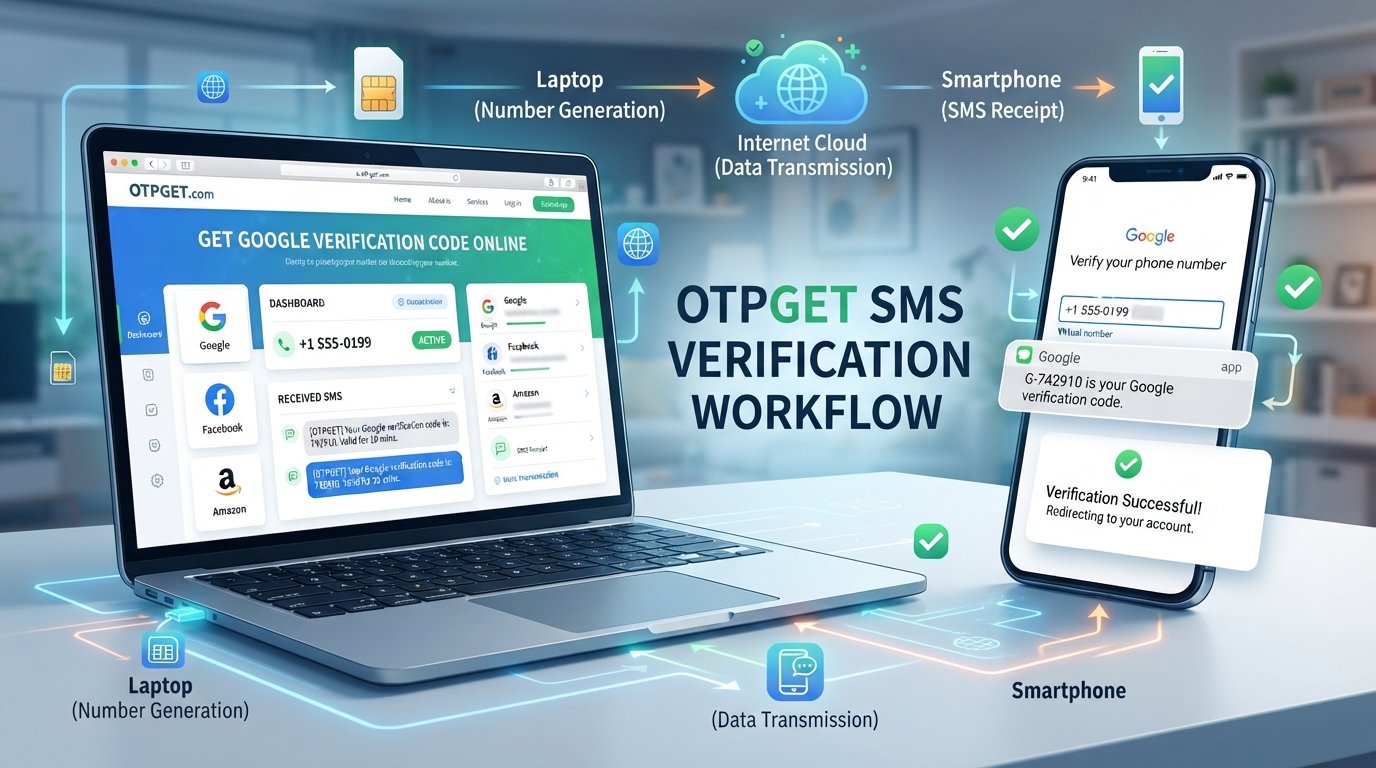
The basic relationship between the different parts of the process is easy to understand:
Google verification request → virtual phone number → incoming SMS → OTP code → verification field
A virtual number acts as the destination for the SMS. If Google sends the message and the number supports that service, the SMS can then be viewed through the virtual-number provider.
This is essentially online SMS verification. The important limitation is that the receiving service does not control Google's acceptance rules. Google may restrict certain numbers or require a different verification method.
For that reason, treat receiving a Google OTP online as a supported workflow rather than a guaranteed solution.
What If the Google Verification Code Does Not Arrive?
An undelivered Google verification code does not necessarily mean something is wrong with your account. Several factors can affect SMS verification.
Possible reasons include:
-
The selected virtual number does not support the requested service.
-
SMS delivery is delayed.
-
The number has already been used or is unavailable for the request.
-
Google does not accept that particular type of number.
-
The verification request has expired.
-
The phone number was entered incorrectly.
-
There is a temporary service or network issue.
Try these practical steps:
-
Check the number carefully. Make sure the correct number and country format were entered.
-
Wait briefly. SMS delivery can sometimes take time.
-
Check the OTPGET interface again. Look for a newly received message or updated activation status.
-
Review the verification request. An expired request may require you to restart the normal process.
-
Try an eligible alternative. If Google does not accept the virtual number, use another verification method that Google provides.
-
Follow Google's instructions. Do not attempt to circumvent restrictions simply because a number was rejected.
If a particular virtual number is incompatible, obtaining another number does not guarantee that the next one will work. Compatibility depends on the verification service and the number itself.
Virtual Number vs. Personal Phone Number for Verification
| Factor | Virtual Number | Personal Phone Number |
|---|---|---|
| Privacy | Can help keep a personal number separate | Directly exposes your everyday number |
| Convenience | Accessible through an online service | Usually available directly on your phone |
| Accessibility | Depends on provider and number availability | Generally available wherever your mobile service works |
| Long-term ownership | May be temporary or rented | Usually tied to your personal mobile account |
| Service compatibility | Some services may restrict it | Generally more broadly accepted |
| SMS availability | Depends on number and service support | Usually available through the mobile carrier |
| Typical use cases | Online verification, testing, separation of communications | Personal accounts and long-term account recovery |
Neither option is universally appropriate. The right choice depends on what the service permits and whether you need a temporary or long-term number.
Important Things to Know Before Using a Virtual Number
Before using a virtual number for a Google verification code, keep these points in mind:
Not every service accepts virtual numbers
A service may distinguish between mobile, landline, VoIP, temporary, and other number types. Acceptance can also vary between individual verification requests.
Some numbers are temporary
If you need a number for long-term account recovery, a temporary number may not be appropriate. Losing access to a number later can make account recovery more difficult.
Number availability can change
Virtual-number inventory changes over time. A country or service that is available at one point may have limited availability later.
SMS delivery is not guaranteed
A virtual-number provider can provide an SMS-capable number, but the sending platform ultimately controls whether it sends the message and accepts the number.
Check the applicable terms
Use a virtual number only where permitted by Google's requirements and the terms of the service you are verifying.
Protect your verification codes
Treat OTPs like passwords. Do not forward them, publish them, or give them to people who contact you unexpectedly.
Frequently Asked Questions
Can I receive a Google verification code on a virtual number?
Potentially, yes, if the virtual number is supported for the particular Google verification request. Google may reject certain number types, so compatibility is not guaranteed.
How do I get a Google OTP online?
A typical process is to obtain an eligible virtual number, enter it into Google's verification field, request the SMS, and retrieve the incoming code through the virtual-number provider.
Can OTPGET receive Google verification SMS?
OTPGET advertises support for Google among its supported verification services. However, acceptance and delivery can depend on the specific number, service, and verification request.
Why is my Google verification code not arriving?
The number may not support the service, delivery may be delayed, the request may have expired, or Google may not accept that number. Check the number details, wait for delivery, and follow Google's normal verification instructions.
Are virtual numbers accepted by Google?
Some virtual numbers may be accepted for particular verification requests, while others may not. Google controls its own verification requirements, so a virtual number should never be considered universally compatible.
Is a virtual number the same as a temporary phone number?
Not necessarily. A virtual number describes how the number is provided or operated, while a temporary number generally refers to a number intended for limited or short-term use. Some virtual numbers can be rented for longer periods.
Can I use a virtual number for SMS verification?
Yes, virtual numbers are commonly used for SMS verification where the relevant service permits them. The number must still be compatible with the platform sending the verification message.
What should I do if Google does not accept my virtual number?
Follow Google's provided verification options rather than trying to bypass the restriction. If you need a virtual number for another permitted workflow, you can also review OTPGET's currently available options and check whether a suitable number is supported.
Final Thoughts
A Google verification code using a virtual number can be useful when you want to separate your personal phone number from an online verification workflow and the relevant service supports virtual numbers.
The process is straightforward: obtain an appropriate number, enter it into the legitimate Google verification flow, wait for the SMS, retrieve the OTP through the virtual-number service, and enter the code.
OTPGET offers virtual numbers and SMS OTP functionality that can be explored for this type of use case. Its documented tools include number requests and SMS retrieval, but compatibility ultimately depends on Google's verification requirements and the particular number available.
If you need to receive SMS online, explore OTPGET and review the available virtual-number options before choosing one. Select a number that fits your intended use, and always follow Google's applicable verification requirements and the service's terms.