Need a Google Code? Get a Verification Number on OTPGet Online
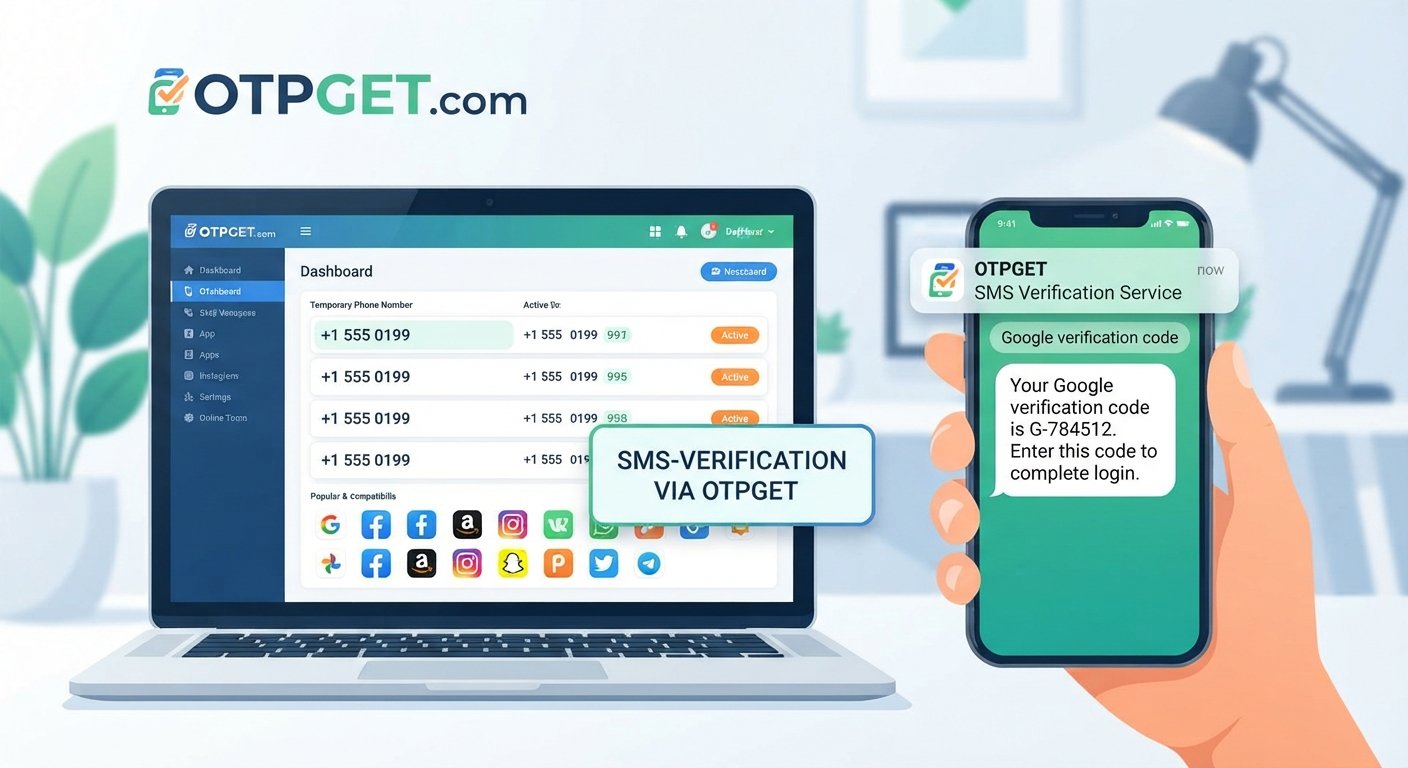
Need a Google Code? Get a Number on OTPGet
Getting asked for a Google verification code can be a simple step—or an annoying roadblock when you do not have the right phone number available.
Whether you are creating an account, confirming a phone number, or completing a security check, Google may ask you to receive an SMS containing a one-time verification code. For many users, the challenge is not understanding the code itself. It is finding a suitable number that can receive the required message.
That is where an online verification number can be useful. OTPGET offers a practical option for people looking for a number to receive an OTP, while keeping in mind that Google ultimately decides whether a particular number is accepted for its verification process.
This guide explains what Google verification codes are, why receiving them can sometimes be difficult, how temporary or online numbers work, and how OTPGET can fit into the process.
Why Do You Need a Google Verification Code?
A Google verification code is generally a short, one-time password sent by SMS when Google needs to confirm that a phone number is accessible to you.
Verification can be requested for several reasons, including:
- Account security: Google may use phone verification as an additional security measure.
- Identity or account verification: Some account activities may require confirmation through a phone number.
- Suspicious activity checks: Additional verification may appear when activity needs extra confirmation.
- Phone number confirmation: Google may ask you to prove that you can receive messages at the number provided.
- SMS-based authentication: A verification code may be sent before you can continue with a particular process.
The exact verification requirements can vary depending on Google's systems, the account, and the action being performed.
If the process requires an SMS, you need access to a number capable of receiving that message.
Why Getting a Verification Number Can Be Difficult
Using your personal phone number is not always the preferred option.
You may want to keep your primary number separate from online registrations, or you may simply not have access to a suitable number when the verification request appears. In other cases, SMS delivery can be inconsistent because of carrier, network, or service-related issues.
Common concerns include:
- Wanting to keep a personal number private
- Not having a second phone number available
- Needing a separate number for a particular verification process
- Experiencing delays when trying to receive an SMS
- Looking for an online number instead of another physical SIM
These situations explain why searches such as “need a Google code,” “phone number for Google verification,” and “receive Google verification code” are common.
However, a verification number should be used responsibly. It should not be treated as a way to bypass Google's security controls or requirements.
What Is a Temporary or Online Phone Number?
An online phone number is a number that can be accessed through an internet-based service rather than being tied directly to your everyday mobile SIM.
Depending on the service and number, it may be capable of receiving SMS messages online. A temporary number is generally intended for a limited or specific purpose rather than serving as your permanent personal number.
For example, a user might need a temporary phone number for OTP verification when a website asks for an SMS code. If the platform accepts the number and the service supports incoming messages, the verification SMS can potentially be viewed through the relevant online service.
There is an important distinction, though: not every online number works with every platform. Some services restrict certain types of numbers, and Google controls which numbers it accepts for a particular verification request.
That is why it is better to view an online verification number as a practical option—not as a guaranteed method for every situation.
How OTPGET Can Help You Get a Number for Verification
If you need a number to receive an OTP, OTPGET can be a practical place to explore an online number option.
The basic process is straightforward:
- Visit OTPGET.
- Choose a suitable available number or service option based on the verification you need to complete.
- Enter the number in the relevant verification field when the platform requests one.
- Request the verification SMS or OTP.
- Check for the incoming message through the applicable OTPGET service interface.
- Enter the received code into the verification screen.
The important point is that OTPGET can provide the number option, while the platform requesting verification remains responsible for deciding whether that number is accepted.
Before using any number, make sure the intended verification process permits that type of number and that you understand any account recovery implications.
Benefits of Using OTPGET for Verification
For users who need an additional number, an online verification service can solve a very practical problem.
Using OTPGET may be useful when you want to:
- Keep a personal mobile number separate from a verification process
- Access an online number rather than obtain another physical SIM
- Receive an SMS verification code through an online service
- Use a separate number for a specific verification requirement
- Avoid relying exclusively on your everyday phone number
The biggest advantage is convenience. Instead of immediately purchasing another SIM or using your primary number for every verification request, an online number can provide another option where the relevant platform permits it.
At the same time, it is important not to assume that every Google verification request will accept every available number. Acceptance is controlled by Google and can depend on the specific circumstances.
How to Receive a Google Verification Code
If you are new to SMS verification, the process can look more complicated than it actually is.
Here is a beginner-friendly walkthrough.
1. Choose a suitable number
Start by selecting an appropriate online or temporary number through OTPGET. Make sure it is suitable for the verification process you intend to complete.
2. Enter the number
When Google asks for a verification phone number, enter the selected number carefully. Check the country or area format if one is required.
3. Request the code
Continue with Google's verification process and request the SMS code. Google determines whether the number can be used for that request.
4. Wait for the SMS
If the number is accepted and the message is successfully delivered, the verification SMS should become available through the applicable receiving service.
5. Retrieve the OTP
Locate the message and identify the verification code. Avoid sharing a verification code with another person.
6. Enter the code
Return to Google's verification screen and enter the OTP exactly as shown.
If the SMS does not arrive, do not repeatedly request codes without checking the circumstances first. Delivery can sometimes be delayed, and repeated requests may create additional verification friction.
Is Using a Temporary Number Safe for Verification?
There is no universal answer.
A temporary or online phone number can be useful for certain verification situations, but it is important to consider privacy, ownership, account recovery, and the rules of the platform involved.
For example, a number that is suitable for receiving a one-time SMS may not be appropriate for an account you expect to maintain for a long time.
Before using an online verification number, consider:
- Account recovery: Will you need the same number later?
- Number ownership: Do you have reliable access to the number after the verification?
- Privacy: What information is visible through the service?
- Platform restrictions: Does the service you are verifying with permit the number?
- Long-term access: Could losing access to the number make future account recovery difficult?
These questions matter particularly for important Google accounts. Verification should support account security, not create a new recovery problem.
When Should You Use a Personal Number Instead?
An online number is not always the best choice.
For an important Google account that you expect to use for years, a personal or long-term number may be more appropriate, particularly if that number is part of your recovery setup.
A personal number can make sense when:
- The account is highly important to you
- You expect to need SMS recovery later
- You want a stable, long-term verification method
- Google specifically requires or recommends a number you control long term
Think about the purpose of the account before choosing a verification method. Convenience is useful, but long-term access and account recovery deserve equal attention.
Why Choose OTPGET?
If your immediate need is simple—you need a number to receive a verification code—OTPGET can be a practical option to consider.
It gives users a way to explore an online number rather than automatically relying on their personal phone number. For people looking for terms such as Google verification number, online verification number, or number for OTP verification, that can make the search for a suitable solution easier.
The key is to use OTPGET within the requirements of the platform you are verifying with.
OTPGET does not control Google's verification decisions, so users should always follow Google's instructions and understand that acceptance can vary.
Used with that expectation, OTPGET can be a convenient option for users who need access to an online number for an SMS-based verification process.
Frequently Asked Questions
How can I get a Google verification code?
When Google requests phone verification, enter an eligible phone number and request the SMS. If the number is accepted, Google can send a one-time verification code to it. You then enter that code into the relevant verification field.
Can I use an online number for Google verification?
An online number may be usable where Google accepts that type of number, but acceptance is not universal. Google controls its verification requirements, so an online number should not be viewed as a guaranteed solution.
What is a temporary phone number?
A temporary phone number is an online-accessible number generally used for a limited or specific purpose. Depending on the service, it may be capable of receiving SMS messages such as verification codes.
Can I receive a Google OTP online?
If Google sends the verification SMS to a number that supports online SMS reception, the code may be available through the service providing access to that number. The number must first be accepted for the particular verification request.
How does OTPGET help with verification?
OTPGET can be an option for users who need an online number to receive an OTP. The user selects an appropriate number where available, enters it into the relevant verification process, and checks for the incoming SMS.
Why might a verification SMS not arrive?
Possible reasons include an unsupported number, delivery delays, network or service issues, an incorrect number format, or restrictions imposed by the platform. Check the number and verification instructions before trying again.
Should I use a temporary number for an important Google account?
For an important account that you may need to recover later, a personal or long-term number can be the safer choice. Consider whether you will retain access to the temporary number before using it for an important account.
Conclusion
Needing a Google verification code does not have to mean immediately giving up your personal phone number. An online number can be a useful option when you need to receive an SMS for a specific verification process and the platform permits that type of number.
OTPGET provides a practical option for users searching for a number to receive an OTP online. The process is simple to understand: choose a suitable number, enter it where verification is requested, check for the incoming SMS, and use the received code as instructed.
Just remember that Google controls its own verification requirements and acceptance decisions. No third-party number service should be treated as a guarantee of successful verification.
If you need an online number for a legitimate SMS verification task, explore OTPGET and see whether it fits your particular verification needs.


