How to Check If Your Phone Number Was Leaked in a Data Breach
Phone number data breach check is a simple safety step that many people skip until they start getting strange calls or verification codes they did not request. Your number may be exposed in a leak without you knowing. This guide explains how to check and what to do next.
Direct answer: Check if your number was leaked by searching reputable breach-notification services, reviewing your email and phone for alerts, and watching for signs like unexpected OTP messages or spam calls. If it was leaked, change passwords, enable two-factor authentication, and consider a separate number for verification.
Why phone numbers end up in breaches
Phone numbers are collected by apps, delivery services, social networks, and marketing platforms. When one of those services is breached, the data can appear in public or private leak databases. Numbers are valuable because they support account recovery and are used for verification.
How to check your number
- Use breach-notification services. Reputable services let you search for your email or phone number and show known breaches.
- Check your email for breach alerts. Many services notify users after a breach.
- Review your phone for unusual messages. Unexpected OTPs are a sign that someone is trying your number.
- Watch for spam calls and texts. A sudden increase suggests your number is circulating.
- Check account recovery attempts. Notifications about password resets you did not request are a red flag.
Signs your number is exposed
- You receive OTPs you did not request
- Spam calls increase suddenly
- You get password reset messages for accounts you use
- Unknown accounts are linked to your number
- You receive messages for someone else
What to do if your number leaked
- Change passwords on accounts linked to the number.
- Enable two-factor authentication using an authenticator app where possible.
- Review account activity for unauthorized logins.
- Update recovery methods and remove the exposed number where it is not needed.
- Use a separate number for verification to limit future exposure.
- Report and block spam callers and senders.
Limiting future exposure
The fewer places your personal number appears, the lower the risk. Use a dedicated number for online sign-ups and verification, skip optional phone fields, and avoid sharing your number publicly. A virtual number keeps your main line out of databases that may be breached later.
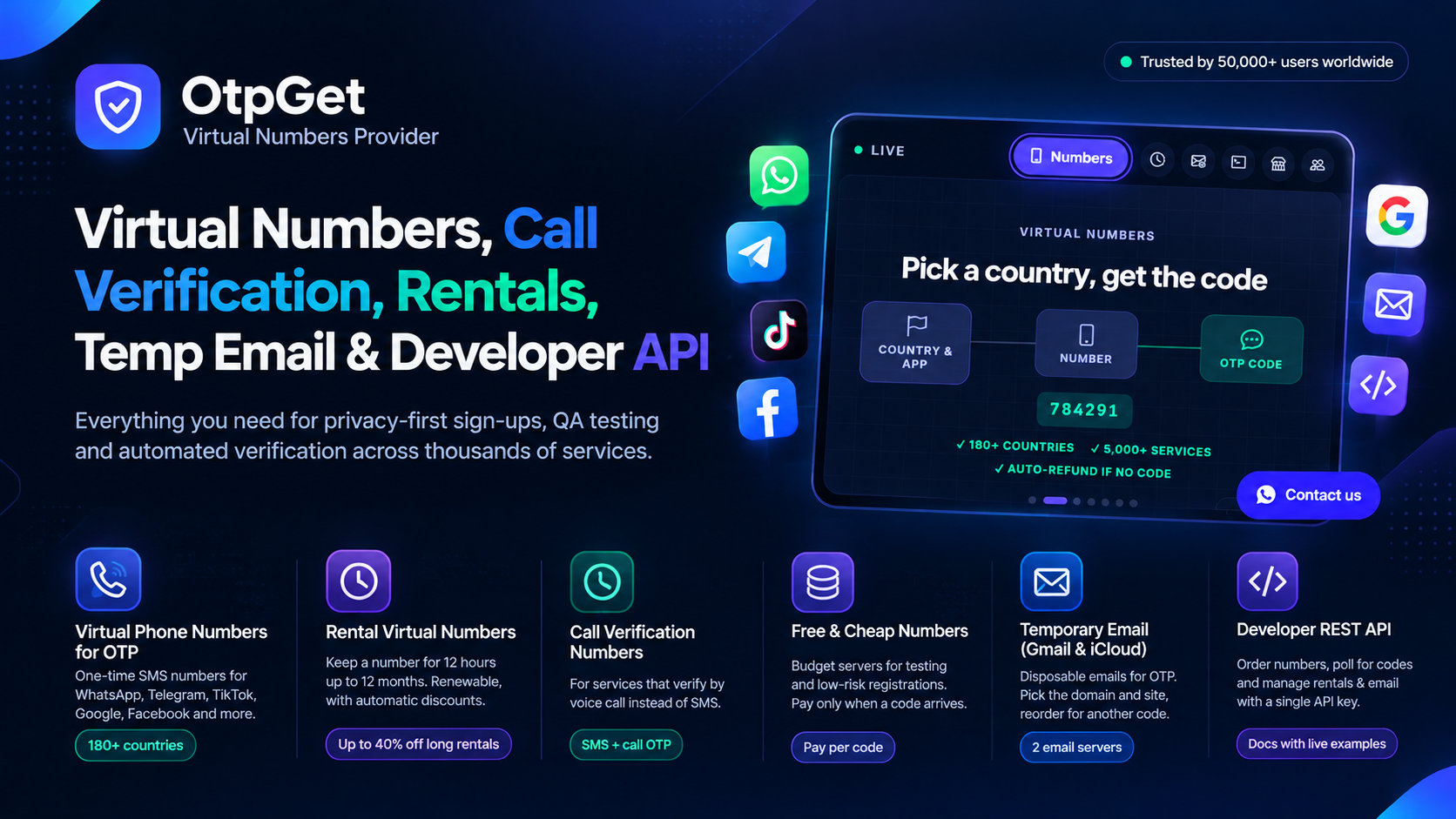
You can get a virtual number from OtpGet for verification and keep your personal number private.
Frequently Asked Questions
How can I check if my phone number was leaked?
Use reputable breach-notification services, check your email for alerts, and watch for unexpected OTPs or spam calls.
What can someone do with my leaked number?
They can send spam, attempt account recovery, and try phishing. They cannot access your accounts without additional information or codes.
Should I change my number after a breach?
Not always. Change passwords, enable two-factor authentication, and limit where the number is used. Change the number if abuse continues.
Do virtual numbers get leaked too?
Any number can appear in a breach, but a dedicated number for verification limits what is exposed and keeps your personal line separate.
Conclusion
A phone number data breach check is quick and worth repeating. Search for leaks, watch for unusual OTPs, and tighten your account security. If your number is exposed, separate verification from your personal line. Create an OtpGet account and protect your number going forward.
Related reading: more privacy and security guides on the OtpGet blog.