How to Create WhatsApp Number: Step-by-Step Guide with OTPGET
How to Create WhatsApp Number
Creating a WhatsApp account starts with one essential requirement: a phone number that can complete WhatsApp's verification process. If you do not want to use your primary number, you may consider a secondary SIM, another phone number, or a suitable virtual number that can receive the required verification message.
The important part is not simply having a number. WhatsApp requires you to verify that number through its registration process, normally using a verification code sent by SMS or another supported method.
For users looking for an online alternative, services such as OTPGET can provide virtual numbers intended for SMS-based OTP verification. However, compatibility can vary, so a number offered by a provider should never be treated as an automatic guarantee that WhatsApp will accept it.
Here's everything you need to know about how to create WhatsApp number, how verification works, and what to consider before using a virtual or secondary number.
What Is a WhatsApp Number?
A WhatsApp number is the phone number registered and verified with a WhatsApp account.
During registration, WhatsApp asks you to select your country and enter the phone number in international format. It then uses a registration code to confirm that you have access to the number. According to WhatsApp's official guidance, you must be able to receive the verification code through an available verification method.
In simple terms, your WhatsApp number connects your account to a specific phone number. You can use your regular mobile number, a separate number, or, where compatible and permitted, a virtual WhatsApp number.
That distinction matters because simply generating a phone number online does not automatically make it suitable for WhatsApp.
Can You Create a WhatsApp Number Without Using Your Main Number?
Yes, you can create a WhatsApp account without using your primary personal number by using another eligible number that you control or can legitimately access for verification.
Common options include:
- A secondary SIM: Use another mobile SIM with its own phone number.
- A separate phone number: A dedicated number can keep personal and other communications separate.
- A suitable virtual number: Some online services provide numbers capable of receiving SMS verification codes.
- An online OTP service: A service such as OTPGET may provide a number for supported verification purposes.
The key requirement is access to the verification process. WhatsApp states that you can only register a phone number you own and that the number must be able to receive and send SMS when required by its verification process.
This is why not every temporary or virtual number will work. Number type, availability, previous use, carrier routing, and WhatsApp's own verification systems can all affect compatibility.
How to Create WhatsApp Number Step by Step
If you're wondering how to create a WhatsApp number, the basic registration process is straightforward.
1. Choose an appropriate phone number
Select a number that is legitimately available to you and can receive the verification method required by WhatsApp.
If you're using a virtual WhatsApp number, check that the provider supports the relevant verification service before proceeding.
2. Install or open WhatsApp
Open WhatsApp on your device and begin the account-registration process.
3. Enter the selected number
Choose the correct country and enter the complete phone number in the format requested by WhatsApp. Double-check the country code before continuing.
4. Request the verification code
WhatsApp will initiate its registration verification process. Depending on the circumstances, verification may involve SMS or a phone call.
5. Receive the WhatsApp OTP
A WhatsApp OTP is the one-time registration code used to verify your number.
If you're using a traditional SIM, the code should arrive through the supported channel on your device. If you're using a compatible online OTP service, follow that provider's process for retrieving the incoming verification message.
6. Enter the verification code
Enter the valid code into WhatsApp when prompted. Avoid guessing codes or repeatedly requesting new ones, as WhatsApp may impose a waiting period after incorrect or repeated attempts.
7. Complete your account setup
Once the number is accepted, follow WhatsApp's remaining setup instructions, such as configuring your profile and account preferences.
That's the basic process for creating a WhatsApp account with a new number.
How WhatsApp Verification Works
WhatsApp uses phone-number verification to establish that you have access to the number being registered.
Typically, the process works like this:
- You enter your phone number.
- WhatsApp initiates verification.
- A registration code is sent through an available verification method.
- You enter the code or complete the supported automatic verification process.
- WhatsApp confirms the registration and lets you continue setting up the account.
The verification code is important because possessing a number alone isn't enough. You need access to the verification channel associated with it.
WhatsApp describes its registration code as a unique code that changes when a new number or device is registered. It also warns users not to share registration codes with other people.
For that reason, treat your WhatsApp verification code as sensitive information.
Can a Virtual Number Be Used for WhatsApp?
A virtual number is a phone number provided through an online or cloud-based service rather than necessarily being tied to your personal physical SIM.
A virtual phone number for WhatsApp can be useful when you want a separate number for a legitimate account or verification purpose. However, compatibility is not universal.
Before choosing a virtual number, consider:
- Whether the number can receive the required verification messages.
- Whether the number is currently available.
- Whether you have legitimate access to the number.
- Whether the number may have been previously used.
- Whether the number can be retained if you need it for account recovery.
- Whether its use complies with WhatsApp's rules and the provider's terms.
OTPGET currently describes its platform as providing virtual numbers for SMS OTP verification and lists WhatsApp among its supported services. Its published documentation also describes both temporary SMS verification numbers and longer-term rental-number functionality.
Still, support listed by a provider does not mean every individual number will necessarily pass WhatsApp verification.
How OTPGET Can Help You Get a WhatsApp Verification Number
If you specifically need an online number for WhatsApp verification, OTPGET is a practical option to explore.
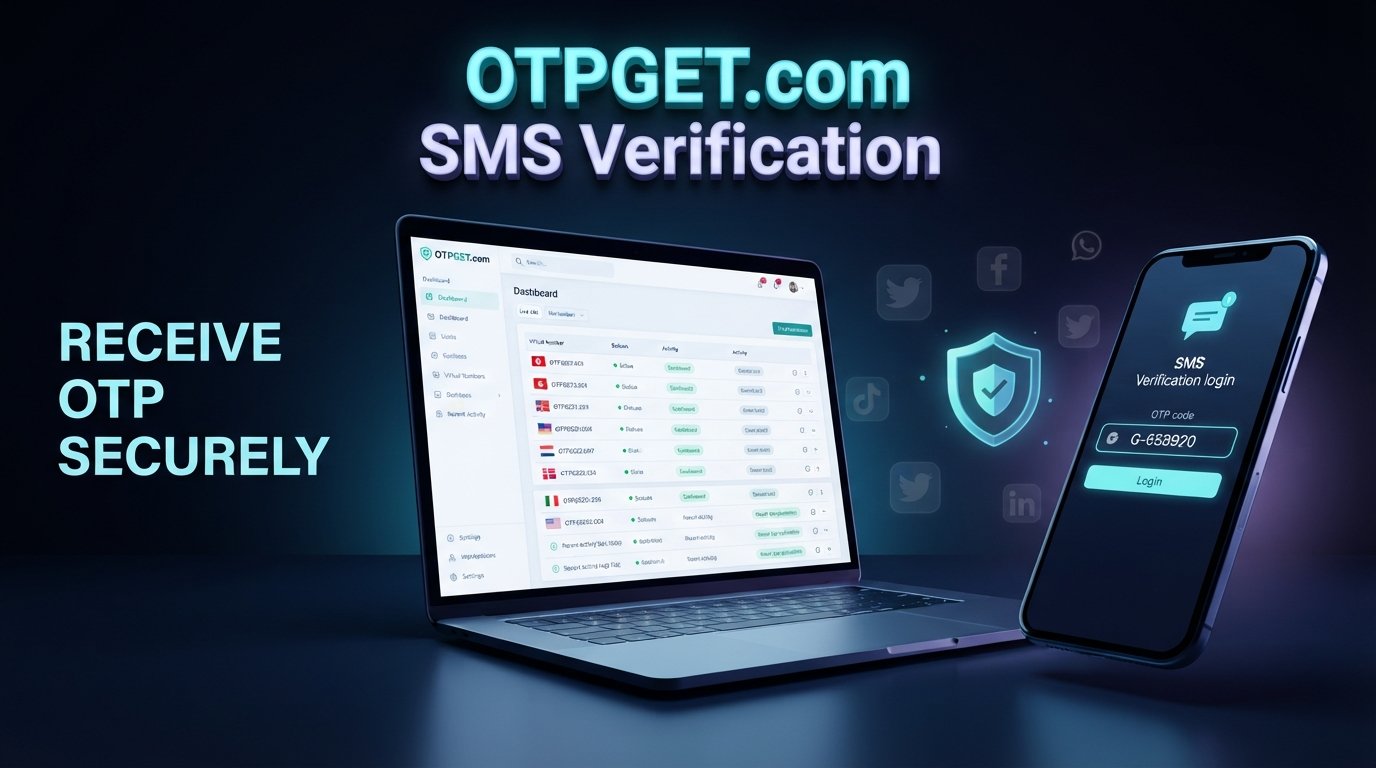
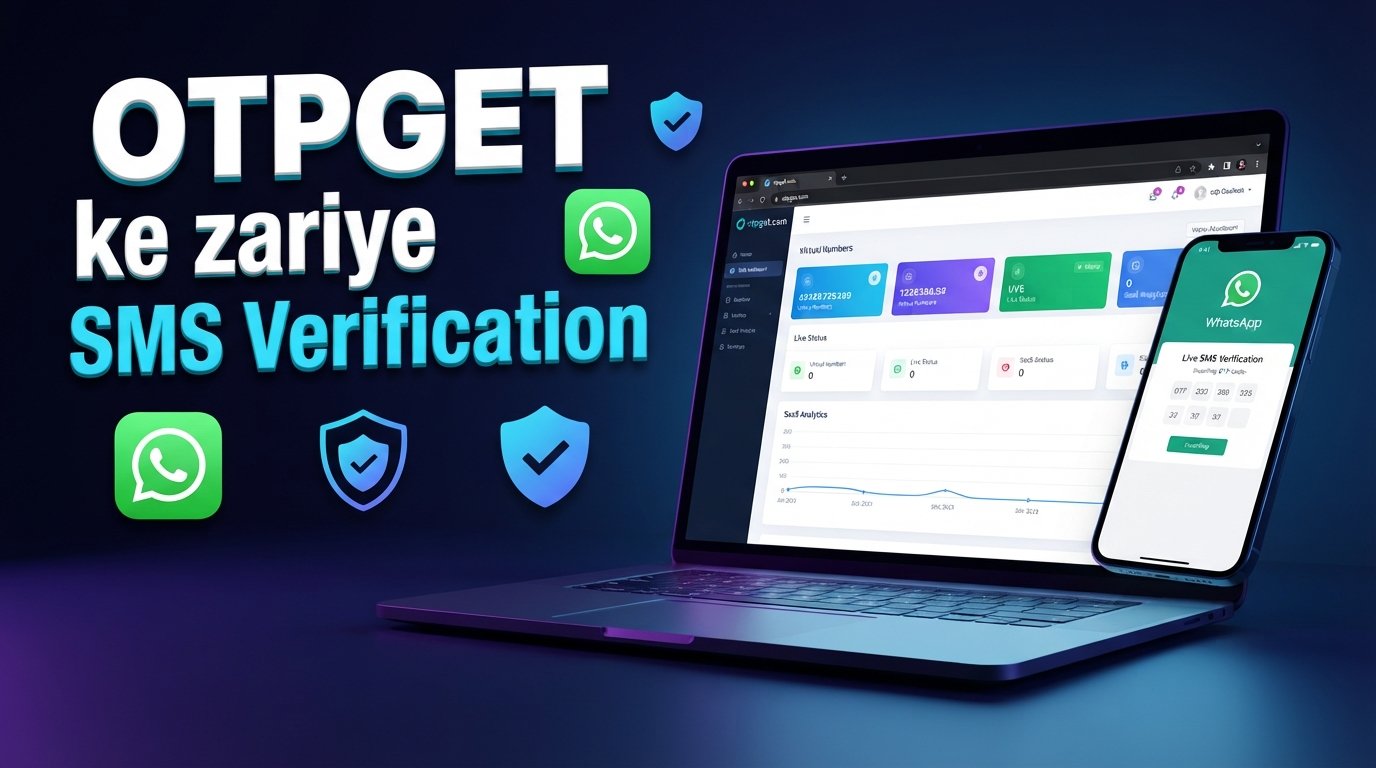
OTPGET's published platform provides virtual numbers intended for receiving SMS verification codes, including numbers associated with supported services such as WhatsApp.
The general workflow is:
- Visit OTPGET. Open the platform and review the available number and service options.
- Choose an appropriate number or service. Select an available option that is suitable for your intended WhatsApp verification use.
- Use the provided number where permitted. Enter the number through WhatsApp's normal registration process.
- Request verification. Let WhatsApp send the registration code through its standard process.
- Retrieve the OTP. Follow the supported OTPGET process to check for the incoming verification message.
- Enter the valid code. Use the received WhatsApp verification code in the WhatsApp registration screen.
- Complete setup if accepted. Continue with WhatsApp's normal account setup.
OTPGET's documentation describes a process for obtaining numbers and checking incoming SMS messages, while its public service information identifies WhatsApp as one of the supported OTP services.
The important point is to use the service realistically. OTPGET can provide an avenue for obtaining a verification number, but WhatsApp controls its own registration and acceptance process. Number availability or provider support should not be interpreted as a guarantee of successful verification.
If an online number fits your needs, explore OTPGET's available verification options and review the current service information before choosing a number.
Why Use a Separate Number for WhatsApp?
There are several legitimate reasons to use a second WhatsApp number instead of your primary phone number.
Separate personal and business communication: A dedicated number can help keep work conversations apart from personal chats.
Managing another account: A second number can be useful when you have a legitimate need for another WhatsApp account.
Reducing exposure of your primary number: Some users prefer not to give their everyday number to every service or contact.
Testing and development: Developers and businesses may need separate numbers for legitimate application testing or account-management workflows.
Different communication needs: A separate number can make it easier to organize different groups, projects, or responsibilities.
However, a separate number is not the same as complete anonymity or guaranteed privacy. Consider who controls the number and whether you can retain access to it later.
Things to Consider Before Using a Virtual WhatsApp Number
A virtual number can be convenient, but think beyond the initial verification step.
Number availability
A particular number may not always be available. Online providers can have changing inventories, so check the options currently offered.
Verification compatibility
Not every virtual or temporary number is accepted by every online service. WhatsApp ultimately controls its own verification process.
Number ownership and access
Ask yourself whether you can continue accessing the number when you need to recover the account.
Long-term recovery
A number that works for initial registration may not be ideal for long-term account management if you cannot access it again.
Recycled numbers
Some numbers can be reassigned or reused. WhatsApp notes that a newly obtained number may previously have been associated with another account, which can create additional verification complications.
WhatsApp policies
Always use numbers and verification services in ways that comply with WhatsApp's terms and applicable provider rules. Avoid using OTP services to impersonate someone, access accounts you do not own, or circumvent security controls.
Common Problems When Creating a WhatsApp Number
Even with a suitable number, registration may not go smoothly. Here are some common problems and practical responses.
Verification code is not arriving
First, confirm the number and country code are correct. Check whether the number can actually receive SMS and wait for WhatsApp's verification timer before requesting another code. WhatsApp recommends waiting for the relevant progress period rather than repeatedly attempting registration.
The number is not accepted
The number may not be compatible with WhatsApp's registration system, may have been used previously, or may have another issue affecting registration. Try a different legitimate number if appropriate.
Too many verification attempts
Repeated requests or incorrect entries can trigger temporary restrictions. Stop retrying continuously and follow the waiting instructions displayed by WhatsApp.
SMS delivery problems
If you're using a virtual number, verify that the service supports the required SMS route. If you're using a physical SIM, check network connectivity and normal SMS reception.
The number is already associated with another account
Previously used numbers can sometimes create additional account or two-step-verification issues. WhatsApp explains that a number's previous owner may have configured additional account protection.
Frequently Asked Questions
Can I create a WhatsApp account with a virtual number?
Potentially, yes. A suitable virtual number may be usable if it meets WhatsApp's verification requirements and can receive the required verification method. However, compatibility varies, so there is no guarantee that every virtual number will work.
How do I get a WhatsApp verification code?
Enter an eligible phone number in WhatsApp's registration process and follow the available verification instructions. WhatsApp normally sends a registration code through SMS or another supported method.
Can I use a second number for WhatsApp?
Yes, a separate number can be used for another WhatsApp account when the number meets WhatsApp's registration requirements. A secondary SIM or suitable virtual number may be an option.
What is a WhatsApp OTP?
A WhatsApp OTP is a one-time verification code used during the phone-number registration or verification process. Keep the code private and never share it with someone who asks for it.
Why is my WhatsApp verification code not arriving?
Check the phone number and country code, confirm that the number can receive SMS, and wait for WhatsApp's retry timer before requesting another code. Repeated attempts can lead to temporary restrictions.
Can OTPGET provide a number for WhatsApp verification?
OTPGET publishes virtual numbers and identifies WhatsApp among its supported OTP services. You can explore its current availability and verification options through OTPGET. Whether a particular number completes WhatsApp verification depends on WhatsApp's verification process and the number's current compatibility.
Is a temporary number suitable for long-term WhatsApp use?
Not necessarily. A temporary number can be useful for a one-time verification need, but long-term account access may require continued control of the number. If ongoing recovery matters, consider a number you can reliably access over time.
Final Thoughts
Learning how to create WhatsApp number is mainly about understanding one critical requirement: WhatsApp needs to verify the phone number associated with the account.
You can use a primary number, a secondary SIM, another phone number, or, where compatible, a virtual WhatsApp number. The right choice depends on whether you need a separate account, want to keep communications separated, or need an online number capable of receiving the required verification message.
For users exploring an online OTP verification solution, OTPGET offers virtual-number options designed for SMS verification and lists WhatsApp among its supported services.
Just remember that no provider can replace WhatsApp's own verification decision. Choose a number you can legitimately access, protect your verification code, consider future account recovery, and follow the relevant platform rules.
Final CTA
Ready to explore an online WhatsApp verification-number option? Visit OTPGET to review the currently available virtual-number and OTP verification options, then choose the solution that fits your legitimate use case.