How to Get a Malaysia Number for Facebook OTP with OTPGet Online
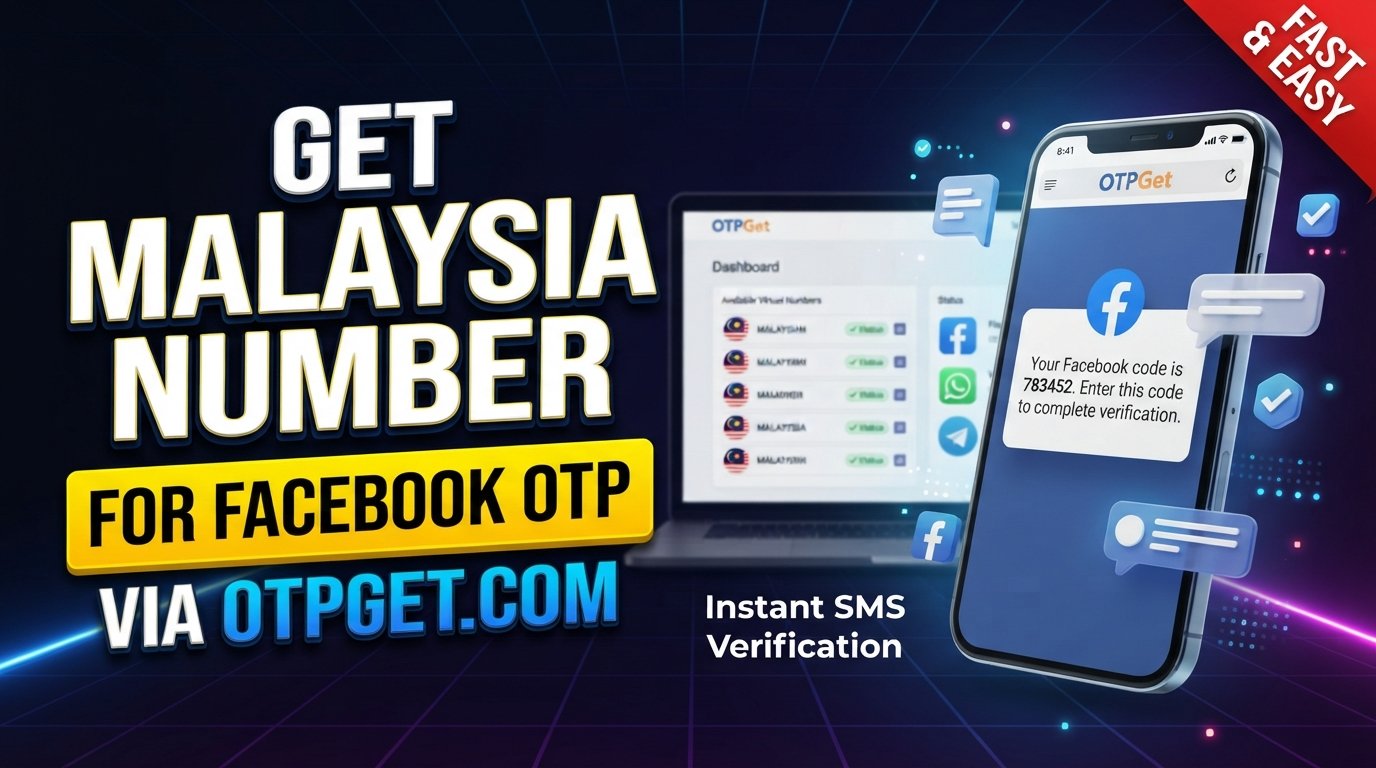
How to Get Malaysia Number for Facebook OTP — OTPGet
Getting a phone number for Facebook verification can be inconvenient when you do not have access to a Malaysian SIM or simply want to handle SMS verification online. If Facebook asks you to confirm a phone number, you need a number that can receive the required verification message.
That is where a Malaysia number for Facebook OTP can be useful. A Malaysian virtual number provides an online alternative to a traditional SIM, allowing users to receive SMS when the selected number supports the required service.
OTPGet offers a practical way to approach this process. Instead of dealing with physical SIM cards, users can explore available Malaysia numbers through an online OTP service and use an eligible number for SMS verification.
The important point is to use the process responsibly and understand that Facebook ultimately determines whether a number is accepted for verification.
Why Do You Need a Malaysia Number for Facebook OTP?
Facebook may request a phone number as part of account verification or phone-based security processes. The number can be used to receive a Facebook OTP code, which confirms that the user can access the phone number entered during the verification process.
A Malaysian number may be useful when:
- You need a Malaysian phone number for a verification process.
- You do not have convenient access to a physical Malaysian SIM.
- You want to receive an SMS online rather than manage another physical phone.
- You are testing a legitimate workflow that requires a Malaysia number.
- You need a local-format number for a supported verification service.
Malaysia uses the +60 country code, so entering the number in the correct international format is important when a website or app requests it.
For users specifically looking for a Malaysia number for Facebook verification, the main requirement is simple: the number must be able to receive the relevant SMS, and the platform must accept it.
What Is a Malaysia Virtual Number?
A Malaysia virtual number is a phone number that is provided through an online telecommunications or SMS platform rather than through a physical SIM card installed in your phone.
Depending on the service and number type, SMS messages sent to the number can be displayed through an online interface. This makes virtual numbers useful for situations where receiving an SMS is necessary but carrying another physical SIM is inconvenient.
A Malaysia virtual phone number can be different from a traditional Malaysian mobile number in several ways:
- No physical SIM: The number is accessed through an online service.
- Online SMS reception: Supported verification messages may appear through the service interface.
- Flexible access: Users can manage the number without changing their primary phone SIM.
- Service-specific availability: Not every virtual number works with every website or platform.
This last point matters. A Malaysian virtual number is not automatically accepted everywhere. Facebook may apply its own verification rules, number-recognition systems, and restrictions.
How to Get a Malaysia Number for Facebook OTP With OTPGet
If you want to get a Malaysia number for Facebook OTP, OTPGet can provide a straightforward starting point when a suitable Malaysian number is available for the required service.
The basic process is:
1. Visit OTPGet
Open OTPGet and review the available services and number options.
2. Choose a Malaysia number option
Look for the Malaysia service or number option that matches your verification requirement. Availability can vary, so select an option that is currently offered.
3. Select the appropriate service
Choose the relevant service associated with your verification request. Make sure the selected option is intended for receiving the type of SMS you need.
4. Obtain the available Malaysian number
After selecting the appropriate option, use the number provided by the service according to its instructions.
5. Enter the number on Facebook
When Facebook asks for a phone number, enter the Malaysian number in the format requested. Pay close attention to the Malaysia country code and the remaining digits.
6. Wait for the verification SMS
If Facebook sends a verification message to the number and the number supports the request, the Facebook OTP should be delivered through the applicable SMS reception process.
7. Retrieve the code through OTPGet
Check the OTPGet interface or relevant service area for the incoming verification message.
8. Enter the OTP on Facebook
Enter the received Facebook verification code into the verification field and follow Facebook's on-screen instructions.
If the number is not accepted or an SMS does not arrive, do not assume that repeatedly requesting codes will solve the problem. Check the number, service, formatting, and verification requirements first.
Why Use OTPGet for a Malaysia Facebook OTP?
The main appeal of OTPGet is simplicity. If you need a Malaysia phone number for Facebook OTP, handling the process online can be more practical than obtaining a physical SIM solely for an SMS verification task.
Potential advantages include:
- Online access: You can work with the number through an online service.
- Simpler SMS reception: Supported messages can be accessed through the service rather than a physical handset.
- Less SIM-card handling: There is no need to arrange a separate physical SIM for every verification need.
- Straightforward workflow: The process can be easier to follow when the number and incoming SMS are managed in one place.
- Malaysia number availability: When a suitable number is offered, it can provide the Malaysian number format required for your intended workflow.
These benefits should be viewed realistically. OTPGet is a tool for receiving SMS or OTP verification where supported, not a guarantee that Facebook will accept every number or verification attempt.
How Does Facebook OTP Verification Work?
The basic process behind phone verification is relatively simple.
- Facebook asks you to provide a phone number.
- You enter the number, including the correct country code when required.
- Facebook sends an SMS verification message.
- The message contains an OTP or verification code.
- You enter that code into Facebook.
- Facebook checks the code and continues the verification process if the requirements are satisfied.
This is why an SMS number for Facebook verification needs to be able to receive the relevant message. If the SMS cannot be delivered, there is no code to enter.
Tips for Using a Malaysia Number for Facebook Verification
A few simple checks can prevent unnecessary verification problems.
- Check the country code. Malaysia uses +60, so make sure the number is entered in the format requested.
- Review every digit. A single incorrect digit can send the SMS somewhere else.
- Confirm SMS availability. The number needs to be capable of receiving the relevant message.
- Wait before requesting another code. Multiple requests in quick succession may create additional delays or verification limitations.
- Use the newest code. If several messages arrive, an older OTP may no longer work.
- Follow Facebook's requirements. A virtual number does not override Facebook's verification rules.
- Keep OTPs private. Never give a verification code to another person unless you fully understand why it is required and trust the recipient.
- Use the service responsibly. A virtual number should be used for legitimate verification purposes rather than to circumvent platform safeguards.
Common Problems When Receiving Facebook OTP
Even when the number is entered correctly, an SMS verification process can occasionally fail.
OTP Not Arriving
Wait briefly and check whether the number is still active for SMS reception. If there is no message, review the selected number and service before requesting another code.
Expired Verification Code
OTP codes can become invalid. If Facebook indicates that the code has expired, request a new verification message and use the latest code provided.
Incorrect Number Format
Check whether Facebook expects the number with or without the international prefix. The Malaysia country code is +60, but the exact input format can depend on the form.
SMS Delays
Verification SMS messages are not always instantaneous. Give the message some time before attempting another request.
Too Many Verification Attempts
Repeatedly requesting codes can sometimes lead to temporary limitations. If Facebook asks you to wait, follow its instructions rather than repeatedly submitting new requests.
Number Already Associated With an Account
A number may already have an association with another account or service. In that situation, using a different eligible number may be necessary, depending on Facebook's requirements.
OTPGet can help with the SMS-reception side where supported, but it cannot control Facebook's internal verification decisions.
Is a Malaysia Virtual Number Right for You?
A virtual Malaysia number can be useful when you need online SMS reception and do not want to manage another physical SIM. It can also be convenient for legitimate testing, account-related workflows, and services that support virtual phone numbers.
However, suitability depends on the platform and the purpose for which the number is being used.
Before choosing a temporary Malaysia number or online Malaysia number, consider:
- Whether the platform accepts virtual numbers.
- Whether the number can receive the required SMS.
- Whether the number type fits your intended use.
- Whether you need temporary or longer-term access.
- Whether your use complies with the platform's rules.
For Facebook specifically, acceptance is determined by Facebook. A Malaysia virtual phone number should therefore be treated as an option for receiving verification SMS, not as a guaranteed way to complete every verification attempt.
Why OTPGet Is a Practical Choice
The value of OTPGet comes from reducing unnecessary complexity around SMS verification. Instead of sourcing a physical Malaysian SIM just to receive a message, users can explore an online approach when a suitable number is available.
For someone searching for a Malaysia number for Facebook OTP, the workflow is easy to understand: choose an appropriate number, enter it where Facebook requests verification, monitor the SMS reception process, and submit the received code.
That makes OTPGet a practical option for users who prefer an online verification workflow. At the same time, it is important to keep expectations realistic. Number availability, SMS delivery, and Facebook acceptance can vary.
The best approach is to use OTPGet as an SMS-reception tool while following Facebook's requirements and using the service for legitimate purposes.
Frequently Asked Questions
How can I get a Malaysia number for Facebook OTP?
You can explore available Malaysian numbers through an online service such as OTPGet. Select an appropriate Malaysia option, use the number where Facebook requests verification, and check for the incoming SMS.
Can I receive Facebook OTP on a Malaysia virtual number?
Potentially, if the selected virtual number supports SMS reception for Facebook and Facebook accepts that number. Virtual numbers are not universally supported by every platform.
What is a Malaysia virtual phone number?
It is a Malaysian phone number provided through an online service rather than a traditional physical SIM. Depending on the service, it may allow supported SMS messages to be received online.
How do I receive SMS verification codes online?
Use an online SMS or OTP service that provides a number capable of receiving messages for the service you are verifying. With OTPGet, the process involves selecting an available number and monitoring the applicable SMS reception interface.
Can OTPGet provide a Malaysia number?
OTPGet can be used to explore available Malaysia number options for supported SMS or OTP verification workflows. Availability and suitability can vary, so check the options presented by the service.
Why is my Facebook OTP not arriving?
Possible causes include incorrect number formatting, SMS delays, an unsupported number, too many verification attempts, or restrictions applied by Facebook. Check the number and wait before requesting another code.
Can I use a Malaysia number for Facebook verification?
A Malaysian number may be used when Facebook offers that verification option and accepts the particular number. A virtual number is not guaranteed to work for every Facebook verification request.
Is a Malaysia virtual number the same as a physical SIM number?
No. A physical SIM connects a traditional mobile number to a cellular network, while a virtual number is generally managed through an online service. Both can support SMS in some circumstances, but their availability and platform compatibility can differ.
Conclusion
A Malaysia number for Facebook OTP can be useful when you need to receive a verification SMS without relying on a physical Malaysian SIM. Malaysia virtual numbers provide an online alternative for supported SMS workflows, making the process easier to manage in situations where online access is preferable.
OTPGet offers a practical way to explore this option. By selecting an available Malaysia number, entering it correctly, monitoring the incoming verification SMS, and submitting the received OTP, users can follow a straightforward verification workflow where supported.
Remember that Facebook controls its own verification process, so no virtual number service can guarantee acceptance or successful account verification. Use OTPGet responsibly, protect your verification codes, and follow Facebook's requirements.
If you need an online Malaysia number for a legitimate SMS verification workflow, explore OTPGet and check the available Malaysia options for your needs.