How to Get Preply Login Without Phone Number: Practical Guide
How to Get Preply Login Without Phone Number
Trying to access your Preply account without using your personal phone number can be confusing, especially when a verification screen appears unexpectedly. You may be traveling, have lost access to an old SIM, be using a new device, or simply prefer not to share your primary number with another online service.
The good news is that Preply login does not necessarily require a phone number in every situation. The platform's current login page provides options including email and password, Google, Facebook, Apple, and corporate SSO. The authentication method presented to you can depend on how your account is configured and which login flow you are using.
If Preply does request an SMS verification code during a particular account or security process, an online number service such as OTPGET may be worth considering when the number is supported and its use is permitted. The key is to use an alternative number for legitimate verification—not to bypass account security.
Can You Access Preply Without a Phone Number?
Yes, potentially. The first thing to understand is the difference between Preply account login and phone verification.
Preply's current login interface offers several authentication methods, including:
-
Email and password
-
Continue with Google
-
Continue with Facebook
-
Continue with Apple
-
Corporate SSO
This means you may be able to complete a normal Preply account login without entering a phone number at all.
Phone verification is a separate matter. For example, Preply documents phone verification as an optional additional security step for certain withdrawal activity. Its Help Center states that users who do not verify a phone number can continue using email verification for withdrawals.
So, if you're searching for Preply login without phone number, don't assume that an SMS requirement applies to every user. Follow the authentication method Preply actually presents to you.
If a phone-based OTP is specifically requested and you do not want to use your personal number, that's where an appropriate alternative number may become useful.
Why Does Preply Ask for Phone Verification?
Online services commonly use phone verification as an additional account-security mechanism. A phone number can be used to receive a one-time code that confirms access to a particular number.
Preply's published documentation describes phone verification as an additional security step for withdrawals, rather than stating that a phone number is universally mandatory for ordinary account login.
Depending on the authentication flow, phone verification may be used for purposes such as:
-
Confirming control of a phone number
-
Adding an additional verification factor
-
Protecting sensitive account actions
-
Sending one-time verification codes
-
Supporting account recovery or security checks
The exact requirement matters. If your Preply screen asks for an OTP, use the method provided by Preply rather than assuming a phone number is always required.
What Is a Preply OTP Verification Code?
An OTP, or one-time password, is a temporary code used to confirm that you control a particular verification channel.
The basic process is straightforward:
-
The service asks you to verify a phone number.
-
An SMS containing a verification code is sent to that number.
-
You enter the code into the verification screen.
-
The service checks the code.
-
If the code is valid and has not expired, verification can proceed.
OTP codes are generally time-sensitive. You should also treat them as private authentication information and never give your code to another person claiming to be a support representative or account helper.
Ways to Get Preply Login Without Using Your Personal Phone Number
If you want to access Preply without a phone number, consider the authentication options available to you before looking for an alternative number.
1. Use an available alternative login method
If your account supports email and password, Google, Apple, Facebook, or another available authentication method, you may not need SMS verification for the login itself. Preply's current login page displays these options.
2. Use a number you legitimately control
If Preply requires phone verification, another legitimate option is a secondary mobile number that belongs to you or that you have permission to use.
This can be useful if you want to keep your primary number separate from online accounts.
3. Consider a suitable virtual number
A virtual or online phone number can receive SMS without relying on the SIM card in your personal phone. However, not every service accepts every virtual number.
That distinction is important. A virtual number is an alternative phone number—not a guarantee that a particular platform will accept it.
4. Consider an OTP receiving service
If you need a number specifically for an SMS verification process, an OTP service can provide another option.
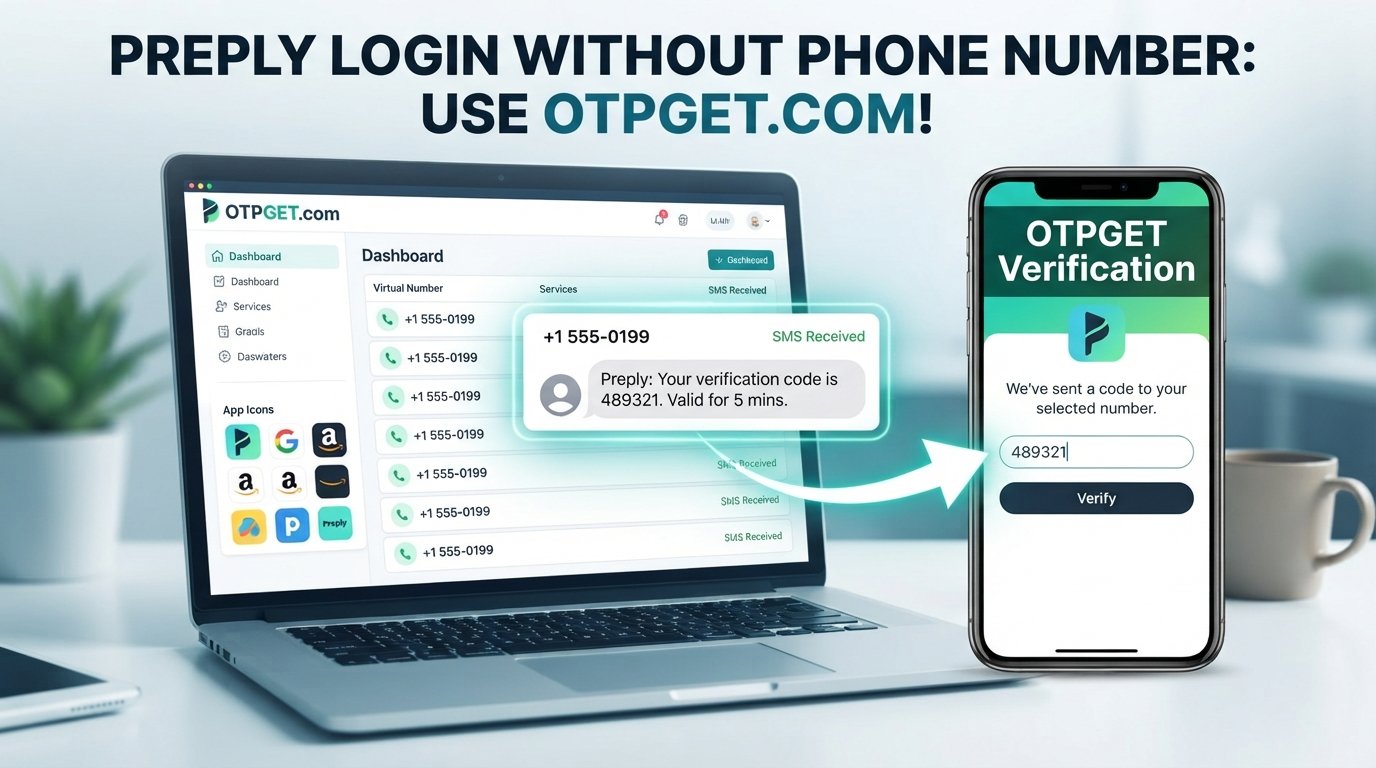
OTPGET offers virtual numbers designed for SMS OTP verification and provides temporary and rental number options. Its documentation explains that users can request a number, wait for an incoming SMS, and retrieve the received code through its platform or API.
5. Contact Preply support when access is blocked
If you cannot complete a verification step because you no longer have access to the relevant number, contacting Preply is the appropriate route rather than trying to defeat the verification process.
Preply says its customer support is available through chat and email, including assistance when users encounter account-access problems.
OTPGET: A Convenient Option for OTP Verification
For users who specifically need an alternative number to receive an SMS code, OTPGET can be a practical option to investigate.
OTPGET provides virtual phone numbers for receiving SMS verification codes. Its service includes temporary numbers as well as longer-term rental options, with availability varying by country and service.
The important qualification is that OTPGET does not guarantee that a particular Preply verification request will work. Acceptance depends on Preply's verification flow and whether the specific number is accepted.
How to Use OTPGET for Verification
If Preply presents a phone-verification step and using an alternative number is permitted, the general process can look like this:
-
Visit OTPGET and review the available number options.
-
Select an appropriate number for the relevant verification service, if available.
-
Enter that number in Preply's phone-verification field.
-
Request the SMS verification code through the Preply interface.
-
Check your OTPGET dashboard for the incoming message.
-
Retrieve the verification code when it arrives.
-
Enter the code into the appropriate Preply verification field.
-
Complete the process if Preply accepts the number and code.
OTPGET's published documentation describes a workflow in which a virtual number is requested and its SMS status can then be checked for an incoming code.
This should be viewed as an alternative verification option, not a method for bypassing Preply's security controls.
Why Someone Might Use OTPGET Instead of a Personal Number
There are several practical reasons someone may prefer an alternative number for an appropriate one-time verification process.
Privacy: You may not want to give your primary personal number to every online service that requests one.
Separation: A secondary number can help keep personal communications separate from online account verification.
Convenience: An online number can be useful when your regular SIM is unavailable or you cannot receive SMS on your usual device.
Temporary needs: If the verification is genuinely one-time and the service permits temporary numbers, you may not need another physical SIM.
OTPGET supports virtual numbers across multiple countries and services, although the availability of a particular number or service can change.
The privacy benefit should also be considered realistically: using a third-party number service means you are relying on that service to handle the verification message. Avoid entering sensitive information into unnecessary fields and review the service's own terms and privacy information before using it.
What to Do If the Preply OTP Does Not Arrive
An SMS verification code can occasionally be delayed or rejected. If you are waiting for a Preply verification code, work through these checks:
-
Confirm that the phone number was entered correctly.
-
Make sure the number can receive incoming SMS.
-
Wait briefly before requesting another code.
-
Avoid repeatedly requesting new codes in rapid succession.
-
Check whether an earlier code has expired.
-
If using an online number, consider that some virtual or temporary numbers may not be accepted.
-
Try another authentication option if Preply provides one.
-
Contact Preply support if the problem continues.
Preply's own guidance notes that SMS delivery can sometimes be delayed and recommends contacting Customer Care if a verification code does not arrive.
Important Things to Know Before Using an Online Number
An online number can be convenient, but it is not suitable for every account or every verification scenario.
Keep these considerations in mind:
-
Some services reject virtual or temporary numbers.
-
Number availability varies by country and service.
-
A temporary number may not be available later if you need it for account recovery.
-
A recycled or shared number can create account-management concerns.
-
Use an alternative number only when the relevant service permits it.
-
Never use someone else's private phone number without permission.
-
Never share an OTP with another person.
-
For an account you expect to keep for a long time, consider whether you will need the same number again for recovery or security checks.
If your goal is simply to protect your personal number during a legitimate verification process, a virtual number can be worth considering. If the number is going to become a critical recovery method for your account, however, a longer-term number that you can reliably control may be more appropriate.
Frequently Asked Questions
Can I log into Preply without a phone number?
Potentially, yes. Preply's current login page offers email/password and several third-party authentication options, so a phone number is not necessarily required for ordinary login. Specific account or security flows may differ.
Can I receive a Preply OTP online?
If Preply sends an SMS verification code to a number and accepts that number, an online number may be able to receive the message. Services such as OTPGET provide virtual numbers for SMS OTP reception. Acceptance depends on the verification system involved.
What is the safest way to handle a verification code?
Treat the OTP as private authentication information. Enter it only into the legitimate verification screen that requested it, and never send it to another person.
Can OTPGET receive verification codes?
OTPGET provides virtual numbers intended for SMS OTP verification. Its documentation describes receiving incoming verification messages through its platform. Whether a specific service sends a code successfully depends on that service and the number being used.
Why is my Preply verification code not arriving?
Check the number, wait for possible SMS delays, avoid repeatedly requesting codes, and confirm that the number can receive SMS. If the issue persists, Preply recommends contacting Customer Care for assistance.
Can I use a virtual number for OTP verification?
A virtual number may work for some verification systems, but services can block or restrict virtual and temporary numbers. Check the relevant platform's requirements before relying on one.
Should I share my OTP with anyone?
No. An OTP is intended to verify your access during a specific authentication process. Keep it private and enter it only where the legitimate service requests it.
Final Thoughts
Finding a Preply login without phone number option starts with checking whether you actually need phone verification. Preply's current login interface provides several ways to authenticate without entering a phone number, while its documented phone verification process applies to particular security-related actions rather than universally to every login.
If Preply does present an SMS verification requirement and you legitimately need an alternative to your personal number, OTPGET can be a practical option to consider. Its virtual numbers may allow you to receive an OTP online when the relevant service supports the number and permits its use.
Before proceeding, check the authentication options Preply gives you, consider whether you will need the number again for account recovery, and follow the platform's rules. If an alternative number fits your situation, you can explore OTPGET as one possible way to handle the verification step without exposing your primary personal number.